
- Age rating4+
- CategoryUtilities
- DeveloperChris Russell
- LanguagesEnglish
- Size11.0 MB
Links to the official App Store page
Download.org hosts no file of GlanceVNC. The button opens its official App Store page, published by Chris Russell. Listing last checked on Nov 19, 2026.
Screenshots

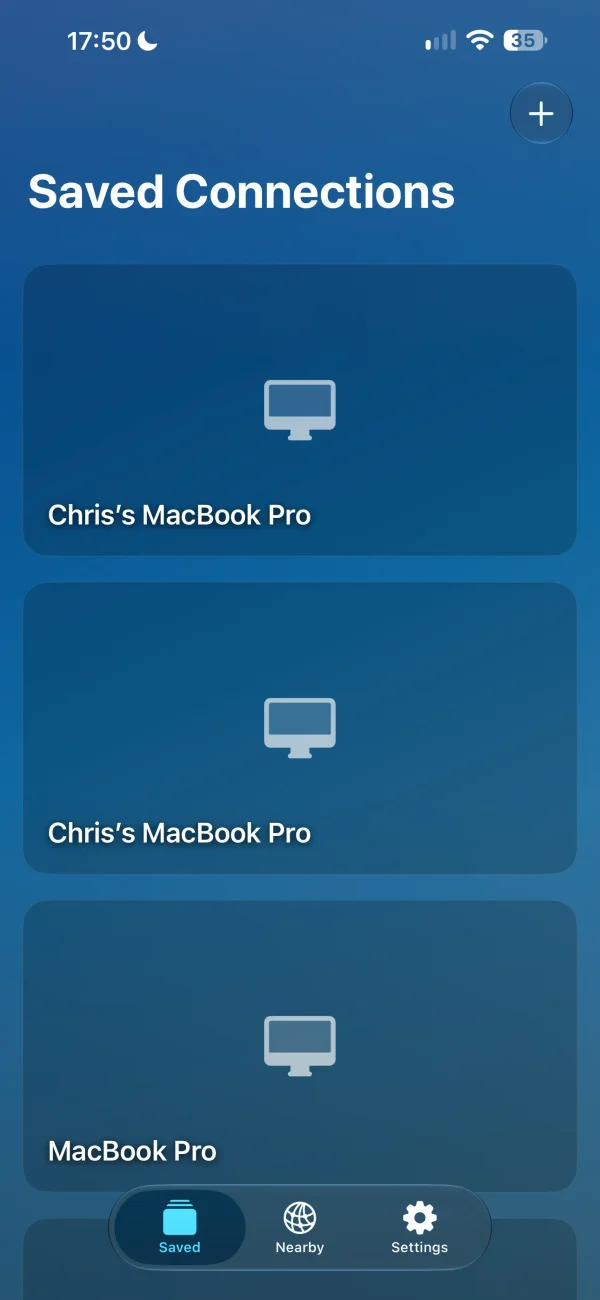
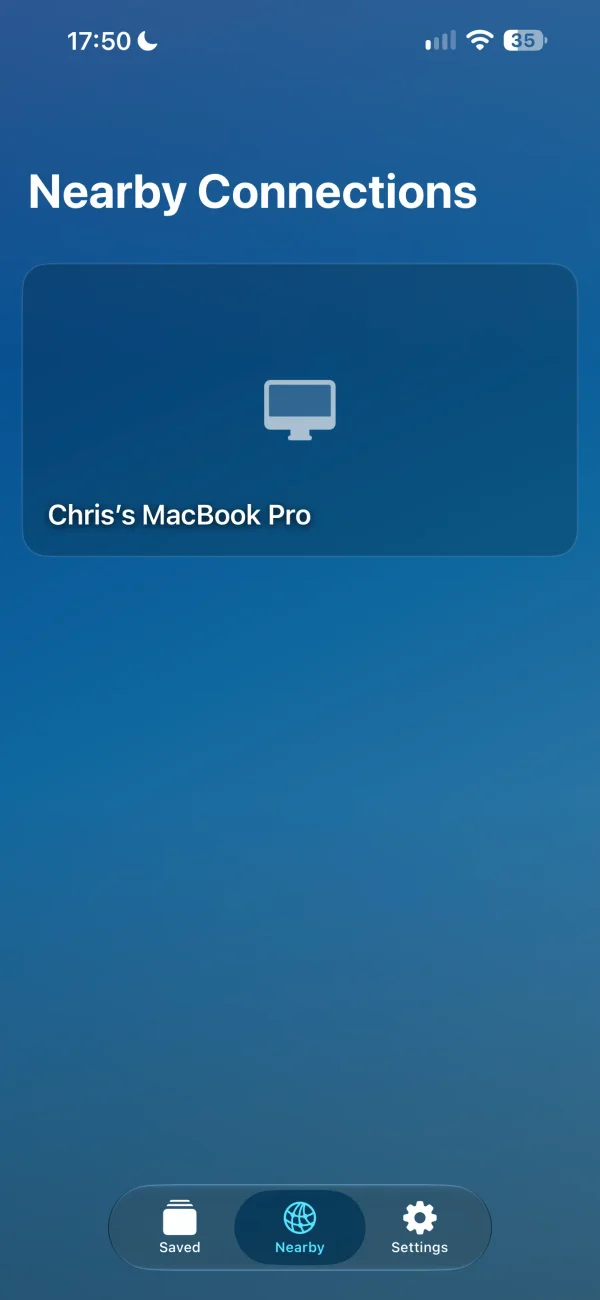
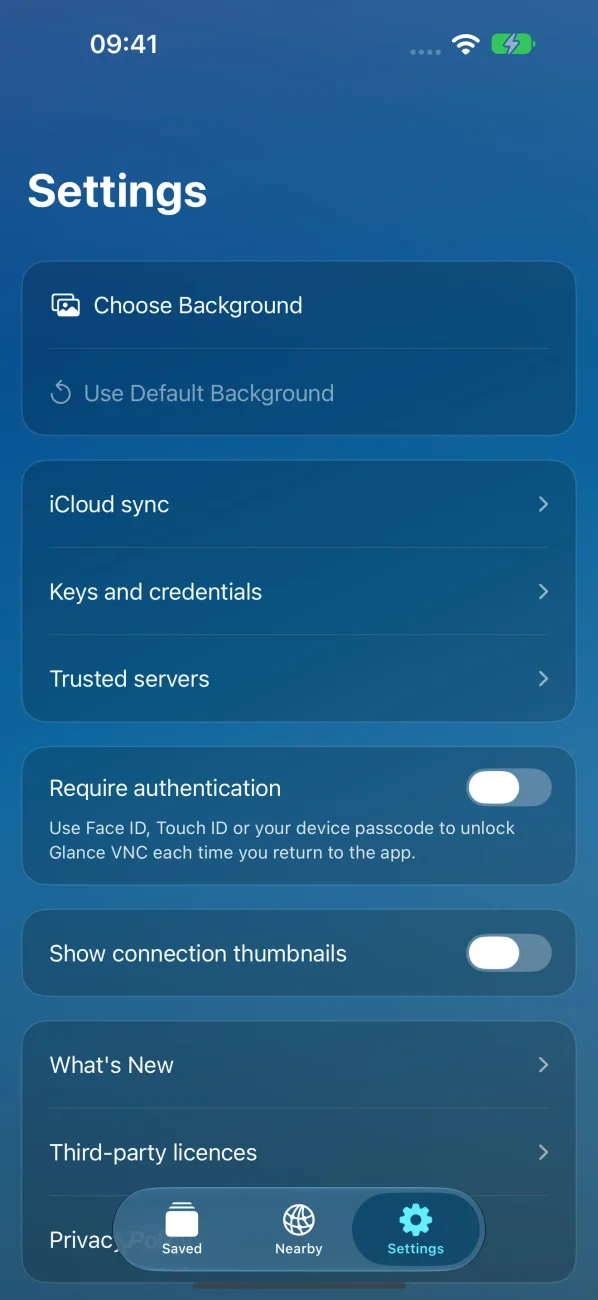
About
Control your Mac, Windows or Linux desktop from your iPhone or iPad. GlanceVNC brings your saved connections together so you can open a remote desktop and get straight to work.
FEATURES
• VNC, RDP and compatible Mac Screen Sharing connections
• SSH tunnelling with password or private-key authentication, Ed25519 key generation, key import and trusted server management
• Home Screen widgets, Shortcuts and Siri for opening saved connections
• Touch and Trackpad controls, pinch to zoom and Apple Pencil support on iPad
• Hardware keyboard support and plain-text clipboard transfer
• Saved connections with desktop thumbnails and nearby VNC discovery
• iCloud sync for saved connections
• Optional app lock with Face ID, Touch ID or your device passcode
• And more, including a customisable session toolbar, Mac, Windows and Linux profiles for keyboard shortcuts, and a 16-bit VNC colour mode for slower connections.
GET BACK TO YOUR COMPUTERS QUICKLY
Save your connections and recognise them at a glance with desktop thumbnails. Discover compatible VNC servers on your local network and connect without saving them first. Open a favourite computer from a Home Screen widget, see recent connections in a larger widget, or start a saved connection with Shortcuts or Siri.
CONTROL YOUR REMOTE DESKTOP
Tap directly on the desktop in Touch mode, or move the pointer in Trackpad mode. Pinch to zoom in either mode, and use two fingers to scroll. On iPad, use Apple Pencil to click and drag, with pointer hover on supported models. Choose Fit whole desktop to see the entire screen, or Fill screen to use more of your display.
Make the session toolbar your own. Add and reorder the commands you use most, including Escape, arrow keys, copy and paste. Transfer plain text between your device and a compatible remote desktop using the clipboard controls.
CONNECT THROUGH AN SSH GATEWAY
Tunnel VNC and RDP sessions through an SSH gateway using a password or private key. Generate Ed25519 keys, import existing keys and review trusted SSH servers in Settings. Newly generated and imported private keys stay in the device’s Keychain. GlanceVNC asks you to review a gateway’s identity on first connection and blocks the connection if that identity changes.
RDP uses TLS. For compatible VeNCrypt VNC servers, you can require certificate verification using system trust, an imported certificate or a SHA-256 fingerprint.
KEEP YOUR CONNECTIONS WITH YOU
Sync saved connections across devices using the same Apple Account. Saved desktop passwords can sync through iCloud Keychain when available. Manage sync in Settings, and optionally require Face ID, Touch ID or your device passcode when you return to GlanceVNC.
REQUIREMENTS
Requires iOS 18 or iPadOS 18 or later and a reachable computer running a compatible VNC or RDP server, or with Mac Screen Sharing enabled. Remote access from outside your local network requires your own network setup, such as a VPN or a reachable SSH gateway.
What’s new
Version 1.8.1 · Nov 16, 2026
Fixed click-and-drag text selection on a Mac when using the Magic Keyboard trackpad on iPad, including in Terminal.
App privacy
What Chris Russell declares on the App Store about how this app handles data.
-
Data not collected
The developer does not collect any data from this app.
Privacy practices may vary, for example with the features you use or your age.
Information
- Seller
- Chris Russell
- Category
- Utilities
- Version
- 1.8.1
- Updated
- Nov 16, 2026
- Released
- Sep 23, 2026
- Size
- 11.0 MB
- Requires
- iOS 18.0 or later
- Age rating
- 4+
- Price
- $2.99
- Languages
- English
- Copyright
- © 2026 Chris Russell
You might also like
-
 Listen IncognitoVoice notes without blue ticks
-
 Garrison AppGarrison SAVI® Isolation
-
 DoubtfolioEvidence & critical thinking
-
 hanova WOHNEN GmbHUtilities
-
 eduIDFor education and research
-
 STL MasterSTL File Viewer + AR & Sharing
-
 APEX EVUtilities
-
 Screens 5: VNC Remote DesktopFast & Secure Computer Access
-
 ChatVision - AI Chatbot ExpertMusic, Image, Text Generator
-
 Google AuthenticatorUtilities