- Altersfreigabe4+
- KategorieUnterhaltung
- EntwicklerRyoma Yanagimoto
- SprachenJapanisch+ 1 weitere
- Größe3,2 MB
Verlinkt auf die offizielle App Store-Seite
Download.org hostet keine Datei von Glitch Clock. Die Schaltfläche öffnet die App-Seite bei App Store, wo Ryoma Yanagimoto die App veröffentlicht. Eintrag zuletzt geprüft am 23.11.2026.
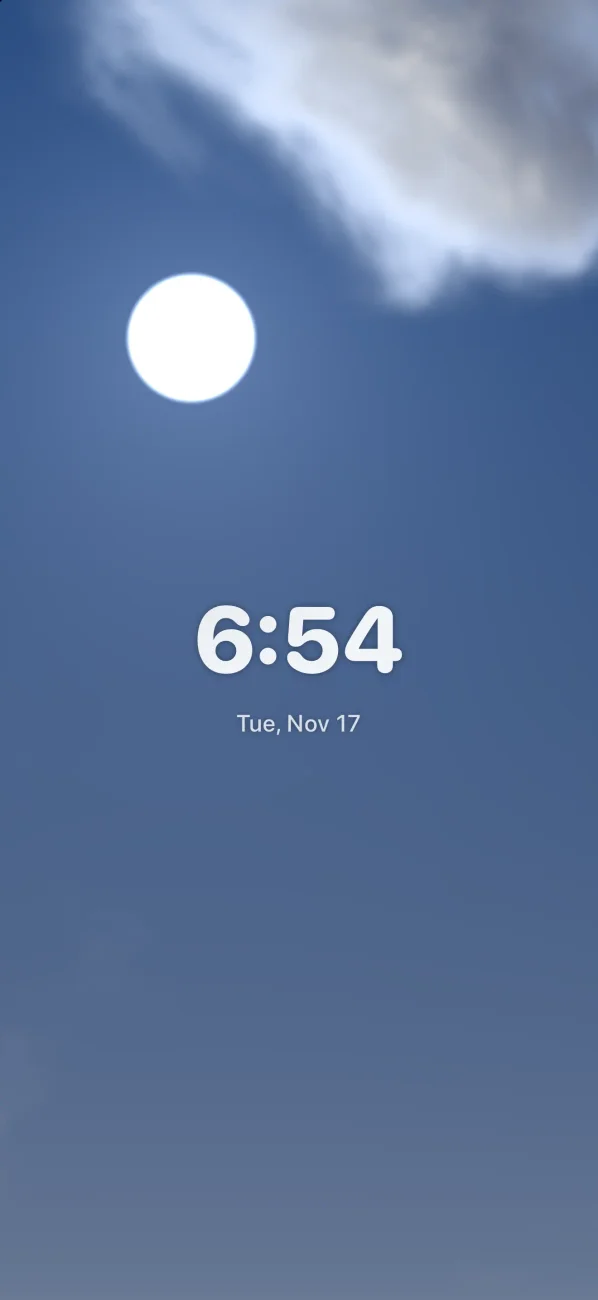
Screenshots
Info
Der Entwickler hat diesen Text nicht in Ihrer Sprache bereitgestellt.
Glitch Clock is an always-on clock you will want to keep looking at.
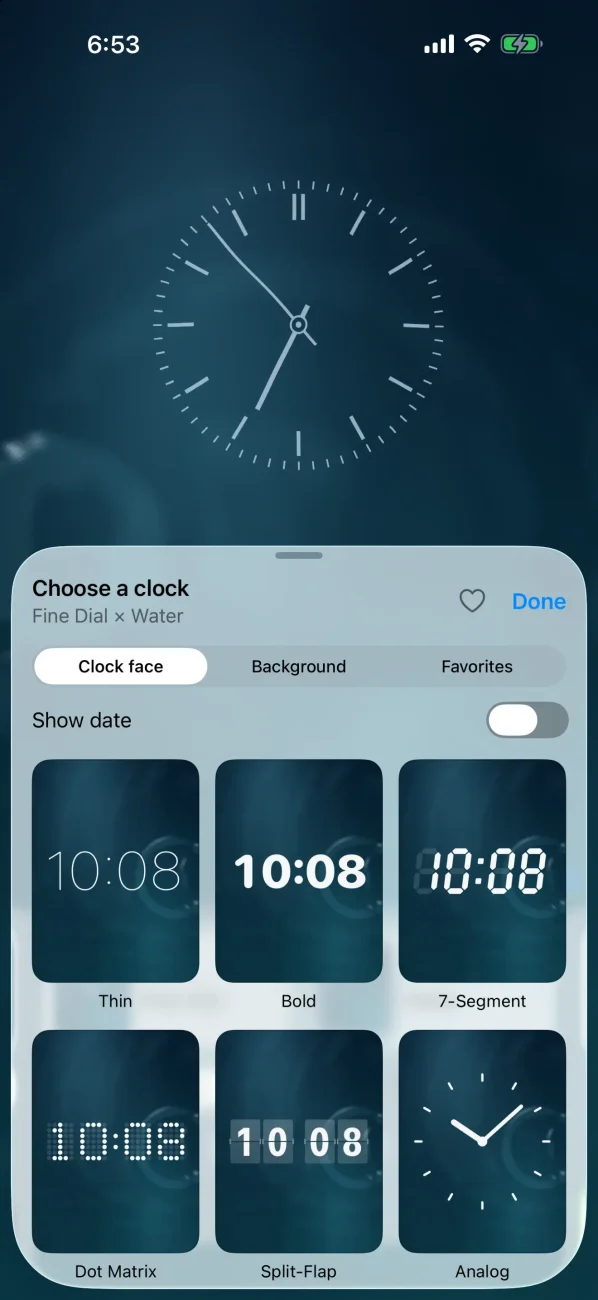
Pick a clock face (how the time is drawn) and a background (what lives behind it), and combine them freely.
NINE CLOCK FACES
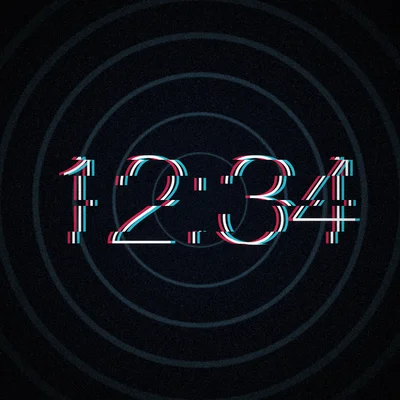
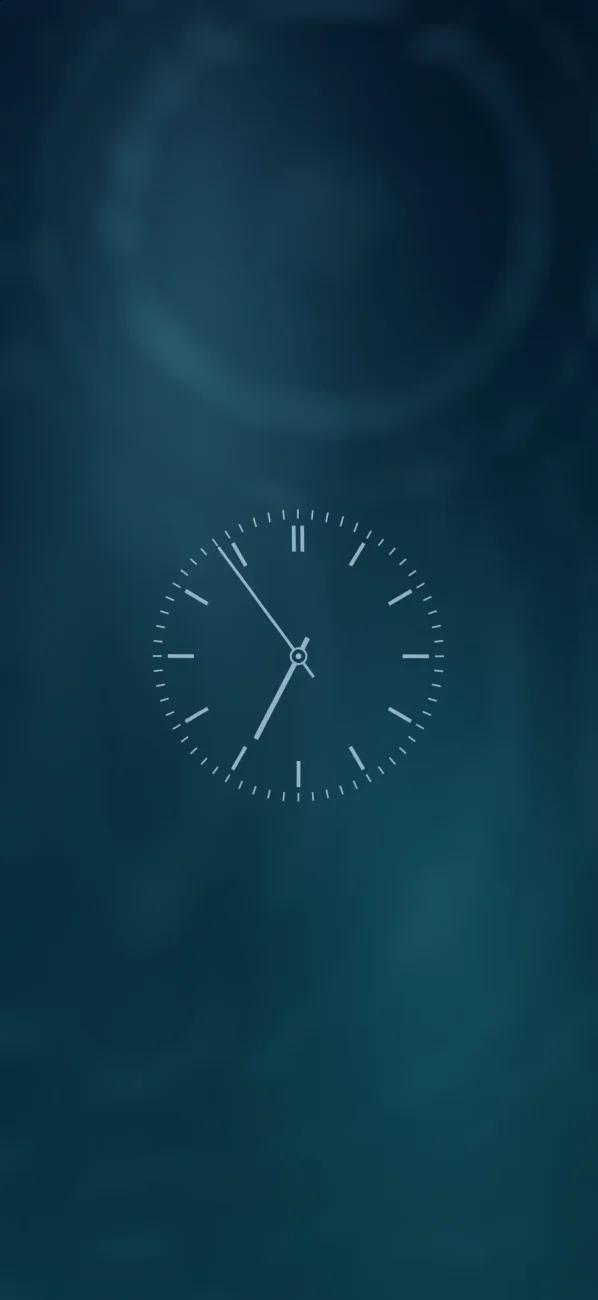
Thin, Bold, 7-Segment, Dot Matrix, Split-Flap, Analog, Fine Dial, Kanji and Ring. Digital or analog, with an optional date shown under the time.
EIGHT BACKGROUNDS
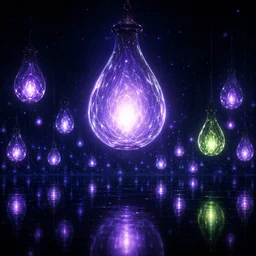
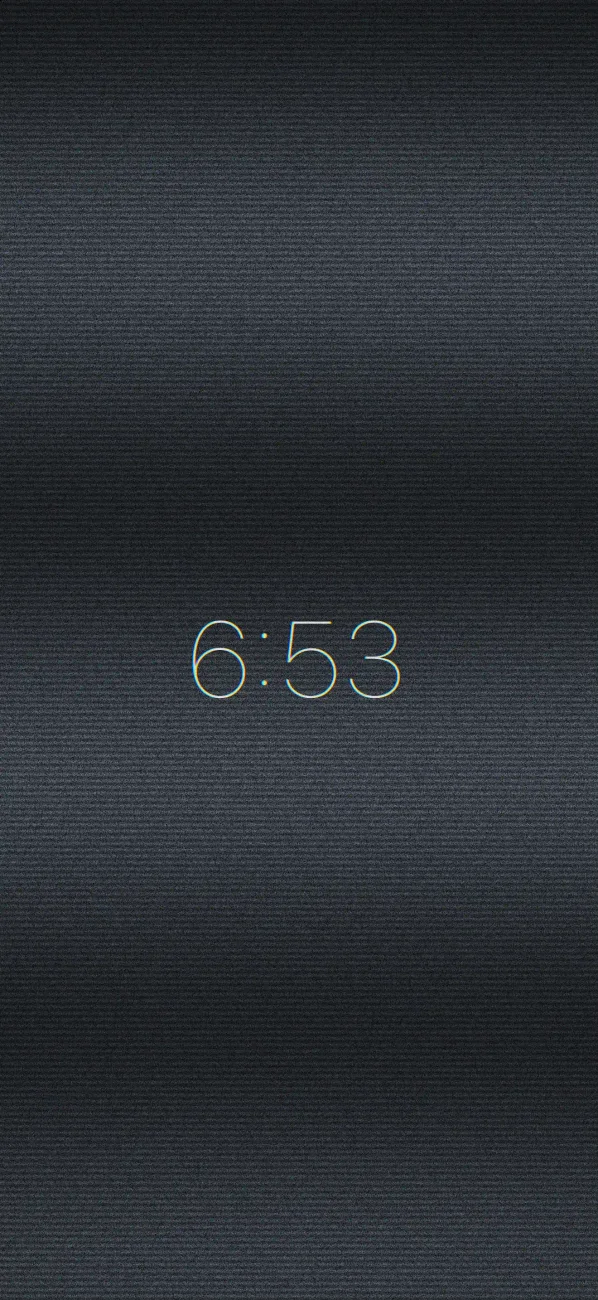
• Static: retro CRT-TV noise. Touch it and the picture glitches.
• Water: touch to drop a ripple and watch it spread, interfere and reflect off the edges.
• Ink: stir with your finger as indigo, vermilion, viridian and black ink blend in water, then slowly sink and fade.
• Mercury: ripples travelling across a liquid-metal surface.
• Rain: raindrops running down a window pane.
• Clouds: sun by day, moon and clouds by night. Hold a finger down and the clouds race by.
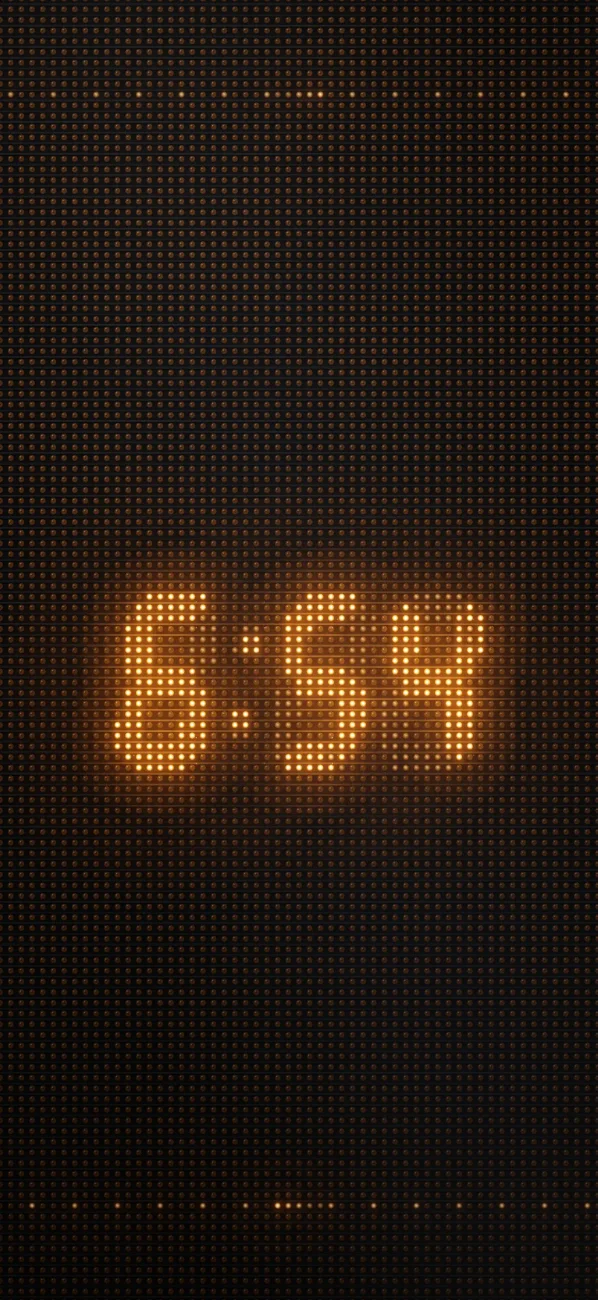
• LED Board: redraws any clock face in glowing LED dots, like a signboard. Dots near your finger flicker.
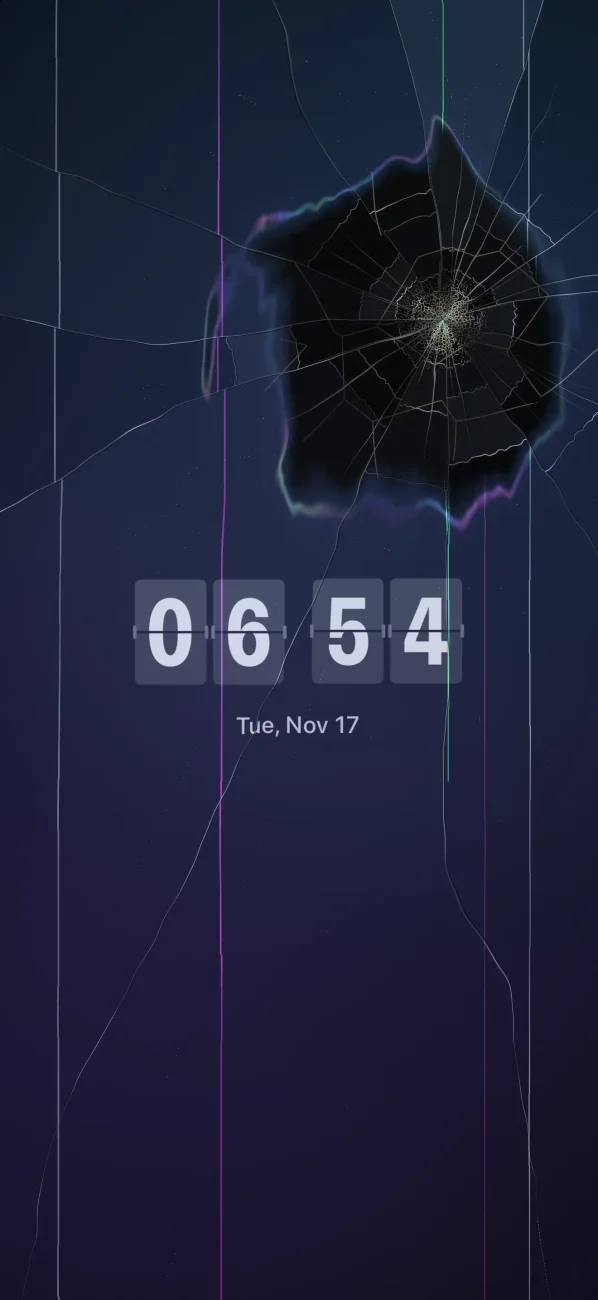
• Cracked: a cracked-display look. New cracks spread from where you touch. This is a visual effect only; it does not damage your device in any way.
A PICKER WITH PREVIEWS
Choose faces and backgrounds from cards that show the real combination. Your choice applies instantly, and you can see the live clock behind the sheet while you decide.
FAVORITES AND AUTO-SWITCHING
Save combinations you love as favorites. With two or more, the app can switch between them automatically every 15 minutes, every hour or every day.
MORE OPTIONS
• 12-hour or 24-hour time
• Three text sizes (S, M, L)
• Keep Screen On (the time drifts slowly to help prevent burn-in)
• Haptics on or off
Designed to be quiet. The controls fade away after a moment and only the clock remains.
No accounts. No ads. No data collection. The app makes no network connections, and all settings stay on your device.
Neue Funktionen
Version 1.2.0 · 17.11.2026
• Now 9 clock faces: Thin, Bold, 7-Segment, Dot Matrix, Split-Flap, Analog, Fine Dial, Kanji and Ring.
• New backgrounds: LED Board and Cracked.
• A new picker with live previews lets you combine any face with any background.
• Save favorites and switch between them automatically.
• Optional date display.
• Support for iPhone Duo.
App-Datenschutz
Was Ryoma Yanagimoto im App Store zum Umgang dieser App mit Daten angibt.
-
Keine Daten erfasst
Der Entwickler erfasst keine Daten von dieser App.
Die Datenschutzpraktiken können variieren, zum Beispiel je nach den von Ihnen verwendeten Funktionen oder Ihrem Alter.
Informationen
- Anbieter
- Ryoma Yanagimoto
- Kategorie
- Unterhaltung
- Version
- 1.2.0
- Aktualisiert
- 17.11.2026
- Veröffentlicht
- 16.06.2026
- Größe
- 3,2 MB
- Erfordert
- iOS 17.0 oder neuer
- Altersfreigabe
- 4+
- Preis
- Kostenlos
- Sprachen
- Japanisch, Englisch
- Copyright
- © 2026 Ryoma Yanagimoto