- Clasificación por edad4+
- CategoríaEntretenimiento
- DesarrolladorRyoma Yanagimoto
- IdiomasJaponés+ 1 más
- Tamaño3,2 MB
Enlaza a la página oficial de App Store
Download.org no aloja ningún archivo de Glitch Clock. El botón abre la página de la aplicación en App Store, donde la publica Ryoma Yanagimoto. Ficha comprobada por última vez el 23/11/2026.
Capturas de pantalla
Acerca de
El desarrollador no ha proporcionado este texto en tu idioma.
Glitch Clock is an always-on clock you will want to keep looking at.
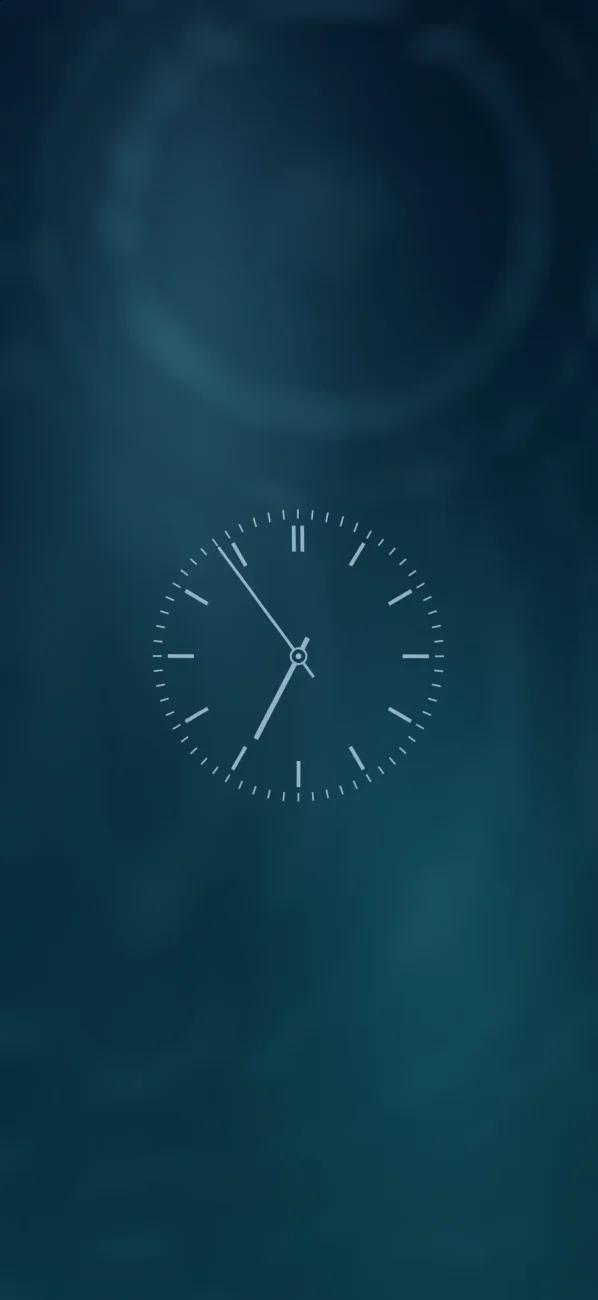
Pick a clock face (how the time is drawn) and a background (what lives behind it), and combine them freely.
NINE CLOCK FACES
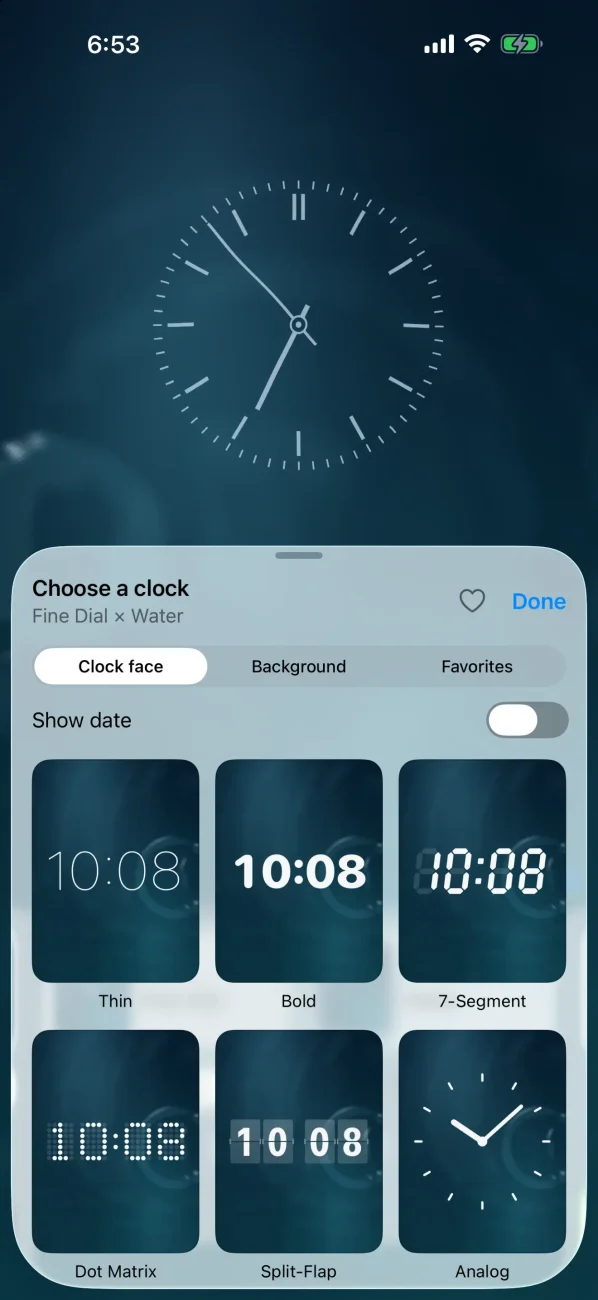
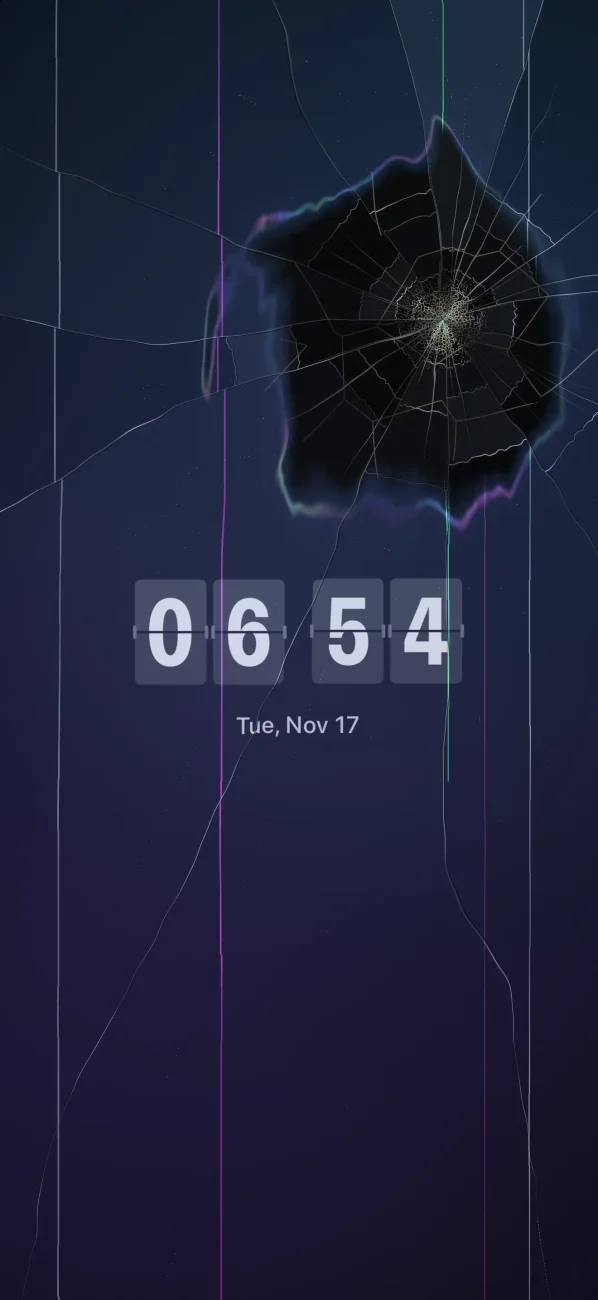
Thin, Bold, 7-Segment, Dot Matrix, Split-Flap, Analog, Fine Dial, Kanji and Ring. Digital or analog, with an optional date shown under the time.
EIGHT BACKGROUNDS
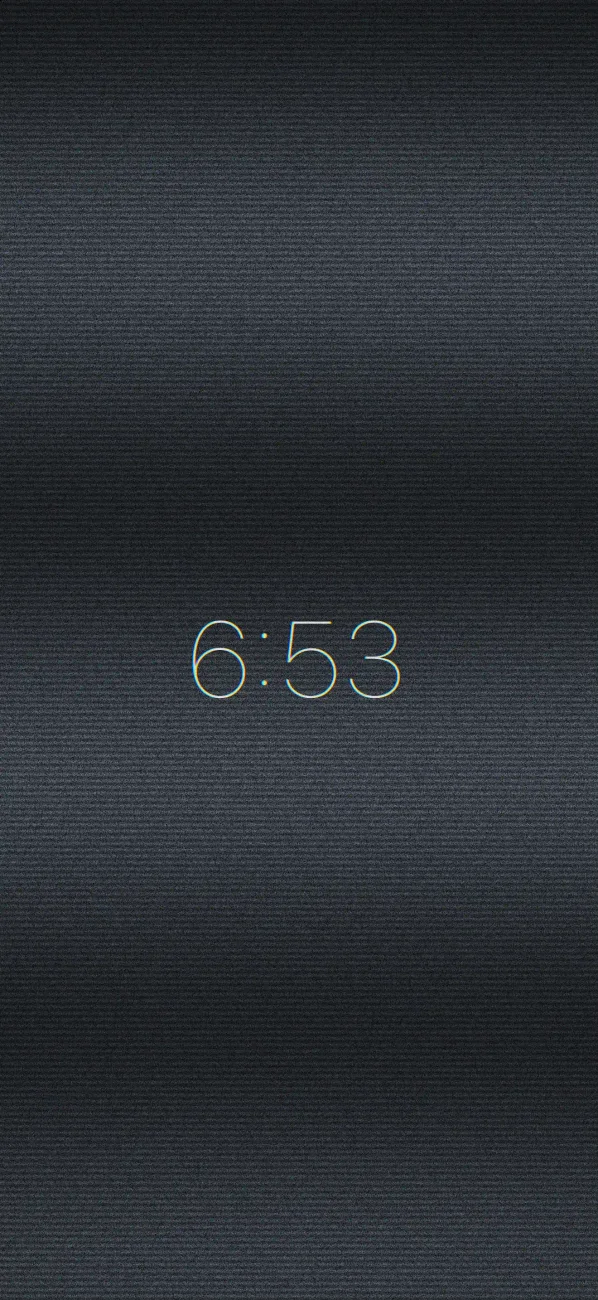
• Static: retro CRT-TV noise. Touch it and the picture glitches.
• Water: touch to drop a ripple and watch it spread, interfere and reflect off the edges.
• Ink: stir with your finger as indigo, vermilion, viridian and black ink blend in water, then slowly sink and fade.
• Mercury: ripples travelling across a liquid-metal surface.
• Rain: raindrops running down a window pane.
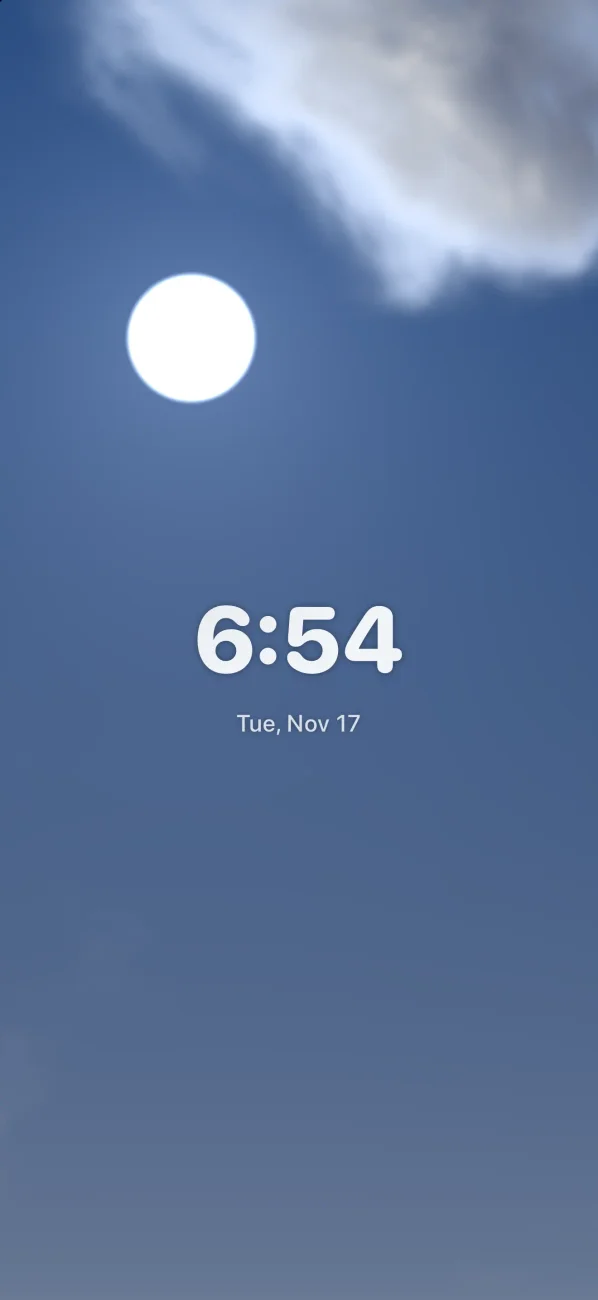
• Clouds: sun by day, moon and clouds by night. Hold a finger down and the clouds race by.
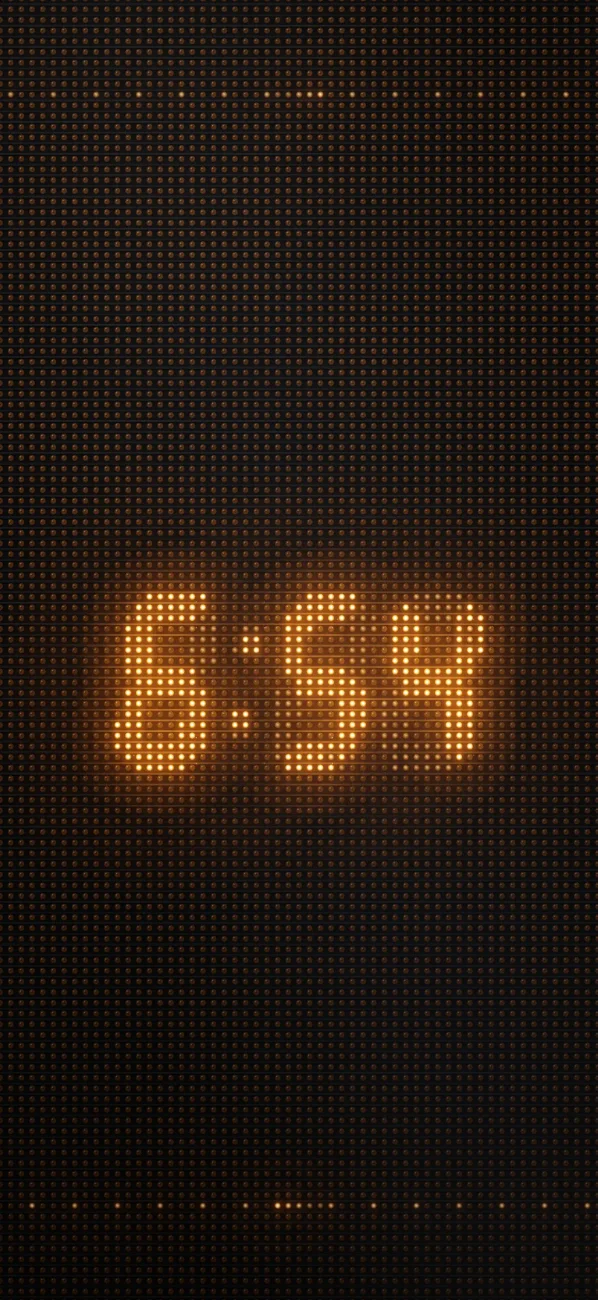
• LED Board: redraws any clock face in glowing LED dots, like a signboard. Dots near your finger flicker.
• Cracked: a cracked-display look. New cracks spread from where you touch. This is a visual effect only; it does not damage your device in any way.
A PICKER WITH PREVIEWS
Choose faces and backgrounds from cards that show the real combination. Your choice applies instantly, and you can see the live clock behind the sheet while you decide.
FAVORITES AND AUTO-SWITCHING
Save combinations you love as favorites. With two or more, the app can switch between them automatically every 15 minutes, every hour or every day.
MORE OPTIONS
• 12-hour or 24-hour time
• Three text sizes (S, M, L)
• Keep Screen On (the time drifts slowly to help prevent burn-in)
• Haptics on or off
Designed to be quiet. The controls fade away after a moment and only the clock remains.
No accounts. No ads. No data collection. The app makes no network connections, and all settings stay on your device.
Novedades
Versión 1.2.0 · 17/11/2026
• Now 9 clock faces: Thin, Bold, 7-Segment, Dot Matrix, Split-Flap, Analog, Fine Dial, Kanji and Ring.
• New backgrounds: LED Board and Cracked.
• A new picker with live previews lets you combine any face with any background.
• Save favorites and switch between them automatically.
• Optional date display.
• Support for iPhone Duo.
Privacidad de la aplicación
Lo que Ryoma Yanagimoto declara en App Store sobre cómo esta aplicación gestiona los datos.
-
No se recopilan datos
El desarrollador no recopila ningún dato de esta aplicación.
Las prácticas de privacidad pueden variar, por ejemplo, según las funciones que uses o tu edad.
Información
- Vendedor
- Ryoma Yanagimoto
- Categoría
- Entretenimiento
- Versión
- 1.2.0
- Actualizado
- 17/11/2026
- Publicado
- 16/6/2026
- Tamaño
- 3,2 MB
- Requiere
- iOS 17.0 o posterior
- Clasificación por edad
- 4+
- Precio
- Gratis
- Idiomas
- Japonés, Inglés
- Copyright
- © 2026 Ryoma Yanagimoto
Quizá también te guste
-
 ぽちゃん 〜癒しの波紋〜Entretenimiento
-
 KaleidoscopeClockEntretenimiento
-
 Marblescape: Marble RunEntretenimiento
-
 ゆらぎの森|癒しと睡眠のヒーリングEntretenimiento
-
 Hanabiyo: Relaxing FireworksEntretenimiento
-
 錦鯉の池Entretenimiento
-
 TouchRippleEntretenimiento
-
 Widget TankEntretenimiento
-
 Soothing BallzEntretenimiento
-
 金魚日和Entretenimiento