
Help! What Now?
For Distracted & Anxious minds
Entwickelt für iPhone, iPod touch
Kostenlos · In-App-Käufe
- Altersfreigabe4+
- KategorieProduktivität
- EntwicklerMaximilien Brunet
- SprachenEnglisch
- Größe60,6 MB
Verlinkt auf die offizielle App Store-Seite
Download.org hostet keine Datei von Help! What Now?. Die Schaltfläche öffnet die App-Seite bei App Store, wo Maximilien Brunet die App veröffentlicht. Eintrag zuletzt geprüft am 12.11.2026.
Screenshots

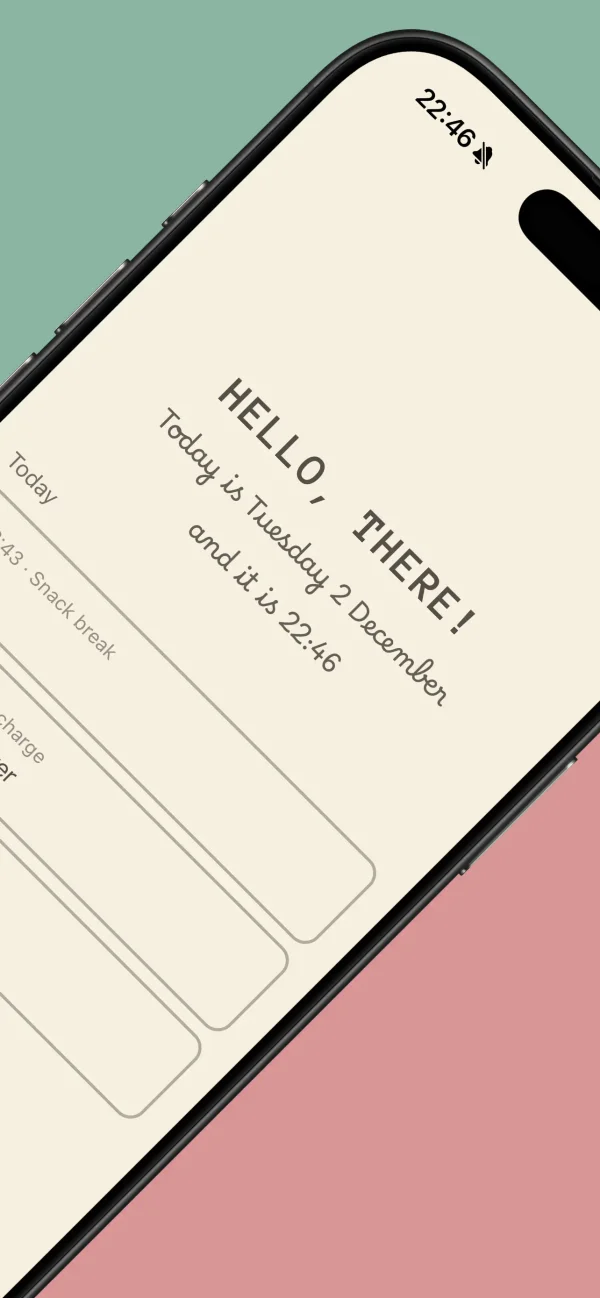
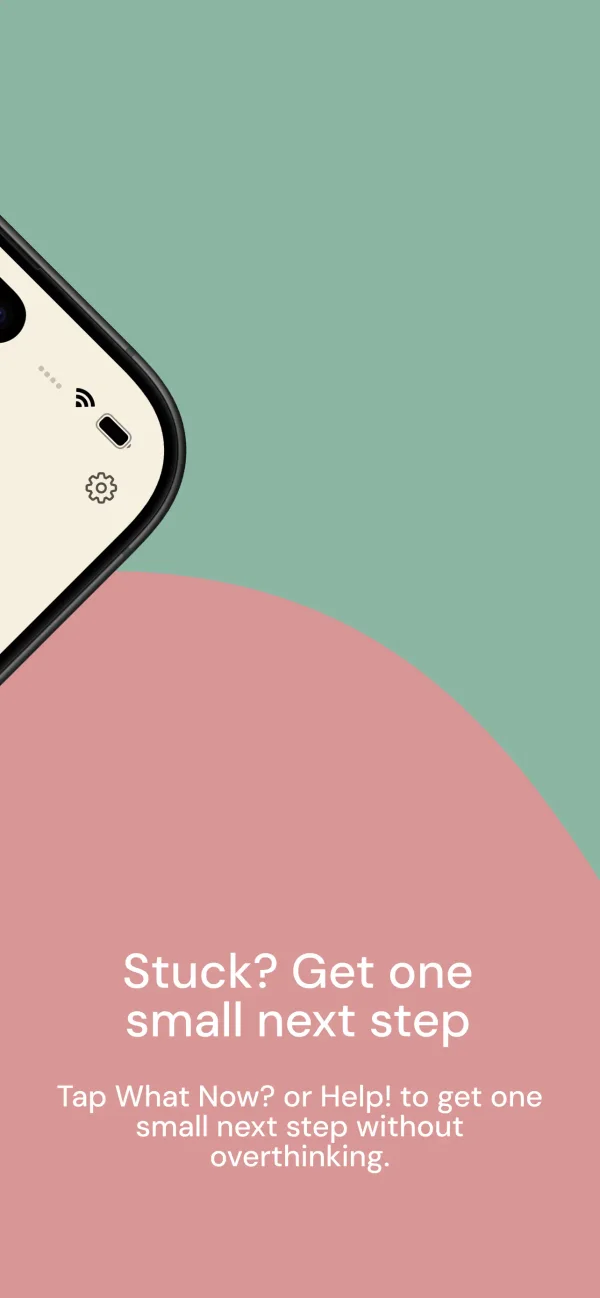


Info
Der Entwickler hat diesen Text nicht in Ihrer Sprache bereitgestellt.
Do you get stuck even when you know what to do?
Do you forget your own strategies the second stress kicks in?
Does choice overload freeze you?
Same.
So we built this.
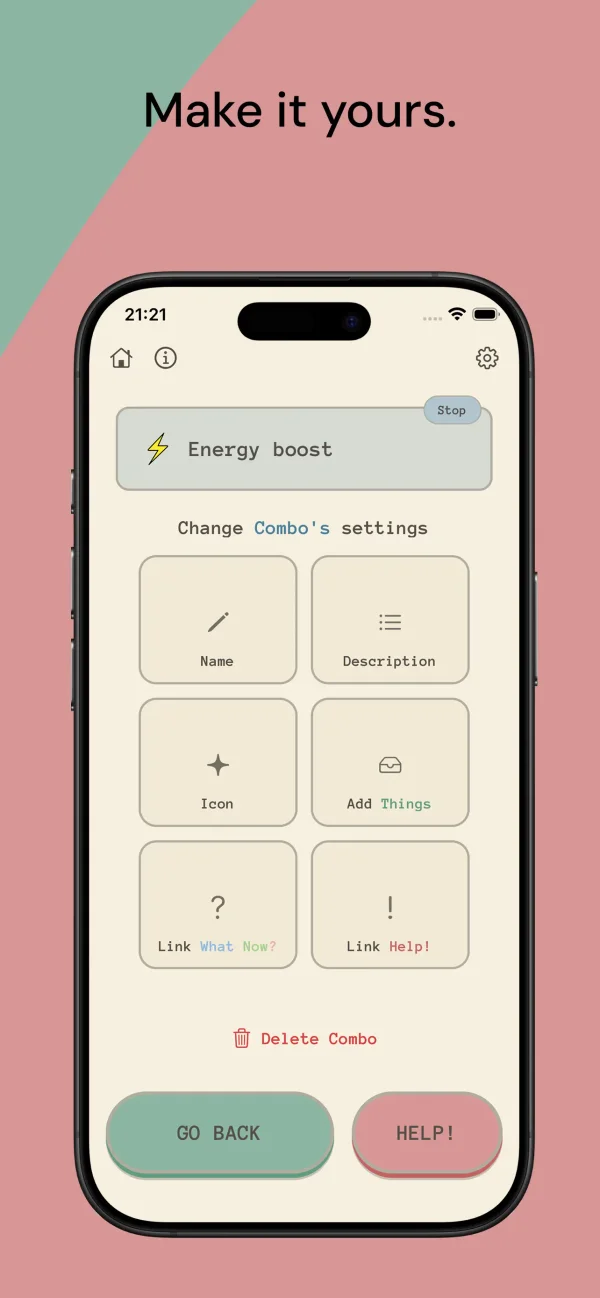
A simple tool that sends you nudges when your brain goes offline.
They come from you, written when you’re steady, delivered when you’re not.
→ For distracted minds.
→ For anxious spirals.
→ For overly ordered thoughts.
→ For executive dysfunction.
If you’re neurodivergent (ADHD, autism, OCD) or anxiety is part of your story, you’re not alone and we think this might be useful.
Designed by people who live it.
Continuously improved to make it better for all of us.
Not a medical device.
Not therapy.
Just a practical tool.
Examples
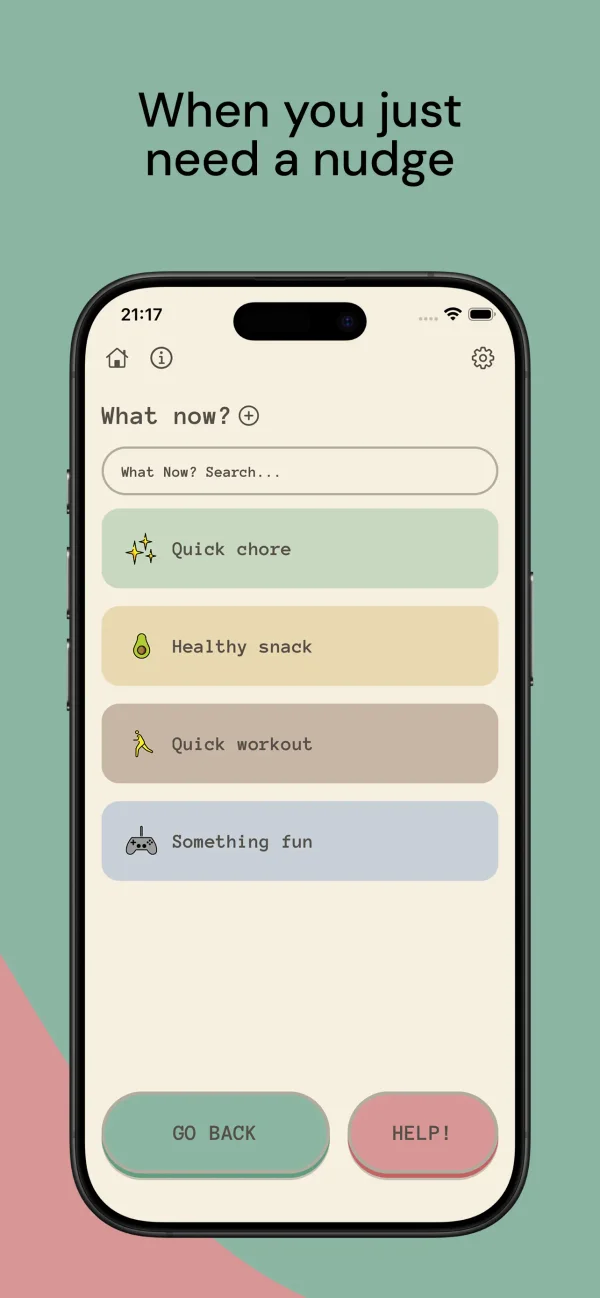
→ What Now? (stuck / frozen / too many options)
• “I can’t decide what to do next.” → “Pick the smallest next step. Do 2 minutes.”
• “Everything feels urgent.” → “Write the top 3. Do only #1.”
• “I’m overwhelmed by choices.” → “Choose ‘good enough.’ Move.”
• “I want to revisit a hobby.” → “Random pick: try one for 20 minutes.”
• “I have too many hobbies.” → “Random picker: choose one and start.”
• “I want something delicious.” → “Random pick: choose a treat/meal idea.”
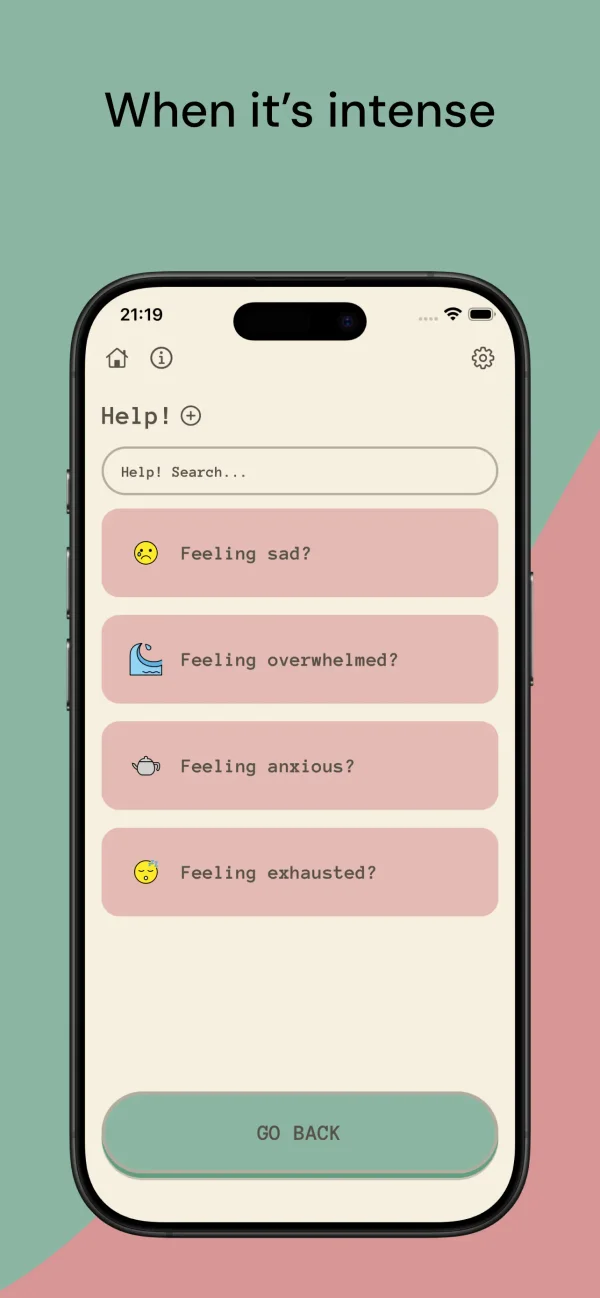
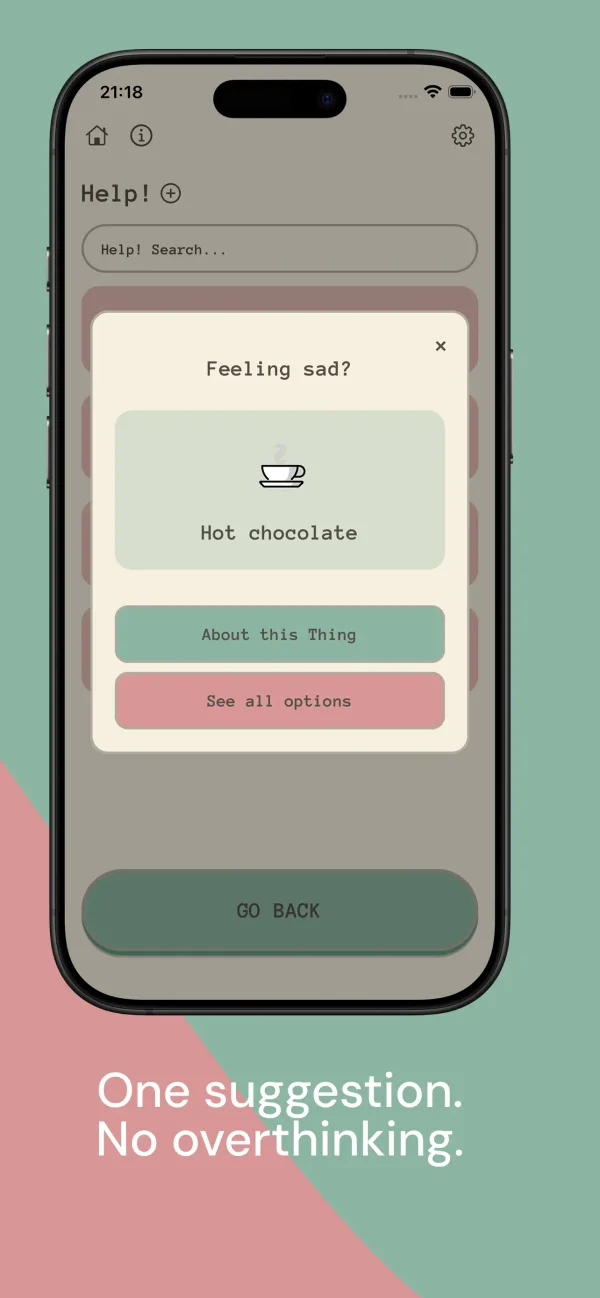
→ Help! (strong feelings / grounding fast)
• “I’m spiraling.” → “3 things you see. 2 you feel. 1 you hear.”
• “I’m panicking.” → “Hold something cold for 30 seconds.”
And yes — it can be there for fun, too.
---
"Help! What Now?" is free to use but requires an active subscription to get access to all the features. Subscription options include weekly, monthly, annual, or a one-time lifetime purchase.
Subscriptions auto-renew unless cancelled.
---
Terms of Use: https://www.apple.com/legal/internet-services/itunes/dev/stdeula/
Privacy Policy: https://www.helpwhat.now/app-privacy
Neue Funktionen
Version 0.3.3 · 28.02.2026
Stability improvements
App-Datenschutz
Was Maximilien Brunet im App Store zum Umgang dieser App mit Daten angibt.
-
Nicht mit Ihnen verknüpfte Daten
Können erfasst werden, sind aber nicht mit Ihrer Identität verknüpft.
- Käufe
- Kennungen
- Nutzungsdaten
Die Datenschutzpraktiken können variieren, zum Beispiel je nach den von Ihnen verwendeten Funktionen oder Ihrem Alter.
Informationen
- Anbieter
- Maximilien Brunet
- Kategorie
- Produktivität
- Version
- 0.3.3
- Aktualisiert
- 28.02.2026
- Veröffentlicht
- 06.01.2026
- Größe
- 60,6 MB
- Erfordert
- iOS 15.1 oder neuer
- Altersfreigabe
- 4+
- Preis
- Kostenlos
- In-App-Käufe
- Ja
- Sprachen
- Englisch
- Copyright
- © 2025 Maximilien Brunet
Das könnte Ihnen auch gefallen
-
 Lunatask: A Better To-Do ListProduktivität
-
 Super ProductivityProduktivität
-
 LiveIt Journal, Planner, NotesProduktivität
-
 get AdultingProduktivität
-
 SunsamaProduktivität
-
 Nori – KI-FamilienassistentTermine, Aufgaben, Essenspläne
-
 Sofa: Downtime OrganizerProduktivität
-
 Raycast: Keyboard, AI and moreProduktivität
-
 Raindrop.ioAlle Lesezeichen an einem Ort
-
 HelloHabit: GewohnheitstrackerAufgaben, Routinen & Streaks