
Help! What Now?
For Distracted & Anxious minds
Designed for iPhone, iPod touch
Free · In-app purchases
- Age rating4+
- CategoryProductivity
- DeveloperMaximilien Brunet
- LanguagesEnglish
- Size60.6 MB
Links to the official App Store page
Download.org hosts no file of Help! What Now?. The button opens its official App Store page, published by Maximilien Brunet. Listing last checked on Nov 12, 2026.
Screenshots


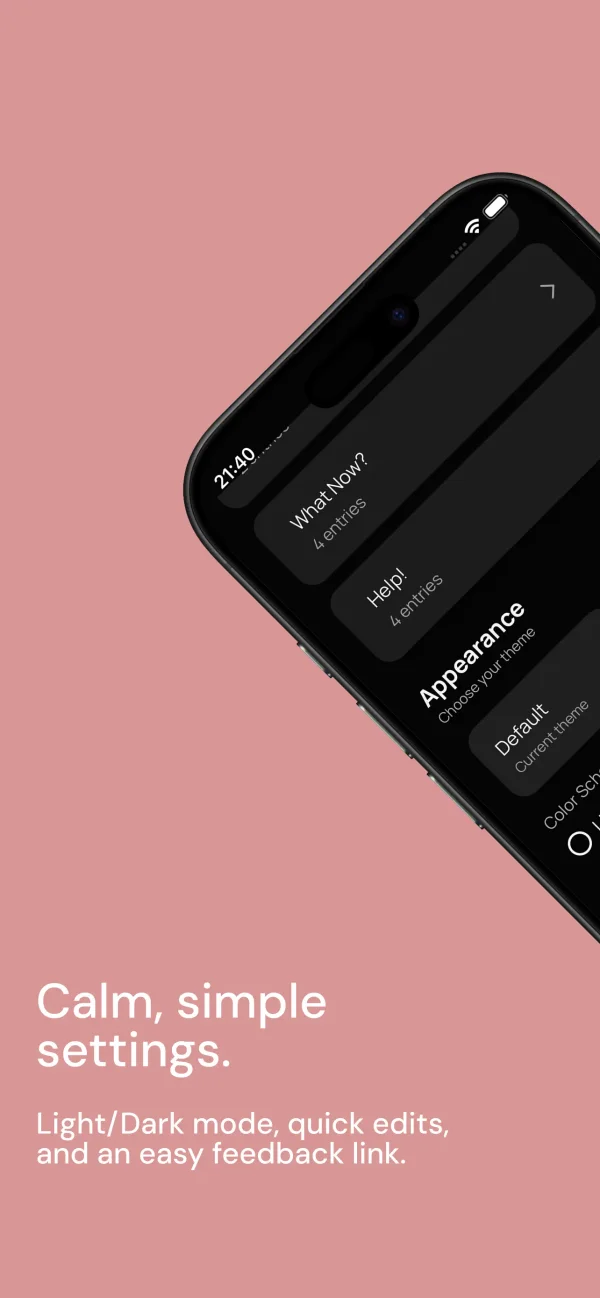

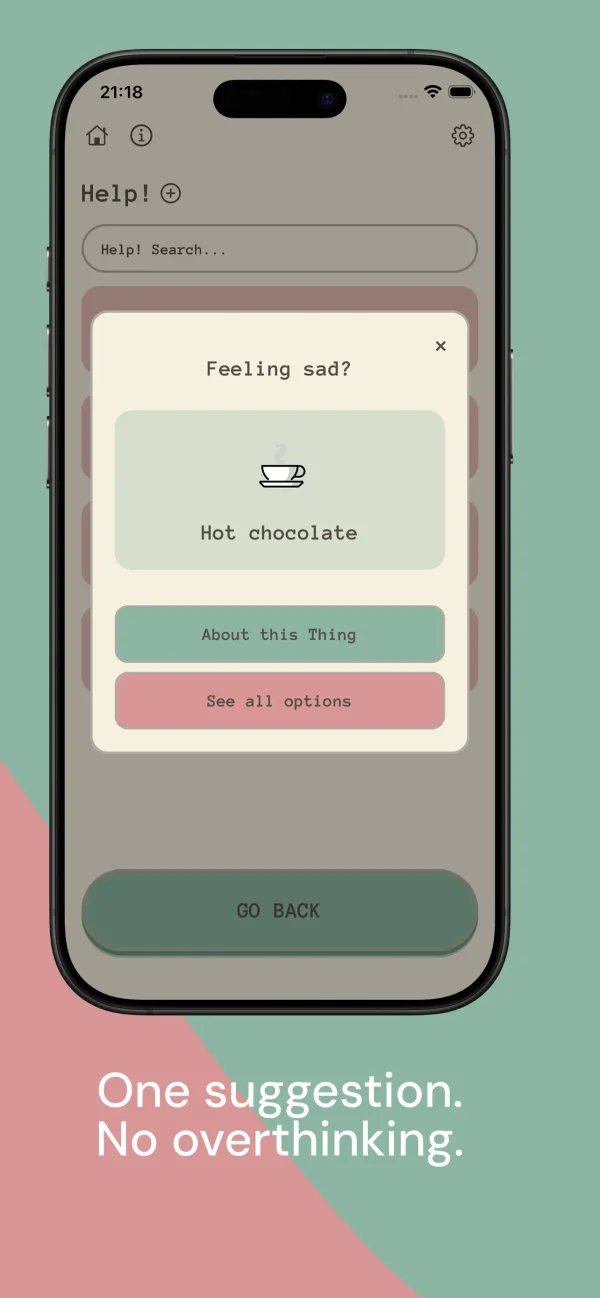
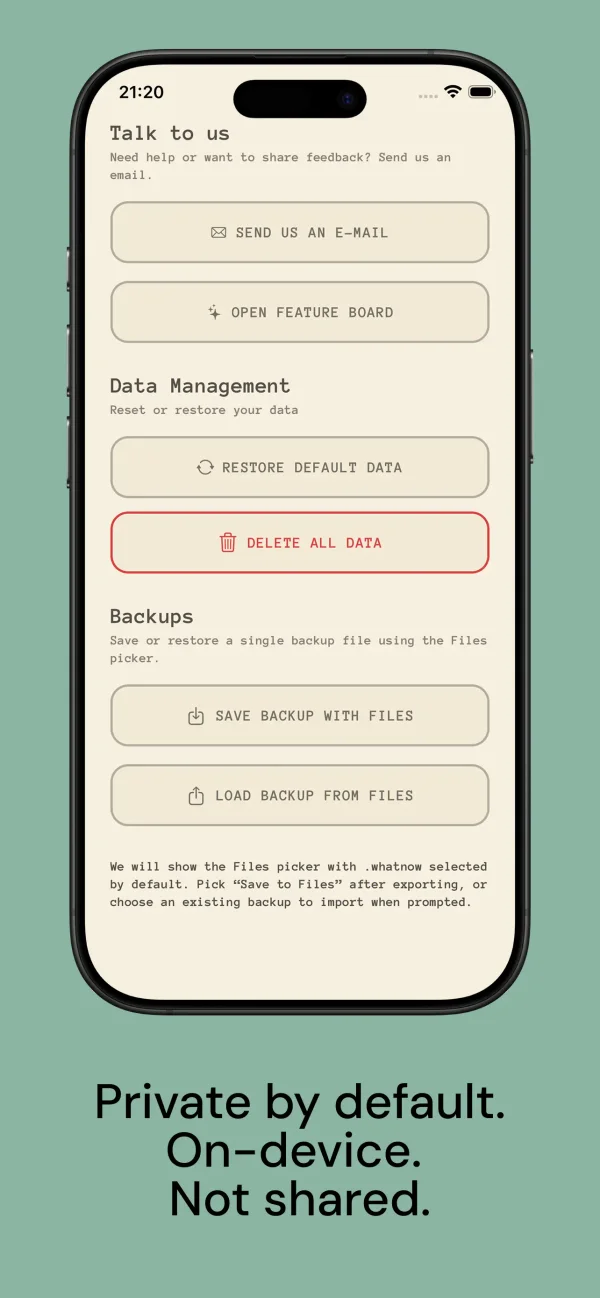
About
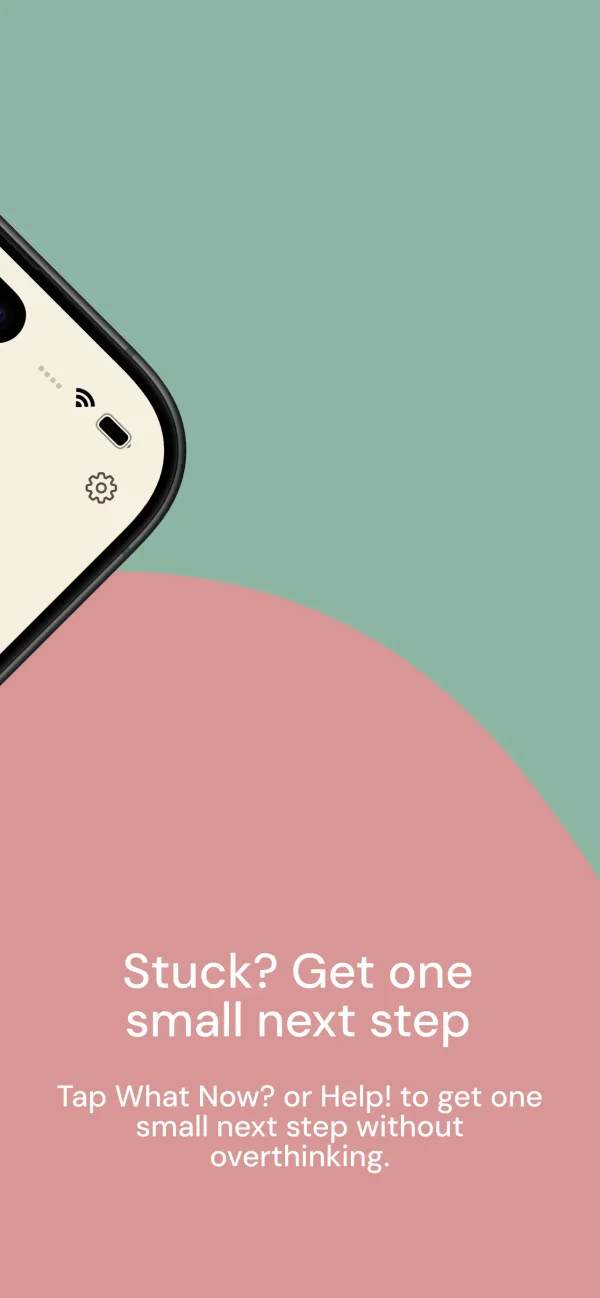
Do you get stuck even when you know what to do?
Do you forget your own strategies the second stress kicks in?
Does choice overload freeze you?
Same.
So we built this.
A simple tool that sends you nudges when your brain goes offline.
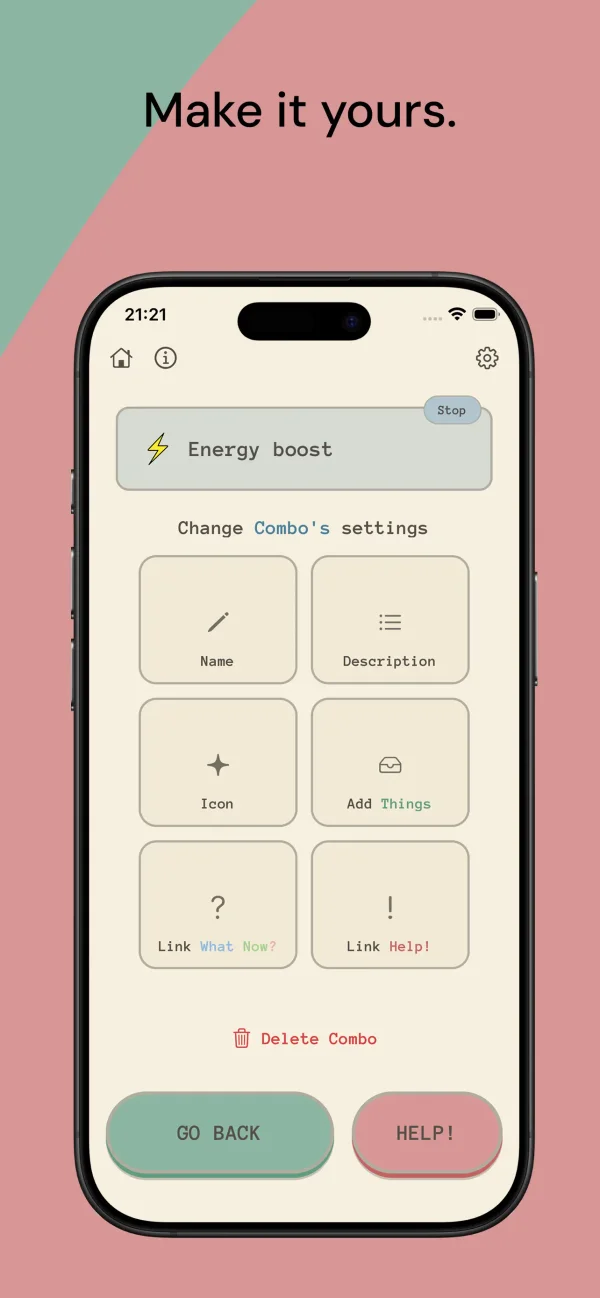
They come from you, written when you’re steady, delivered when you’re not.
→ For distracted minds.
→ For anxious spirals.
→ For overly ordered thoughts.
→ For executive dysfunction.
If you’re neurodivergent (ADHD, autism, OCD) or anxiety is part of your story, you’re not alone and we think this might be useful.
Designed by people who live it.
Continuously improved to make it better for all of us.
Not a medical device.
Not therapy.
Just a practical tool.
Examples
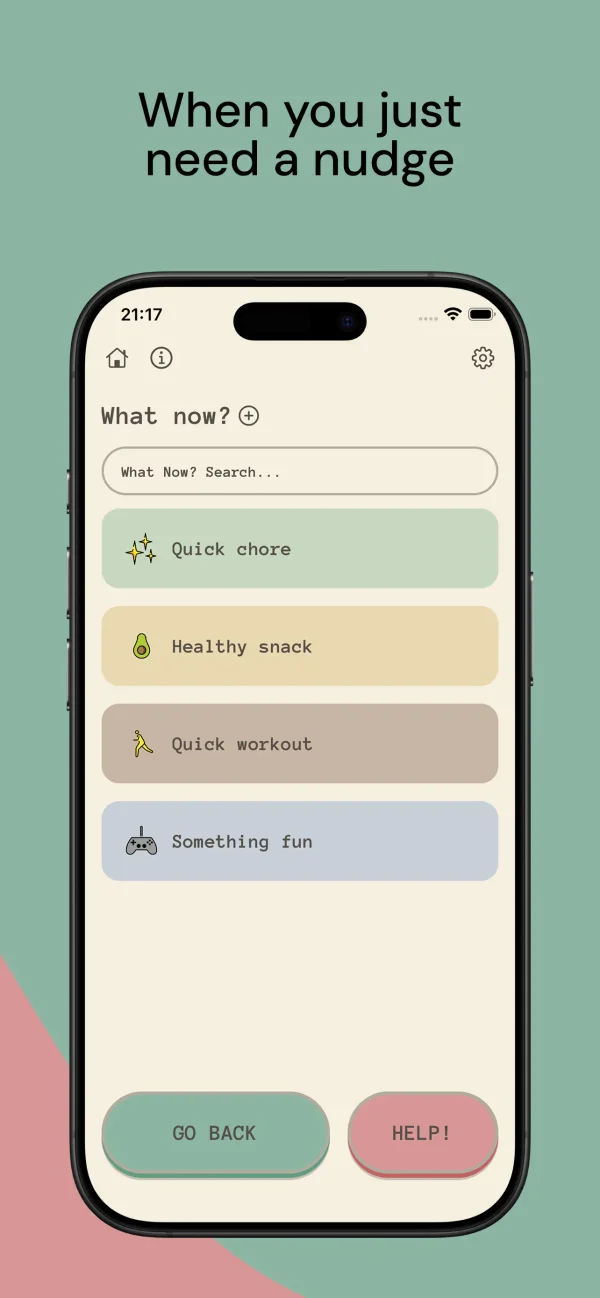
→ What Now? (stuck / frozen / too many options)
• “I can’t decide what to do next.” → “Pick the smallest next step. Do 2 minutes.”
• “Everything feels urgent.” → “Write the top 3. Do only #1.”
• “I’m overwhelmed by choices.” → “Choose ‘good enough.’ Move.”
• “I want to revisit a hobby.” → “Random pick: try one for 20 minutes.”
• “I have too many hobbies.” → “Random picker: choose one and start.”
• “I want something delicious.” → “Random pick: choose a treat/meal idea.”
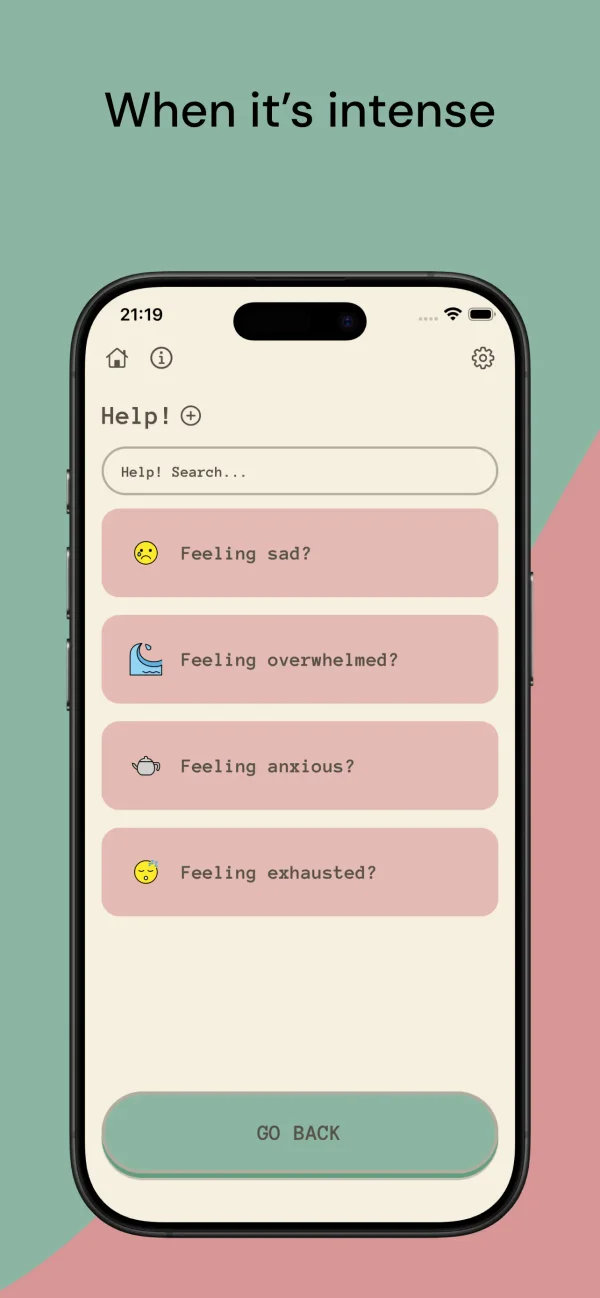
→ Help! (strong feelings / grounding fast)
• “I’m spiraling.” → “3 things you see. 2 you feel. 1 you hear.”
• “I’m panicking.” → “Hold something cold for 30 seconds.”
And yes — it can be there for fun, too.
---
"Help! What Now?" is free to use but requires an active subscription to get access to all the features. Subscription options include weekly, monthly, annual, or a one-time lifetime purchase.
Subscriptions auto-renew unless cancelled.
---
Terms of Use: https://www.apple.com/legal/internet-services/itunes/dev/stdeula/
Privacy Policy: https://www.helpwhat.now/app-privacy
What’s new
Version 0.3.3 · Feb 28, 2026
Stability improvements
App privacy
What Maximilien Brunet declares on the App Store about how this app handles data.
-
Data not linked to you
May be collected but is not linked to your identity.
- Purchases
- Identifiers
- Usage data
Privacy practices may vary, for example with the features you use or your age.
Information
- Seller
- Maximilien Brunet
- Category
- Productivity
- Version
- 0.3.3
- Updated
- Feb 28, 2026
- Released
- Jan 6, 2026
- Size
- 60.6 MB
- Requires
- iOS 15.1 or later
- Age rating
- 4+
- Price
- Free
- In-app purchases
- Yes
- Languages
- English
- Copyright
- © 2025 Maximilien Brunet
You might also like
-
 Lunatask: A Better To-Do ListTasks, Habits, Journal, Notes
-
 Super ProductivityToDo List & Time Tracker
-
 LiveIt Journal, Planner, NotesPlanner, Notes, Organization
-
 get AdultingADHD Organizer & Life Skills
-
 SunsamaDaily planner
-
 Nori - Family AIAll-in-One Family Management
-
 Sofa: Downtime OrganizerTV, books, podcasts & beyond
-
 Raycast: Keyboard, AI and moreProductivity on the go
-
 Raindrop.ioAll in One Bookmark Manager
-
 HelloHabit - Habit TrackerTasks, Routines, & Streaks