
iBrowser - Full Screen Browser
true full-screen browser
Entwickelt für iPhone, iPad, iPod touch
0,99 € · In-App-Käufe
- Altersfreigabe17+
- KategorieDienstprogramme
- Entwickler天从 何
- SprachenEnglisch+ 5 weitere
- Größe3,0 MB
Verlinkt auf die offizielle App Store-Seite
Download.org hostet keine Datei von iBrowser - Full Screen Browser. Die Schaltfläche öffnet die App-Seite bei App Store, wo 天从 何 die App veröffentlicht. Eintrag zuletzt geprüft am 27.11.2026.
Screenshots



Info
Der Entwickler hat diesen Text nicht in Ihrer Sprache bereitgestellt.
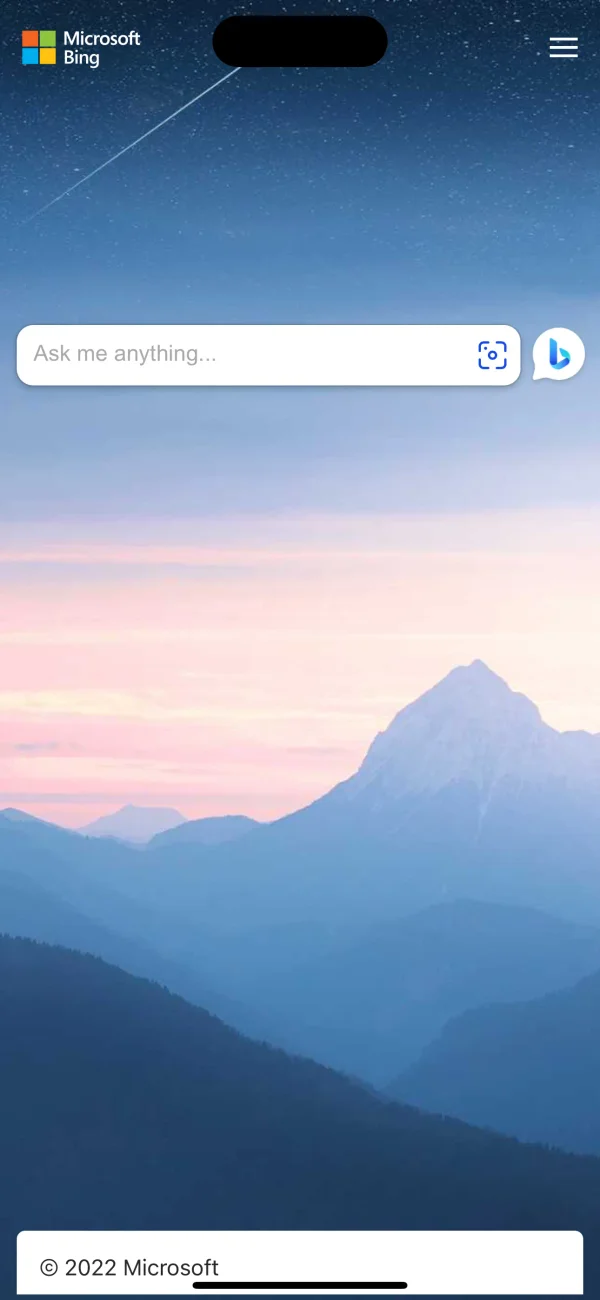
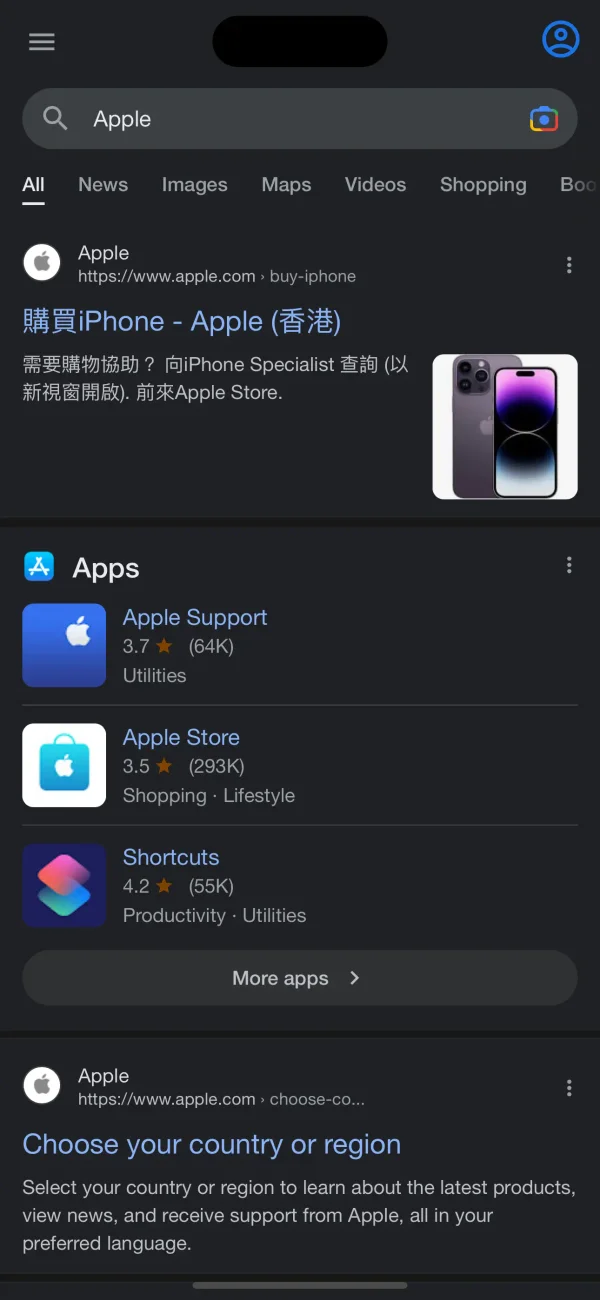
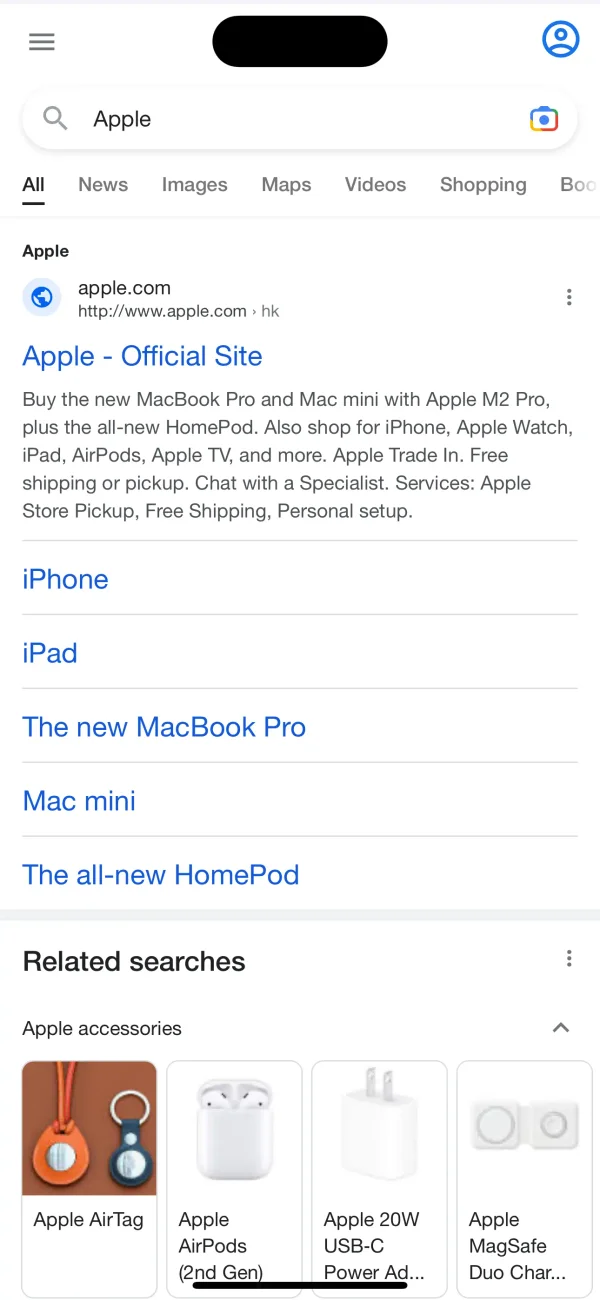
iBrowser is a minimal browser designed to keep the current web page in focus. The status bar stays hidden, while the address bar and toolbar appear only when you need them. There are no ads or paid pop-ups from the app.
KEY FEATURES
• Edge-to-edge browsing on iPhone and iPad in every orientation
• Swipe up to hide the address bar and toolbar; swipe down to show unlocked controls
• A compact floating control for Back, Forward, Reload, Home, Share, Favorite, Bookmarks, History, Full Screen, and Settings—with optional buttons for Copy, Find on Page (iOS 16+), Page Zoom, and Keep Screen Awake
• Drag the floating control to the bottom to hide it; shake an iPhone or tap the top on iPad to restore it
• Hardware keyboard shortcuts on iPad (hold ⌘ to view)
• Per-device Page Zoom (75%–200%) and Keep Screen Awake for reading, recipes, or kiosk displays
• Lightweight local bookmarks and on-device browsing history (not synced to iCloud)
• Optional resume of last page, scroll position, and back-forward stack on launch
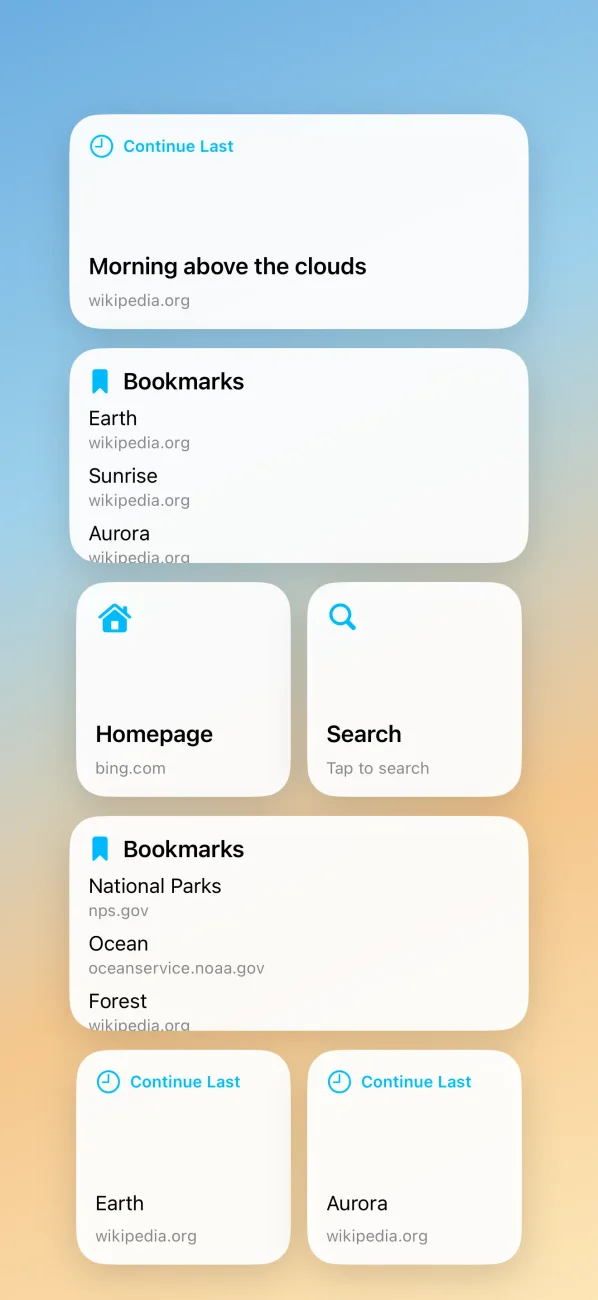
• Home Screen and Lock Screen widgets
• Siri, Shortcuts (localized in 7 languages), and configurable Home Screen quick actions
• Optional iCloud sync for bookmarks and browsing settings
• System, Light, and Dark appearance; customizable accent theme color for toolbar, floating control, Settings, and widgets
ADDRESS-BAR LOCK
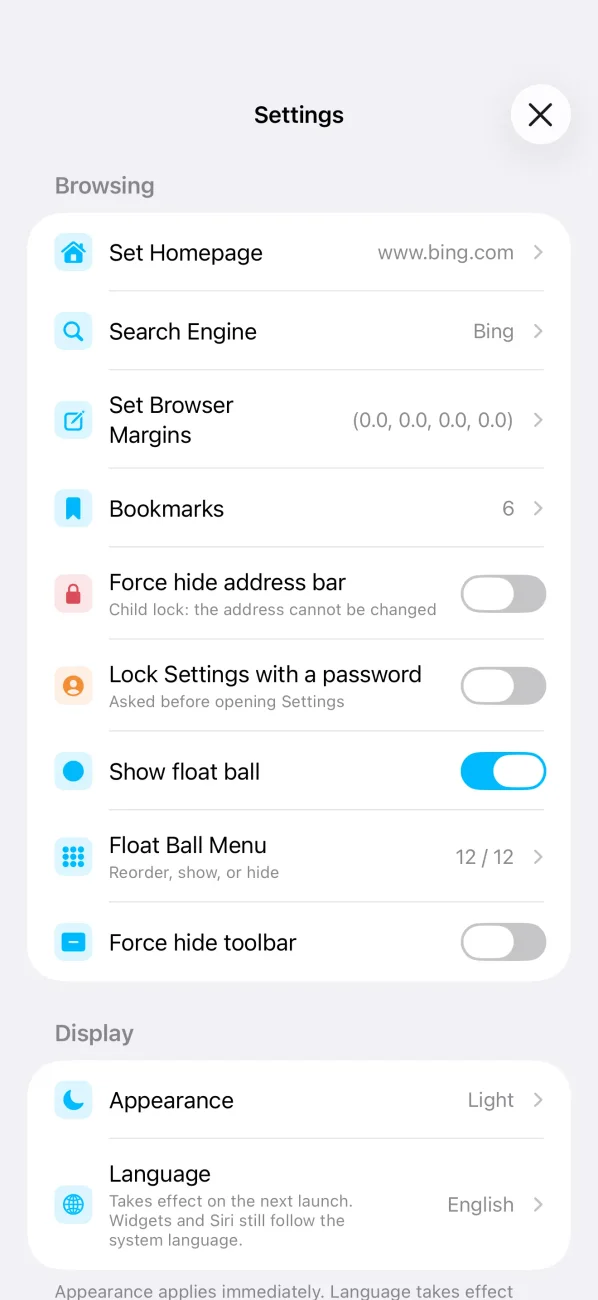
The setting called Child Lock force-hides the address bar so a user cannot type another URL. You can optionally enable “Restrict to Homepage Site” to keep browsing within your homepage domain and its subdomains, and protect Settings with a password. This feature is not a content filter or system parental control; Back, Forward, Home, and allowed page links continue to work.
CONTROLS AND SETTINGS
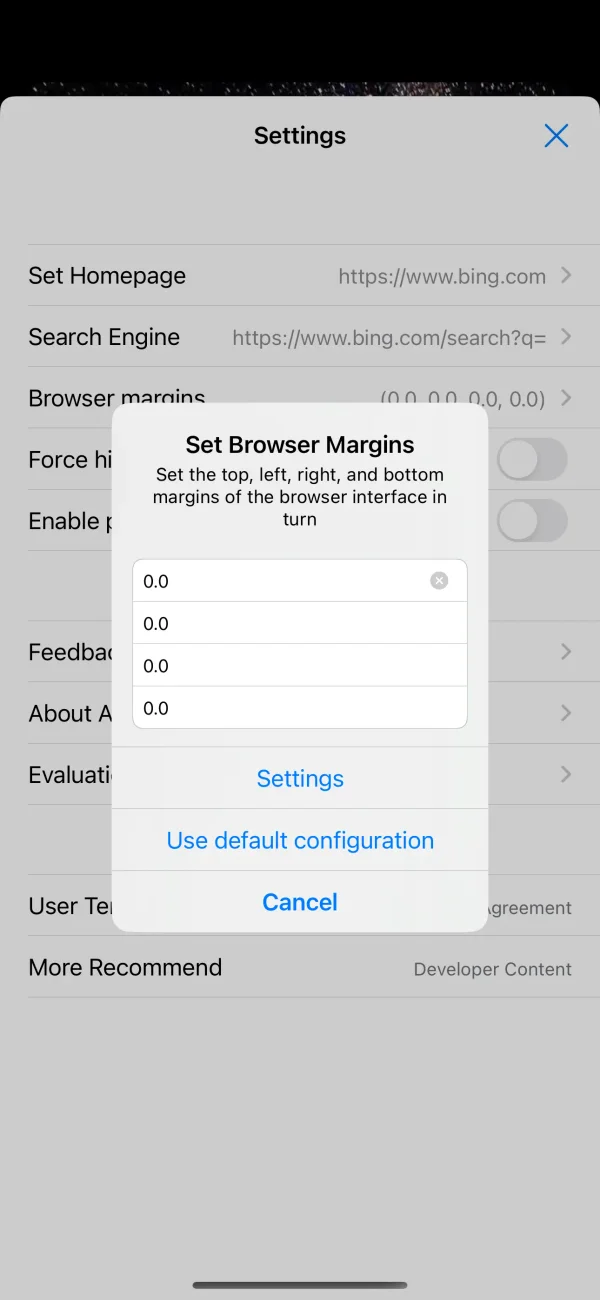
Tap the floating control for everyday actions. You can also open Settings by double-tapping Search in the bottom toolbar. Force-hidden controls remain hidden until they are unlocked in Settings.
The app has no account system, tabs, or a standing download manager. File attachments can download to a temporary progress pill and then use the system share sheet to save elsewhere. There is no advertising SDK. Website content, including any advertising shown by a website, belongs to that website and is not provided by iBrowser.
Neue Funktionen
Version 10.8.0 · 26.11.2026
iBrowser v10.8.0
Stronger kiosk & focus tools, better iPad keyboard support, and under-the-hood polish—still edge-to-edge with no ads or pop-ups.
1. Restrict to Homepage Site (optional). Under Address-Bar Lock (Child Lock), you can now limit browsing to your homepage domain and its subdomains while blocking navigation to other sites. Ideal for kids, kiosks, and study devices.
2. Find on Page, Page Zoom & Keep Screen Awake. Use native Find on Page (iOS 16+), adjust per-device webpage zoom (75%–200%), or keep the screen awake while reading or displaying dashboards. All three can also be added to the floating menu as optional actions.
3. iPad & external keyboard shortcuts. Press ⌘L to focus the address bar (respecting Address-Bar Lock), ⌘R / ⇧⌘R to reload or force reload, ⌘[ / ⌘] for Back/Forward, ⇧⌘H for Home, ⌘F to find, ⌘+ / ⌘- / ⌘0 to zoom, ⌃⌘F to toggle fullscreen, and ⌘, for Settings. Hold ⌘ to view all shortcuts.
4. 7-language Shortcuts & HTTPS-first navigation. App Shortcuts and Siri actions are now localized across all 7 languages. Typing a bare domain defaults to HTTPS (keeping HTTP for localhost and local IPs).
5. Reliability & efficiency improvements. Throttled widget refreshes with instant background flush, immediate temp cleanup after sharing downloads, stricter “Ask every time” external-app handling for new-window links, and an updated privacy manifest.
If iBrowser helps you stay with the page, a rating on the App Store helps more people find it.
App-Datenschutz
Was 天从 何 im App Store zum Umgang dieser App mit Daten angibt.
-
Keine Daten erfasst
Der Entwickler erfasst keine Daten von dieser App.
Die Datenschutzpraktiken können variieren, zum Beispiel je nach den von Ihnen verwendeten Funktionen oder Ihrem Alter.
Informationen
- Anbieter
- 天从 何
- Kategorie
- Dienstprogramme
- Version
- 10.8.0
- Aktualisiert
- 26.11.2026
- Veröffentlicht
- 30.12.2014
- Größe
- 3,0 MB
- Erfordert
- iOS 15.0 oder neuer
- Altersfreigabe
- 17+
- Preis
- 0,99 €
- In-App-Käufe
- Ja
- Sprachen
- Englisch, Japanisch, Koreanisch, Vereinf. Chinesisch, Tradit. Chinesisch, Vietnamesisch
- Copyright
- © @iHTCboy
Das könnte Ihnen auch gefallen
-
 Full Screen Browser:Work ToolsDienstprogramme
-
 发行浏览器-全屏Dienstprogramme
-
 MayLikeWallpaper - best hiapkDienstprogramme
-
 LED Banner: Marquee & ScrollerDienstprogramme
-
 Pane BrowserDienstprogramme
-
 眨巴眼-极简浏览器Dienstprogramme
-
 奇妙搜索 - 聚合全网资源搜索Dienstprogramme
-
 澳覓眾包Dienstprogramme
-
 TGA兼職易Dienstprogramme
-
 腕上txt小说阅读器Dienstprogramme