
iBrowser - Full Screen Browser
true full-screen browser
Designed for iPhone, iPad, iPod touch
$0.89 · In-app purchases
- Age rating17+
- CategoryUtilities
- Developer天从 何
- LanguagesEnglish+ 5 more
- Size2.9 MB
Links to the official App Store page
Download.org hosts no file of iBrowser - Full Screen Browser. The button opens its official App Store page, published by 天从 何. Listing last checked on Nov 26, 2026.
Screenshots



About
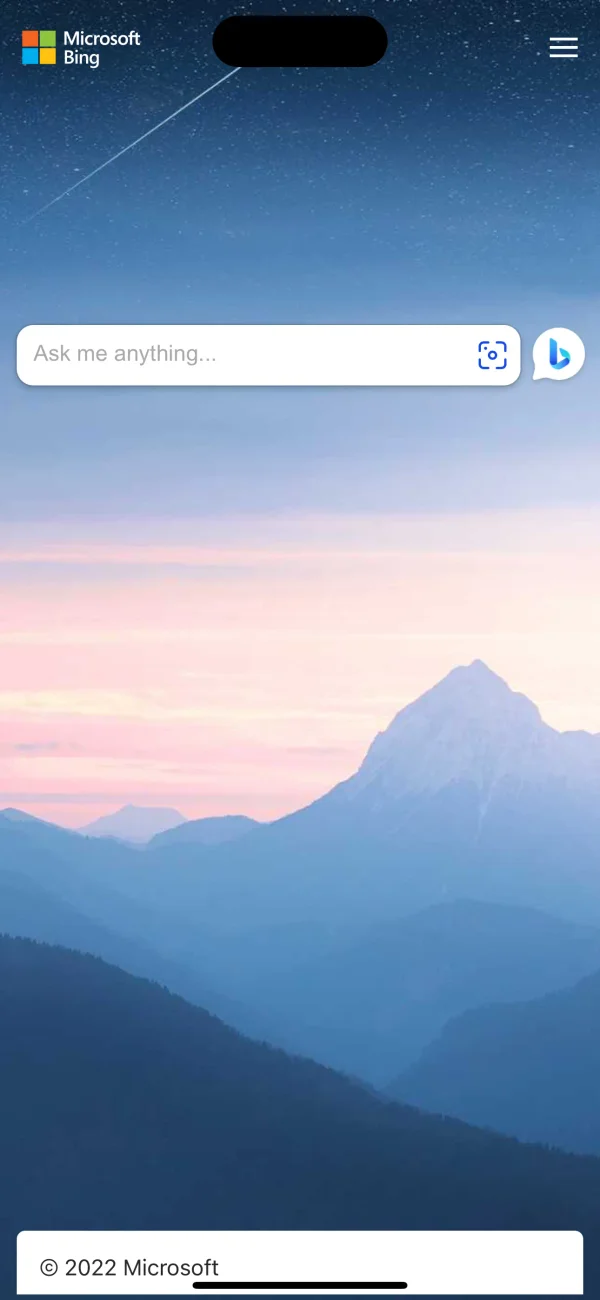
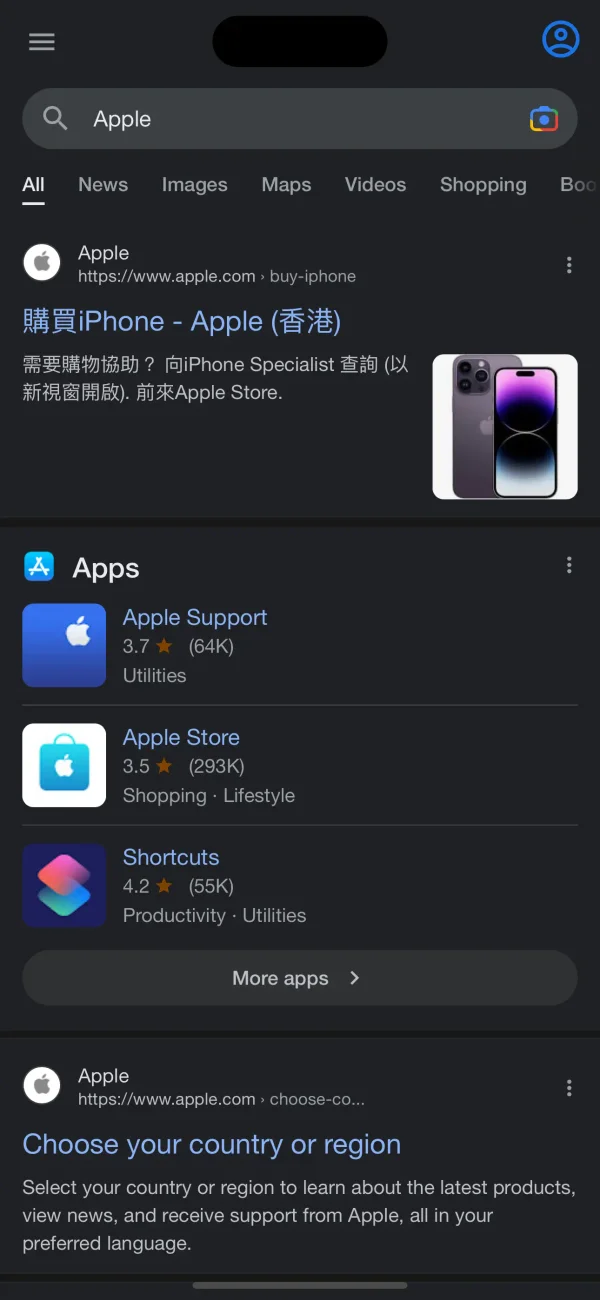
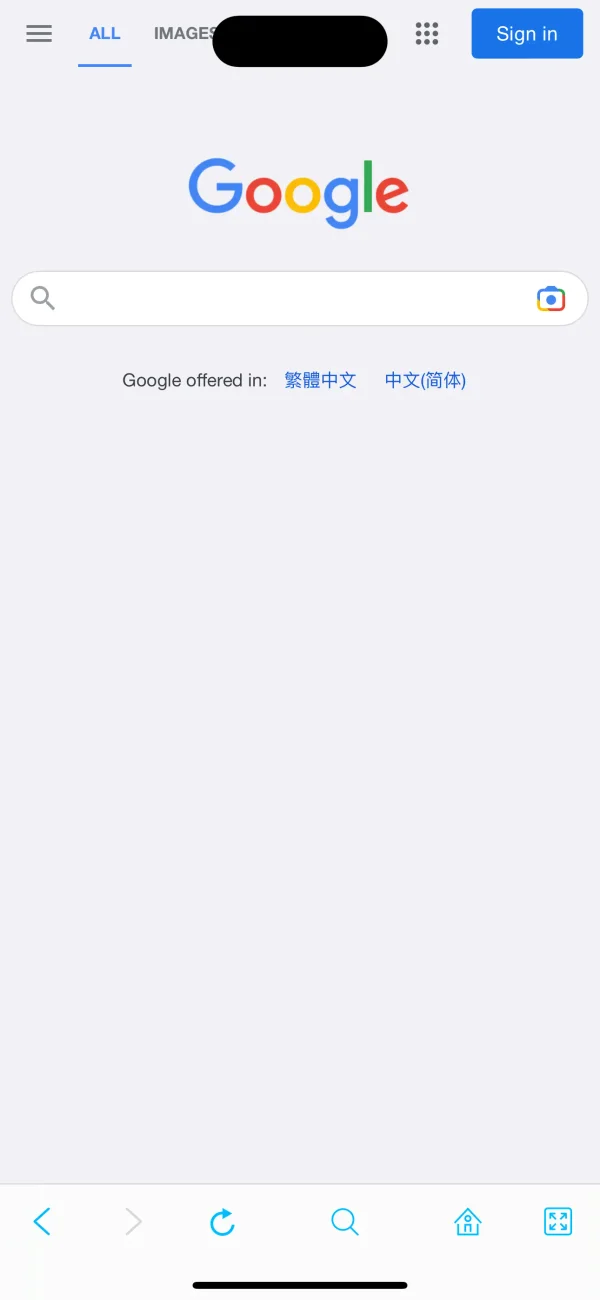
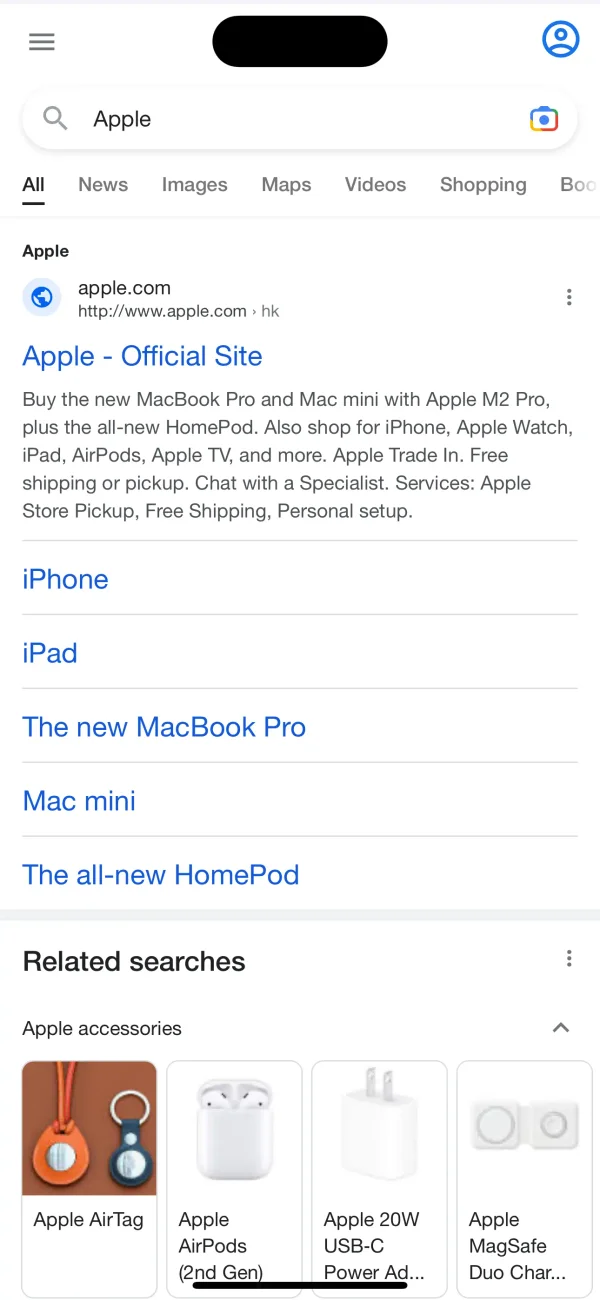
iBrowser is a minimal browser designed to keep the current web page in focus. The status bar stays hidden, while the address bar and toolbar appear only when you need them. There are no ads or paid pop-ups from the app.
KEY FEATURES
• Edge-to-edge browsing on iPhone and iPad in every orientation
• Swipe up to hide the address bar and toolbar; swipe down to show unlocked controls
• A compact floating control for Back, Forward, Reload, Home, Copy, Share, Bookmarks, Full Screen, and Settings
• Drag the floating control to the bottom to hide it; shake an iPhone or tap the top on iPad to restore it
• Lightweight local bookmarks and on-device browsing history (not synced to iCloud)
• Optional resume of last page, scroll position, and back-forward stack on launch
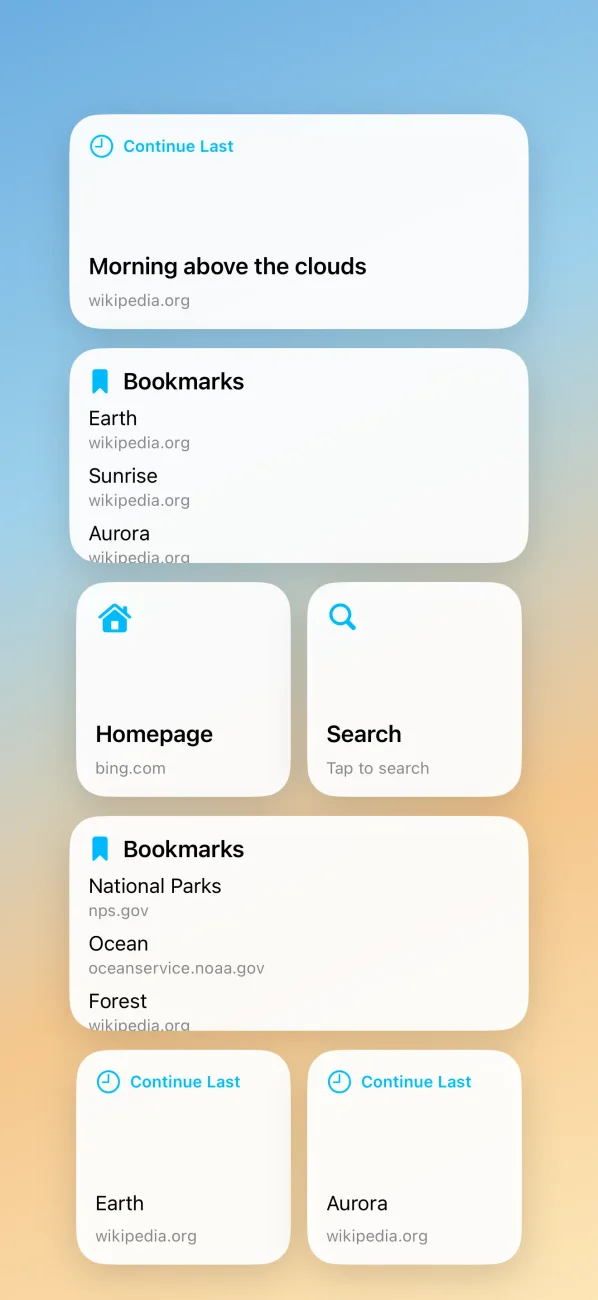
• Home Screen and Lock Screen widgets
• Siri, Shortcuts, and configurable Home Screen quick actions
• Optional iCloud sync for bookmarks and browsing settings
• System, Light, and Dark appearance
ADDRESS-BAR LOCK
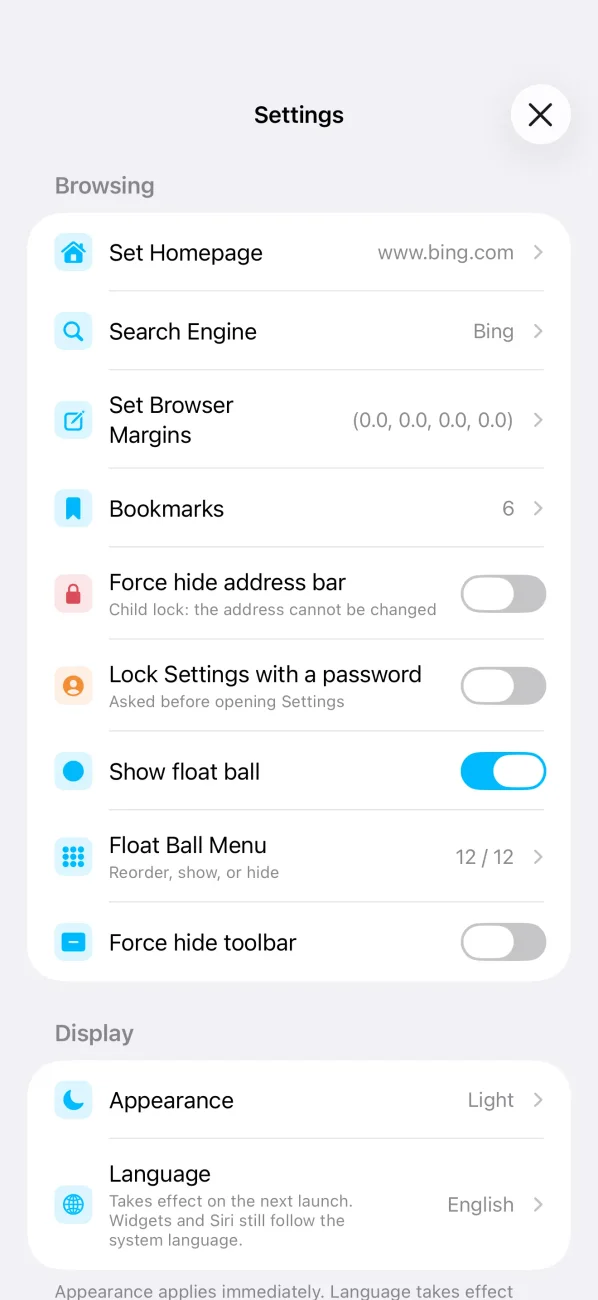
The setting called Child Lock force-hides the address bar so a user cannot type another URL. You can also protect Settings with a password. This feature does not filter web content and does not block links inside the current website. Back, Forward, Home, and links on the page continue to work.
CONTROLS AND SETTINGS
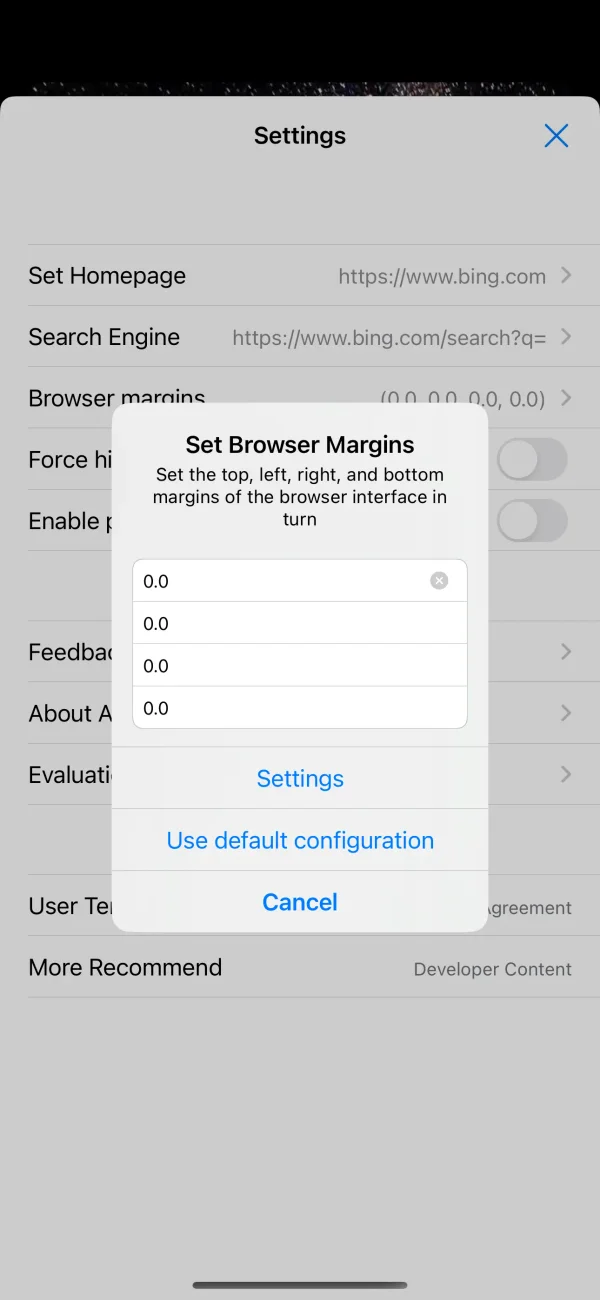
Tap the floating control for everyday actions. You can also open Settings by double-tapping Search in the bottom toolbar. Force-hidden controls remain hidden until they are unlocked in Settings.
The app has no account system, tabs, download manager, or advertising SDK. Website content, including any advertising shown by a website, belongs to that website and is not provided by iBrowser.
What’s new
Version 10.7.0 · Nov 25, 2026
iBrowser v10.7.0 Major Update
Prepared for iPhone Duo. When the window changes, the page still fills the space in front of you. Browsing is quieter, and the app remembers where you left off. You can also pick a theme color of your own.
1. Ready for iPhone Duo. Fold, unfold, split the screen, or resize the window, and the page, safe areas, address bar, toolbar, and floating control follow the window you are using. Reading and video stay edge to edge in portrait, landscape, and upside down. On iPad, Split View and Stage Manager follow the current window too.
2. Launch in fullscreen. Turn it on in Settings, and each launch starts with the address bar and toolbar tucked away. Swipe down, tap the floating control, or press and hold with three fingers to bring them back. On iPhone you can also shake. On iPad, tap the top of the page.
3. Pure fullscreen. Hide the toolbar and the floating control together, so the page has no buttons. You can still open Settings by long-pressing the Home Screen icon. Shake on iPhone, or press and hold the screen with three fingers on iPhone or iPad.
4. Browsing history stays on this device. Browse it by day, search titles or addresses, swipe to delete or bookmark, and clear today or everything. It is never synced to iCloud. With Child Lock on, history cannot open another page.
5. Pick up where you left off. By default, reopening restores the last page, your place on it, and the back and forward list. You can turn this off in Settings. Child Lock still opens the homepage.
6. Long-press Back or Forward to jump to a page from this visit. It works from the toolbar and the floating control.
7. Choose how websites see this browser. Use mobile or desktop Safari, Chrome, the system default, or a custom User-Agent, so a page can open in the layout you want.
8. You decide when a page may open another app. WeChat or QQ sign-in, and similar jumps, can ask every time, always be allowed, or be blocked. Child Lock blocks them unless you change it in Settings.
9. Bookmarks and history now live together in the floating control. When you share, you can copy the link or open the page in Safari.
10. Choose a theme color. Eight presets are ready, or pick any color with the system color picker. The toolbar, floating control, Settings, and Home Screen widgets follow it, and iCloud can keep the choice in sync. Very light or dark colors are gently adjusted so icons and text stay clear. You can also tint every toolbar icon.
11. On iOS 26 and later, the address bar uses the system capsule style and sits closer to the page. Cancel restores the full address of the current page.
12. Still no ads and no paid pop-ups. Every feature remains free. If you wish, Settings offers a voluntary tip for future upkeep. It does not unlock anything.
If something gets in the way, or you have an idea, feedback is welcome.
If iBrowser helps you stay with the page, a rating on the App Store helps more people find it.
App privacy
What 天从 何 declares on the App Store about how this app handles data.
-
Data not collected
The developer does not collect any data from this app.
Privacy practices may vary, for example with the features you use or your age.
Information
- Seller
- 天从 何
- Category
- Utilities
- Version
- 10.7.0
- Updated
- Nov 25, 2026
- Released
- Dec 30, 2014
- Size
- 2.9 MB
- Requires
- iOS 15.0 or later
- Age rating
- 17+
- Price
- $0.89
- In-app purchases
- Yes
- Languages
- English, Japanese, Korean, Simplified Chinese, Traditional Chinese, Vietnamese
- Copyright
- © @iHTCboy
You might also like
-
 Full Screen Browser:Work ToolsUtilities
-
 发行浏览器-全屏Utilities
-
 MayLikeWallpaper - best hiapkYoung Like This Wallpaper!
-
 LED Banner: Marquee & ScrollerScrolling text, sign & display
-
 Pane BrowserThe whole screen is the page.
-
 眨巴眼-极简浏览器Utilities
-
 奇妙搜索 - 聚合全网资源搜索Utilities
-
 澳覓眾包Utilities
-
 TGA兼職易Utilities
-
 腕上txt小说阅读器Utilities