- Altersfreigabe4+
- KategorieFoto und Video
- EntwicklerGreg Anderson
- Größe4,3 MB
Verlinkt auf die offizielle App Store-Seite
Download.org hostet keine Datei von ICMPhotoForge. Die Schaltfläche öffnet die App-Seite bei App Store, wo Greg Anderson die App veröffentlicht. Eintrag zuletzt geprüft am 17.11.2026.
Screenshots


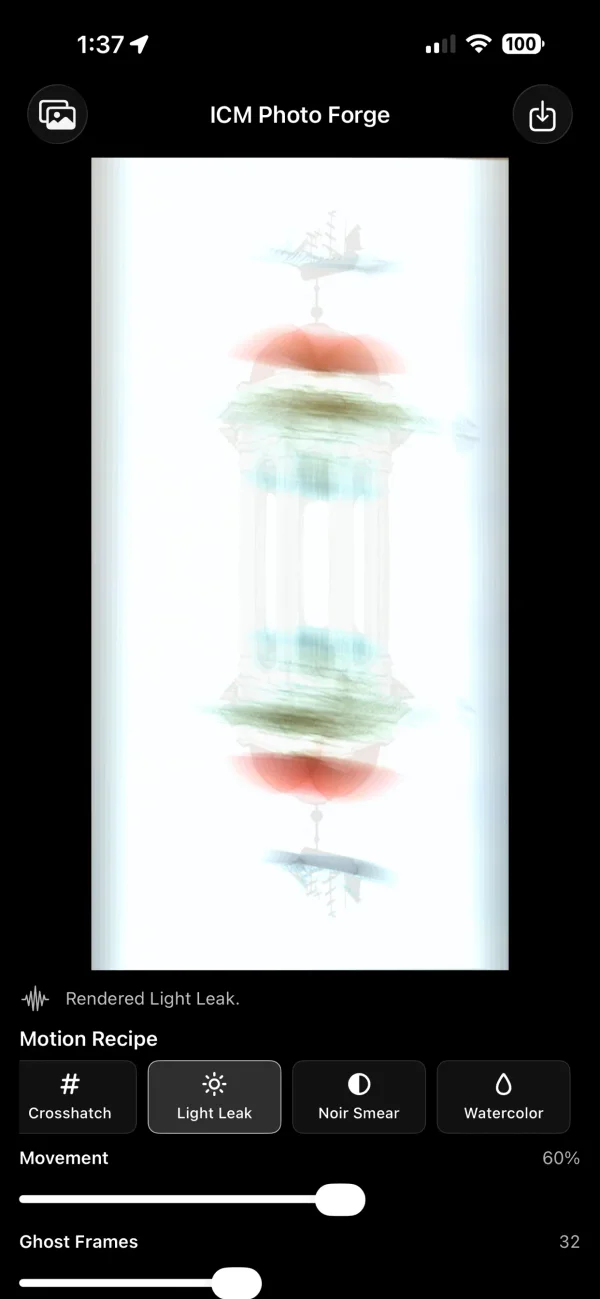
Info
Der Entwickler hat diesen Text nicht in Ihrer Sprache bereitgestellt.
ICM Photo Forge transforms still photos into expressive motion-blur artwork inspired by intentional camera movement photography.
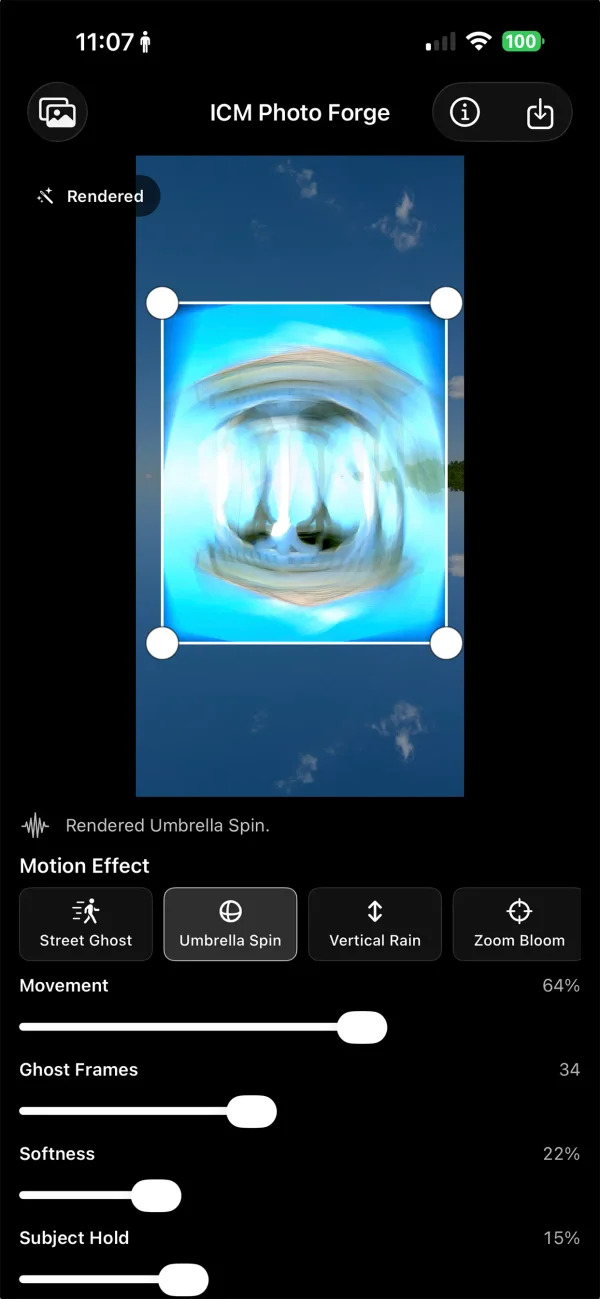
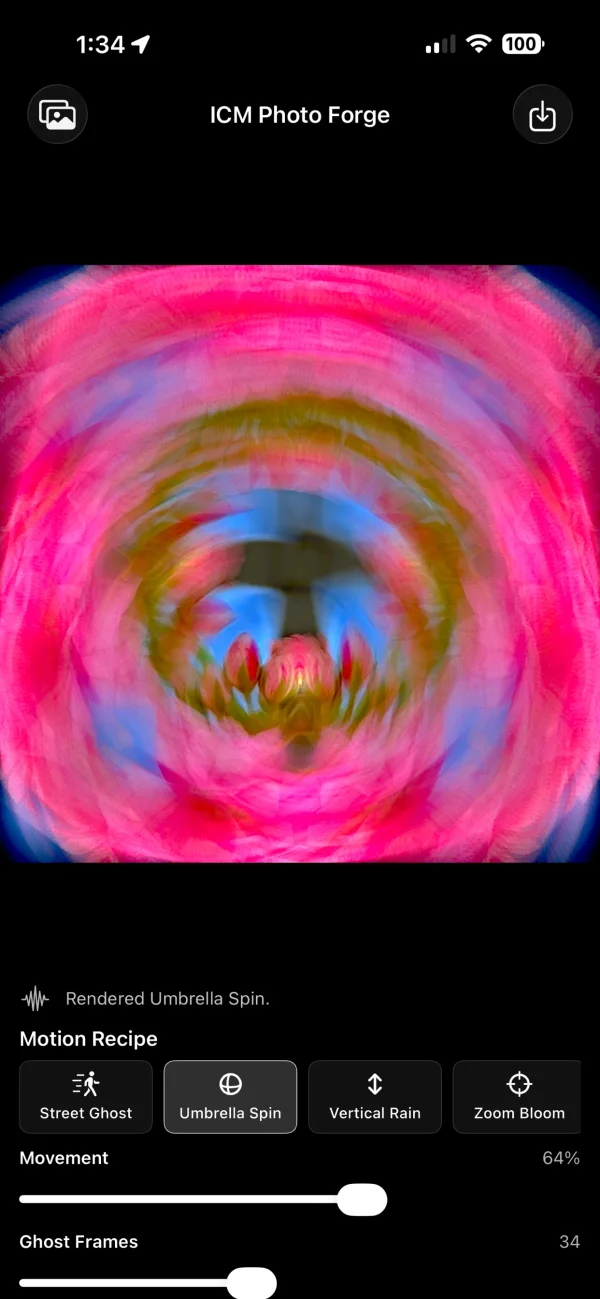
Choose a photo, select a motion effect, and shape the result with simple controls for movement, ghost frames, softness, subject hold, exposure, color, and contrast. The live preview updates as you work, making it easy to explore painterly blur, abstract trails, radial motion, noir smears, light leaks, and soft watercolor-style motion.
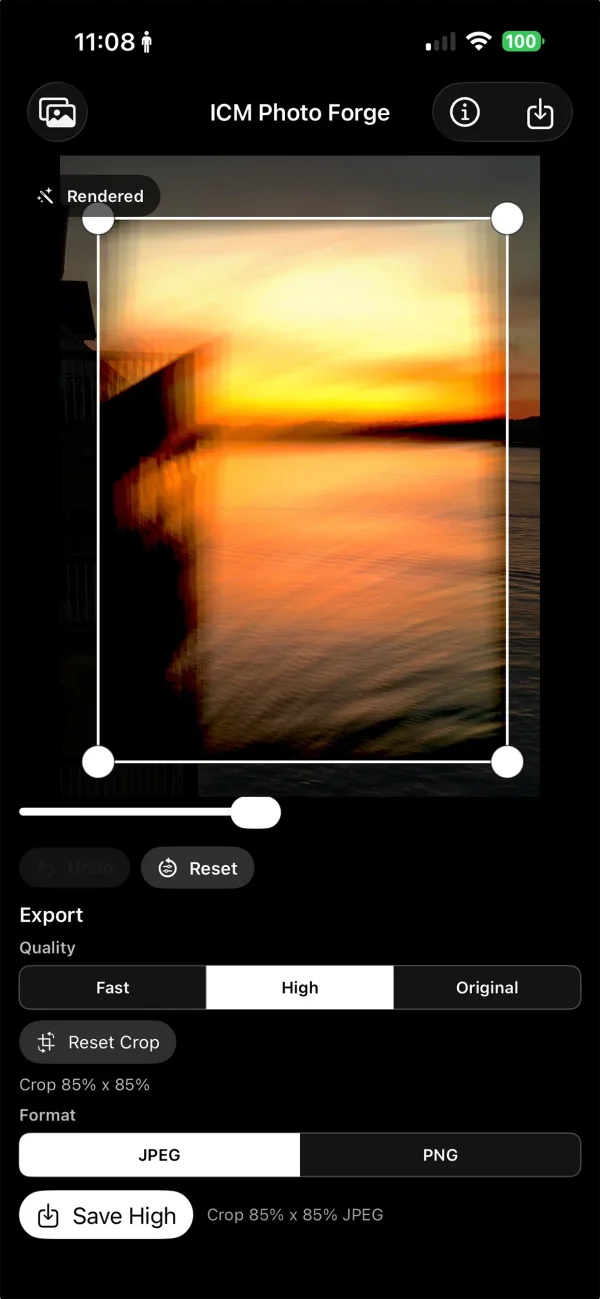
Crop directly on the image with draggable handles, then save only the composition you want. Motion effects are rendered from the crop itself, so effects such as Radial Swirl, Zoom Bloom, and Umbrella Spin are centered within the selected crop rather than the full source image.
Features:
- Import photos from your Photos Library
- Live ICM-style rendering preview
- Crop directly on the image with draggable corner handles
- Crop-aware rendering so effects operate from the selected crop area
- Optional second image for Double Echo with adjustable mix control
- Second images are aspect-filled into the crop so mismatched orientations are not squeezed
- Long-press the photo to compare the original and rendered version
- Motion effects including Street Ghost, Umbrella Spin, Vertical Rain, Zoom Bloom, Quiet Noir, Brush Stroke, S-Curve Drift, Radial Swirl, Pan Follow, Double Echo, Crosshatch, Light Leak, Noir Smear, Watercolor, and Tilted Drag
- Fine-tune movement, ghost frames, softness, subject clarity, exposure, color, and contrast
- Undo recent tuning changes or reset the current effect
- Export as JPEG or PNG
- Preview reflects the selected export format
- Export quality choices for Fast, High, or Original rendering
- Smaller exports are upscaled to 4096 pixels on the longest side
- Larger exports are preserved and are not downsized
- Save finished artwork directly to Photos
- Built-in About page explaining each effect and control
- Designed for iPhone and iPad
ICM Photo Forge is made for photographers, artists, and curious image-makers who want to experiment with motion, blur, rhythm, and abstraction from photos they already have.
Neue Funktionen
Version 1.1.1 · 08.08.2026
Bug fixes
App-Datenschutz
Was Greg Anderson im App Store zum Umgang dieser App mit Daten angibt.
-
Keine Daten erfasst
Der Entwickler erfasst keine Daten von dieser App.
Die Datenschutzpraktiken können variieren, zum Beispiel je nach den von Ihnen verwendeten Funktionen oder Ihrem Alter.
Informationen
- Anbieter
- Greg Anderson
- Kategorie
- Foto und Video
- Version
- 1.1.1
- Aktualisiert
- 08.08.2026
- Veröffentlicht
- 18.05.2026
- Größe
- 4,3 MB
- Erfordert
- iOS 16.0 oder neuer
- Altersfreigabe
- 4+
- Preis
- 0,99 €
- Copyright
- © Greg Anderson
Das könnte Ihnen auch gefallen
-
 PanimeFoto und Video
-
 QuadFrame: MultiCam SyncFoto und Video
-
 Keeper: Sports Video TriageFoto und Video
-
 FaveFrameExakte Videoframes speichern
-
 Airtime: Replay CameraFoto und Video
-
 Swish: Swipe to Clean PhotosTidy your camera roll fast
-
 Video Compressor: Size LimitFoto und Video
-
 Photo Editor Pro-Collage MakerRetusche, Filter & Collagen
-
 Distorted CameraFoto und Video
-
 FlipPhotos:3D Flip PhotosFoto und Video