- 対象年齢4+
- カテゴリ写真/ビデオ
- 開発元Greg Anderson
- サイズ4.3 MB
App Storeの公式ページにリンクしています
Download.orgはICMPhotoForgeのファイルを一切ホストしていません。ボタンを押すと、Greg Andersonが公開しているApp Storeのアプリページが開きます。ページの最終確認:2026/11/17。
スクリーンショット


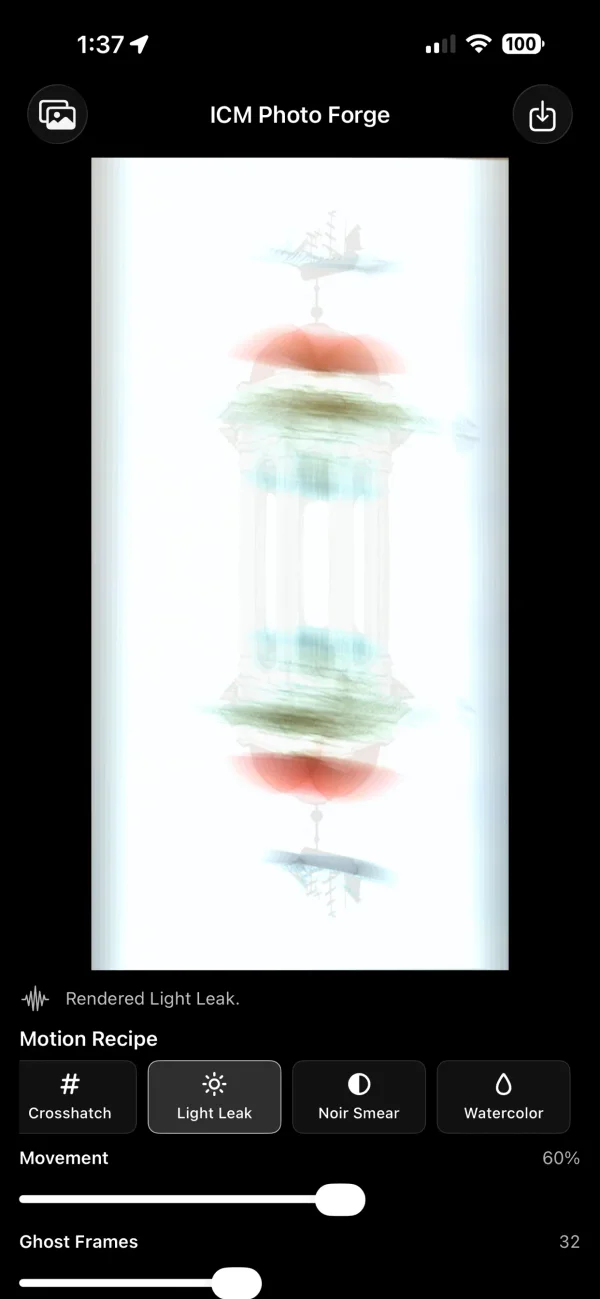
概要
開発元はこのテキストをお使いの言語で提供していません。
ICM Photo Forge transforms still photos into expressive motion-blur artwork inspired by intentional camera movement photography.
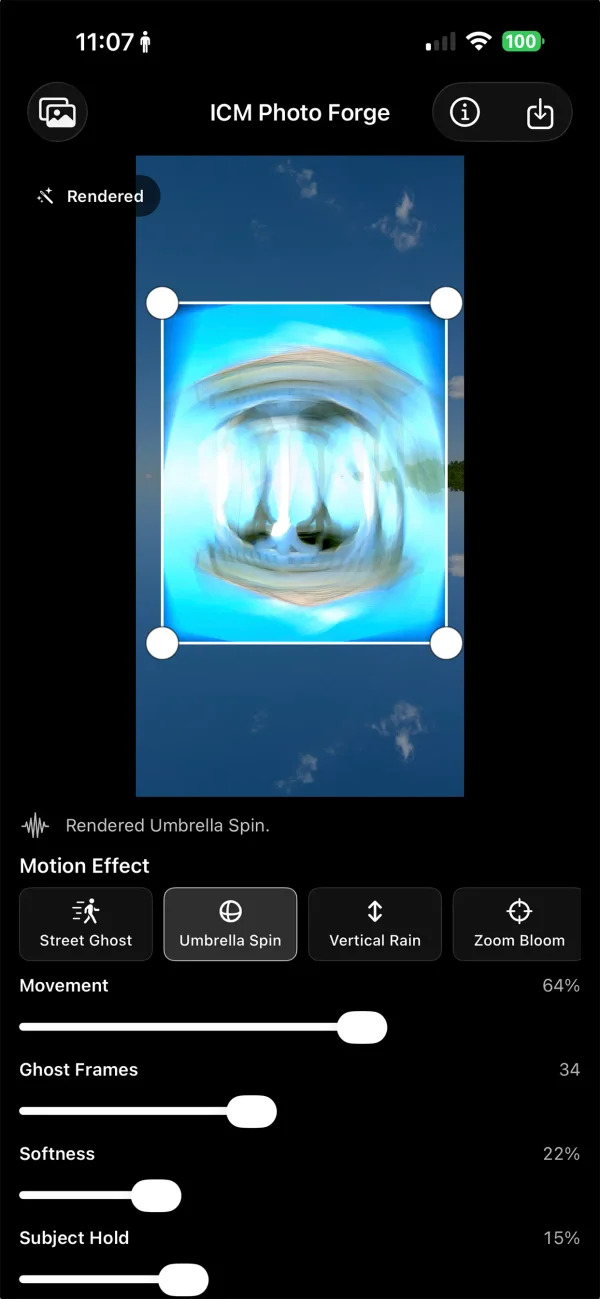
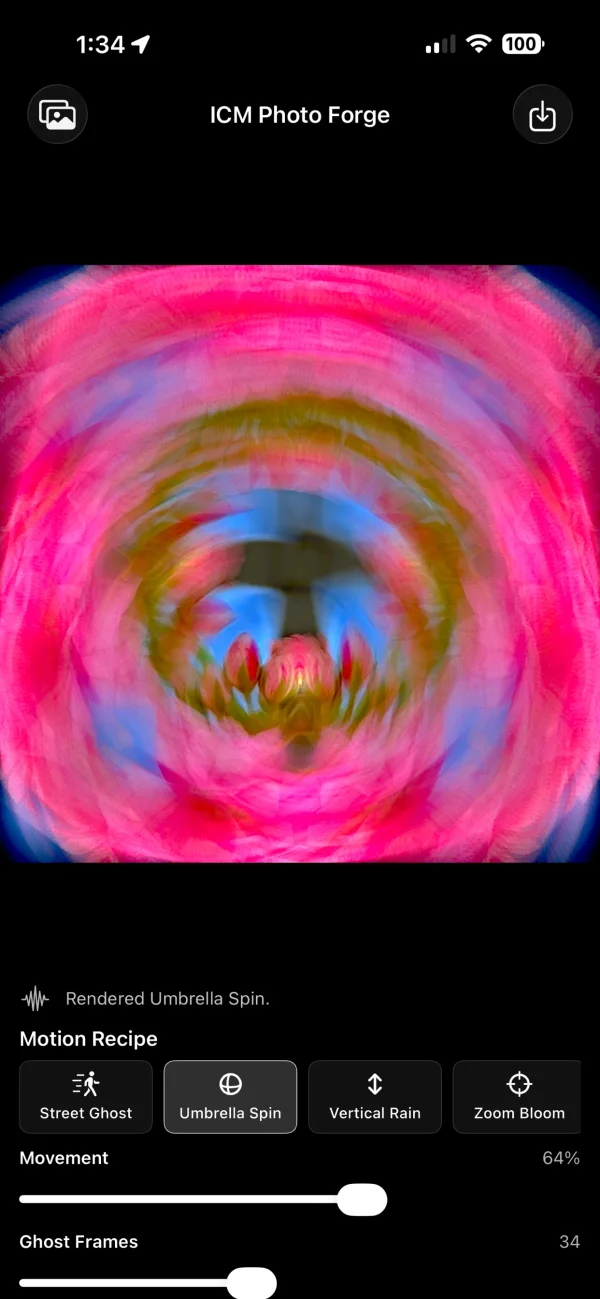
Choose a photo, select a motion effect, and shape the result with simple controls for movement, ghost frames, softness, subject hold, exposure, color, and contrast. The live preview updates as you work, making it easy to explore painterly blur, abstract trails, radial motion, noir smears, light leaks, and soft watercolor-style motion.
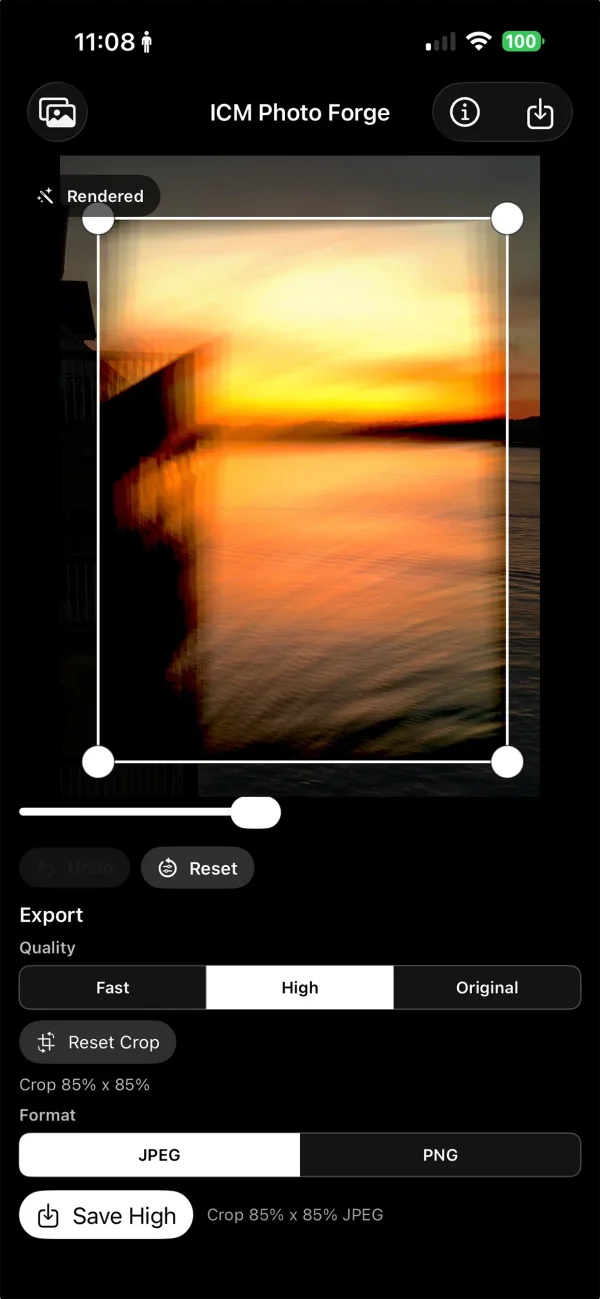
Crop directly on the image with draggable handles, then save only the composition you want. Motion effects are rendered from the crop itself, so effects such as Radial Swirl, Zoom Bloom, and Umbrella Spin are centered within the selected crop rather than the full source image.
Features:
- Import photos from your Photos Library
- Live ICM-style rendering preview
- Crop directly on the image with draggable corner handles
- Crop-aware rendering so effects operate from the selected crop area
- Optional second image for Double Echo with adjustable mix control
- Second images are aspect-filled into the crop so mismatched orientations are not squeezed
- Long-press the photo to compare the original and rendered version
- Motion effects including Street Ghost, Umbrella Spin, Vertical Rain, Zoom Bloom, Quiet Noir, Brush Stroke, S-Curve Drift, Radial Swirl, Pan Follow, Double Echo, Crosshatch, Light Leak, Noir Smear, Watercolor, and Tilted Drag
- Fine-tune movement, ghost frames, softness, subject clarity, exposure, color, and contrast
- Undo recent tuning changes or reset the current effect
- Export as JPEG or PNG
- Preview reflects the selected export format
- Export quality choices for Fast, High, or Original rendering
- Smaller exports are upscaled to 4096 pixels on the longest side
- Larger exports are preserved and are not downsized
- Save finished artwork directly to Photos
- Built-in About page explaining each effect and control
- Designed for iPhone and iPad
ICM Photo Forge is made for photographers, artists, and curious image-makers who want to experiment with motion, blur, rhythm, and abstraction from photos they already have.
新機能
バージョン 1.1.1 · 2026/8/8
Bug fixes
アプリのプライバシー
このアプリのデータの取り扱いについて、Greg AndersonがApp Storeで申告している内容です。
-
データの収集なし
開発元はこのアプリからデータを収集しません。
プライバシーの取り扱いは、ご利用の機能やお客様の年齢などに応じて異なる場合があります。
情報
- 販売元
- Greg Anderson
- カテゴリ
- 写真/ビデオ
- バージョン
- 1.1.1
- 更新日
- 2026/8/8
- リリース
- 2026/5/18
- サイズ
- 4.3 MB
- 必要条件
- iOS 16.0以降
- 対象年齢
- 4+
- 価格
- ¥150
- 著作権
- © Greg Anderson
こちらもおすすめ
-
 Panime写真/ビデオ
-
 QuadFrame:無劣化フレーム抽出4画面比較、高画質エクスポート
-
 Keeper: Sports Video Triage写真/ビデオ
-
 推しコマ推しの一瞬を写真に保存
-
 Airtime: Replay Camera写真/ビデオ
-
 Swish: Swipe to Clean PhotosTidy your camera roll fast
-
 動画圧縮・容量削減 - 指定MB以下に動画を小さく、メール添付・提出用に調整
-
 フォトエディターPro-写真編集・加工・コラージュ・文字入れ写真加工・文字入れ・コラージュ
-
 Distorted Camera写真/ビデオ
-
 FlipPhotos:3D Flip Photos写真/ビデオ