
- Altersfreigabe4+
- KategorieDienstprogramme
- Entwickler宇 王
- SprachenEnglisch+ 10 weitere
- Größe129,7 MB
Verlinkt auf die offizielle App Store-Seite
Download.org hostet keine Datei von iCollect+. Die Schaltfläche öffnet die App-Seite bei App Store, wo 宇 王 die App veröffentlicht. Eintrag zuletzt geprüft am 15.11.2026.
Screenshots
Info
Der Entwickler hat diesen Text nicht in Ihrer Sprache bereitgestellt.
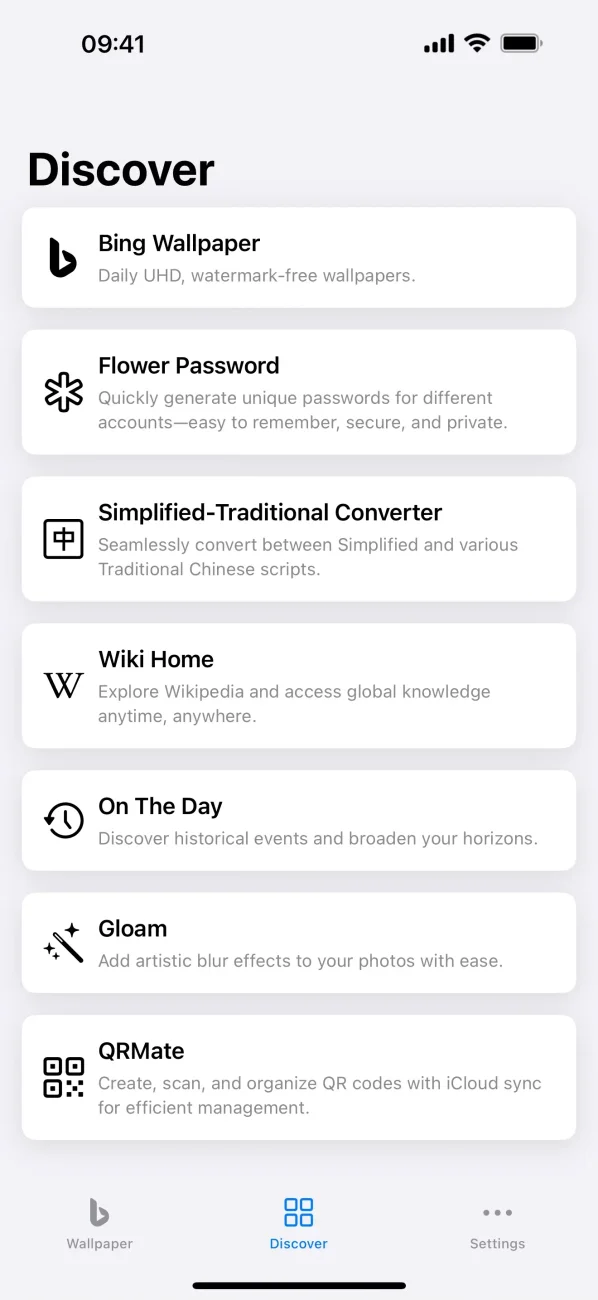
Download a new wallpaper, make a Wi-Fi QR card, and remember when you last changed a filter. iCollect+ brings these everyday tasks into one toolbox.
Create, scan, and save QR codes
Use QRMate to create codes for text, Wi-Fi, contacts, websites, phone calls, text messages, email, locations, and calendar events. Save scanned codes, add notes and favorites, and make PDF cards to share or print.
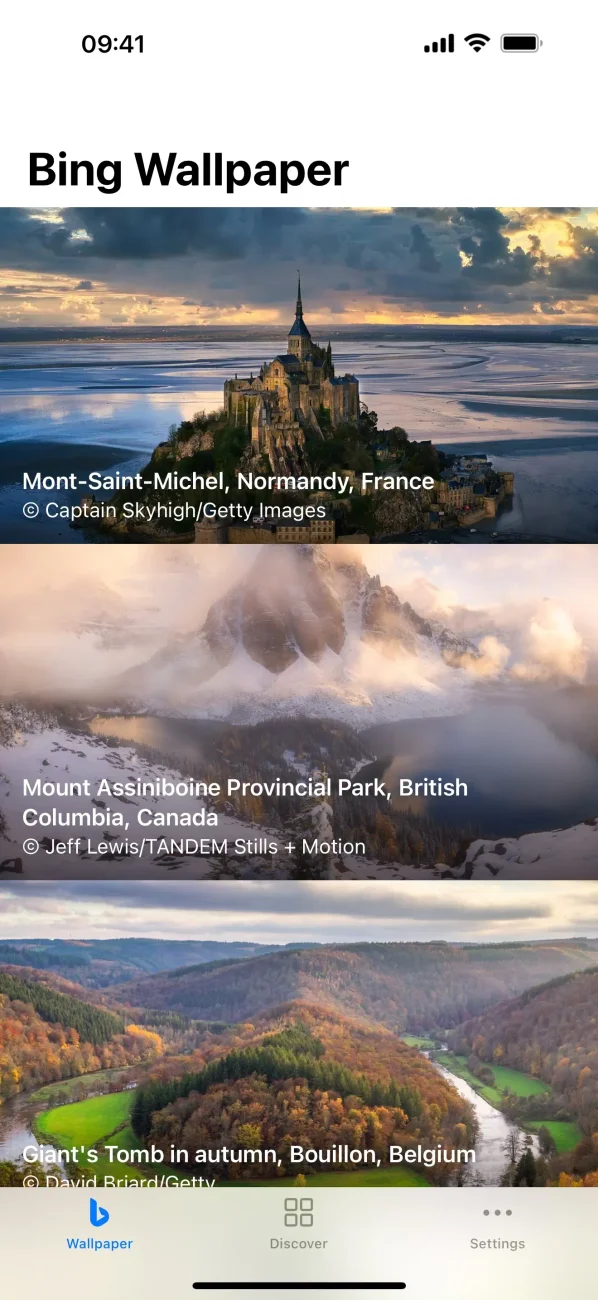
Daily UHD wallpapers
Browse the past week of Bing wallpapers. Download images without watermarks and keep downloaded images for offline viewing. Set up a shortcut and a daily automation in Shortcuts to change your wallpaper each day. New image downloads require internet access.
Remember the last time
Use Last Time to record haircuts, filter changes, plant watering, and other events. Log today with one tap, or add a date, time, and note. Review your records in a calendar and undo an accidental quick entry.
Convert Chinese text
Convert between Simplified Chinese and Traditional Chinese variants. Choose the form that fits your text.
Add photo blur
Use Gloam to apply five blur styles, including Gaussian and Bokeh, and adjust their strength. You can also open the editor from the share sheet in Photos or Files and save a copy. Photos are processed on your device.
Generate passwords
Flower Password uses a memory password and an account identifier to generate passwords for different accounts.
Explore history and knowledge
Browse the Chinese history timeline, events from this day in history, and the Wikipedia home page. Wikipedia content is available in English and Chinese. Online content requires internet access.
QR codes and Last Time records support iCloud sync. Sign in to iCloud and enable iCloud access for the app to use this feature.
Feedback and suggestions: feedback@kilig.studio
Neue Funktionen
Version 6.3 · 14.11.2026
- Supporters now get 13 alternate hamster app icons, 7 accent colors, and a supporter badge.
- Improved appearance switching and interface details.
App-Datenschutz
Was 宇 王 im App Store zum Umgang dieser App mit Daten angibt.
-
Keine Daten erfasst
Der Entwickler erfasst keine Daten von dieser App.
Die Datenschutzpraktiken können variieren, zum Beispiel je nach den von Ihnen verwendeten Funktionen oder Ihrem Alter.
Informationen
- Anbieter
- 宇 王
- Kategorie
- Dienstprogramme
- Version
- 6.3
- Aktualisiert
- 14.11.2026
- Veröffentlicht
- 17.01.2018
- Größe
- 129,7 MB
- Erfordert
- iOS 17.0 oder neuer
- Altersfreigabe
- 4+
- Preis
- Kostenlos
- In-App-Käufe
- Ja
- Sprachen
- Englisch, Arabisch, Französisch, Deutsch, Hindi, Japanisch, Koreanisch, Portugiesisch, Vereinf. Chinesisch, Spanisch, Tradit. Chinesisch
- Copyright
- © Yu Wang
Das könnte Ihnen auch gefallen
-
 Password WorkshopOffline Random Pass Generation
-
 Call by Color 36 – Kurzwahl36 Kurzwahltasten für iPhone
-
 TitleLess BrowserDienstprogramme
-
 AlkaidDienstprogramme
-
 TunShareDienstprogramme
-
 FuelLog: Tankbuch & VerbrauchTankbuch, Verbrauch, Fahrzeug
-
 Across Time - World ClockDienstprogramme
-
 Snopy AI BrowserDienstprogramme
-
 DiceyDice Dice SandboxDienstprogramme
-
 Private Passwortmanager AppAlle Passwörter sicher speiche