Image to Data: OCR & AI Parser
Extract tables & data & json!
Entwickelt für iPhone, iPad
Kostenlos · In-App-Käufe
- Altersfreigabe4+
- KategorieProduktivität
- EntwicklerYuto Inagaki
- SprachenJapanisch+ 1 weitere
- Größe17,4 MB
Verlinkt auf die offizielle App Store-Seite
Download.org hostet keine Datei von Image to Data: OCR & AI Parser. Die Schaltfläche öffnet die App-Seite bei App Store, wo Yuto Inagaki die App veröffentlicht. Eintrag zuletzt geprüft am 12.11.2026.
Screenshots
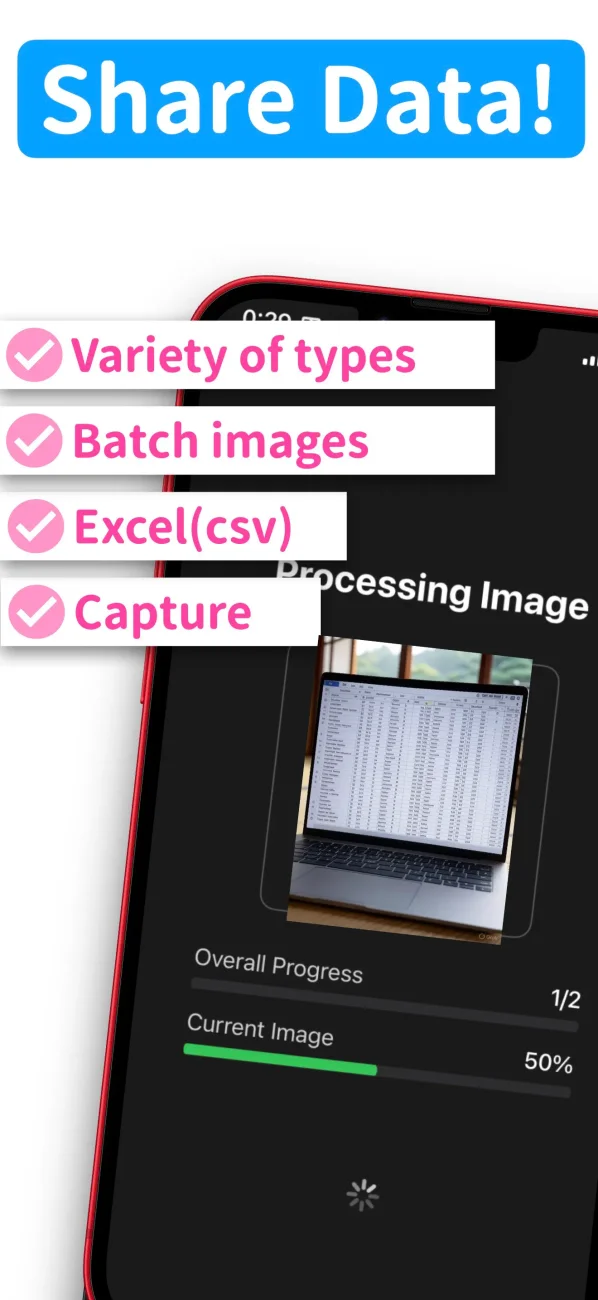
Info
Der Entwickler hat diesen Text nicht in Ihrer Sprache bereitgestellt.
Solve the Chaos of Unorganized Photos and Paperwork
Is your photo library filled with receipts, whiteboard snapshots, and paper notes that you keep telling yourself you’ll “enter later”? This app clears that backlog instantly.
- Stop retyping receipts for expense reports
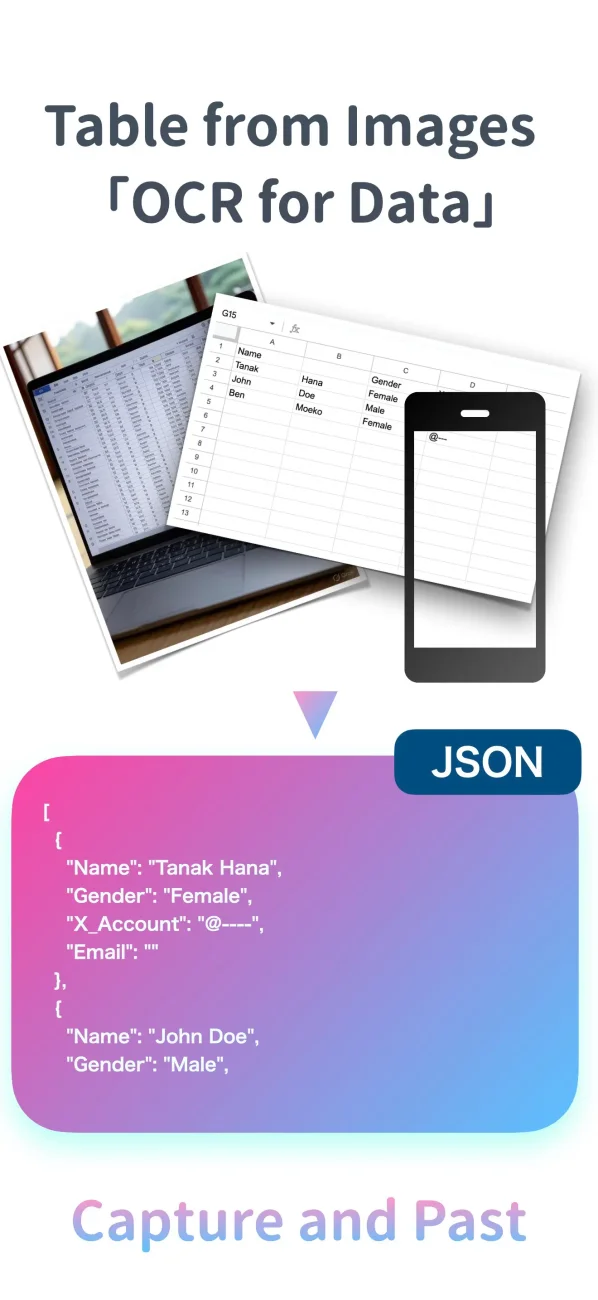
- Turn printed tables and attendee lists into editable data in seconds
- Convert meeting notes from images into searchable, structured content
- Free your photo folder from forgotten, unusable information
[Perfect for Everyday Workflows]
- Snap receipts or invoices and export them to CSV or Excel for hassle-free expense tracking
- Capture meeting whiteboards and convert them into Markdown tables or JSON for immediate use in your notes
- Digitize paper rosters, surveys, or forms while keeping rows and columns intact
- Transform handwritten checklists into reusable templates or task lists
- Scan menus, price lists, or product sheets and convert them into structured data for comparison or integration
[Who It’s For]
- Freelancers and small business owners managing expenses and estimates solo
- Professionals handling high volumes of meeting notes or interview data
- Students and researchers digitizing printed tables for analysis
- Field workers compiling reports from on-site photos
- Anyone struggling to keep up with manual data entry for personal or business records
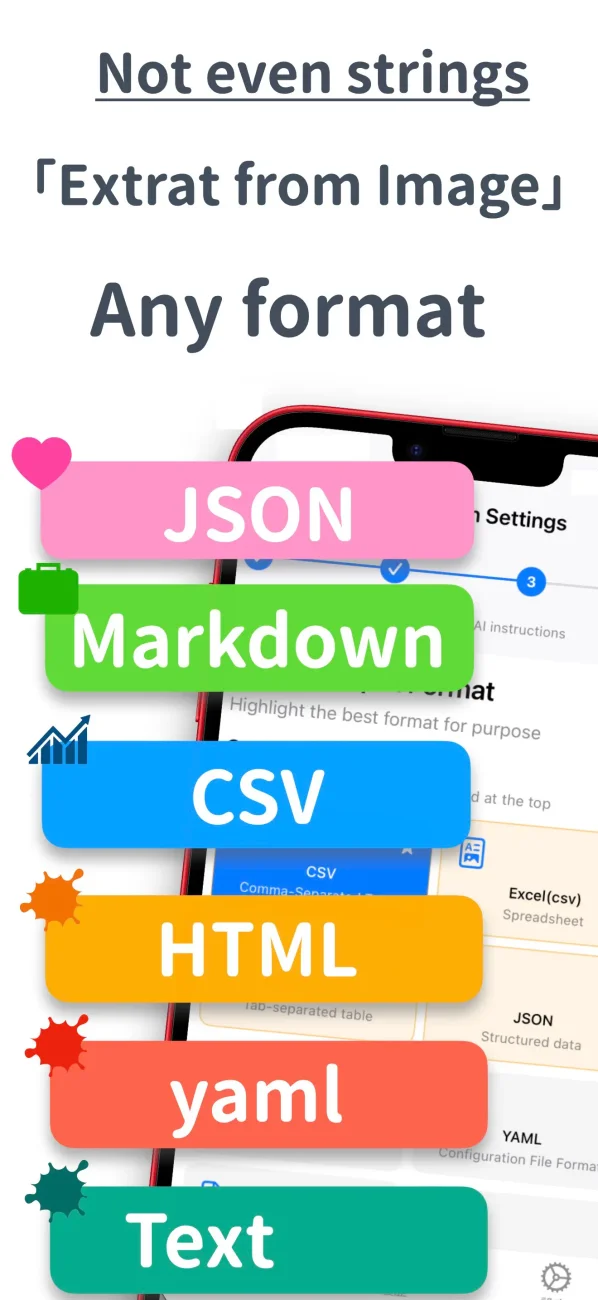
[Supported Output Formats]
- CSV / TSV
- Excel (.xlsx)
- Markdown tables
- JSON / JSONL
- XML
- Plain text
[Key Features & Advantages]
- Instant data extraction from camera or photo library
- Customizable file naming (timestamp, sequence, prefixes, etc.)
- Batch conversion with clear progress tracking
- Searchable history with editable titles
- Pay-as-you-go points system—only pay when you need it
- Earn free points by watching short ads
- Adjustable image size and crop area to balance quality and cost
[How to Get Started]
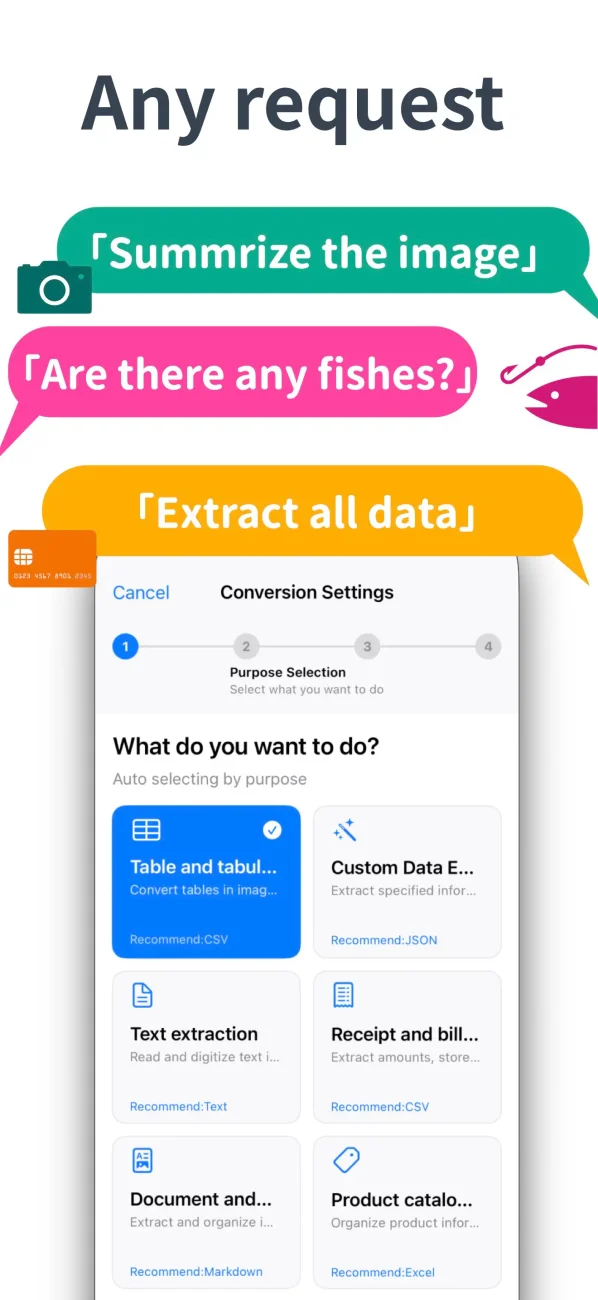
1. Take a photo or select an image from your gallery
2. Choose your output format
3. Set your file naming preferences
4. Adjust image size or crop area if needed
5. Add points by purchase or ads if necessary
6. Start extraction and track progress
7. Save, share, or revisit your results anytime
[Why It Matters]
Turn forgotten images into actionable data. Eliminate tedious manual entry and avoid costly transcription errors. This app makes “Snap → Convert → Use” part of your daily routine—keeping information flowing, organized, and ready when you need it.
App-Datenschutz
Was Yuto Inagaki im App Store zum Umgang dieser App mit Daten angibt.
-
Daten, die zum Tracking Ihrer Person verwendet werden
Können verwendet werden, um Sie über Apps und Websites anderer Unternehmen hinweg zu verfolgen.
- Standort
- Kennungen
- Nutzungsdaten
- Diagnose
-
Mit Ihnen verknüpfte Daten
Können erfasst und mit Ihrer Identität verknüpft werden.
- Standort
- Kennungen
- Nutzungsdaten
- Diagnose
-
Nicht mit Ihnen verknüpfte Daten
Können erfasst werden, sind aber nicht mit Ihrer Identität verknüpft.
- Diagnose
Die Datenschutzpraktiken können variieren, zum Beispiel je nach den von Ihnen verwendeten Funktionen oder Ihrem Alter.
Informationen
- Anbieter
- Yuto Inagaki
- Kategorie
- Produktivität
- Version
- 1.0
- Aktualisiert
- 02.09.2025
- Veröffentlicht
- 01.09.2025
- Größe
- 17,4 MB
- Erfordert
- iOS 16.0 oder neuer
- Altersfreigabe
- 4+
- Preis
- Kostenlos
- In-App-Käufe
- Ja
- Sprachen
- Japanisch, Englisch
- Copyright
- © 2025 Yuto Inagaki
Das könnte Ihnen auch gefallen
-
 OCR TableProduktivität
-
 Survey Scanner AI: Paper FormsProduktivität
-
 Bild zu Excel Konverter : XLSXBilder in Tabellenkalkulation
-
 Magic Table - Image ScannerProduktivität
-
 TypeScan - Scan Text FastSchneller Textscan mit Kamera
-
 poee | 高精度な文字認識 最新のAI OCRでデータ化Produktivität
-
 NoteTuckProduktivität
-
 OCR Memo - Handschrift scannenScannen & sofort notieren
-
 Checklist Maker-Grocery & WorkProduktivität
-
 Texlen: OCR Text ScannerProduktivität