Image to Data: OCR & AI Parser
Extract tables & data & json!
Designed for iPhone, iPad
In-app purchases
- Age rating4+
- CategoryProductivity
- DeveloperYuto Inagaki
- LanguagesJapanese+ 1 more
- Size17.4 MB
Links to the official App Store page
Download.org hosts no file of Image to Data: OCR & AI Parser. The button opens its official App Store page, published by Yuto Inagaki. Listing last checked on Nov 12, 2026.
Screenshots
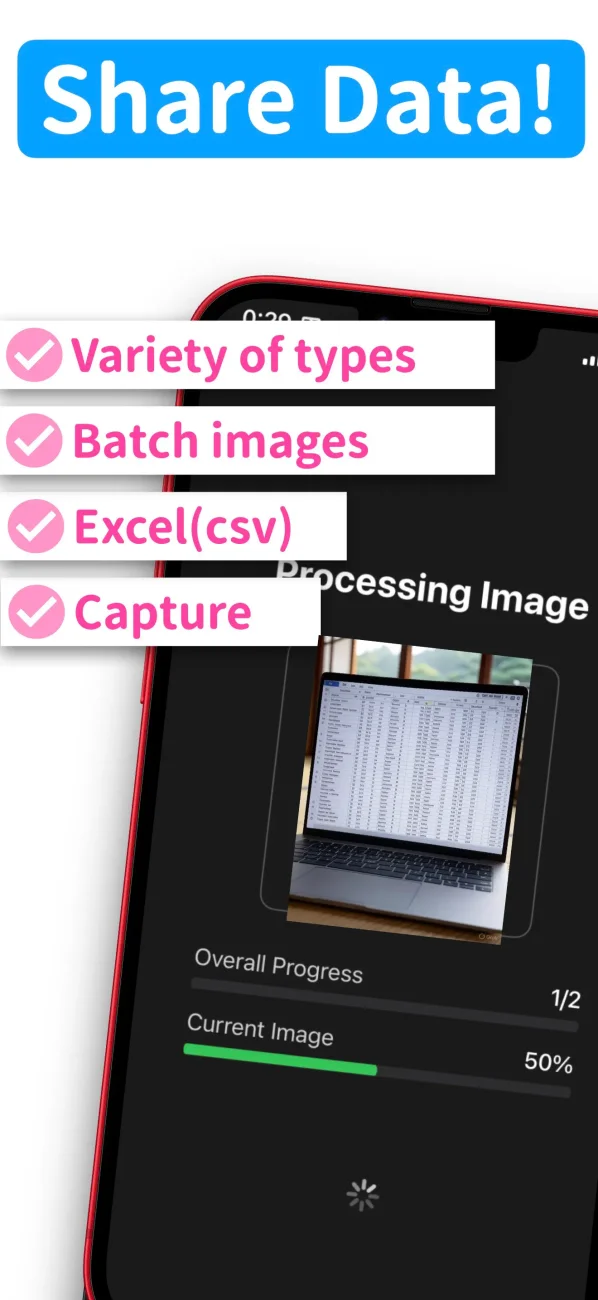
About
Solve the Chaos of Unorganized Photos and Paperwork
Is your photo library filled with receipts, whiteboard snapshots, and paper notes that you keep telling yourself you’ll “enter later”? This app clears that backlog instantly.
- Stop retyping receipts for expense reports
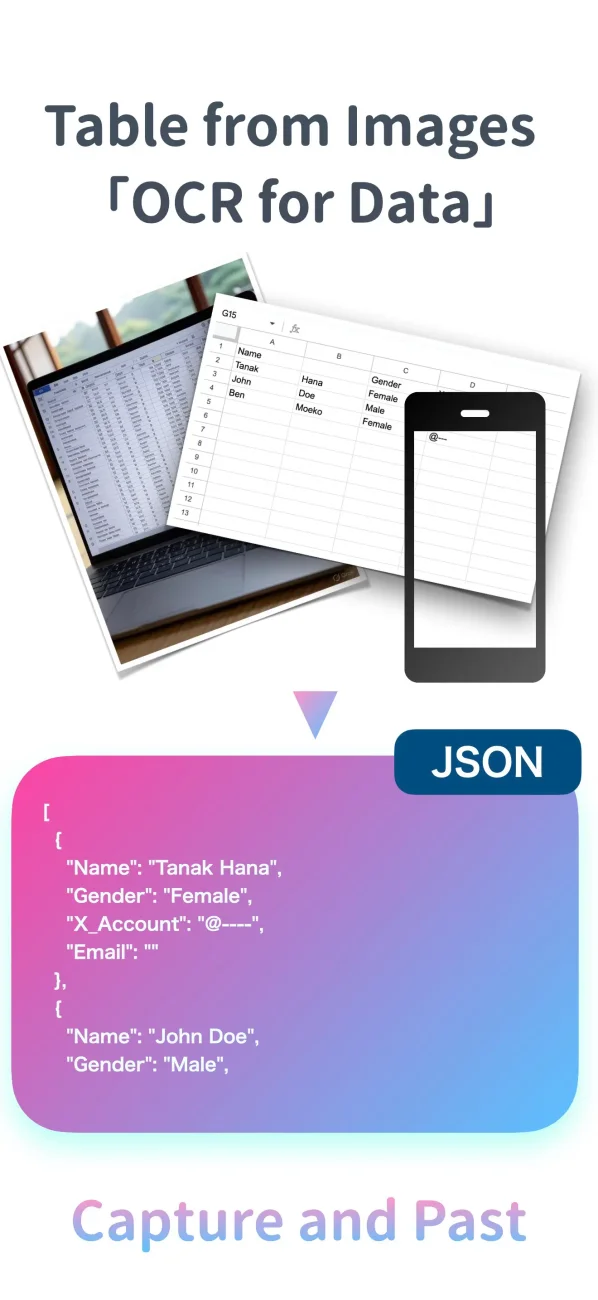
- Turn printed tables and attendee lists into editable data in seconds
- Convert meeting notes from images into searchable, structured content
- Free your photo folder from forgotten, unusable information
[Perfect for Everyday Workflows]
- Snap receipts or invoices and export them to CSV or Excel for hassle-free expense tracking
- Capture meeting whiteboards and convert them into Markdown tables or JSON for immediate use in your notes
- Digitize paper rosters, surveys, or forms while keeping rows and columns intact
- Transform handwritten checklists into reusable templates or task lists
- Scan menus, price lists, or product sheets and convert them into structured data for comparison or integration
[Who It’s For]
- Freelancers and small business owners managing expenses and estimates solo
- Professionals handling high volumes of meeting notes or interview data
- Students and researchers digitizing printed tables for analysis
- Field workers compiling reports from on-site photos
- Anyone struggling to keep up with manual data entry for personal or business records
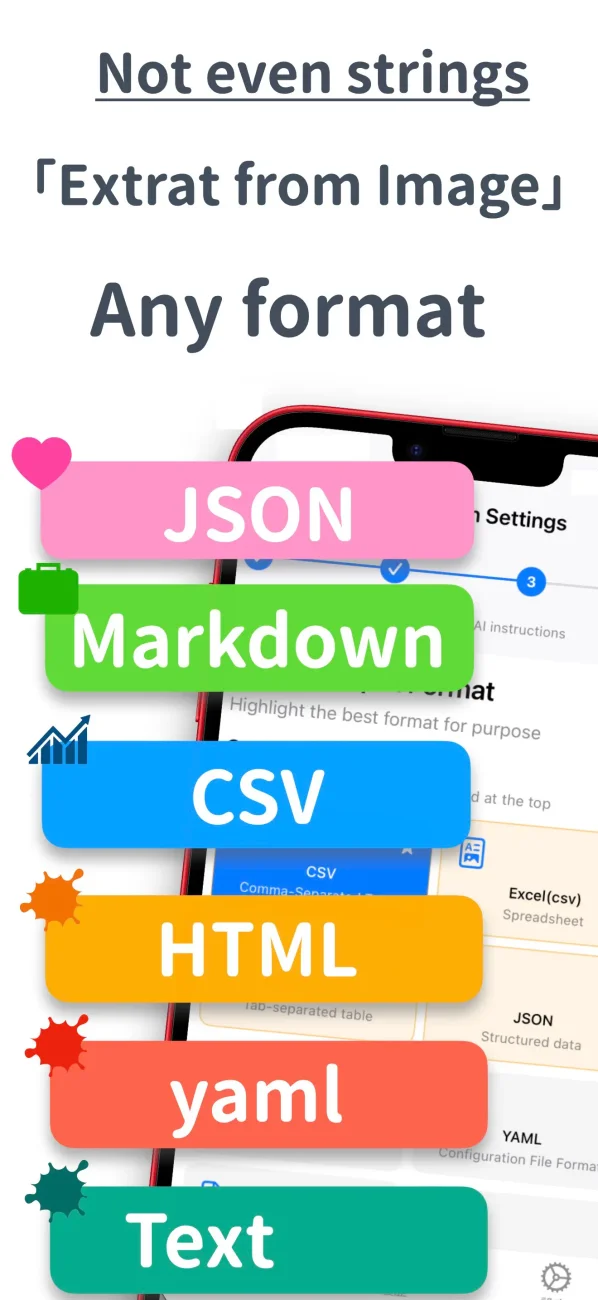
[Supported Output Formats]
- CSV / TSV
- Excel (.xlsx)
- Markdown tables
- JSON / JSONL
- XML
- Plain text
[Key Features & Advantages]
- Instant data extraction from camera or photo library
- Customizable file naming (timestamp, sequence, prefixes, etc.)
- Batch conversion with clear progress tracking
- Searchable history with editable titles
- Pay-as-you-go points system—only pay when you need it
- Earn free points by watching short ads
- Adjustable image size and crop area to balance quality and cost
[How to Get Started]
1. Take a photo or select an image from your gallery
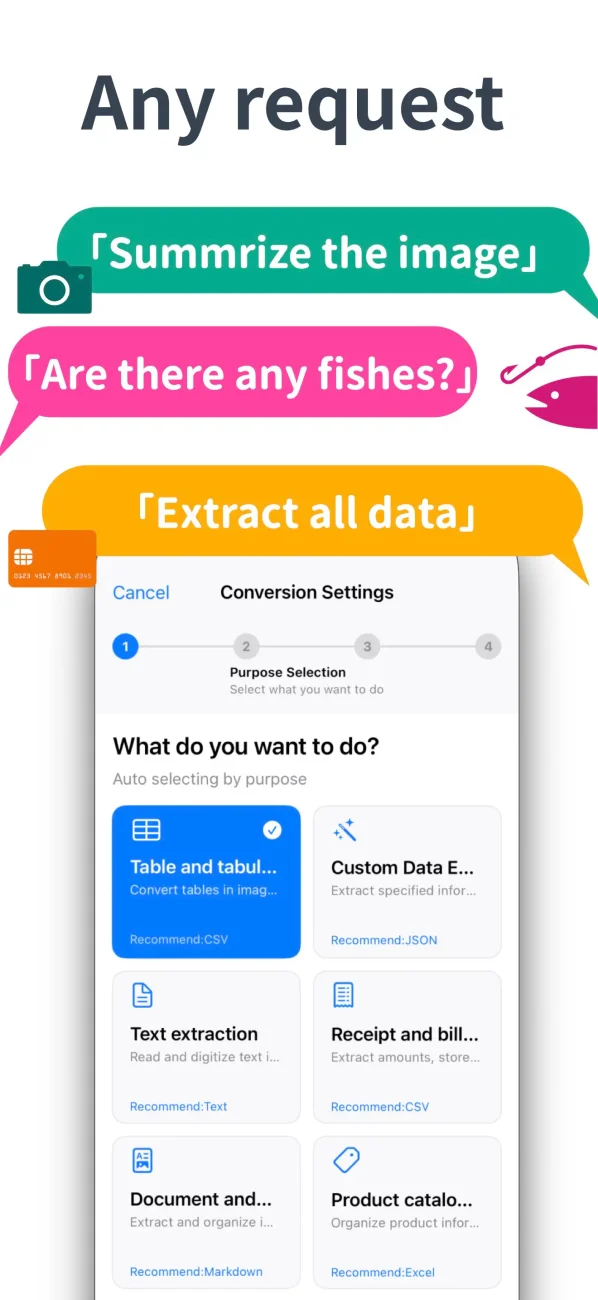
2. Choose your output format
3. Set your file naming preferences
4. Adjust image size or crop area if needed
5. Add points by purchase or ads if necessary
6. Start extraction and track progress
7. Save, share, or revisit your results anytime
[Why It Matters]
Turn forgotten images into actionable data. Eliminate tedious manual entry and avoid costly transcription errors. This app makes “Snap → Convert → Use” part of your daily routine—keeping information flowing, organized, and ready when you need it.
App privacy
What Yuto Inagaki declares on the App Store about how this app handles data.
-
Data used to track you
May be used to track you across apps and websites owned by other companies.
- Location
- Identifiers
- Usage data
- Diagnostics
-
Data linked to you
May be collected and linked to your identity.
- Location
- Identifiers
- Usage data
- Diagnostics
-
Data not linked to you
May be collected but is not linked to your identity.
- Diagnostics
Privacy practices may vary, for example with the features you use or your age.
Information
- Seller
- Yuto Inagaki
- Category
- Productivity
- Version
- 1.0
- Updated
- Sep 2, 2025
- Released
- Sep 1, 2025
- Size
- 17.4 MB
- Requires
- iOS 16.0 or later
- Age rating
- 4+
- In-app purchases
- Yes
- Languages
- Japanese, English
- Copyright
- © 2025 Yuto Inagaki
You might also like
-
 OCR TablePhoto Tables to HTML
-
 Survey Scanner AI: Paper FormsHandwriting to Excel & CSV
-
 Image to Excel ConverterConvert Images to Spreadsheet
-
 Magic Table - Image ScannerFill spreadsheet with AI
-
 TypeScan - Scan Text FastGrab Text via Image! Offline
-
 poee | 高精度な文字認識 最新のAI OCRでデータ化Productivity
-
 NoteTuckNotes for images and tables
-
 OCR Memo - Scan HandwritingSnap Notes, Sort by Calendar
-
 Checklist Maker-Grocery & WorkSimply Reset & Reuse Every Day
-
 Texlen: OCR Text ScannerText, lifted off the page.