Immersive Border
Frame Photos Beautifully
Entwickelt für iPhone, iPad
In-App-Käufe
- Altersfreigabe4+
- KategorieFoto und Video
- Entwickler全鹏 宋
- SprachenTradit. Chinesisch+ 4 weitere
- Größe11,0 MB
Immersive Border ist bei App Store derzeit möglicherweise nicht verfügbar
Bei unserer letzten Prüfung war der Store-Eintrag nicht erreichbar. Der Link führt weiterhin zur offiziellen App Store-Seite.
Screenshots

Info
Der Entwickler hat diesen Text nicht in Ihrer Sprache bereitgestellt.
Give every photo a frame that feels intentional.
CHOOSE A LOOK
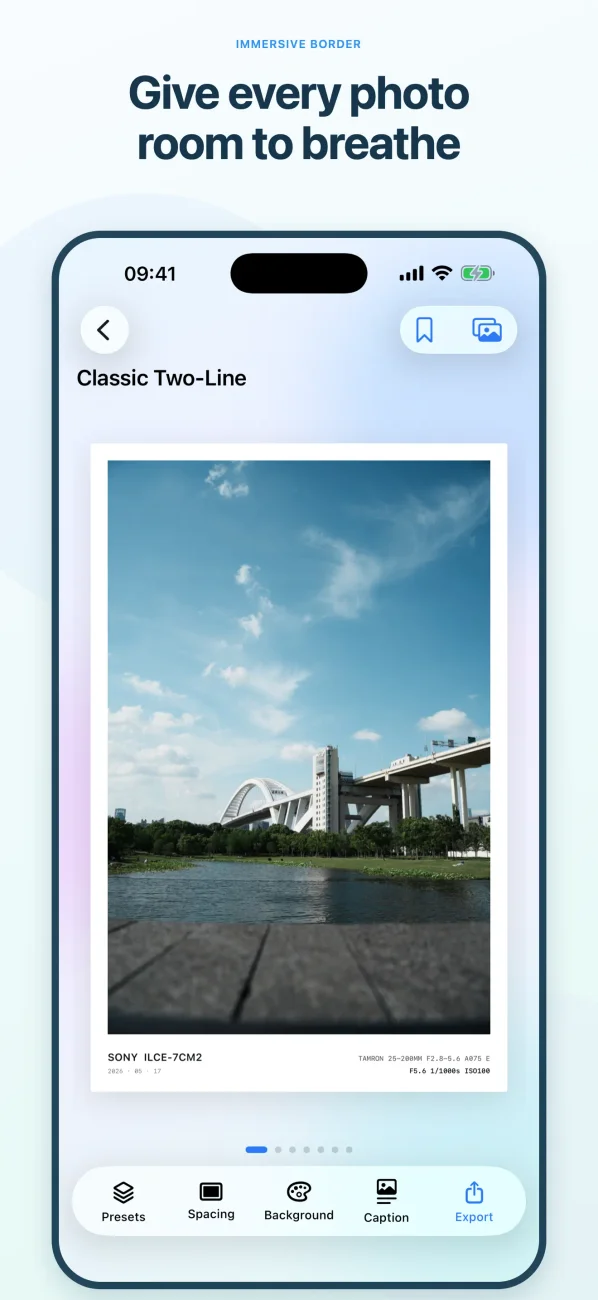
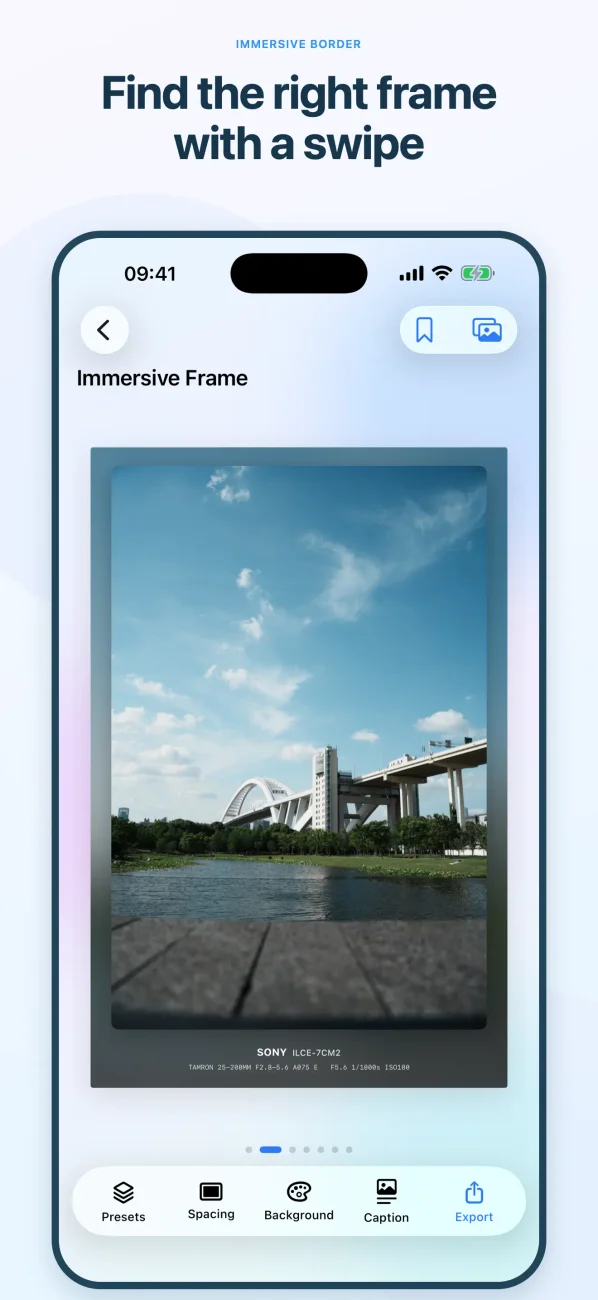
Start with 24 curated presets, from classic white borders and immersive backgrounds to tickets, postage stamps, 35mm film, a camera viewfinder, vinyl records, and a realistic museum gallery. Swipe between styles while keeping your selected photo.
COMPOSE YOUR PHOTO AND FRAME
Double-tap the photo or open Compose to choose the ratio of the complete framed image and adjust the photo together. Standard border themes can fill the photo window while keeping the theme’s margins: drag and zoom to frame your subject, switch portrait and landscape, or choose Full Photo to keep the entire image. Free mode retains recommended, common, and custom photo crop ratios. Creative canvas themes keep their distinctive layouts. Changes apply only when you tap Done, and your original photo is preserved. The museum frame adapts to the photo’s shape, with four gallery backgrounds to choose from.
MAKE A STYLE YOUR OWN
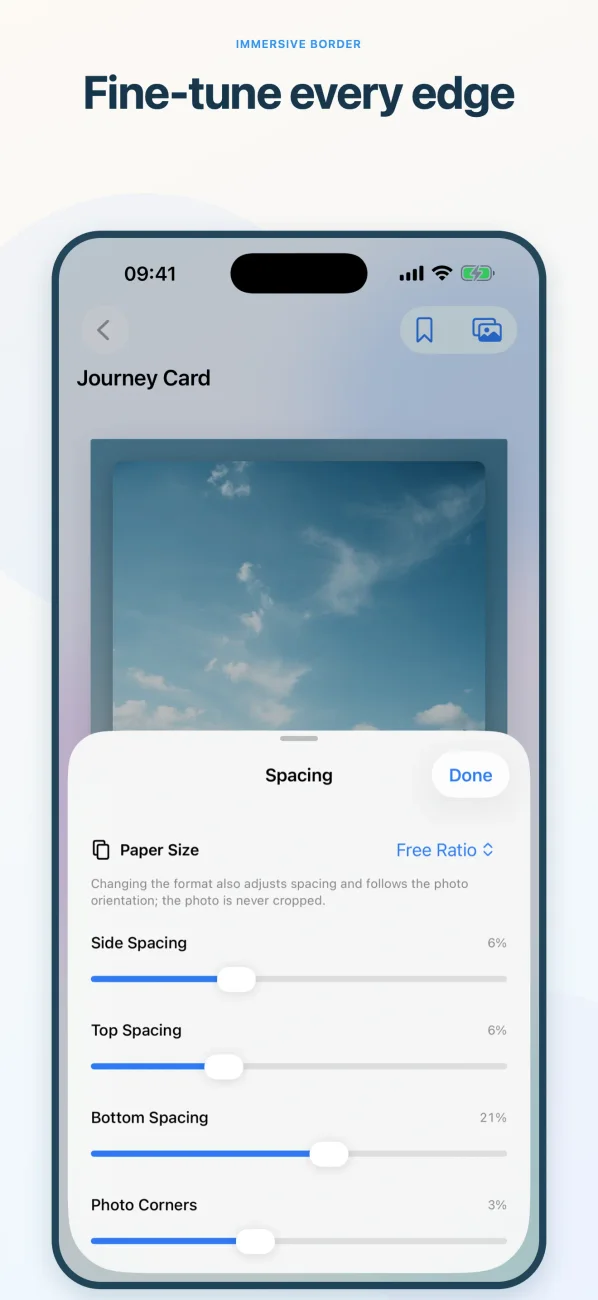
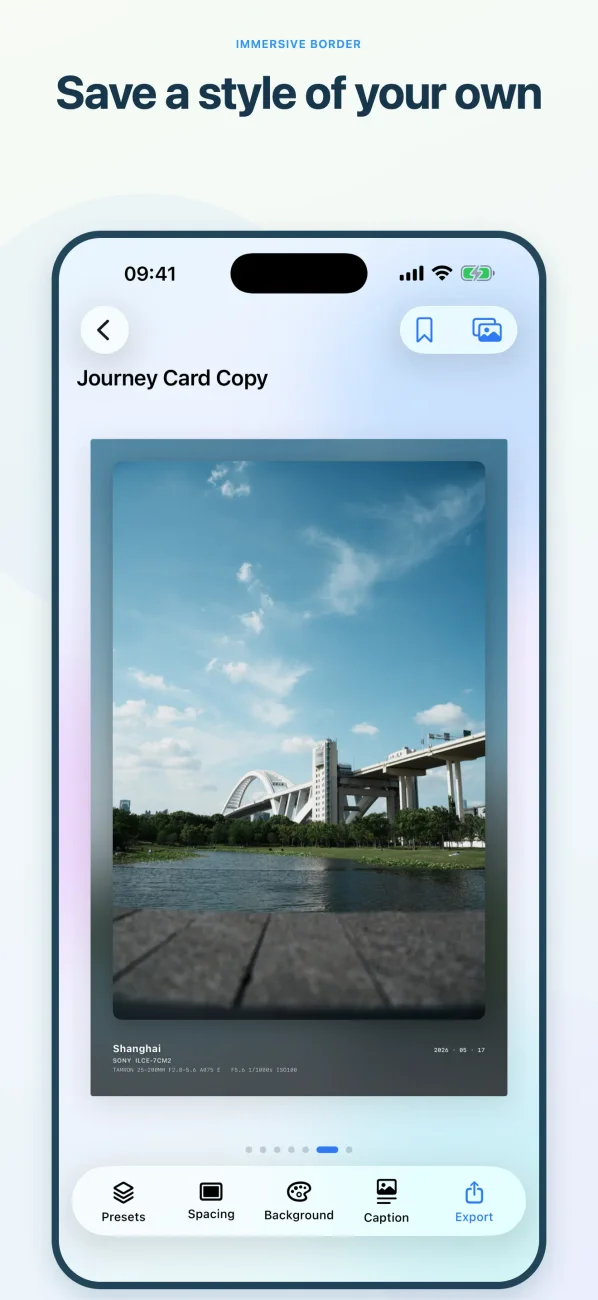
Adjust the available margins, colors, corners, and shadows with full-screen previews. Changes are temporary until you tap Save Preset to save a custom style. Personalize text on tickets, stamps, and other text-based themes. Keep text specific to one photo, or turn on Include Custom Text when saving a preset to reuse your edited text across a project. Fields you leave automatic continue to update with each photo. Ticket colors can match your photo automatically or use your own palette. Favorite and duplicate presets with a long press, and reuse your custom styles later.
DETAILS FROM YOUR CAMERA
Display available camera model, lens, exposure, date, and place information from your photo’s metadata. Film and vinyl themes use the actual camera model when it is available.
STANDARD AND HIGH QUALITY EXPORTS
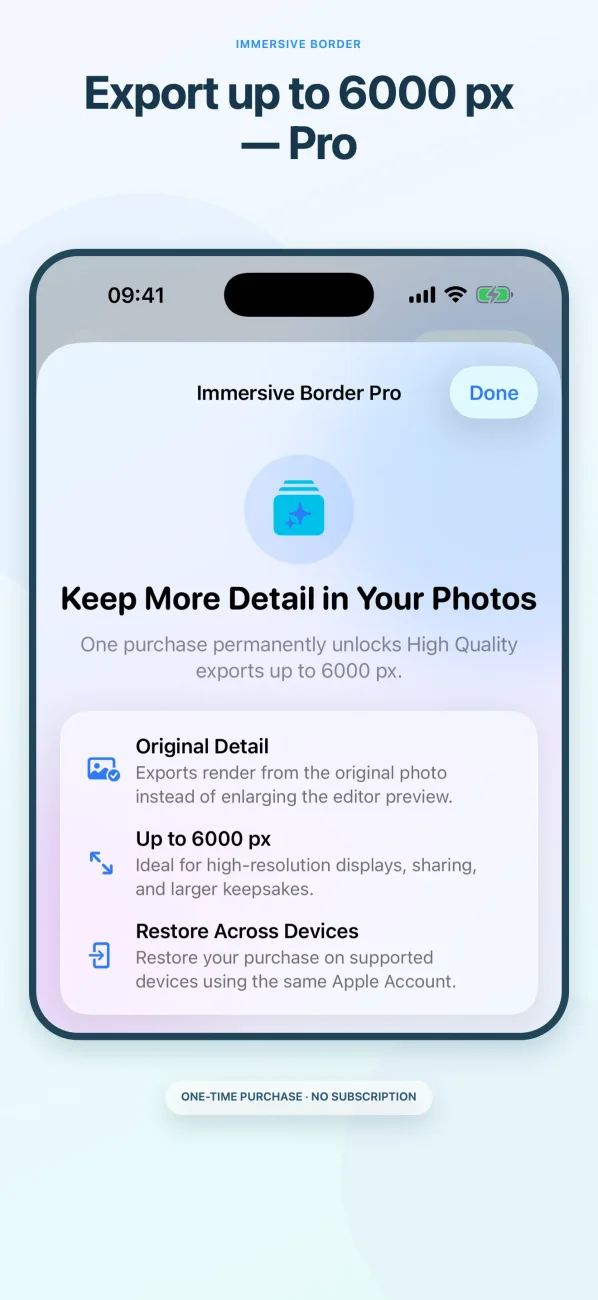
Save the finished image to a dedicated album in Photos or share through the iOS share sheet. Standard export, up to 2400 px on the longest edge, is free and selected by default. An optional one-time Pro purchase unlocks High Quality export up to 6000 px.
PRIVATE BY DESIGN
Your photos are processed on your device. No account, ads, analytics, tracking, or developer server. When a selected photo contains coordinates, Apple system geocoding may be used to display a place name.
No subscription. No sign-in. Standard export stays free.
READY TO SHARE OR PRINT
Choose the ratio of the entire framed image: square, 3:2, 4:3, 4:5, 5:7, 16:9, or 100 × 148 mm. Save the format, orientation, and framing preference with your custom preset. Every format exports an ordinary image at your selected Standard or High Quality setting, ready to use with your preferred printing service or app.
Neue Funktionen
Version 1.5 · 04.11.2026
• A new Photo & Frame editor brings photo composition and final frame ratios together.
• Fill Frame adjusts the photo crop while preserving the theme’s margins. Drag, zoom, switch orientation, or choose Full Photo.
• Save the final format and framing preference in your custom presets. Your original photo is preserved.
• All formats, including 100 × 148 mm, now export ordinary photos at your selected quality without printer-specific bleed or calibration.
App-Datenschutz
Was 全鹏 宋 im App Store zum Umgang dieser App mit Daten angibt.
-
Keine Daten erfasst
Der Entwickler erfasst keine Daten von dieser App.
Die Datenschutzpraktiken können variieren, zum Beispiel je nach den von Ihnen verwendeten Funktionen oder Ihrem Alter.
Informationen
- Anbieter
- 全鹏 宋
- Kategorie
- Foto und Video
- Version
- 1.5
- Aktualisiert
- 04.11.2026
- Veröffentlicht
- 09.09.2026
- Größe
- 11,0 MB
- Erfordert
- iOS 17.0 oder neuer
- Altersfreigabe
- 4+
- In-App-Käufe
- Ja
- Sprachen
- Tradit. Chinesisch, Japanisch, Vereinf. Chinesisch, Englisch, Koreanisch
- Copyright
- © 2026 Quanpeng Song
Das könnte Ihnen auch gefallen
-
 Seen: Photo MemoriesFoto und Video
-
 Dwell PoeticallyFoto und Video
-
 Journap: Art Sticker CameraFoto und Video
-
 LiveToneFoto und Video
-
 Daguerre: Photo Border & EXIFFoto und Video
-
 DePhoto: Photo CleanerFoto und Video
-
 SpektraCameraFoto und Video
-
 Frame Frame - Batch MarginFoto und Video
-
 iMark - Fotorahmen & EXIFVideo·Wasserzeichen·Stapel
-
 Yuanglow – Retro Film CameraFoto und Video