Immersive Border
Frame Photos Beautifully
Conçue pour iPhone, iPad
Achats intégrés
- Classification d’âge4+
- CatégoriePhoto et vidéo
- Développeur全鹏 宋
- LanguesChinois traditionnel+ 4 de plus
- Taille11,0 Mo
Immersive Border n’est peut-être pas disponible sur App Store pour le moment
La fiche de la boutique était inaccessible lors de notre dernière vérification. Le lien mène toujours à la page App Store officielle.
Captures d’écran

À propos
Le développeur n’a pas fourni ce texte dans votre langue.
Give every photo a frame that feels intentional.
CHOOSE A LOOK
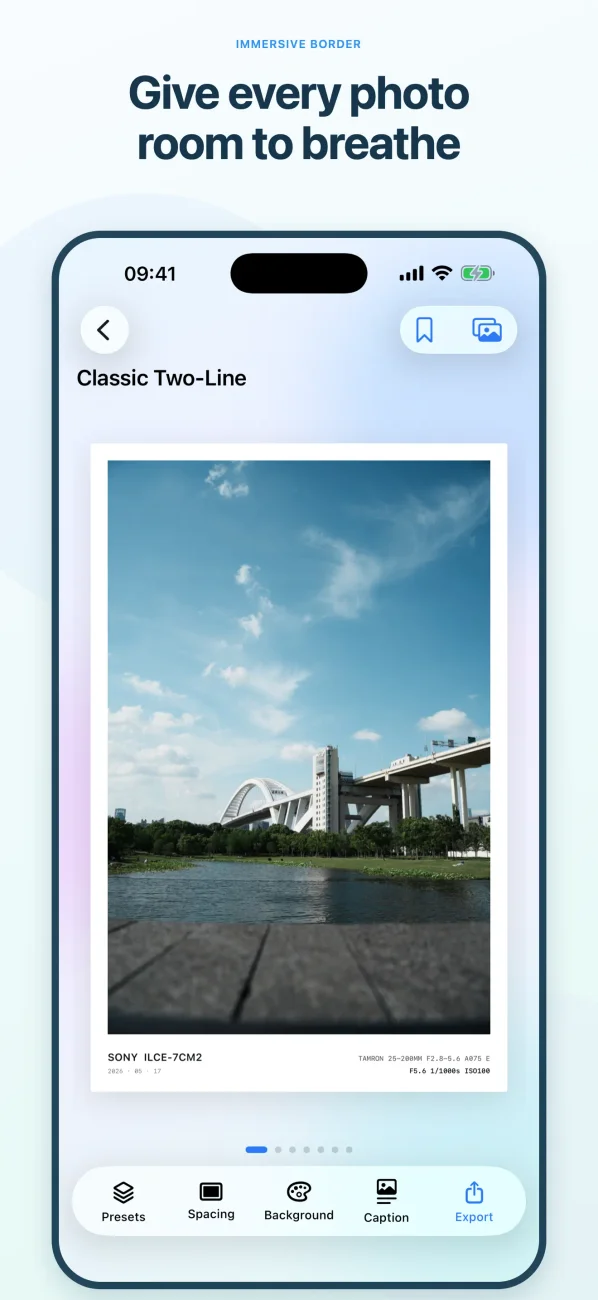
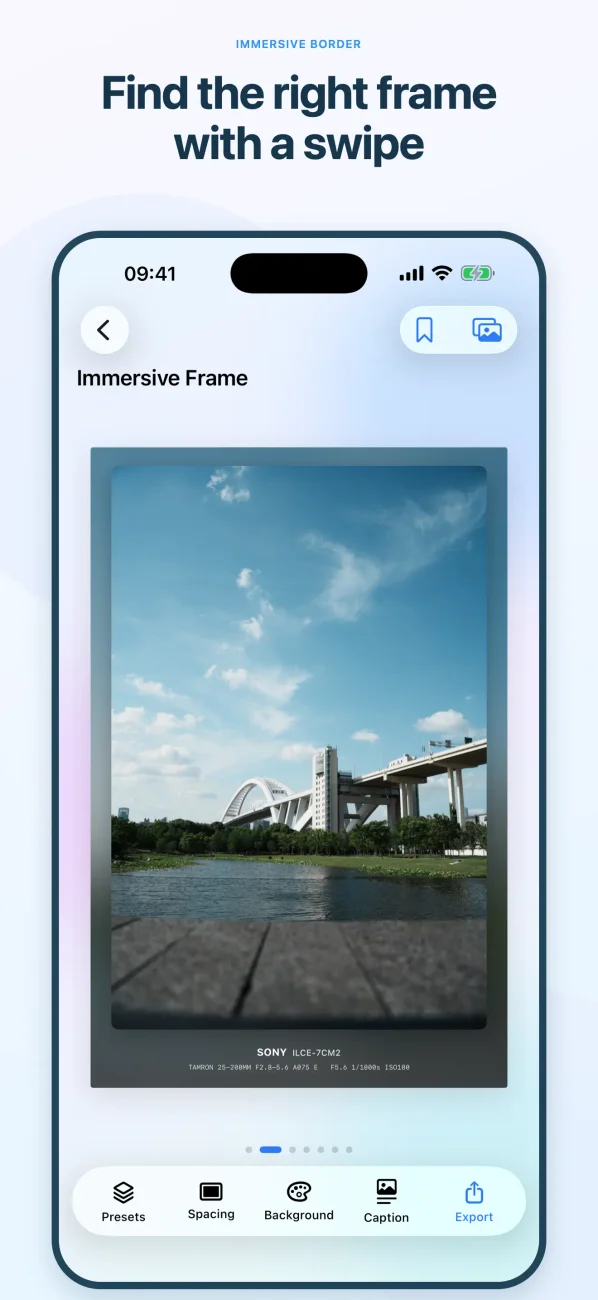
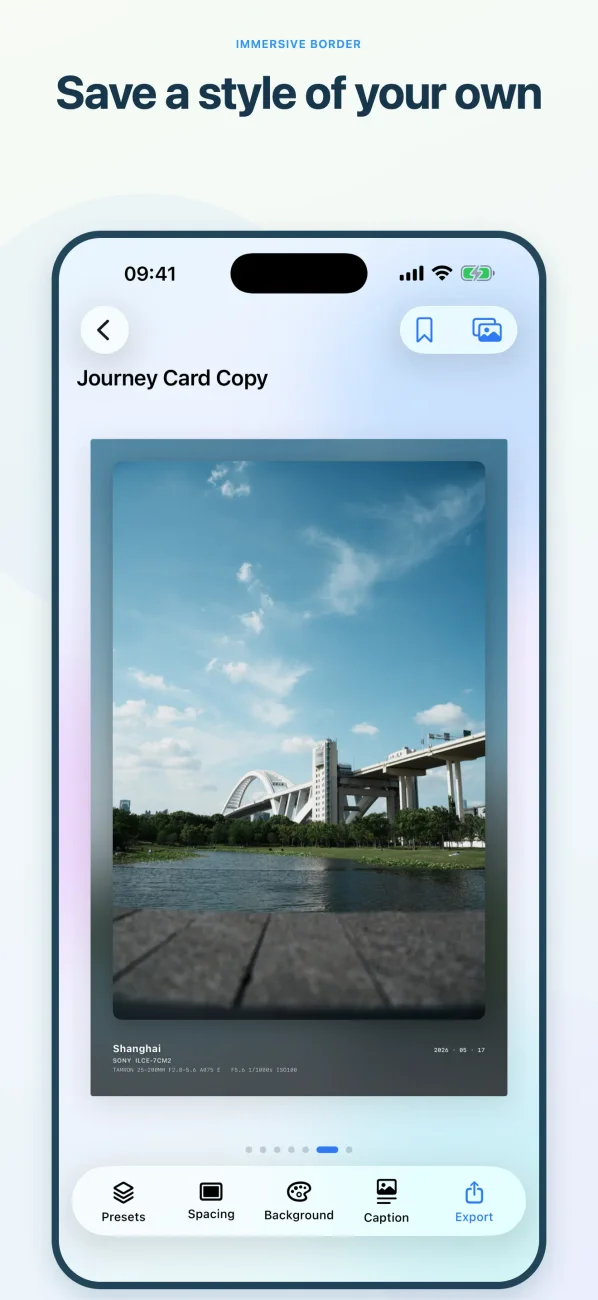
Start with 24 curated presets, from classic white borders and immersive backgrounds to tickets, postage stamps, 35mm film, a camera viewfinder, vinyl records, and a realistic museum gallery. Swipe between styles while keeping your selected photo.
COMPOSE YOUR PHOTO AND FRAME
Double-tap the photo or open Compose to choose the ratio of the complete framed image and adjust the photo together. Standard border themes can fill the photo window while keeping the theme’s margins: drag and zoom to frame your subject, switch portrait and landscape, or choose Full Photo to keep the entire image. Free mode retains recommended, common, and custom photo crop ratios. Creative canvas themes keep their distinctive layouts. Changes apply only when you tap Done, and your original photo is preserved. The museum frame adapts to the photo’s shape, with four gallery backgrounds to choose from.
MAKE A STYLE YOUR OWN
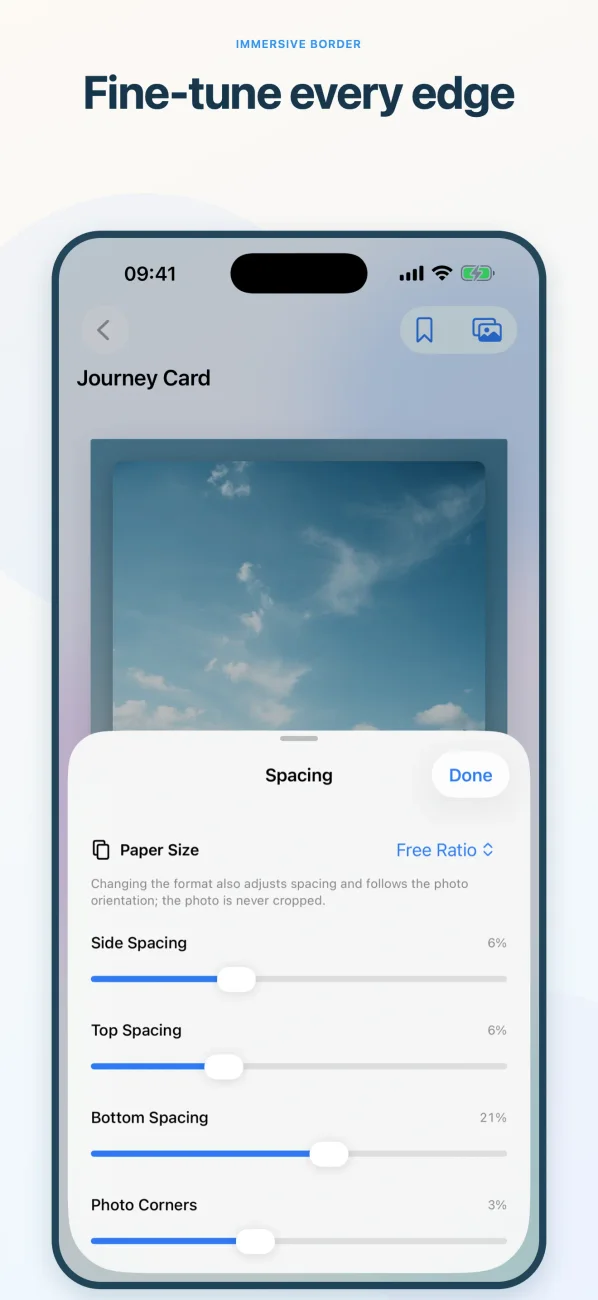
Adjust the available margins, colors, corners, and shadows with full-screen previews. Changes are temporary until you tap Save Preset to save a custom style. Personalize text on tickets, stamps, and other text-based themes. Keep text specific to one photo, or turn on Include Custom Text when saving a preset to reuse your edited text across a project. Fields you leave automatic continue to update with each photo. Ticket colors can match your photo automatically or use your own palette. Favorite and duplicate presets with a long press, and reuse your custom styles later.
DETAILS FROM YOUR CAMERA
Display available camera model, lens, exposure, date, and place information from your photo’s metadata. Film and vinyl themes use the actual camera model when it is available.
STANDARD AND HIGH QUALITY EXPORTS
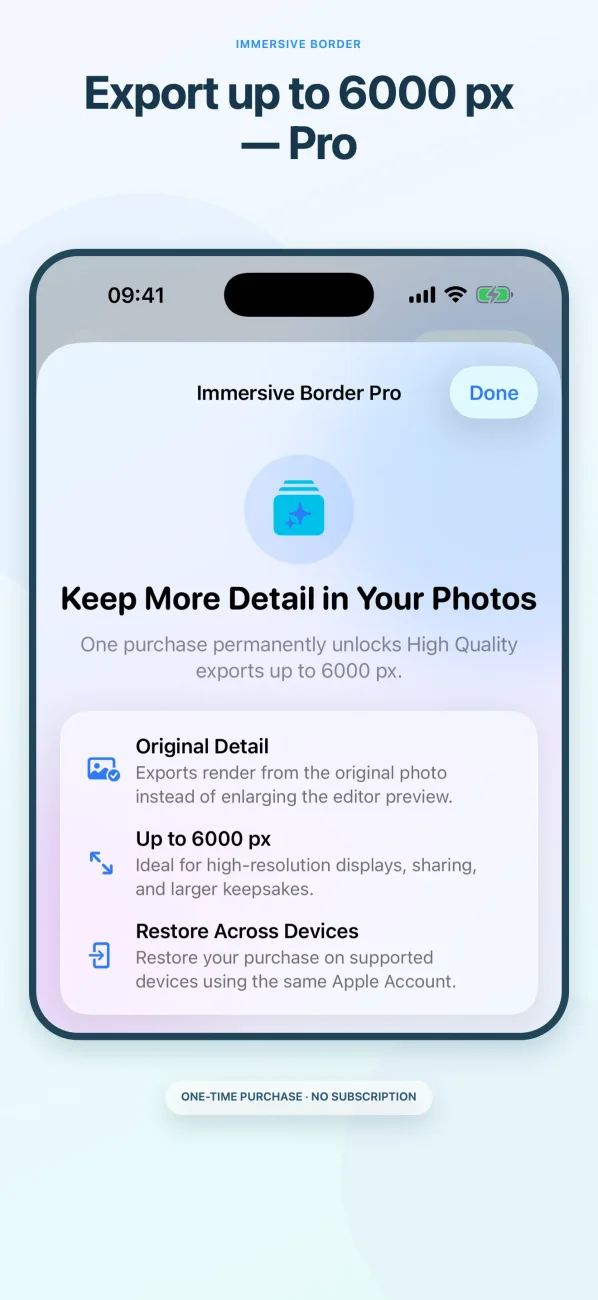
Save the finished image to a dedicated album in Photos or share through the iOS share sheet. Standard export, up to 2400 px on the longest edge, is free and selected by default. An optional one-time Pro purchase unlocks High Quality export up to 6000 px.
PRIVATE BY DESIGN
Your photos are processed on your device. No account, ads, analytics, tracking, or developer server. When a selected photo contains coordinates, Apple system geocoding may be used to display a place name.
No subscription. No sign-in. Standard export stays free.
READY TO SHARE OR PRINT
Choose the ratio of the entire framed image: square, 3:2, 4:3, 4:5, 5:7, 16:9, or 100 × 148 mm. Save the format, orientation, and framing preference with your custom preset. Every format exports an ordinary image at your selected Standard or High Quality setting, ready to use with your preferred printing service or app.
Nouveautés
Version 1.5 · 04/11/2026
• A new Photo & Frame editor brings photo composition and final frame ratios together.
• Fill Frame adjusts the photo crop while preserving the theme’s margins. Drag, zoom, switch orientation, or choose Full Photo.
• Save the final format and framing preference in your custom presets. Your original photo is preserved.
• All formats, including 100 × 148 mm, now export ordinary photos at your selected quality without printer-specific bleed or calibration.
Confidentialité de l’application
Ce que 全鹏 宋 déclare sur l’App Store au sujet du traitement des données par cette application.
-
Données non collectées
Le développeur ne collecte aucune donnée à partir de cette application.
Les pratiques en matière de confidentialité peuvent varier, notamment en fonction des fonctionnalités que vous utilisez ou de votre âge.
Informations
- Vendeur
- 全鹏 宋
- Catégorie
- Photo et vidéo
- Version
- 1.5
- Mis à jour
- 04/11/2026
- Publié
- 09/09/2026
- Taille
- 11,0 Mo
- Nécessite
- iOS 17.0 ou version ultérieure
- Classification d’âge
- 4+
- Achats intégrés
- Oui
- Langues
- Chinois traditionnel, Japonais, Chinois simplifié, Anglais, Coréen
- Copyright
- © 2026 Quanpeng Song
Vous aimerez peut-être aussi
-
 Seen: Photo MemoriesPhoto et vidéo
-
 Dwell PoeticallyPhoto et vidéo
-
 Journap: Art Sticker CameraPhoto et vidéo
-
 LiveTonePhoto et vidéo
-
 Daguerre: Photo Border & EXIFPhoto et vidéo
-
 DePhoto: Photo CleanerPhoto et vidéo
-
 SpektraCameraPhoto et vidéo
-
 Frame Frame - Batch MarginPhoto et vidéo
-
 iMark - Cadre Photo & EXIFFiligrane · Lot · Signature
-
 Yuanglow – Retro Film CameraPhoto et vidéo