
Jetlog - Pilot Logbook
Fan-tastic for airline pilots
Entwickelt für iPhone, iPad
Kostenlos · In-App-Käufe
- Altersfreigabe4+
- KategorieDienstprogramme
- EntwicklerDeskpage
- SprachenEnglisch
- Größe56,5 MB
Verlinkt auf die offizielle App Store-Seite
Download.org hostet keine Datei von Jetlog - Pilot Logbook. Die Schaltfläche öffnet die App-Seite bei App Store, wo Deskpage die App veröffentlicht. Eintrag zuletzt geprüft am 28.11.2026.
Screenshots

Info
Der Entwickler hat diesen Text nicht in Ihrer Sprache bereitgestellt.
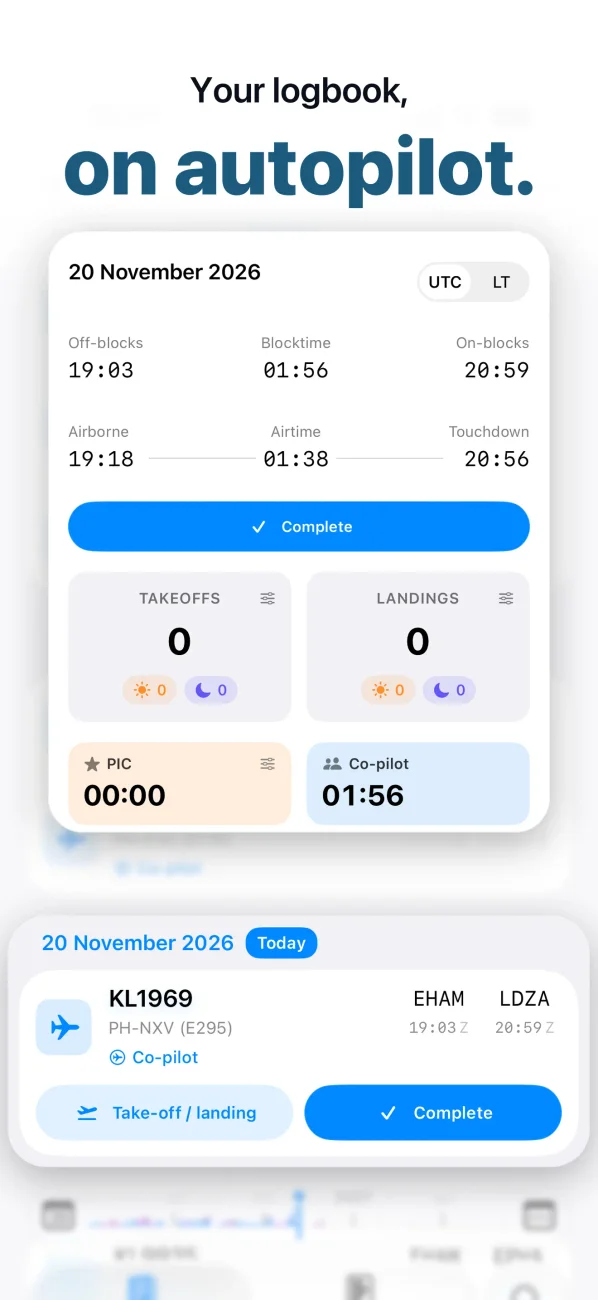
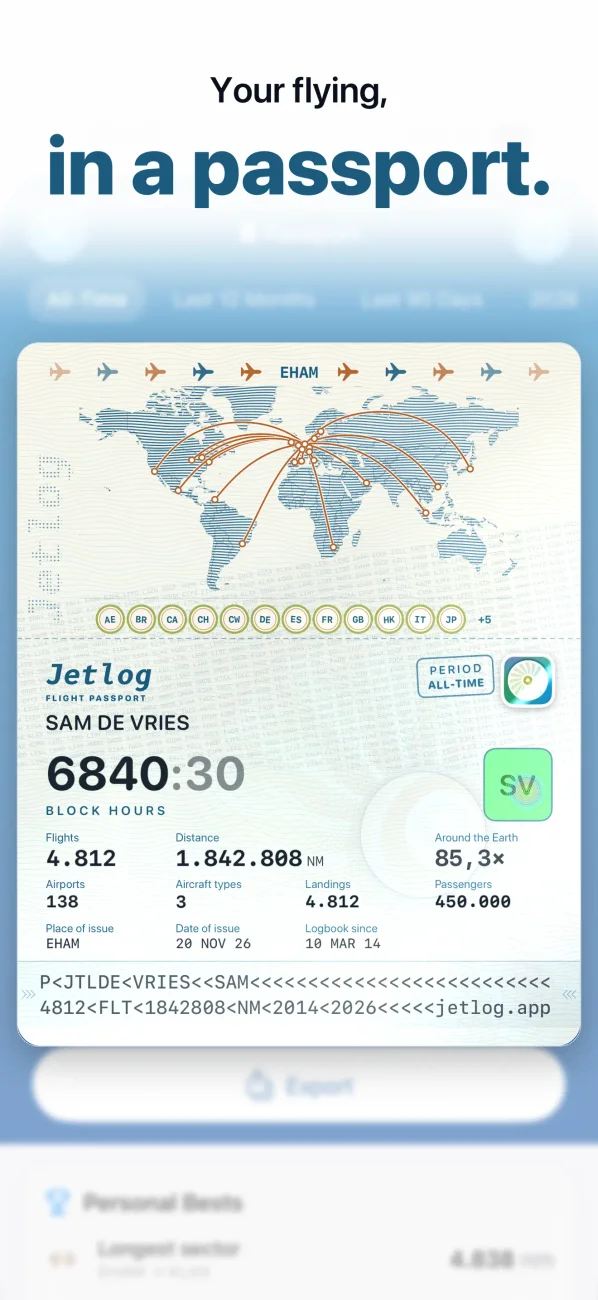
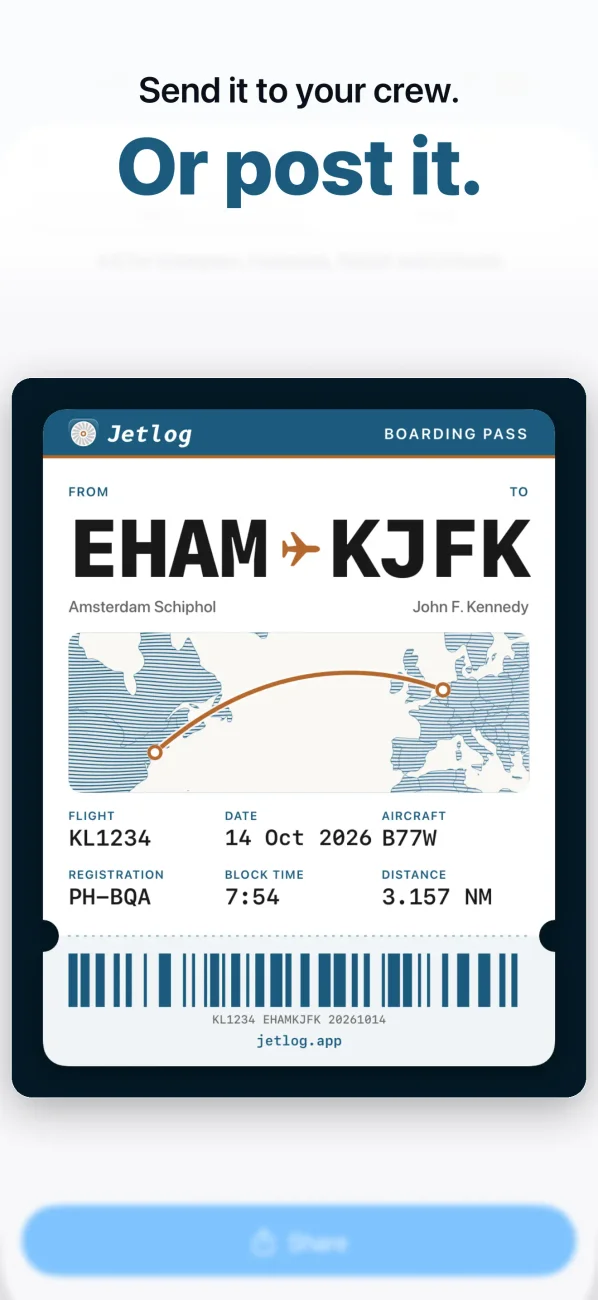
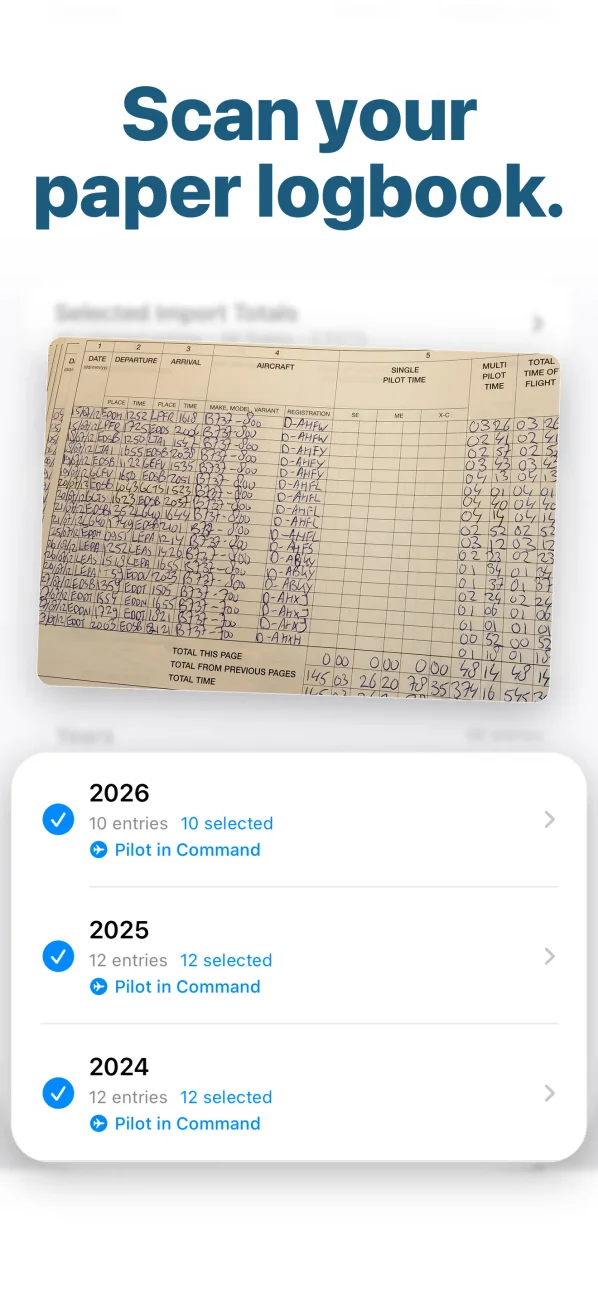
Jetlog is the pilot logbook that fills itself in. We track your flights live, scan your old paper logbooks with AI, and let Claude or ChatGPT work with your logbook. Every change reaches your other devices instantly, so your logbook is never out of sync.
• AI logbook scanning: photograph paper logbook pages or drop in a PDF, and Jetlog pulls out the flights and simulator sessions. You review everything before it saves.
• Fuel scanning: point the camera at the flight summary page and the fuel figure fills itself in.
• Ask Claude or ChatGPT about your logbook: your totals, a specific flight, or a wrong registration fixed. A change is only a proposal until you confirm it, and you can switch access off in the app at any time.
• The Jetlog command line gives scripts and coding agents the same access.
LOGGING ON AUTOPILOT
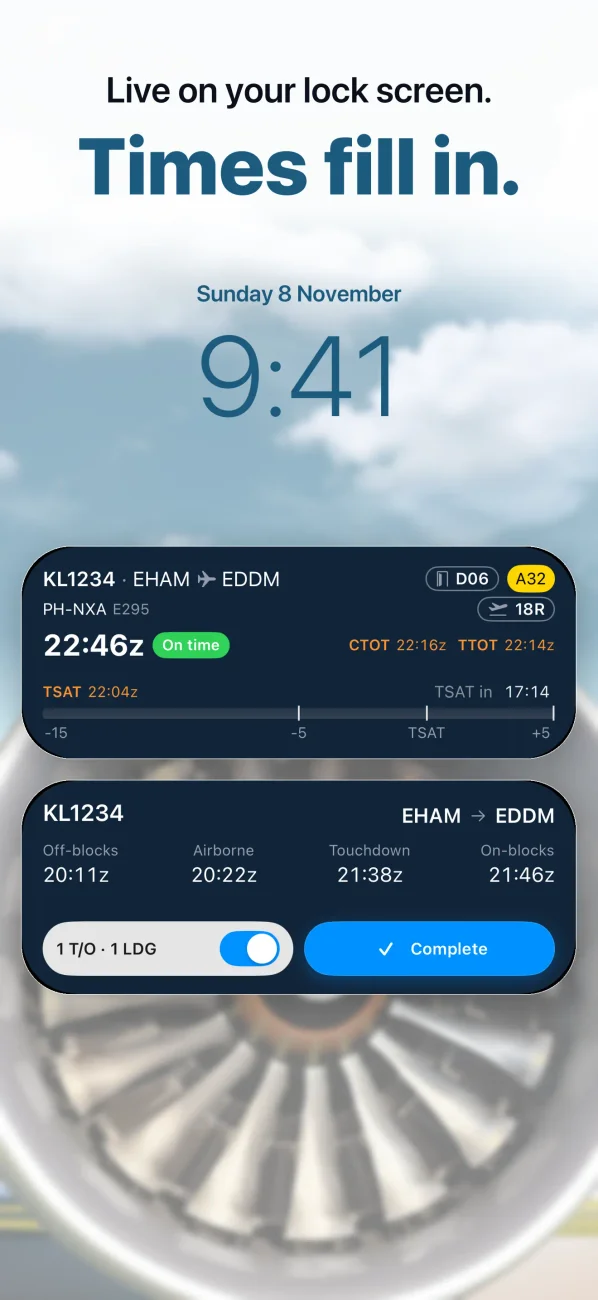
• Live tracking fills in off-blocks, takeoff, touchdown and on-blocks for the airlines we track
• A Live Activity follows the whole flight on your Lock Screen
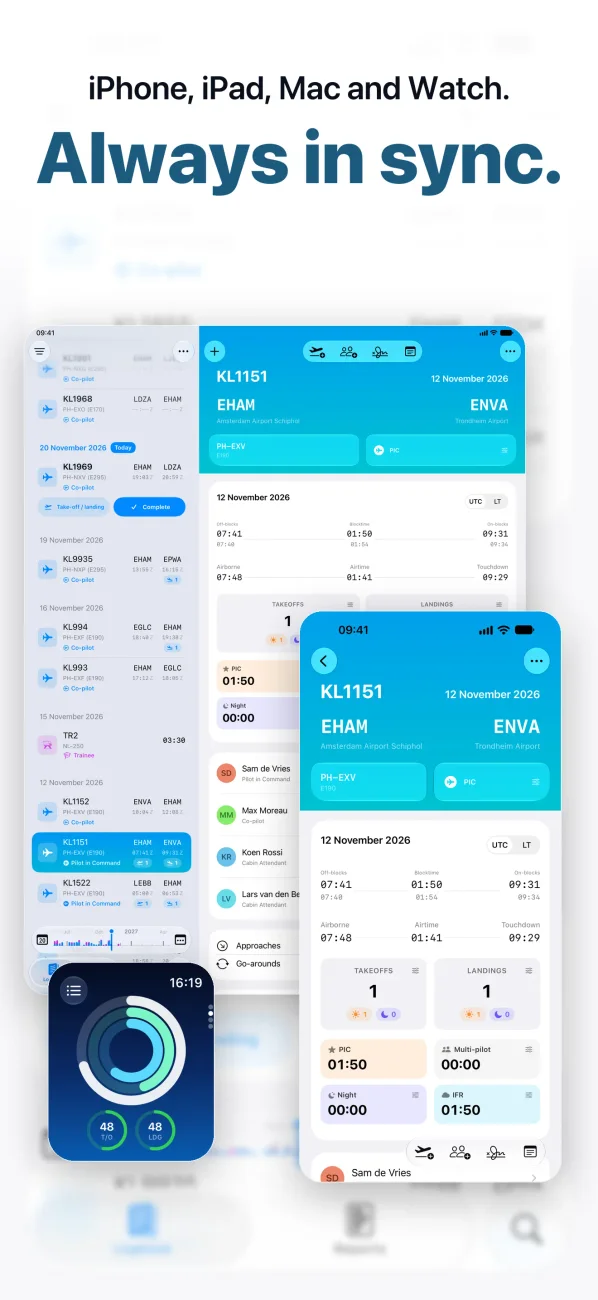
• Instant sync across iPhone, iPad and Apple Watch: log on one device and it is on the others within moments. Never out of sync, even after a flight offline
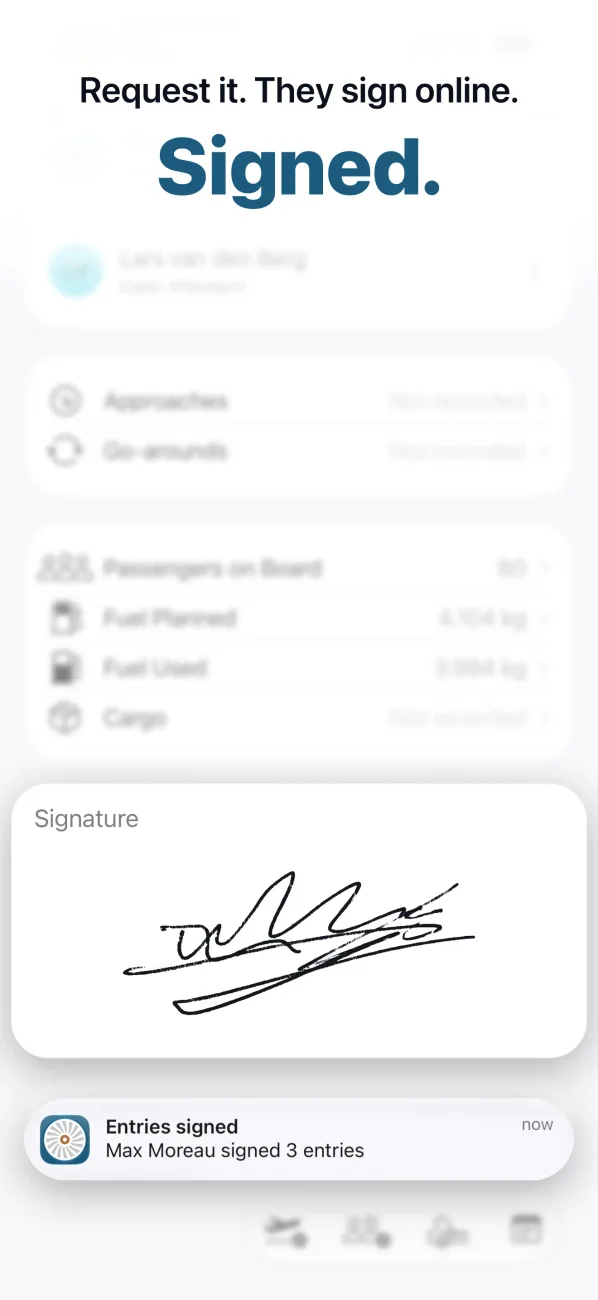
• Remote sign-off: send a one-time link and your captain or examiner signs in any browser
• Roster import from ICS calendars, KLC-rooster.nl, and in beta AIMS eCrew and Ryanair Connect. KLM ACARS data straight from the aircraft
BUILT FOR EASA PILOTS
• Automatic EASA rule checks, including PICUS
• ATPL progress across all three FCL.510.A command routes
• Simulator (FSTD) sessions as first-class entries
• Instructor, examiner and observer roles
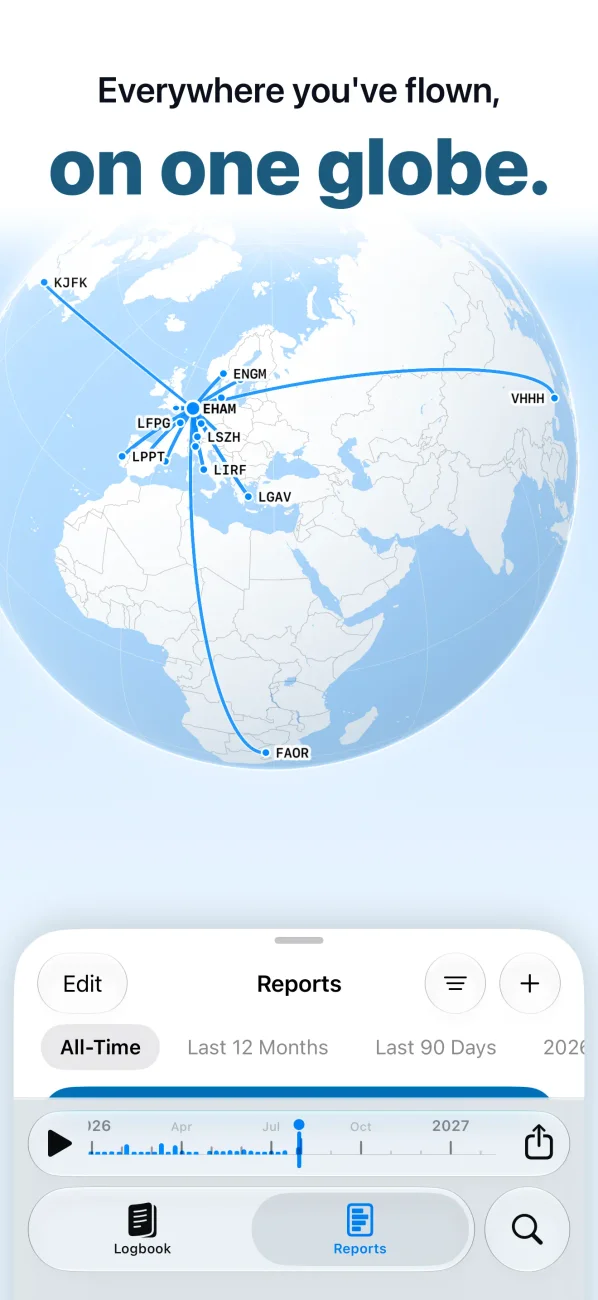
• Reports and charts for hours, fuel and CO₂, plus a bulk editor
• EASA-format PDF, CSV and Excel export
APPLE WATCH
Your next flight, your flight-time limits and a Complete button after landing, plus complications for hours, currency and ATPL progress.
SWITCHING IS EASY
Import from CSV, Excel, LogTen, PilotLog or the KLM/KLC statement PDF. You review everything before it saves. Jetlog works offline and keeps your logbook on your device.
PRICING
Jetlog is free to use for now, including live tracking, sync and sign-off. AI logbook scanning comes with a monthly or yearly subscription, billed by Apple, which includes your first 10 logbook-page scans. Extra scans are available as an in-app purchase. Cancel any time in your App Store subscriptions.
Get started today and experience fan-tastic logging.
Terms of Use (EULA): https://www.apple.com/legal/internet-services/itunes/dev/stdeula/
Terms of Service: https://jetlog.app/terms
Privacy Policy: https://jetlog.app/privacy
Neue Funktionen
Version 1.2.4 · 27.11.2026
NEW
• Filters: the Logbook, Bulk edit, Reports and your saved tiles now share one filter, with a chip per facet
• Reports has an Airlines card: block time per airline, read from the flight number
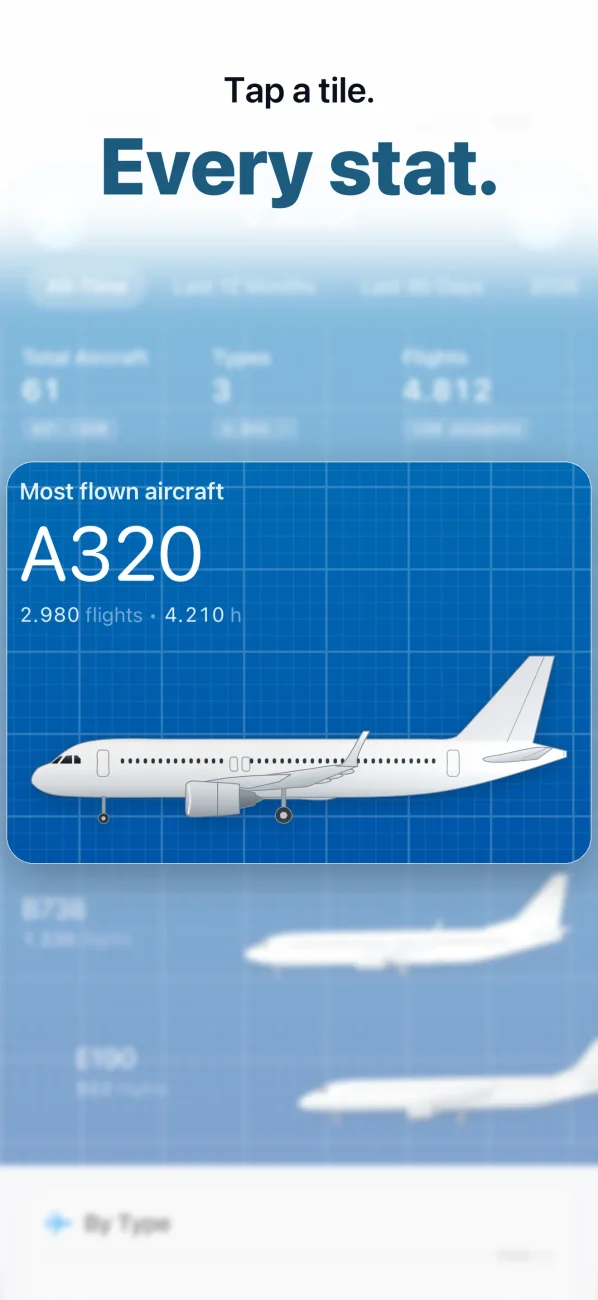
• Top Routes, Most-flown Aircraft, Busiest Airports, Longest Sectors and Crew Ranking have a Show all list. Tap a route, tail or type to open the Logbook filtered to it
• Edit your own tiles and charts in Edit Reports, and leave a tile's date range open at the start or the end
• Logbook rows: pick what each row shows under Row Display, below Select Flights. Two lines, the crew with their photos, and a faint signature stamp behind signed flights. Your choice syncs to your other devices
• Airport notes: keep private notes per airport, shown on an Airport Notes card
• Scan Crew from Screenshot: take a screenshot of the crew list in KLM FlightDeck and Jetlog fills in the crew, with their photos if you want. The screenshot is read on your device
• Ratings: add your night rating, pick your language level from a list, and see CRCP recency per type. Currency says Current as CRCP when the CRCP is what keeps you current
• New aircraft drawings: MD-11, DC-10, DC-9, MD-80, 717, DC-3, A340, BAe 146, Superjet, HS125, military types, gliders and light aircraft, and a redrawn DR400 and Rallye
• Settings starts with your profile, Airline, Home Base, Ratings, Medical and Signature, then Account and Subscription
ROSTER AND IMPORT
• TAP: the Caderneta de Voo PDF imports
• MyFlightbook: the CSV export imports, approaches come in as ILS CAT I
• EAT (DHL): the Pilot Logbook PDF imports
• AI scan: a big PDF gets a scan plan with thumbnails and credits, and one combined review at the end
• Calendar Feeds: each link opens its own screen, where you choose how a duty shows in your calendar: the whole duty, check-in and check-out, or both
• Vueling eCrew: pairing details and actual times are read, empty tails are filled in, and a sim without a session line no longer gets briefing and debriefing
• eCrew: a Franco day inside a pairing no longer ends the duty a day late
• OffBlock: multiline notes keep their line breaks
FIXES AND IMPROVEMENTS
• The sign-in code has 6 digits and pasting it always works
• Back buttons show only the arrow
• Reports: flights without a type no longer count under a chosen type, the map style button switches at once, and swiping the sheet no longer picks a chip
• People: the crew filter starts on All, Cockpit and Cabin also filter search results, and photo options show on iPhone
• The airline can be cleared in Settings
• A type typed as a rating name, such as HS 125, counts under that type rating
• The EASA PDF export puts simulator instructor and examiner time in the remarks
• A network that blocks Jetlog says Network blocked instead of showing a server error
• Live Activities for several flights at once get their updates more reliably
Questions or ideas? Mail us at support@jetlog.app. Happy landings!
App-Datenschutz
Was Deskpage im App Store zum Umgang dieser App mit Daten angibt.
-
Mit Ihnen verknüpfte Daten
Können erfasst und mit Ihrer Identität verknüpft werden.
- Kontaktinformationen
- Kennungen
- Nutzungsdaten
- Diagnose
- Sonstige Daten
-
Nicht mit Ihnen verknüpfte Daten
Können erfasst werden, sind aber nicht mit Ihrer Identität verknüpft.
- Diagnose
Die Datenschutzpraktiken können variieren, zum Beispiel je nach den von Ihnen verwendeten Funktionen oder Ihrem Alter.
Informationen
- Anbieter
- Deskpage
- Kategorie
- Dienstprogramme
- Version
- 1.2.4
- Aktualisiert
- 27.11.2026
- Veröffentlicht
- 10.01.2026
- Größe
- 56,5 MB
- Erfordert
- iOS 26.1 oder neuer
- Altersfreigabe
- 4+
- Preis
- Kostenlos
- In-App-Käufe
- Ja
- Sprachen
- Englisch
- Copyright
- © 2026 Deskpage, Johan van der Vleuten
Das könnte Ihnen auch gefallen
-
 Extended Rest OperationsDienstprogramme
-
 EASA FTL CalculatorDienstprogramme
-
 Plane logDienstprogramme
-
 E-JETS Training Guide LITEDienstprogramme
-
 737 Brake CoolingDienstprogramme
-
 E-JETS Training GuideDienstprogramme
-
 SubStandardDienstprogramme
-
 Lazy FTL CalculatorDienstprogramme
-
 Simple XwindDienstprogramme
-
 Cold WXR Altitude CorrectionDienstprogramme