
Jetlog - Pilot Logbook
Fan-tastic for airline pilots
Designed for iPhone, iPad
Free · In-app purchases
- Age rating4+
- CategoryUtilities
- DeveloperDeskpage
- LanguagesEnglish
- Size51.0 MB
Links to the official App Store page
Download.org hosts no file of Jetlog - Pilot Logbook. The button opens its official App Store page, published by Deskpage. Listing last checked on Nov 23, 2026.
Screenshots

About
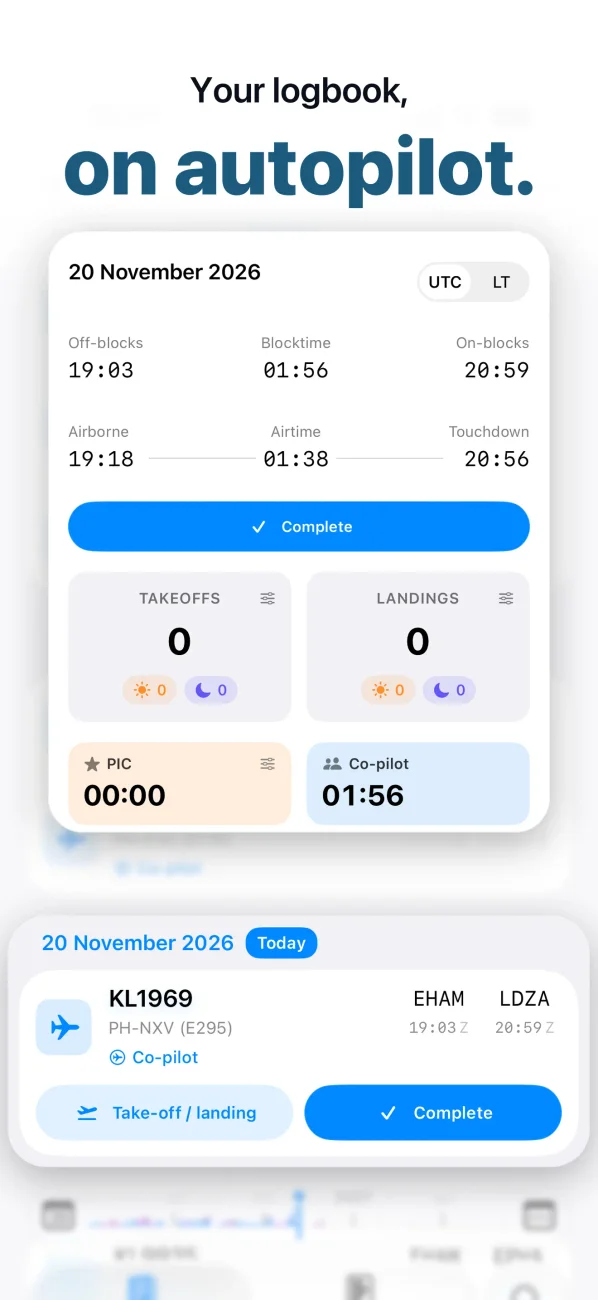
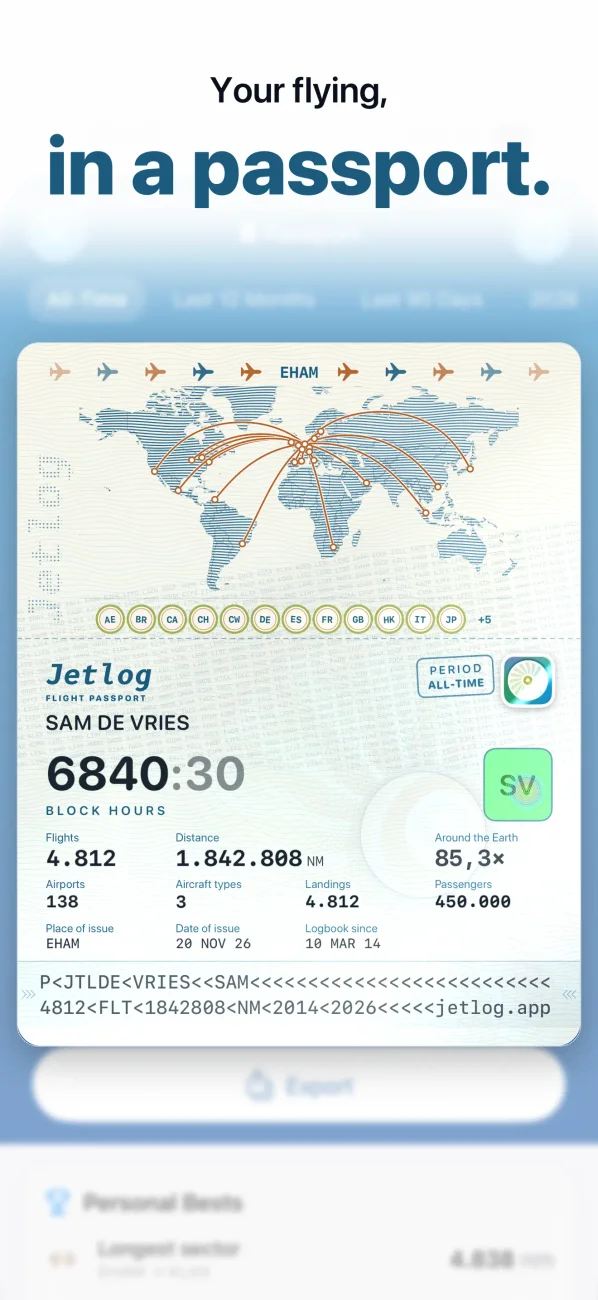
Jetlog is the pilot logbook that fills itself in. We track your flights live, scan your old paper logbooks with AI, and let Claude or ChatGPT work with your logbook. Every change reaches your other devices instantly, so your logbook is never out of sync.
AI THAT DOES THE TYPING
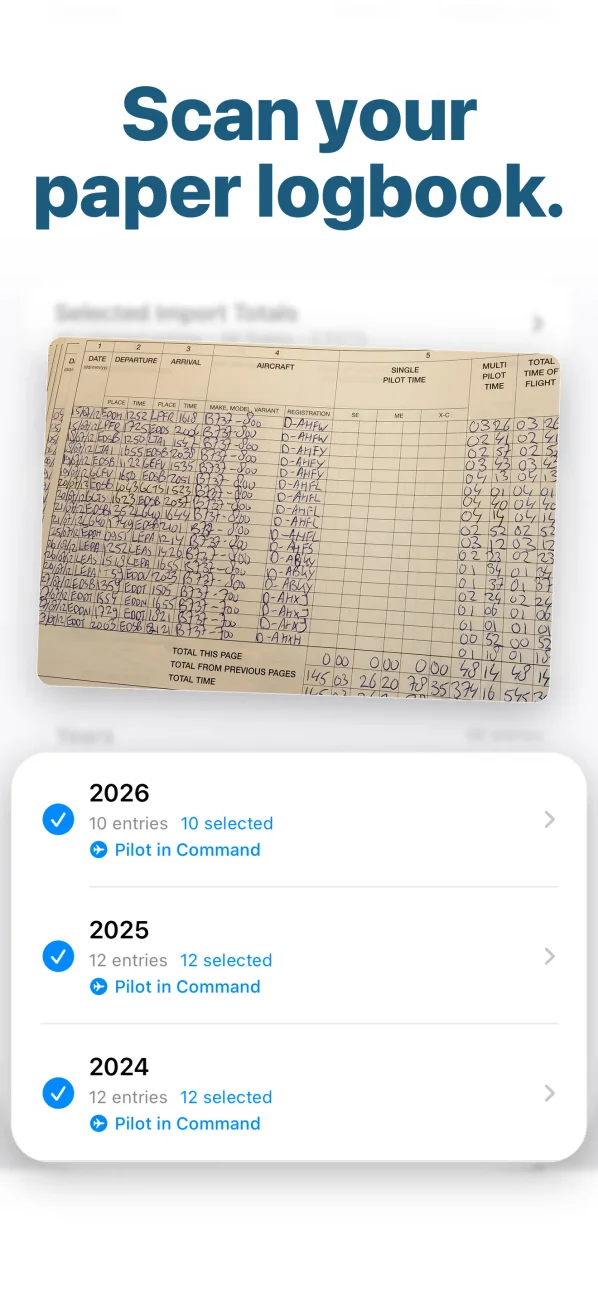
• AI logbook scanning: photograph paper logbook pages or drop in a PDF, and Jetlog pulls out the flights and simulator sessions. You review everything before it saves.
• Fuel scanning: point the camera at the flight summary page and the fuel figure fills itself in.
• Ask Claude or ChatGPT about your logbook: your totals, a specific flight, or a wrong registration fixed. A change is only a proposal until you confirm it, and you can switch access off in the app at any time.
• The Jetlog command line gives scripts and coding agents the same access.
LOGGING ON AUTOPILOT
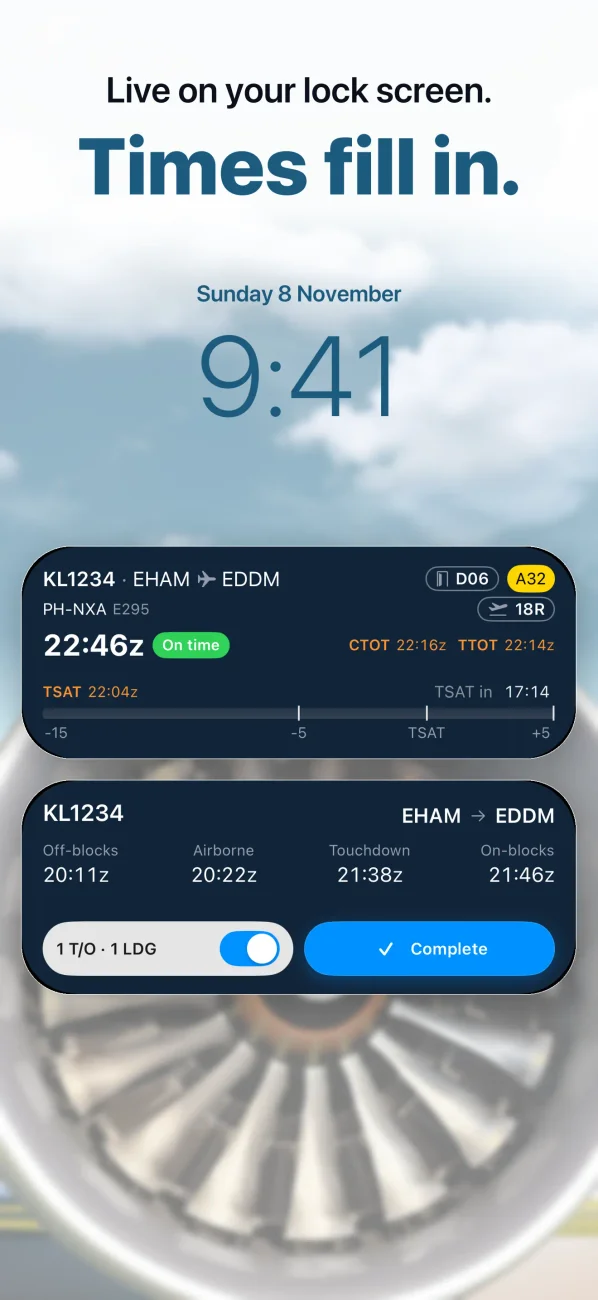
• Live tracking fills in off-blocks, takeoff, touchdown and on-blocks for the airlines we track
• A Live Activity follows the whole flight on your Lock Screen
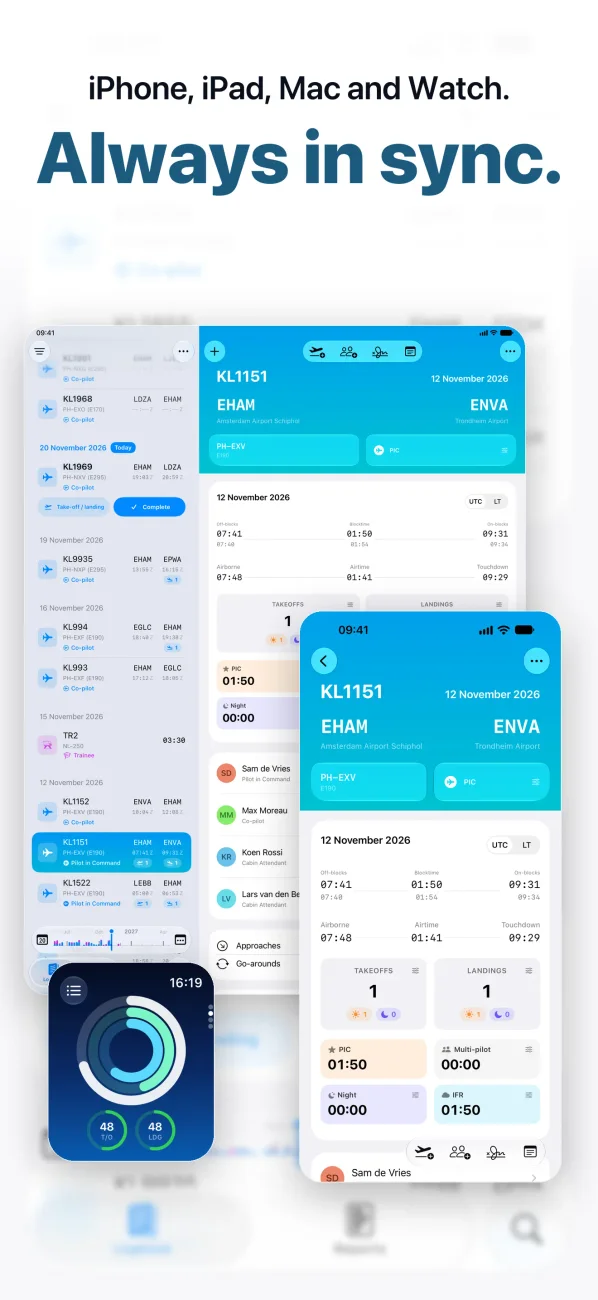
• Instant sync across iPhone, iPad and Apple Watch: log on one device and it is on the others within moments. Never out of sync, even after a flight offline
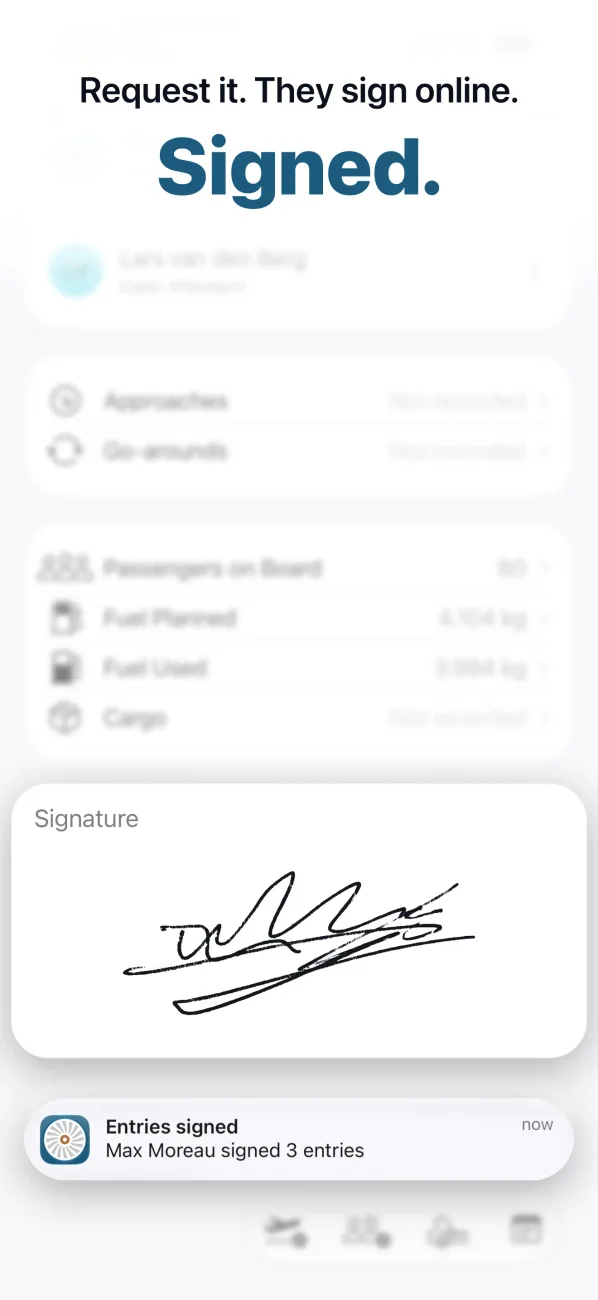
• Remote sign-off: send a one-time link and your captain or examiner signs in any browser
• Roster import from ICS calendars, KLC-rooster.nl, and in beta AIMS eCrew and Ryanair Connect. KLM ACARS data straight from the aircraft
BUILT FOR EASA PILOTS
• Automatic EASA rule checks, including PICUS
• ATPL progress across all three FCL.510.A command routes
• Simulator (FSTD) sessions as first-class entries
• Instructor, examiner and observer roles
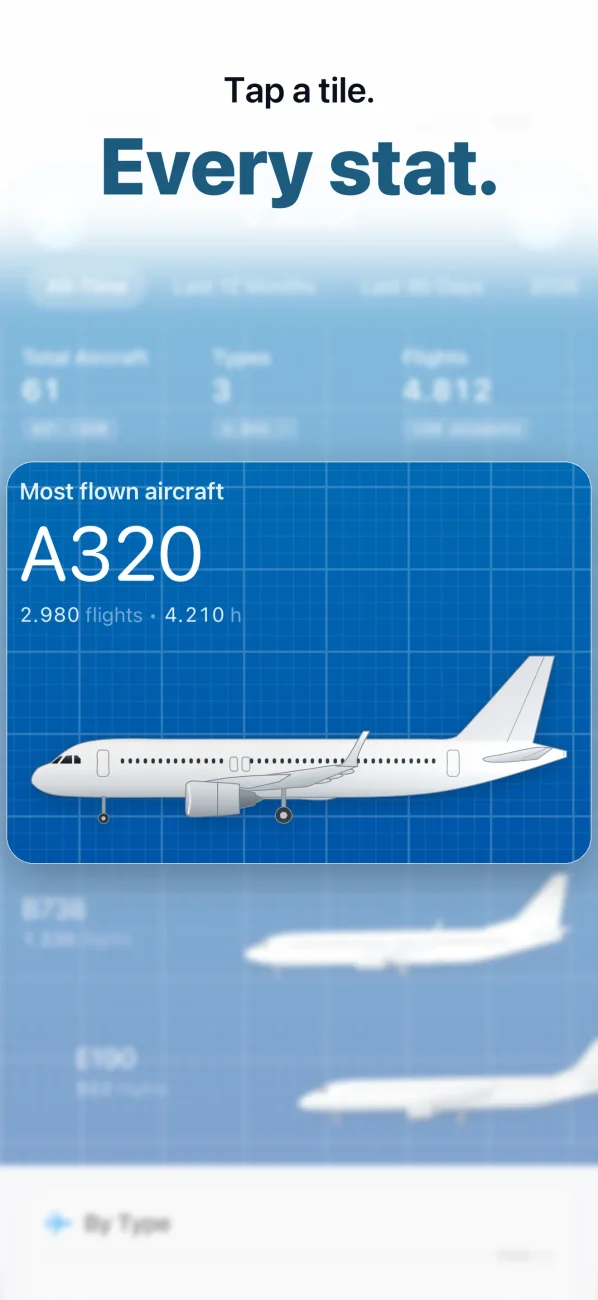
• Reports and charts for hours, fuel and CO₂, plus a bulk editor
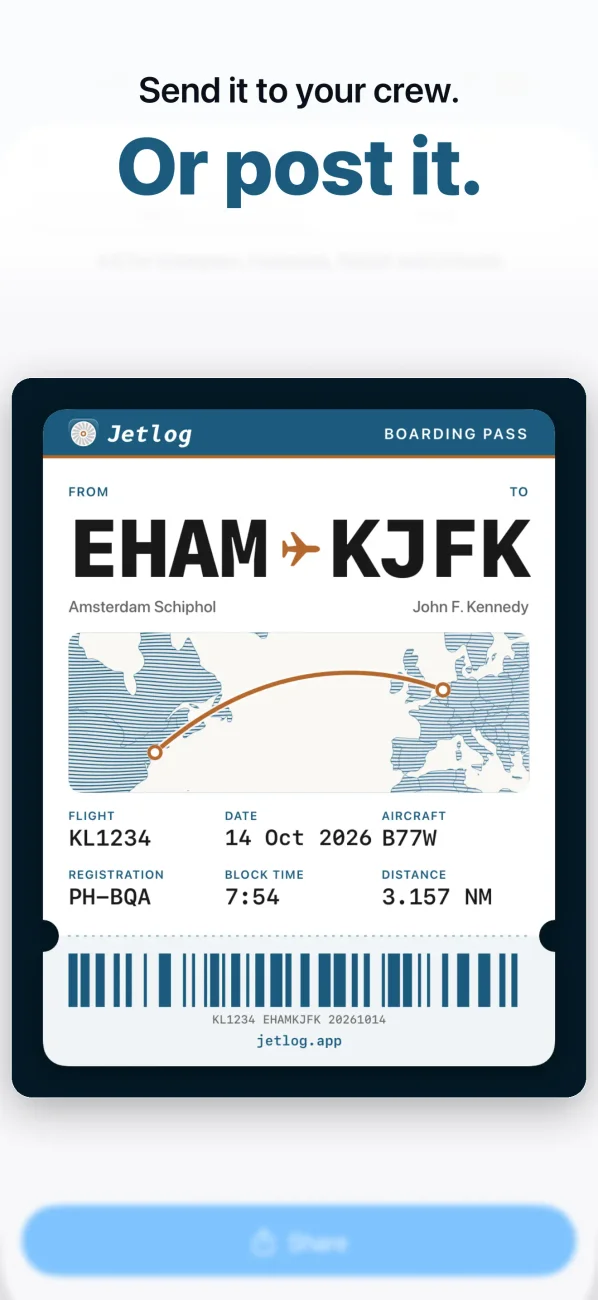
• EASA-format PDF, CSV and Excel export
APPLE WATCH
Your next flight, your flight-time limits and a Complete button after landing, plus complications for hours, currency and ATPL progress.
SWITCHING IS EASY
Import from CSV, Excel, LogTen, PilotLog or the KLM/KLC statement PDF. You review everything before it saves. Jetlog works offline and keeps your logbook on your device.
PRICING
Jetlog is free to use for now, including live tracking, sync and sign-off. AI logbook scanning comes with a monthly or yearly subscription, billed by Apple, which includes your first 10 logbook-page scans. Extra scans are available as an in-app purchase. Cancel any time in your App Store subscriptions.
Get started today and experience fan-tastic logging.
Terms of Use (EULA): https://www.apple.com/legal/internet-services/itunes/dev/stdeula/
Terms of Service: https://jetlog.app/terms
Privacy Policy: https://jetlog.app/privacy
What’s new
Version 1.2.3 · Nov 22, 2026
NEW
• Ratings: keep your class and type ratings with their expiry dates in Settings and Reports. Ratings use the EASA names such as SEP (land), A320 and IR(A), and language level 6 does not expire
• 90-day currency counts per class and per type rating: single-engine, multi-engine and each type such as A320, EMB170 or B737 300-900 get their own take-offs, landings and last valid day
• SEP and TMG revalidation by experience: the Currency & Medical sheet shows your hours, PIC time, take-offs, landings and instructor time in the 12 months before expiry
• Reports has a calmer look: quiet tiles, one blue for the Passport, Aircraft and All Stats headers, and the sheet opens half way
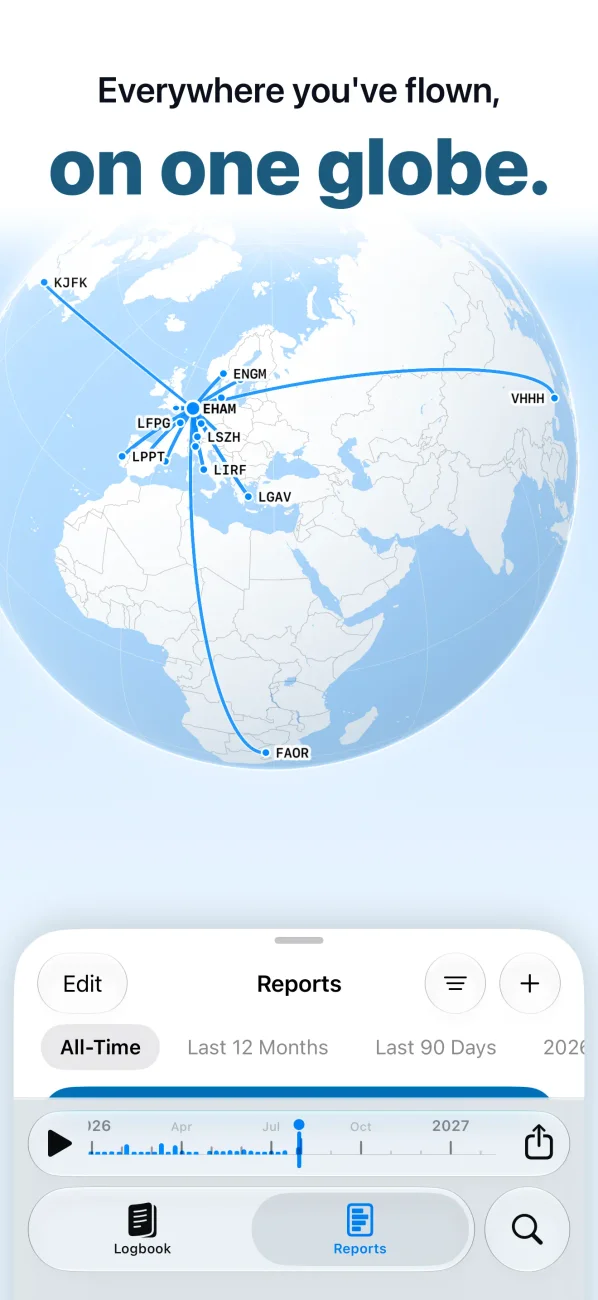
• Select flights in the Logbook and see their routes on the globe, with the playback bar
• Duplicate Sim Session, and Duplicate Flight for a flight that leaves and lands at the same field
• Settings is regrouped: your pilot details under your own name, People, Aircraft and Places under Flying, Roster Source under Logbook
ROSTER AND IMPORT
• AIMS, NetLine and KLM rosters: a planned flight that moved to another airport or date is replaced, no more keep or add question
• AIMS eCrew: positioning legs from the Pax Transfer table import as dead-head
• KLM crew roster PDF: several PDFs import together, the Crystal Reports print is read, and a type rating simulator session comes in as a sim session
• Condor pilots get a hint for the CUBE calendar
• OffBlock: the Duties CSV imports, with block times, cabin roles and simulator sessions
• FlightLogger: the Training activities report PDF imports, one flight per leg, dual as student and solo as PIC
• AIMS eCrew at Vueling: simulator sessions come in from the schedule, and a flight whose landing is not marked counts as flown once a later flight of the duty has left
• PilotLog: the Logbook PDF from the PilotLog Mac app imports, and passengers and approaches come along
• Importing again fills an airport that an older import left empty, instead of adding a duplicate
• A cabin crew monthly overview without registrations imports its flights
FIXES AND IMPROVEMENTS
• The Export overview total is flight time only, with simulator time shown apart
• Changes to an aircraft, simulator or place sync right away, and so does a Reports layout change
• The Fokker 50 and F27 drawing is redrawn from photographs
• An empty KLM statement says there is nothing to import
Questions or ideas? Mail us at support@jetlog.app. Happy landings!
App privacy
What Deskpage declares on the App Store about how this app handles data.
-
Data linked to you
May be collected and linked to your identity.
- Contact info
- Identifiers
- Usage data
- Other data
-
Data not linked to you
May be collected but is not linked to your identity.
- Diagnostics
Privacy practices may vary, for example with the features you use or your age.
Information
- Seller
- Deskpage
- Category
- Utilities
- Version
- 1.2.3
- Updated
- Nov 22, 2026
- Released
- Jan 10, 2026
- Size
- 51.0 MB
- Requires
- iOS 26.1 or later
- Age rating
- 4+
- Price
- Free
- In-app purchases
- Yes
- Languages
- English
- Copyright
- © 2026 Deskpage, Johan van der Vleuten
You might also like
-
 Extended Rest OperationsPilot & Crew Rest Calculator
-
 EASA FTL CalculatorKnow your limits · EU 83/2014
-
 Plane logKeep your log on your phone
-
 E-JETS Training Guide LITEEMB 170-175-190 Training Guide
-
 737 Brake CoolingUtilities
-
 E-JETS Training GuideEMB 170-175-190 Training Guide
-
 SubStandardCold temperature corrections
-
 Lazy FTL CalculatorEASA Flight Duty Made Easy
-
 Simple XwindSimple Crosswind Calculator
-
 Cold WXR Altitude CorrectionCold Temperature Correction