- Altersfreigabe4+
- KategorieBildung
- EntwicklerGrzegorz Kulesza
- SprachenEnglisch
- Größe3,4 MB
Verlinkt auf die offizielle App Store-Seite
Download.org hostet keine Datei von Keylapp. Die Schaltfläche öffnet die App-Seite bei App Store, wo Grzegorz Kulesza die App veröffentlicht. Eintrag zuletzt geprüft am 12.11.2026.
Screenshots

Info
Der Entwickler hat diesen Text nicht in Ihrer Sprache bereitgestellt.
Discover Keylapp: The Ultimate Keyboard Layout Explorer
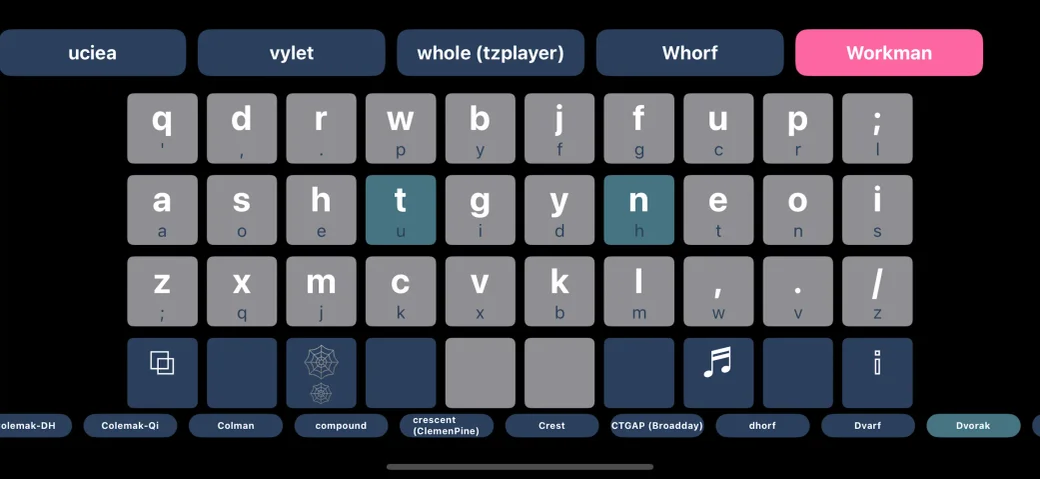
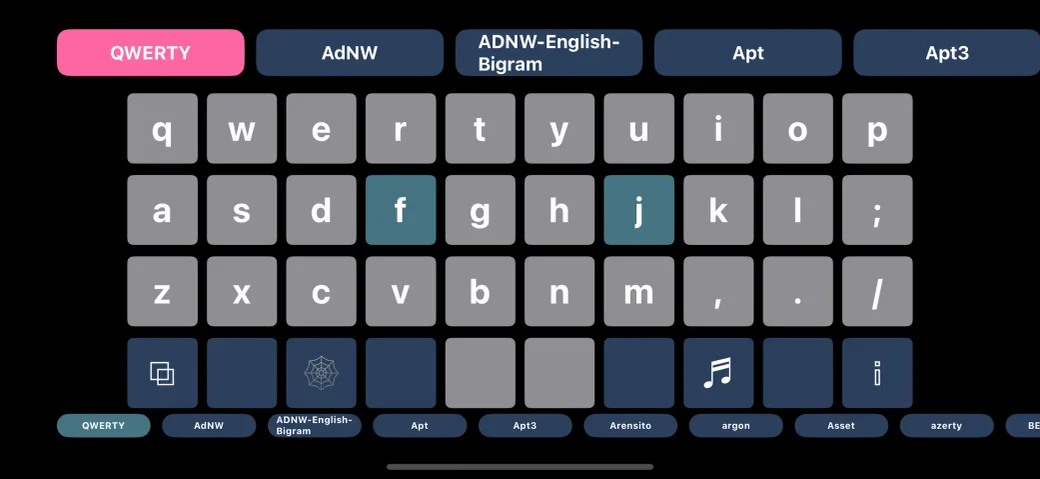
Explore and compare over 90 keyboard layouts with intuitive visuals and deep typing insights. Whether you're a layout enthusiast, alternative keyboard learner, or ergonomic typing nerd — Keylapp gives you the tools to master your layout of choice.
Why Keylapp?
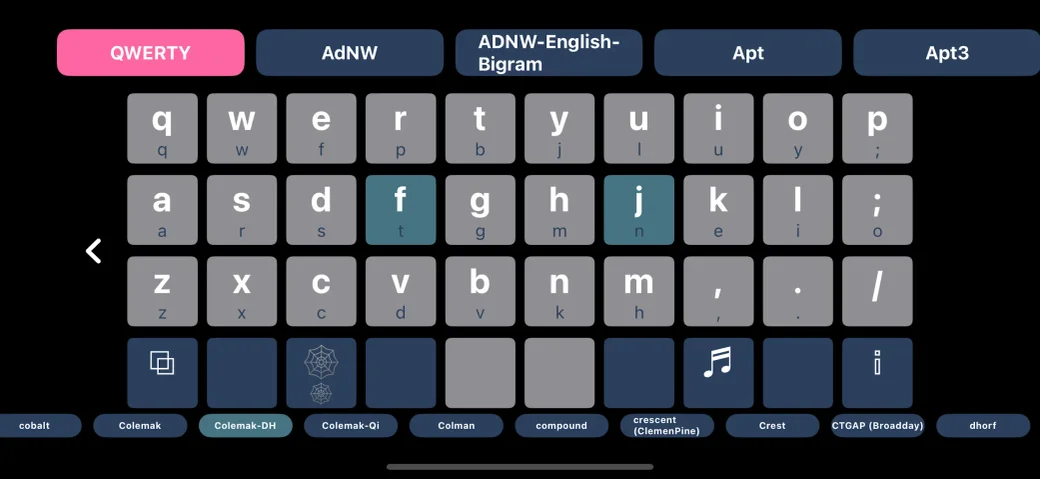
- Expansive Layout Library – From Dvorak to Colemak to niche experimental layouts, browse a growing collection now featuring 90+ layouts.
- Side-by-Side Comparison – Visually compare any two layouts to understand key differences in typing flow, comfort, and hand usage.
- Smart Mnemonics – Learn faster with experimental mnemonic-style layout views designed to enhance memorization.
New in Version 1.2
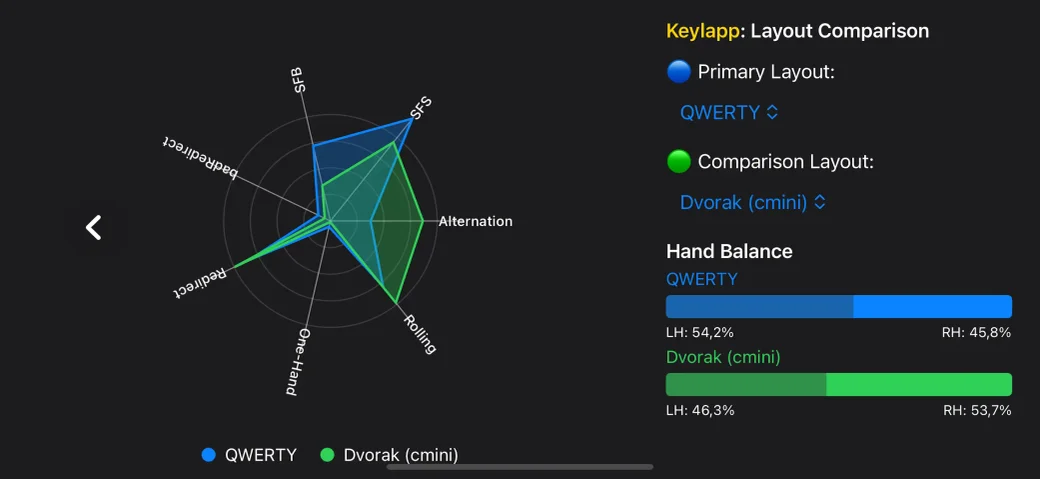
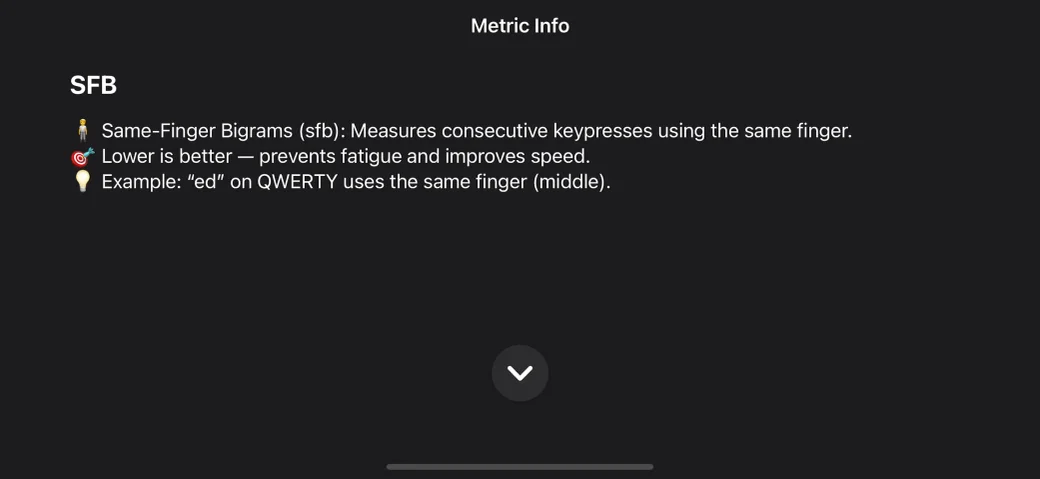
- Radar Charts – Visualize layout characteristics using an interactive spider-web chart. Tap any axis to learn about each typing metric.
- Left/Right Hand Balance Bar – Instantly see how much each hand is used in a layout.
- About Developer – Learn about the creator and the philosophy behind Keylapp.
- Improved Navigation – New buttons and smoother transitions make the app easier to use.
Core Features
- Typing Metrics Analysis – Understand each layout’s strengths and weaknesses across dimensions like alternation, rolls, redirects, and more.
- Sound Feedback – Engage with layouts using fun, responsive audio cues.
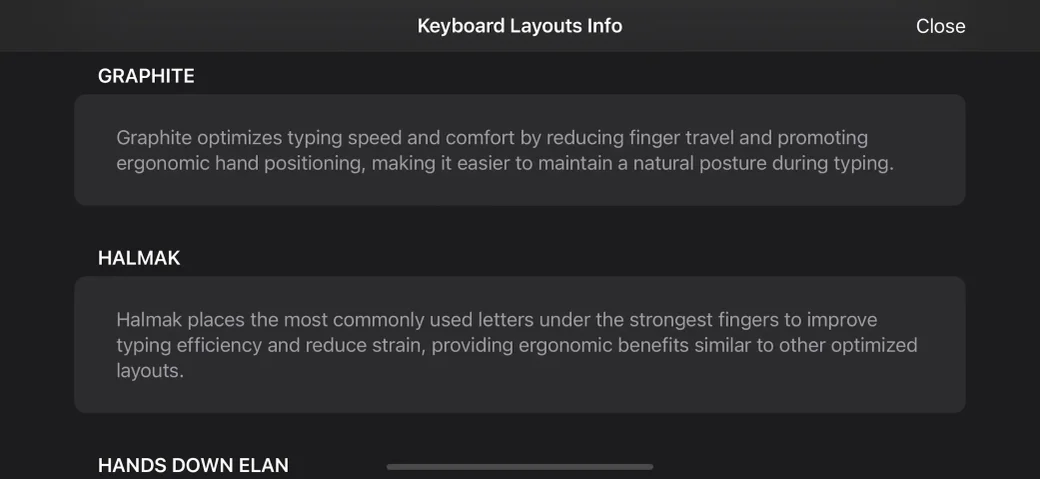
- Educational Insights – Get clear descriptions, typing examples, and ergonomic recommendations.
- Mnemonic Visuals (Experimental) – An innovative approach to memorizing layouts through visual associations.
Coming Soon
- Typing Memory Game – Reinforce what you've learned with an engaging in-app game using mnemonic cues.
Keylapp isn’t just a layout browser — it’s your personal toolkit for exploring, understanding, and mastering the world of keyboard design.
Type smarter. Type better. Start your layout journey with Keylapp.
Neue Funktionen
Version 1.2 · 05.05.2025
- Added 50+ new keyboard layouts (now 90+ total)
- New radar chart for visualizing layout metrics
- Interactive metric explanations – tap to learn what each axis means
- Left/Right hand usage bar below the radar chart
- Added "About Developer" view
- Improved layout comparison visuals
- Smoother navigation with handy close buttons
- Updated metric descriptions for clarity
App-Datenschutz
Was Grzegorz Kulesza im App Store zum Umgang dieser App mit Daten angibt.
-
Keine Daten erfasst
Der Entwickler erfasst keine Daten von dieser App.
Die Datenschutzpraktiken können variieren, zum Beispiel je nach den von Ihnen verwendeten Funktionen oder Ihrem Alter.
Informationen
- Anbieter
- Grzegorz Kulesza
- Kategorie
- Bildung
- Version
- 1.2
- Aktualisiert
- 05.05.2025
- Veröffentlicht
- 19.05.2024
- Größe
- 3,4 MB
- Erfordert
- iOS 17.0 oder neuer
- Altersfreigabe
- 4+
- Preis
- Kostenlos
- Sprachen
- Englisch
- Copyright
- © Grzegorz Kulesza
Das könnte Ihnen auch gefallen
-
 Juggling LabBildung
-
 Stars TeacherBildung
-
 e-Training INFRABildung
-
 Cable Guide: DIY & PinoutsNachschlagewerke
-
 KQEssential: Trace one Kanji14 tiny lists. Pick one daily.
-
 DijkstraGraphBildung
-
 Pro Italian Verb TrainerBildung
-
 SwiftMath - Mental Math ProBildung
-
 EvipediaNachschlagewerke
-
 Focus Garden - Pomodoro TimerBildung