- Clasificación por edad4+
- CategoríaEducación
- DesarrolladorGrzegorz Kulesza
- IdiomasInglés
- Tamaño3,4 MB
Enlaza a la página oficial de App Store
Download.org no aloja ningún archivo de Keylapp. El botón abre la página de la aplicación en App Store, donde la publica Grzegorz Kulesza. Ficha comprobada por última vez el 12/11/2026.
Capturas de pantalla

Acerca de
El desarrollador no ha proporcionado este texto en tu idioma.
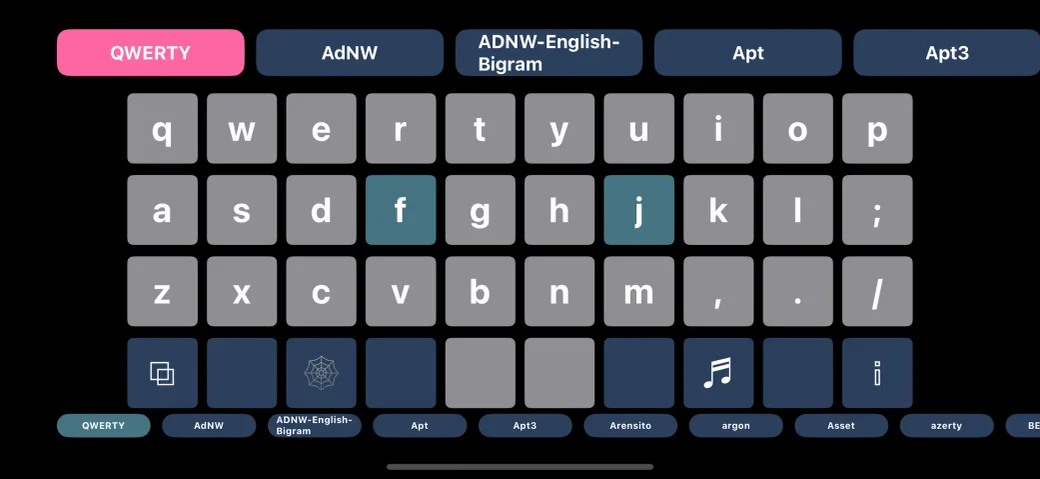
Discover Keylapp: The Ultimate Keyboard Layout Explorer
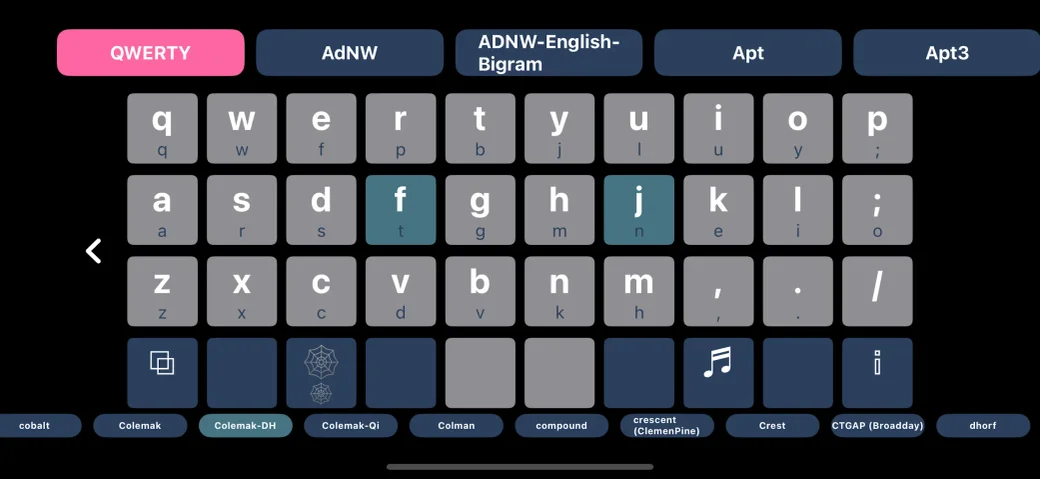
Explore and compare over 90 keyboard layouts with intuitive visuals and deep typing insights. Whether you're a layout enthusiast, alternative keyboard learner, or ergonomic typing nerd — Keylapp gives you the tools to master your layout of choice.
Why Keylapp?
- Expansive Layout Library – From Dvorak to Colemak to niche experimental layouts, browse a growing collection now featuring 90+ layouts.
- Side-by-Side Comparison – Visually compare any two layouts to understand key differences in typing flow, comfort, and hand usage.
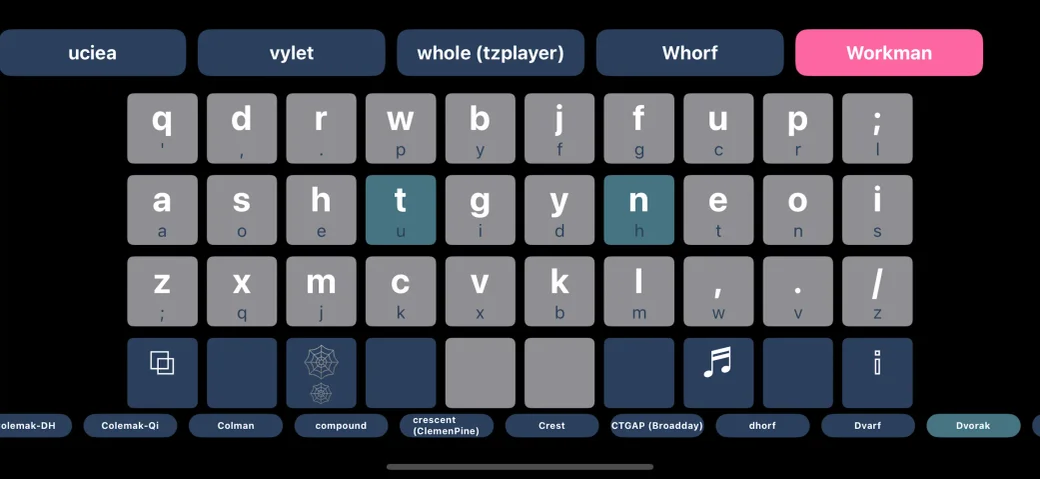
- Smart Mnemonics – Learn faster with experimental mnemonic-style layout views designed to enhance memorization.
New in Version 1.2
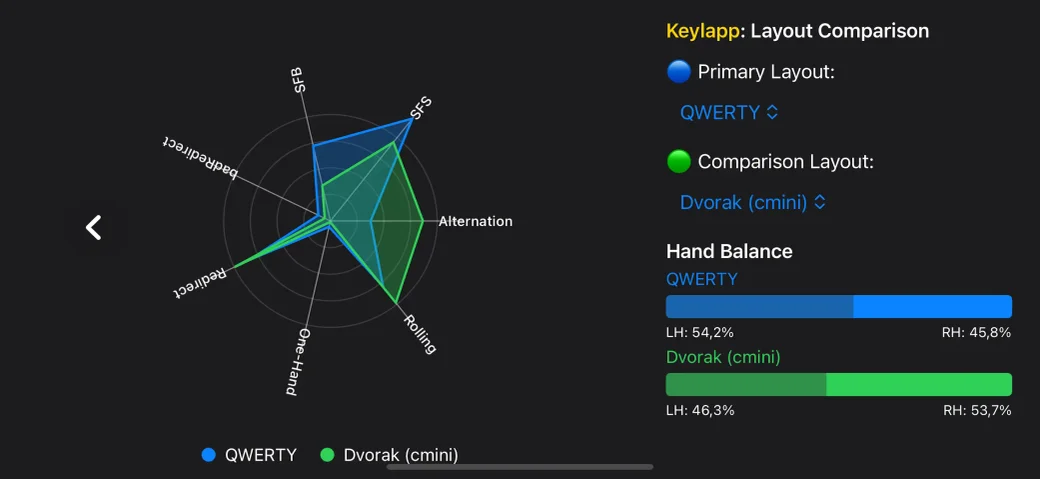
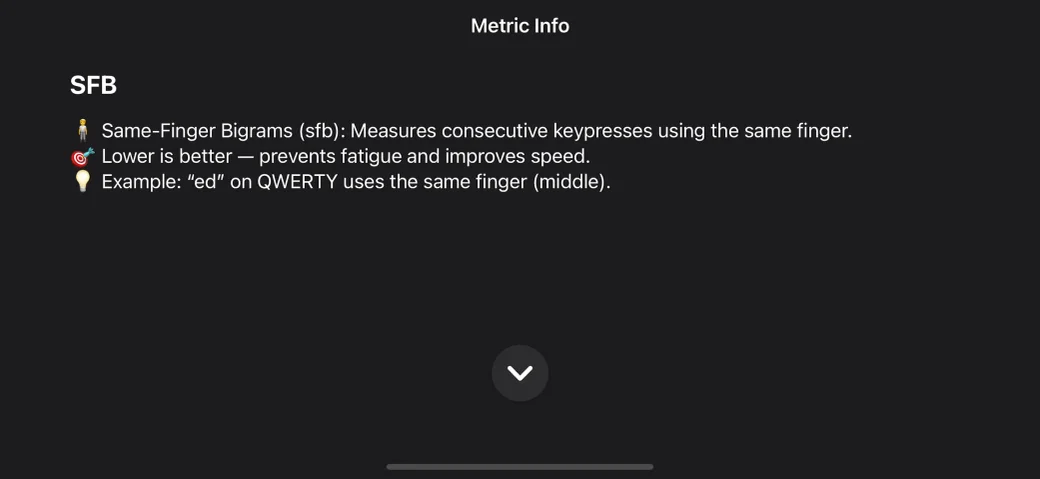
- Radar Charts – Visualize layout characteristics using an interactive spider-web chart. Tap any axis to learn about each typing metric.
- Left/Right Hand Balance Bar – Instantly see how much each hand is used in a layout.
- About Developer – Learn about the creator and the philosophy behind Keylapp.
- Improved Navigation – New buttons and smoother transitions make the app easier to use.
Core Features
- Typing Metrics Analysis – Understand each layout’s strengths and weaknesses across dimensions like alternation, rolls, redirects, and more.
- Sound Feedback – Engage with layouts using fun, responsive audio cues.
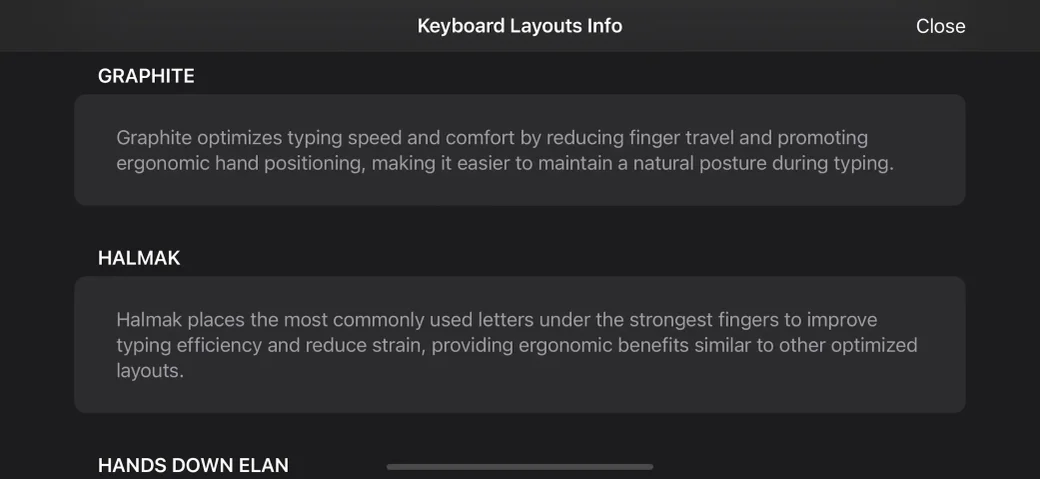
- Educational Insights – Get clear descriptions, typing examples, and ergonomic recommendations.
- Mnemonic Visuals (Experimental) – An innovative approach to memorizing layouts through visual associations.
Coming Soon
- Typing Memory Game – Reinforce what you've learned with an engaging in-app game using mnemonic cues.
Keylapp isn’t just a layout browser — it’s your personal toolkit for exploring, understanding, and mastering the world of keyboard design.
Type smarter. Type better. Start your layout journey with Keylapp.
Novedades
Versión 1.2 · 5/5/2025
- Added 50+ new keyboard layouts (now 90+ total)
- New radar chart for visualizing layout metrics
- Interactive metric explanations – tap to learn what each axis means
- Left/Right hand usage bar below the radar chart
- Added "About Developer" view
- Improved layout comparison visuals
- Smoother navigation with handy close buttons
- Updated metric descriptions for clarity
Privacidad de la aplicación
Lo que Grzegorz Kulesza declara en App Store sobre cómo esta aplicación gestiona los datos.
-
No se recopilan datos
El desarrollador no recopila ningún dato de esta aplicación.
Las prácticas de privacidad pueden variar, por ejemplo, según las funciones que uses o tu edad.
Información
- Vendedor
- Grzegorz Kulesza
- Categoría
- Educación
- Versión
- 1.2
- Actualizado
- 5/5/2025
- Publicado
- 19/5/2024
- Tamaño
- 3,4 MB
- Requiere
- iOS 17.0 o posterior
- Clasificación por edad
- 4+
- Precio
- Gratis
- Idiomas
- Inglés
- Copyright
- © Grzegorz Kulesza