- Altersfreigabe4+
- KategorieWirtschaft
- EntwicklerYIYUAN JIN
- SprachenEnglisch+ 8 weitere
- Größe2,6 MB
Verlinkt auf die offizielle App Store-Seite
Download.org hostet keine Datei von LabelDash. Die Schaltfläche öffnet die App-Seite bei App Store, wo YIYUAN JIN die App veröffentlicht. Eintrag zuletzt geprüft am 12.11.2026.
Screenshots

Info
Der Entwickler hat diesen Text nicht in Ihrer Sprache bereitgestellt.
LabelDash prints 4×6 in shipping labels to a thermal label printer over Bluetooth LE or your local network. Paste a label, check it, print it — that is the whole app.
REQUIRES A COMPATIBLE PRINTER
TSPL/TSPL2 command set · 4×6 in gap stock · 203 dpi · Bluetooth LE or raw TCP port 9100.
Not supported: Zebra/ZPL, ESC/POS, EPL, USB-only models, 300 dpi, continuous stock, black-mark stock.
Check the compatibility page before you buy: https://labeldash.carljin.com/compatibility
PASTE OR IMPORT
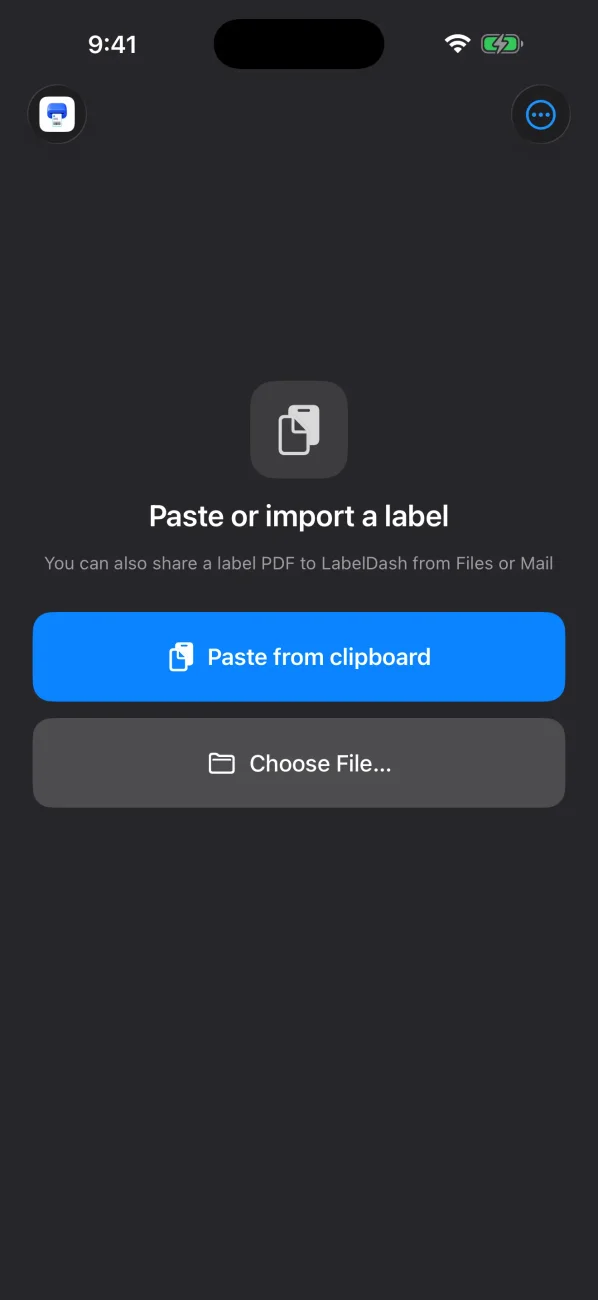
Copy a label from your carrier portal, ERP, or email and paste it. Or drop in a PDF or image, open one from Files, or share it to LabelDash from another app. Multi-page PDFs load as a batch, one label per page.
AUTO-CROP THAT FINDS THE LABEL
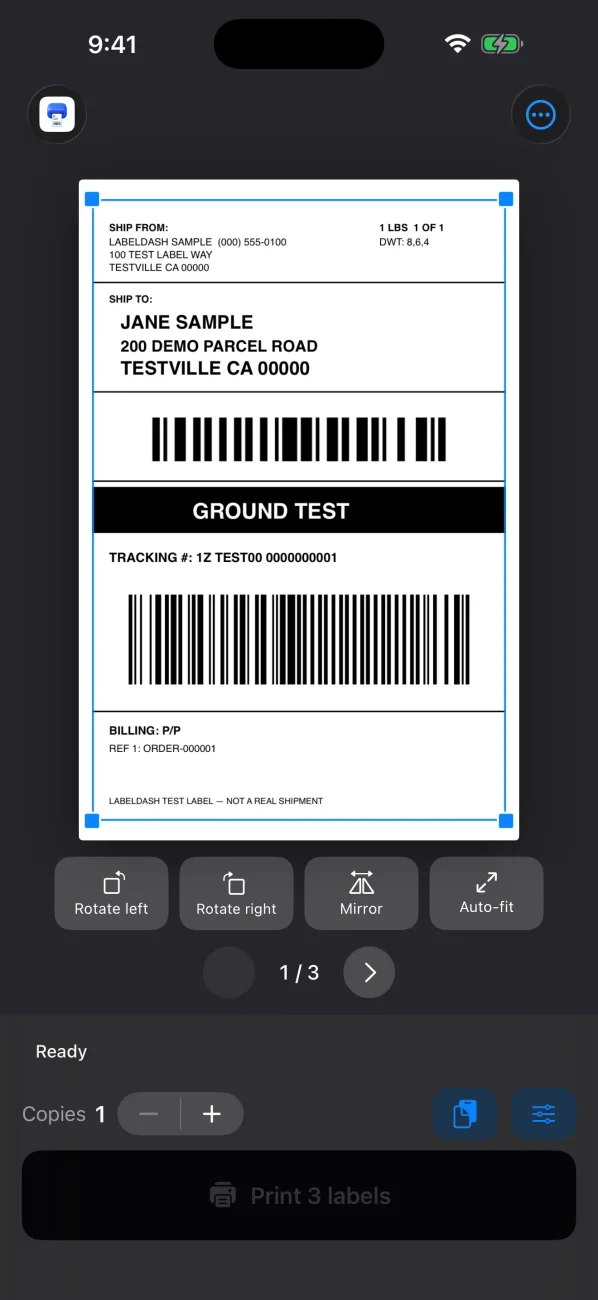
Exported a full A4 or Letter page? LabelDash locates the 4×6 label inside it and frames it for print. You can always switch back to the full page.
PRE-PRINT CHECK
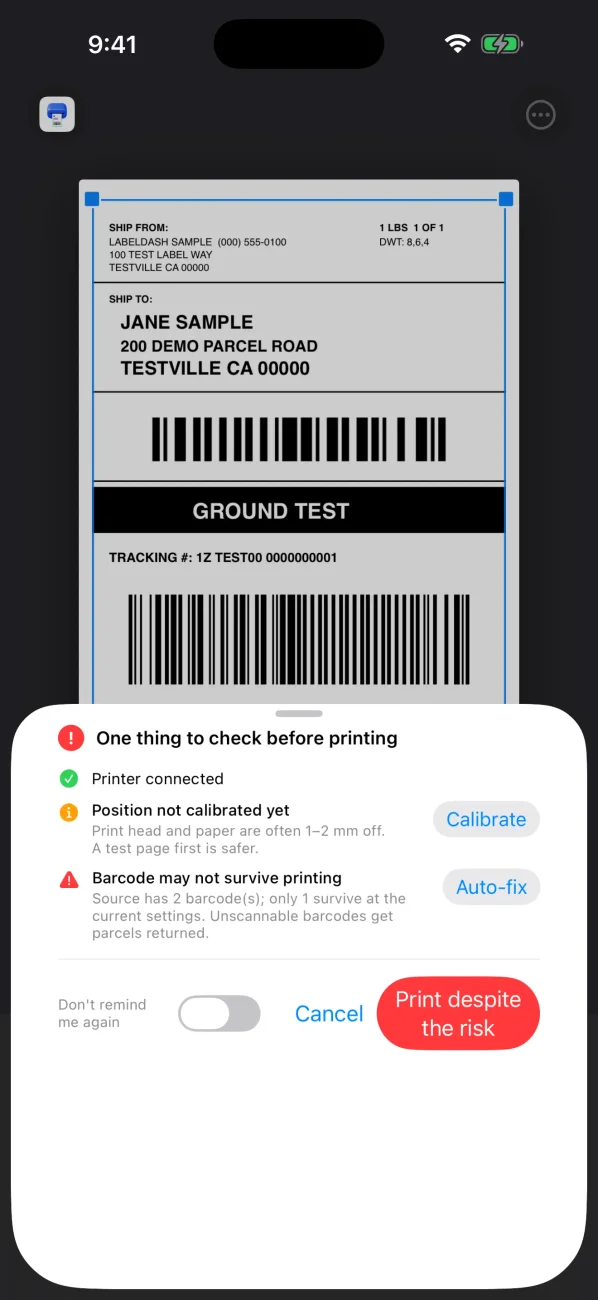
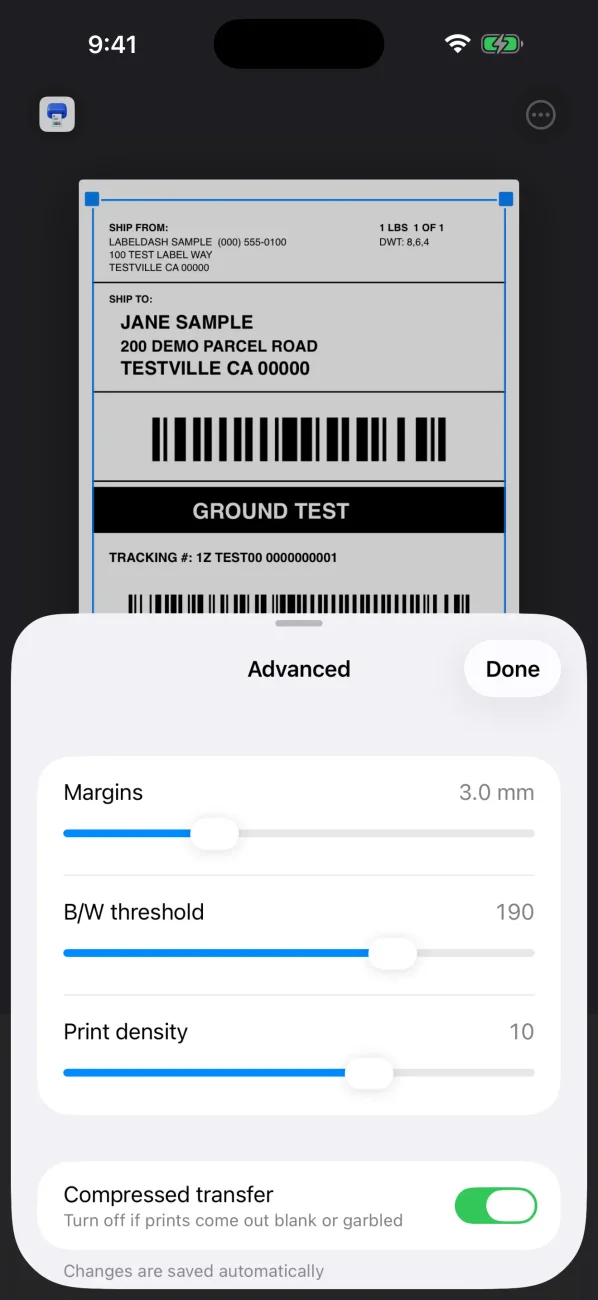
Before anything reaches the printer, LabelDash rasterizes the label and scans the result again. If a barcode on your source would come out unscannable at the current settings, it tells you — and can fix it — instead of wasting a label and getting the parcel returned. It also reminds you to calibrate the first time.
CALIBRATION THAT STICKS
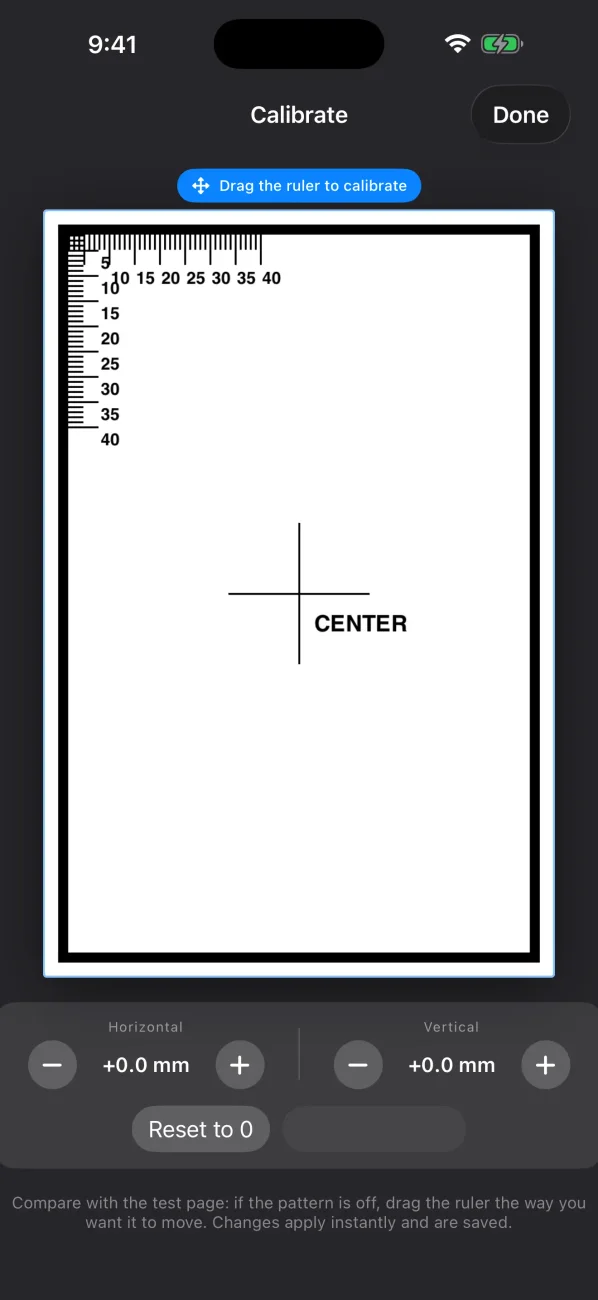
Print a test page, drag the on-screen ruler to match what came out, done. Offsets are remembered per printer.
BATCH PRINTING WITH A STOP BUTTON
Print a whole PDF in one go. Stop mid-run and resume from the exact page you left off — no duplicates, no reprinting the pages that already came out.
ADJUST WHAT MATTERS
Margins, black-and-white threshold, print density, copies, rotate, mirror, auto-fit. Changes are saved automatically.
RECENT PRINTS
The last 7 days of prints stay on the device so you can reprint one without hunting for the original file. Clear them any time.
IPHONE, IPAD AND MAC
Buy once, use everywhere. On Mac paste with ⌘V and print with ⌘P. On iPhone everything sits in the thumb zone.
PRIVACY
No account, no ads, no analytics SDK, no tracking. Labels, addresses and tracking numbers are processed on your device and are never uploaded to the developer. Recent prints are stored locally and excluded from backups.
Nine languages: English, 简体中文, 繁體中文, 日本語, 한국어, Español, Français, Deutsch, Português (BR).
Support: https://labeldash.carljin.com/support
Neue Funktionen
Version 1.0.2 · 10.09.2026
Fixed an issue where the first label could be skipped when printing after connecting to certain Bluetooth printers. Improved Bluetooth printer compatibility by avoiding unsupported status queries.
App-Datenschutz
Was YIYUAN JIN im App Store zum Umgang dieser App mit Daten angibt.
-
Keine Daten erfasst
Der Entwickler erfasst keine Daten von dieser App.
Die Datenschutzpraktiken können variieren, zum Beispiel je nach den von Ihnen verwendeten Funktionen oder Ihrem Alter.
Informationen
- Anbieter
- YIYUAN JIN
- Kategorie
- Wirtschaft
- Version
- 1.0.2
- Aktualisiert
- 10.09.2026
- Veröffentlicht
- 03.09.2026
- Größe
- 2,6 MB
- Erfordert
- iOS 17.0 oder neuer
- Altersfreigabe
- 4+
- Preis
- Kostenlos
- Sprachen
- Englisch, Französisch, Deutsch, Japanisch, Koreanisch, Portugiesisch, Vereinf. Chinesisch, Spanisch, Tradit. Chinesisch
- Copyright
- © 2026 YIYUAN JIN
Das könnte Ihnen auch gefallen
-
 PrintaProduktivität
-
 Label MagicProduktivität
-
 TaskPrint | Thermal PrinterPrint labels, notes & receipts
-
 PrintletWirtschaft
-
 Zhekar ShippingWirtschaft
-
 Thermal Printer SimpleWirtschaft
-
 Termal StudioEtiketten für Thermodrucker
-
 LogisticsOS Smart ScannerWirtschaft
-
 Shiply: Versandetiketten4x6 Thermo-Etiketten drucken
-
 Hero POS AIWirtschaft