
Layerz App Designer
Interactive App Design
Entwickelt für iPhone, iPad, Mac
Kostenlos · In-App-Käufe
- Altersfreigabe4+
- KategorieGrafik und Design
- EntwicklerLayerz Corp.
- SprachenEnglisch+ 2 weitere
- Größe71,4 MB
Verlinkt auf die offizielle App Store-Seite
Download.org hostet keine Datei von Layerz App Designer. Die Schaltfläche öffnet die App-Seite bei App Store, wo Layerz Corp. die App veröffentlicht. Eintrag zuletzt geprüft am 18.11.2026.
Screenshots
Info
Der Entwickler hat diesen Text nicht in Ihrer Sprache bereitgestellt.
Layerz — Design Your App
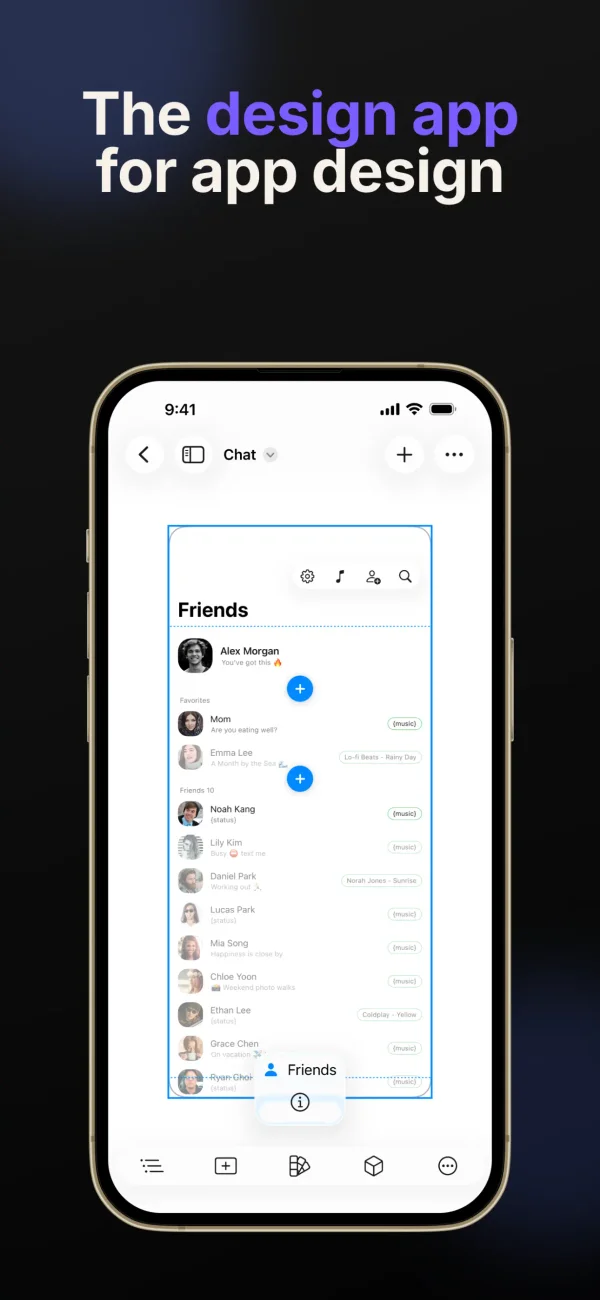
Layerz is a visual design tool for creating interactive, working iOS app designs — made of real native components.
Define design, data, behavior, media, and live API connections in one place.
Made for Creators
- Designers creating interactive designs that actually work
- Developers prototyping ideas fast
- Makers bringing app ideas to life visually
Design Native
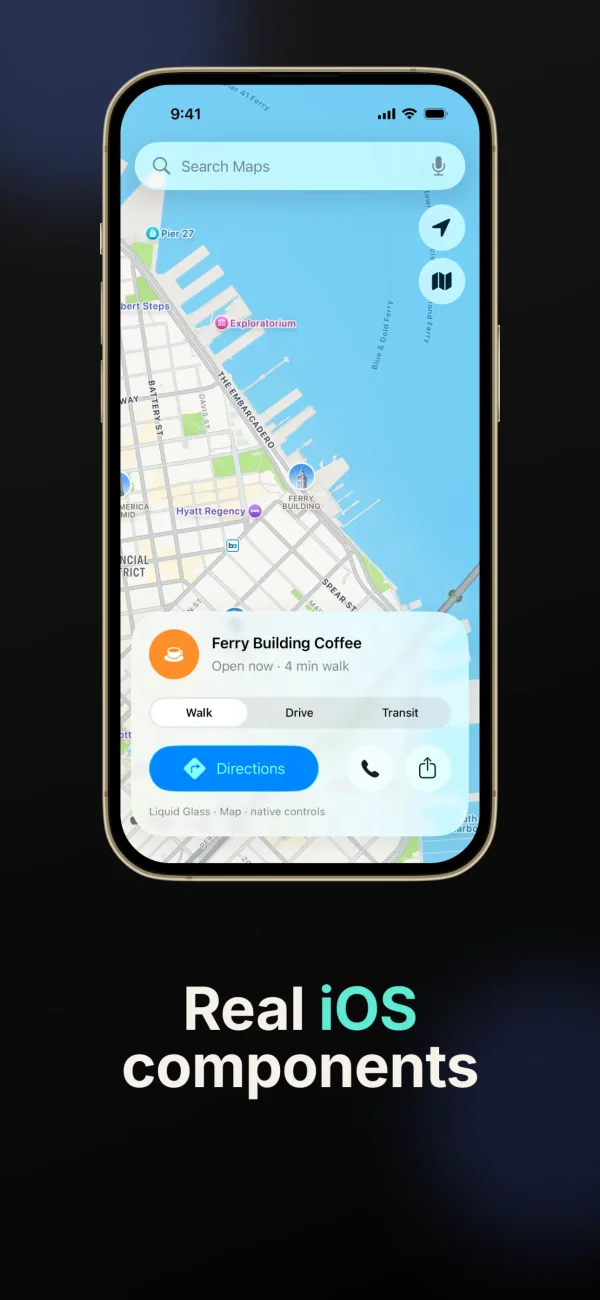
Design with real iOS components, not lookalikes.
- Actual native components — buttons, lists, maps, web views, video, Lottie, link previews
- Charts — bar, line, area, point, and pie, drawn from your data
- Real Auto Layout, responsive on every screen size
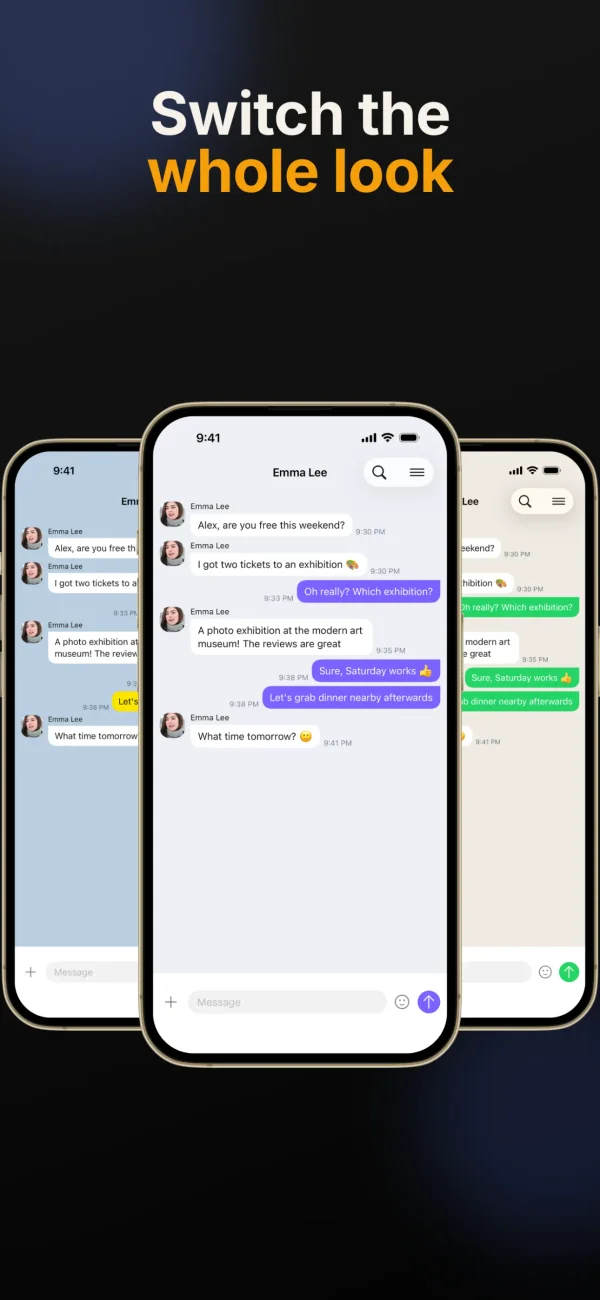
- Design System — color & typography tokens grouped into themes; switch a theme to re-skin your whole app
- Turn any design into a reusable component
Make It Stand Out
Rich styling, ready in a tap.
- Shapes — stars, blobs, waves, hearts, polygons, or your own SVG — and clip any view to a shape
- Gradients with many colors and any angle, on backgrounds, text, and borders — plus slowly drifting mesh gradients
- Layered shadows and glows, grain texture, blend modes, and one-tap style presets
- Motion in the preview: appear animations with stagger, press effects, and SF Symbol effects
- Bottom sheets, long-press context menus, smooth corners, letter spacing and line height
- Import your own fonts
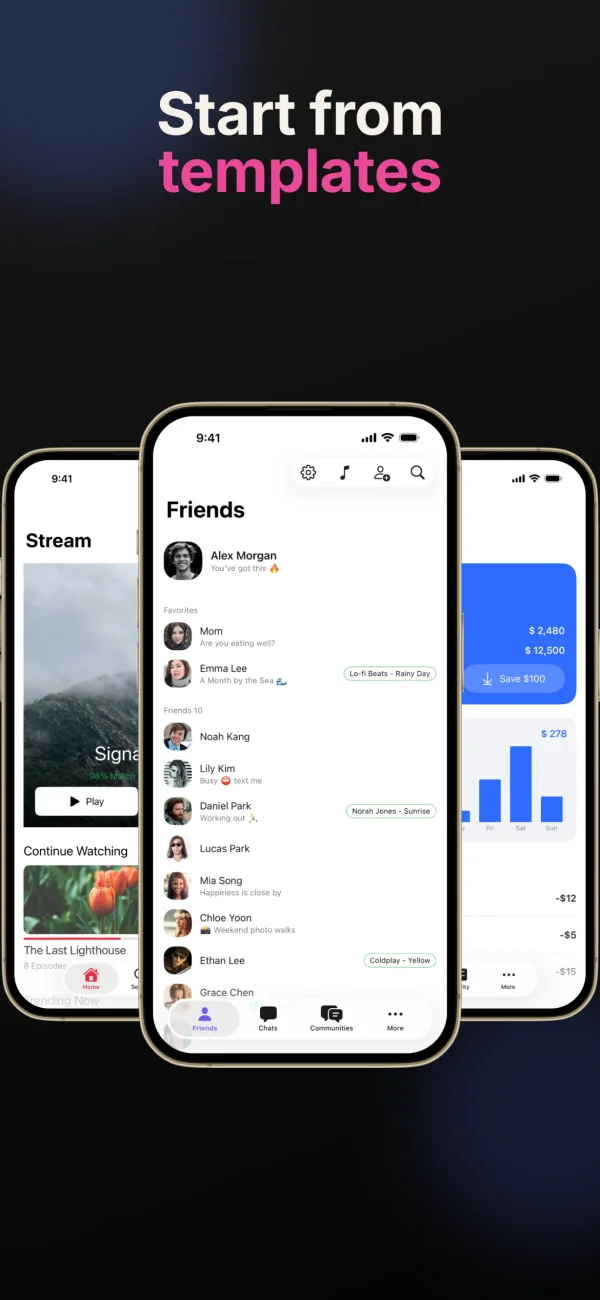
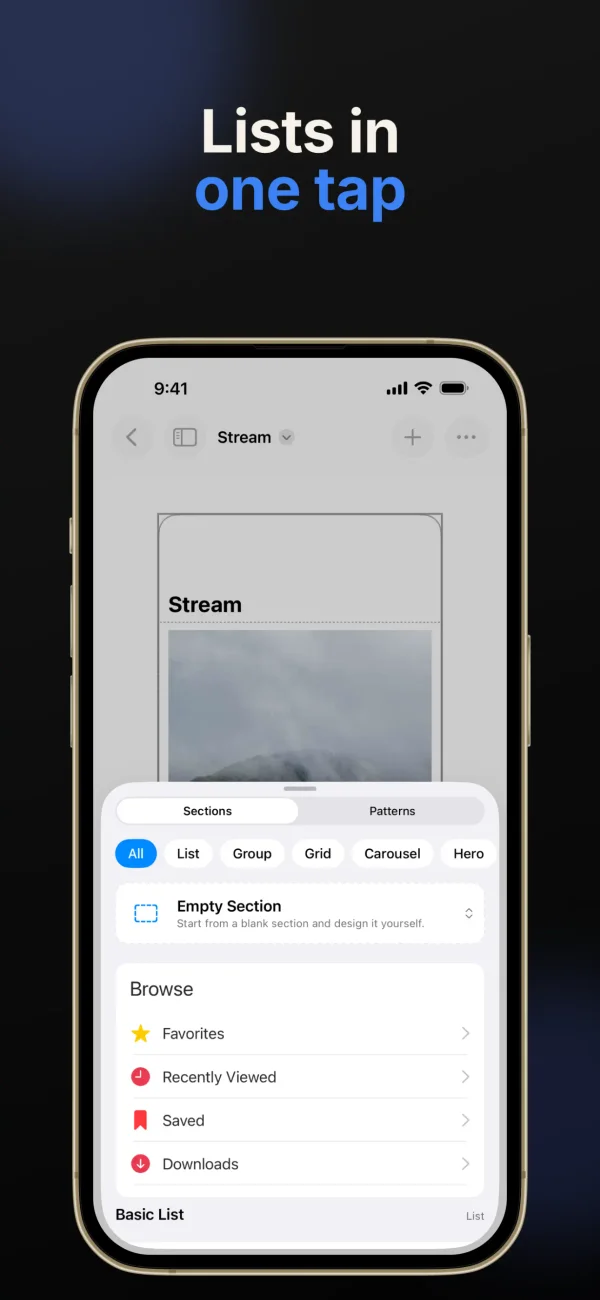
Start fast: pick a genre template in one of three styles, then compose screens from ready-made sections and patterns. An interactive tour teaches the building blocks hands-on, right in the editor.
Or open an interactive app design template — chat, banking, streaming, food delivery, language learning, focus timer, habits and more — preview it, then make it yours.
Media & Services
Bring your app to life beyond the screen.
- Lottie animations, video, and audio assets — imported once, used anywhere
- Services react to timers, battery, and connectivity: run an Action Flow or write readings straight into your data
Design with Data
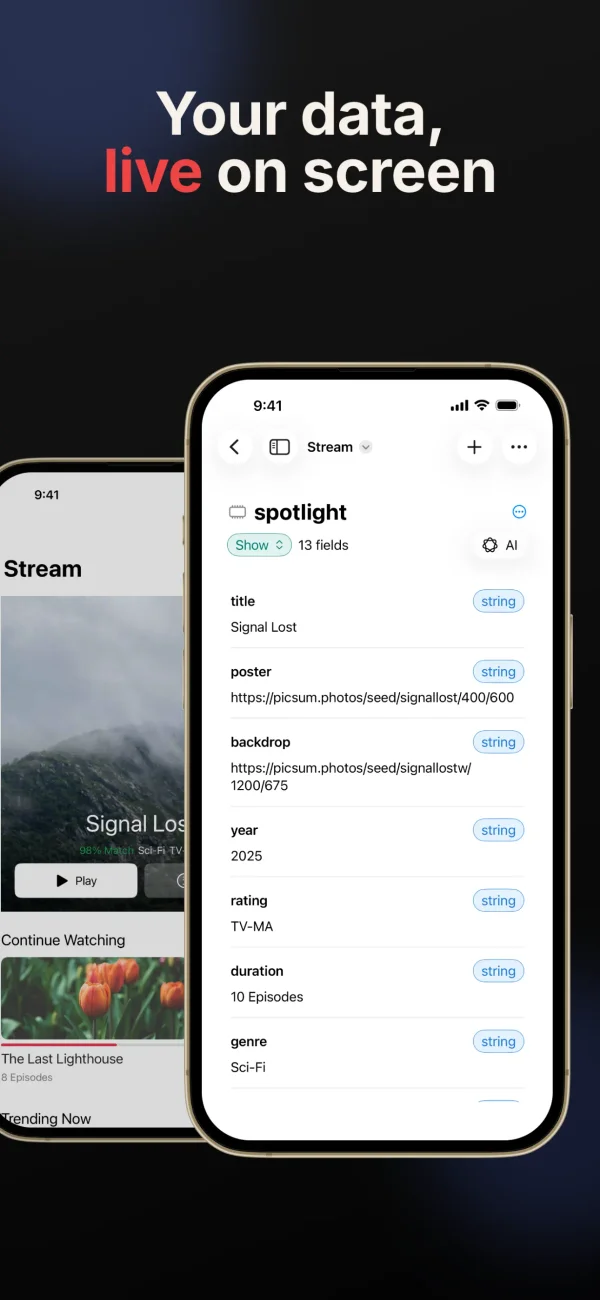
Create and manage your own data directly inside Layerz.
- Define custom data schemas, enums, and dates
- Filter and sort lists with live conditions
- Bind comparisons (true/false) for conditional UI like selection highlights
- Reshape API data to fit your UI model with Data Transformers
- Save data to disk — it's restored on the next run
When data changes, UI updates automatically.
Action Flow
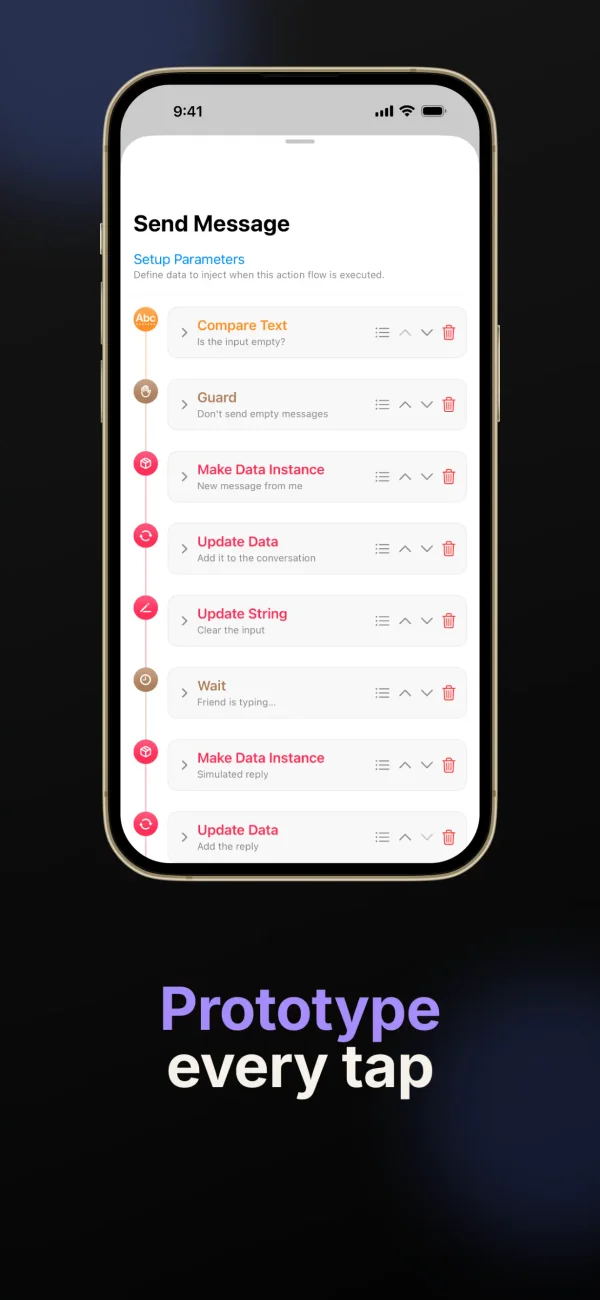
Action Flow lets you define how your app behaves.
- Navigate between screens
- Manipulate data and call APIs
- Branch on conditions — if this, then that
- Loop over arrays with For Each, and stop early with Guard
- Control video, Lottie, and web views
- Alerts, input prompts, sharing, sounds, haptics
Connect Action Flows to events (button tap, screen load, etc.) — plus menus and enum-bound controls that write straight to your data.
API Integration
Connect your app to the real world.
- Configure HTTP endpoints (GET, POST, and more)
- Import OpenAPI / Swagger specs from a file or URL
- Authentication, retries, and per-status responses
- Bind responses straight to your UI
Your prototype talks to real data.
Cross-Platform
Design across all your Apple devices.
- iPhone
- iPad
Work seamlessly wherever you are.
Free & Pro
Start free: open any template and edit it, and keep one project — with everything inside: every design feature and theme, data, Action Flows, APIs, services, and the live preview.
Pro (subscription) adds unlimited projects in Files and iCloud, and export: screen images and PDF, preview videos, design tokens, and project files.
Terms of Use: https://www.apple.com/legal/internet-services/itunes/dev/stdeula/
Privacy Policy: https://is.gd/hYxRSE
We always welcome feedback.
support@layerz.app
Neue Funktionen
Version 4.3.0 · 26.10.2026
Make it stand out.
- Shapes — stars, blobs, waves, hearts, polygons, or your own SVG — and clip any view to a shape
- Gradients with many colors and any angle, on backgrounds, text, and borders, plus drifting mesh gradients
- Layered shadows and glows, grain texture, blend modes, and one-tap style presets
- Motion in the preview — appear animations with stagger, press effects, and SF Symbol effects
- Bottom sheets, long-press context menus, smooth corners, letter spacing and line height
- 3D View in the iPad preview — turn the device while your design keeps responding
- Export every screen as images or a PDF, and record the preview as a video (Pro)
App-Datenschutz
Was Layerz Corp. im App Store zum Umgang dieser App mit Daten angibt.
-
Nicht mit Ihnen verknüpfte Daten
Können erfasst werden, sind aber nicht mit Ihrer Identität verknüpft.
- Käufe
- Nutzungsdaten
- Diagnose
Die Datenschutzpraktiken können variieren, zum Beispiel je nach den von Ihnen verwendeten Funktionen oder Ihrem Alter.
Informationen
- Anbieter
- Layerz Corp.
- Kategorie
- Grafik und Design
- Version
- 4.3.0
- Aktualisiert
- 26.10.2026
- Veröffentlicht
- 11.06.2024
- Größe
- 71,4 MB
- Erfordert
- iOS 18.1 oder neuer
- Altersfreigabe
- 4+
- Preis
- Kostenlos
- In-App-Käufe
- Ja
- Sprachen
- Englisch, Japanisch, Koreanisch
- Copyright
- © 2024-2026 Layerz Corp.
Das könnte Ihnen auch gefallen
-
 MeshPaper: Wallpaper GeneratorGrafik und Design
-
 DynamicMePassen Sie Dynamische Insel an
-
 Ed - Game Tile EditorGrafik und Design
-
 Appmost Design: AI PrototypingPrototypen & Design Mockups
-
 AI Background Eraser: CleanCutGrafik und Design
-
 Mockview - Mockup GeneratorGrafik und Design
-
 Xpage - Prototyping DesignGrafik und Design
-
 DesignScannerGrafik und Design
-
 WatermarkX - Markup photos appGrafik und Design
-
 PieChart MakerGrafik und Design