
Layerz App Designer
Interactive App Design
Designed for iPhone, iPad, Mac
Free · In-app purchases
- Age rating4+
- CategoryGraphics & Design
- DeveloperLayerz Corp.
- LanguagesEnglish+ 2 more
- Size71.4 MB
Links to the official App Store page
Download.org hosts no file of Layerz App Designer. The button opens its official App Store page, published by Layerz Corp. Listing last checked on Nov 18, 2026.
Screenshots
About
Layerz — Design Your App
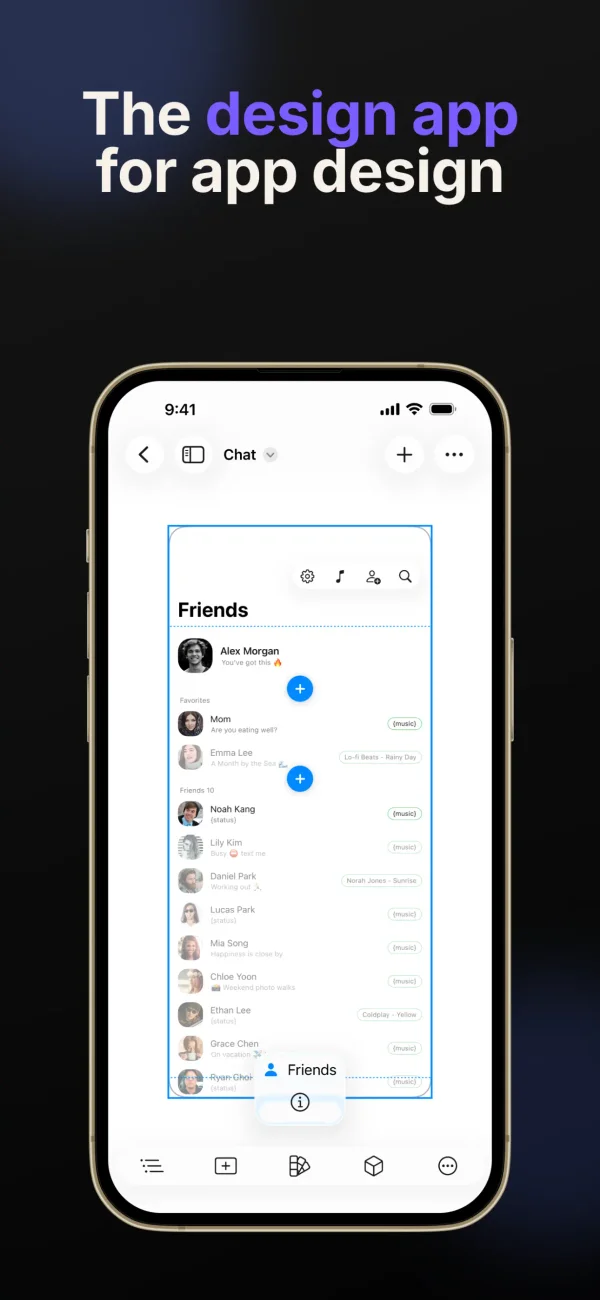
Layerz is a visual design tool for creating interactive, working iOS app designs — made of real native components.
Define design, data, behavior, media, and live API connections in one place.
Made for Creators
- Designers creating interactive designs that actually work
- Developers prototyping ideas fast
- Makers bringing app ideas to life visually
Design Native
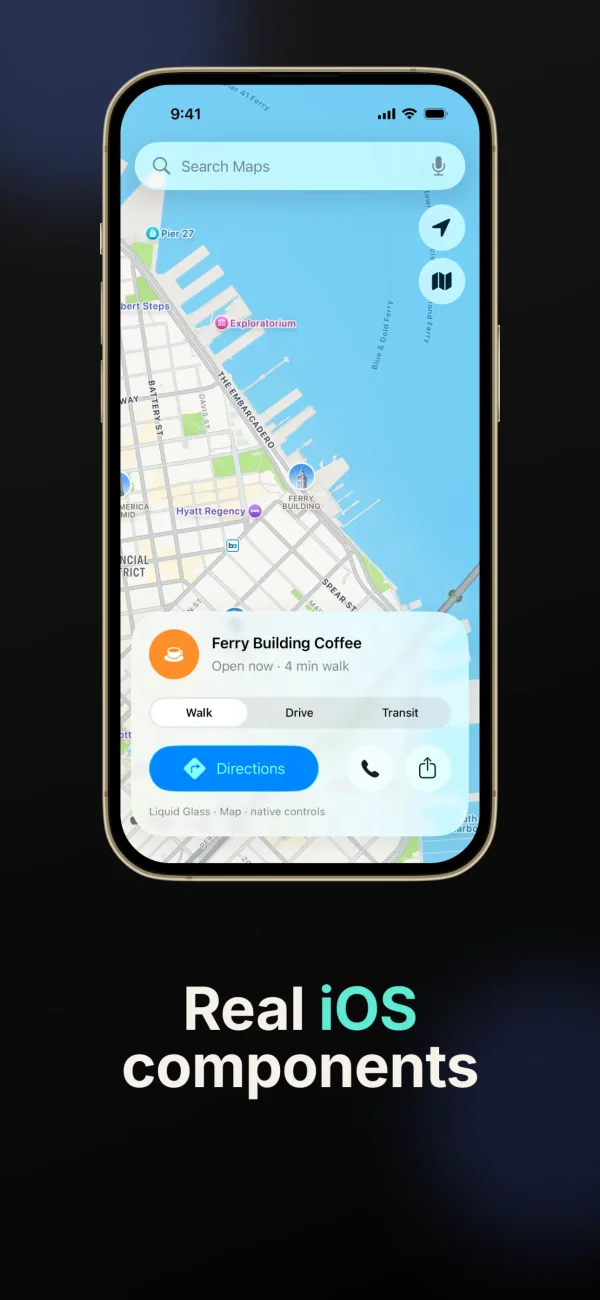
Design with real iOS components, not lookalikes.
- Actual native components — buttons, lists, maps, web views, video, Lottie, link previews
- Charts — bar, line, area, point, and pie, drawn from your data
- Real Auto Layout, responsive on every screen size
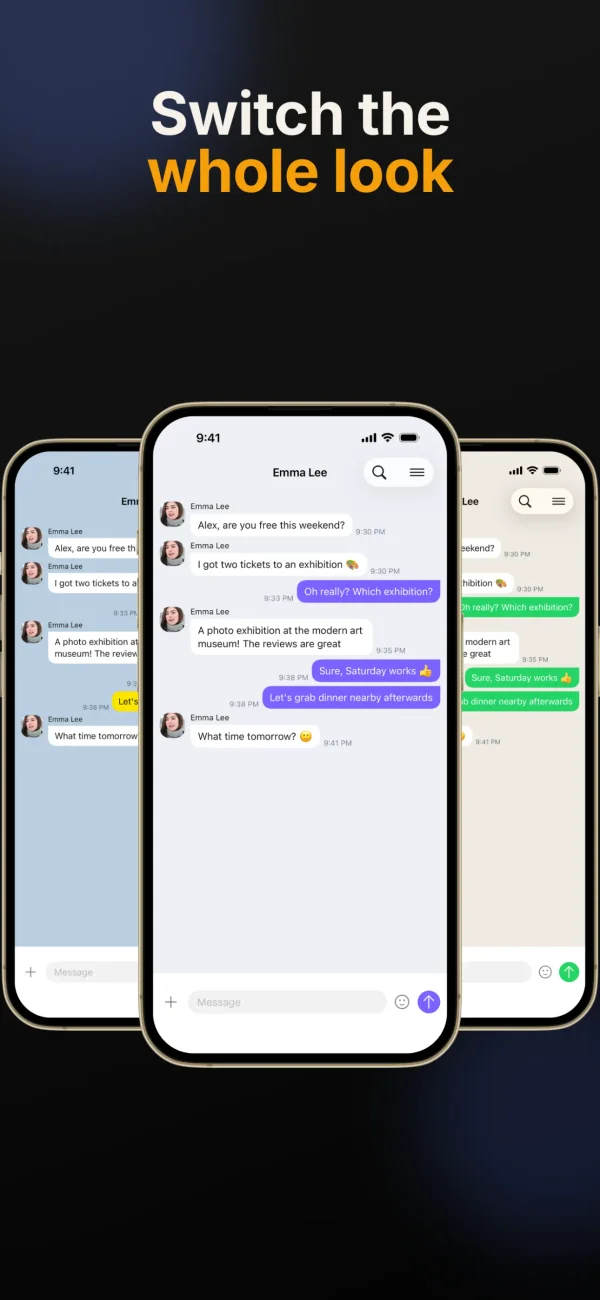
- Design System — color & typography tokens grouped into themes; switch a theme to re-skin your whole app
- Turn any design into a reusable component
Make It Stand Out
Rich styling, ready in a tap.
- Shapes — stars, blobs, waves, hearts, polygons, or your own SVG — and clip any view to a shape
- Gradients with many colors and any angle, on backgrounds, text, and borders — plus slowly drifting mesh gradients
- Layered shadows and glows, grain texture, blend modes, and one-tap style presets
- Motion in the preview: appear animations with stagger, press effects, and SF Symbol effects
- Bottom sheets, long-press context menus, smooth corners, letter spacing and line height
- Import your own fonts
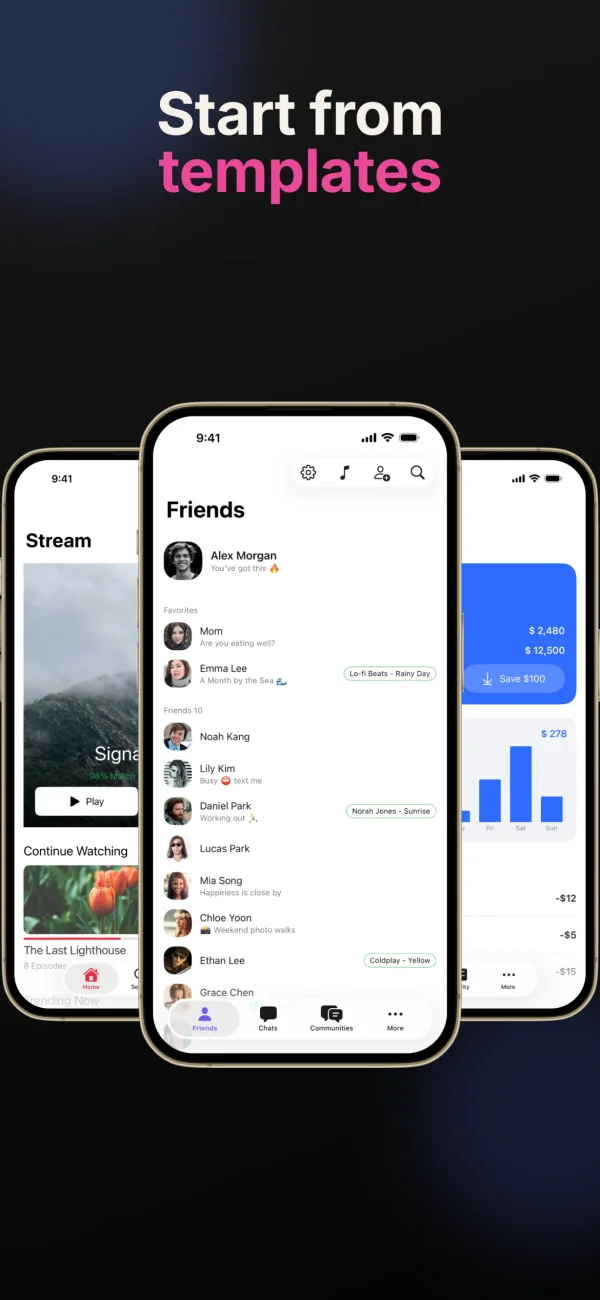
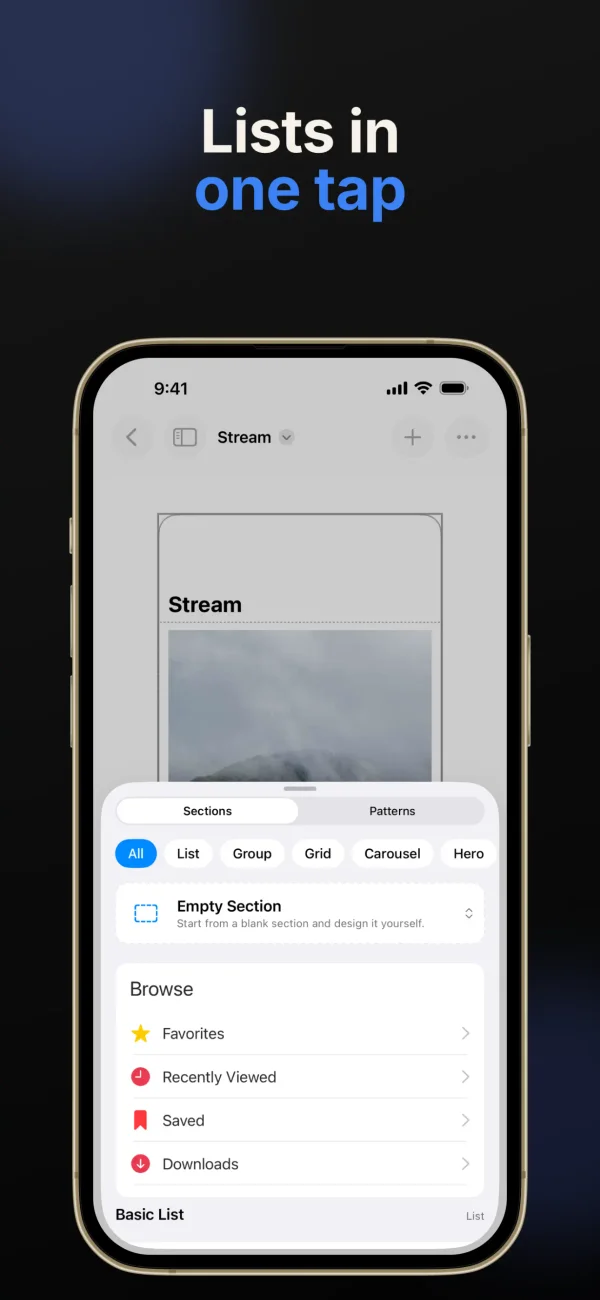
Start fast: pick a genre template in one of three styles, then compose screens from ready-made sections and patterns. An interactive tour teaches the building blocks hands-on, right in the editor.
Or open an interactive app design template — chat, banking, streaming, food delivery, language learning, focus timer, habits and more — preview it, then make it yours.
Media & Services
Bring your app to life beyond the screen.
- Lottie animations, video, and audio assets — imported once, used anywhere
- Services react to timers, battery, and connectivity: run an Action Flow or write readings straight into your data
Design with Data
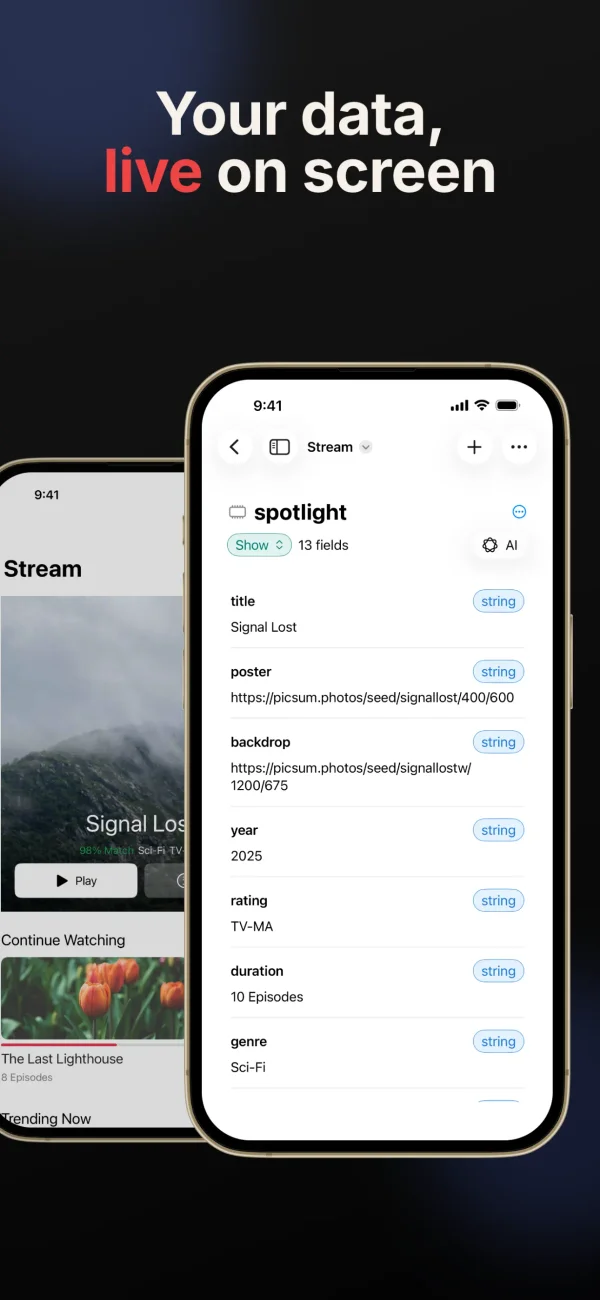
Create and manage your own data directly inside Layerz.
- Define custom data schemas, enums, and dates
- Filter and sort lists with live conditions
- Bind comparisons (true/false) for conditional UI like selection highlights
- Reshape API data to fit your UI model with Data Transformers
- Save data to disk — it's restored on the next run
When data changes, UI updates automatically.
Action Flow
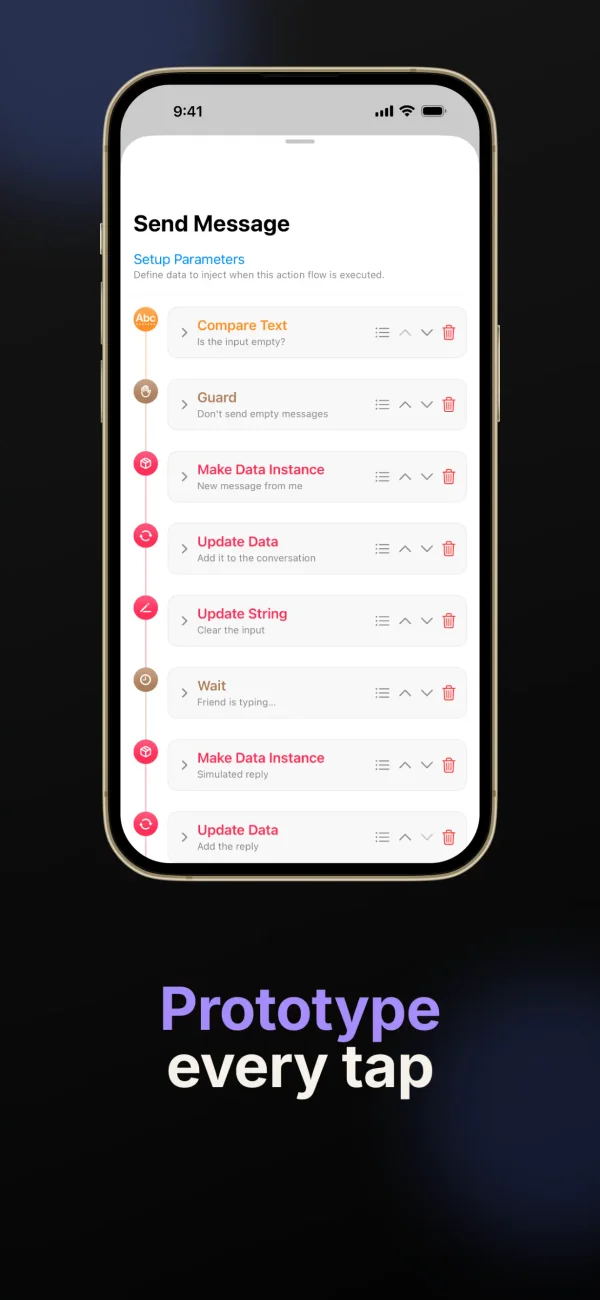
Action Flow lets you define how your app behaves.
- Navigate between screens
- Manipulate data and call APIs
- Branch on conditions — if this, then that
- Loop over arrays with For Each, and stop early with Guard
- Control video, Lottie, and web views
- Alerts, input prompts, sharing, sounds, haptics
Connect Action Flows to events (button tap, screen load, etc.) — plus menus and enum-bound controls that write straight to your data.
API Integration
Connect your app to the real world.
- Configure HTTP endpoints (GET, POST, and more)
- Import OpenAPI / Swagger specs from a file or URL
- Authentication, retries, and per-status responses
- Bind responses straight to your UI
Your prototype talks to real data.
Cross-Platform
Design across all your Apple devices.
- iPhone
- iPad
Work seamlessly wherever you are.
Free & Pro
Start free: open any template and edit it, and keep one project — with everything inside: every design feature and theme, data, Action Flows, APIs, services, and the live preview.
Pro (subscription) adds unlimited projects in Files and iCloud, and export: screen images and PDF, preview videos, design tokens, and project files.
Terms of Use: https://www.apple.com/legal/internet-services/itunes/dev/stdeula/
Privacy Policy: https://is.gd/hYxRSE
We always welcome feedback.
support@layerz.app
What’s new
Version 4.3.0 · Oct 26, 2026
Make it stand out.
- Shapes — stars, blobs, waves, hearts, polygons, or your own SVG — and clip any view to a shape
- Gradients with many colors and any angle, on backgrounds, text, and borders, plus drifting mesh gradients
- Layered shadows and glows, grain texture, blend modes, and one-tap style presets
- Motion in the preview — appear animations with stagger, press effects, and SF Symbol effects
- Bottom sheets, long-press context menus, smooth corners, letter spacing and line height
- 3D View in the iPad preview — turn the device while your design keeps responding
- Export every screen as images or a PDF, and record the preview as a video (Pro)
App privacy
What Layerz Corp. declares on the App Store about how this app handles data.
-
Data not linked to you
May be collected but is not linked to your identity.
- Purchases
- Usage data
- Diagnostics
Privacy practices may vary, for example with the features you use or your age.
Information
- Seller
- Layerz Corp.
- Category
- Graphics & Design
- Version
- 4.3.0
- Updated
- Oct 26, 2026
- Released
- Jun 11, 2024
- Size
- 71.4 MB
- Requires
- iOS 18.1 or later
- Age rating
- 4+
- Price
- Free
- In-app purchases
- Yes
- Languages
- English, Japanese, Korean
- Copyright
- © 2024-2026 Layerz Corp.
You might also like
-
 MeshPaper: Wallpaper GeneratorCreate More
-
 DynamicMeCustomize your Dynamic Island
-
 Ed - Game Tile EditorDesign tile-based games
-
 Appmost Design: AI PrototypingPrototype & Mockup Native Apps
-
 AI Background Eraser: CleanCutSmart Fast Remover, Cutout It!
-
 Mockview - Mockup GeneratorTurn Screenshots to Mockups
-
 Xpage - Prototyping DesignApp Prototyping Maker
-
 DesignScanner3D Room Scanning with LiDAR
-
 WatermarkX - Markup photos appBatch add watermark to picture
-
 PieChart MakerGenerates pie charts quickly