
Learning HTML
Html full course offline
Entwickelt für iPhone, iPad, iPod touch
Kostenlos
- Altersfreigabe4+
- KategorieBildung
- EntwicklerMerbin Joe
- SprachenEnglisch
- Größe11,3 MB
Verlinkt auf die offizielle App Store-Seite
Download.org hostet keine Datei von Learning HTML. Die Schaltfläche öffnet die App-Seite bei App Store, wo Merbin Joe die App veröffentlicht. Eintrag zuletzt geprüft am 23.11.2026.
Screenshots



Info
Der Entwickler hat diesen Text nicht in Ihrer Sprache bereitgestellt.
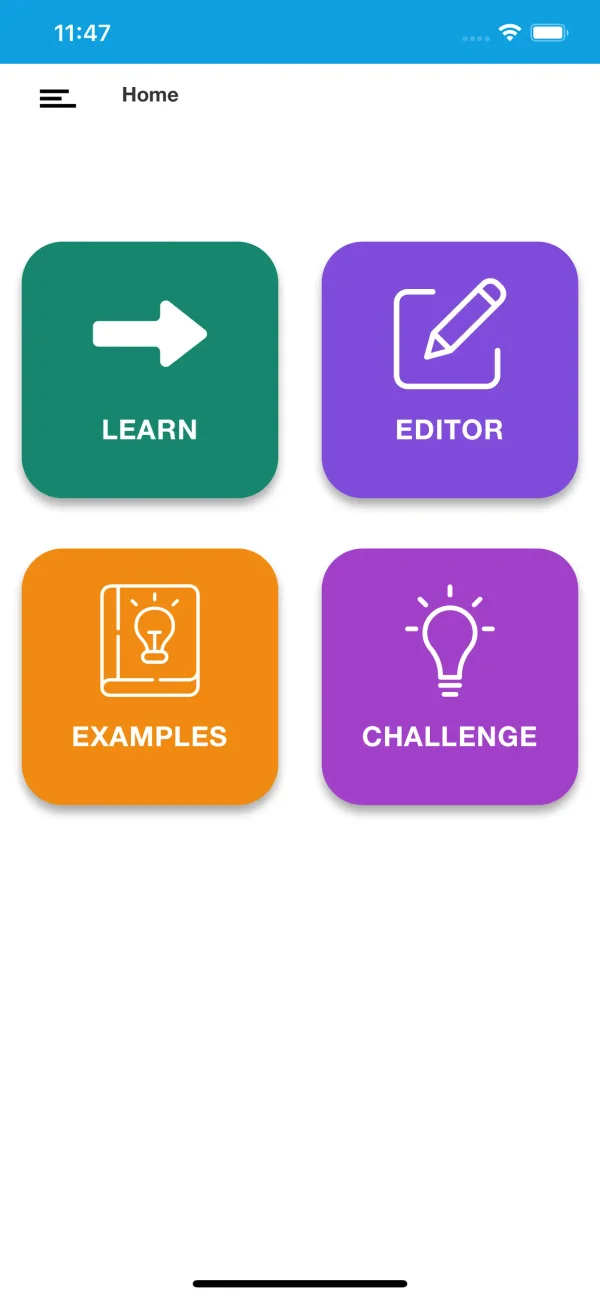
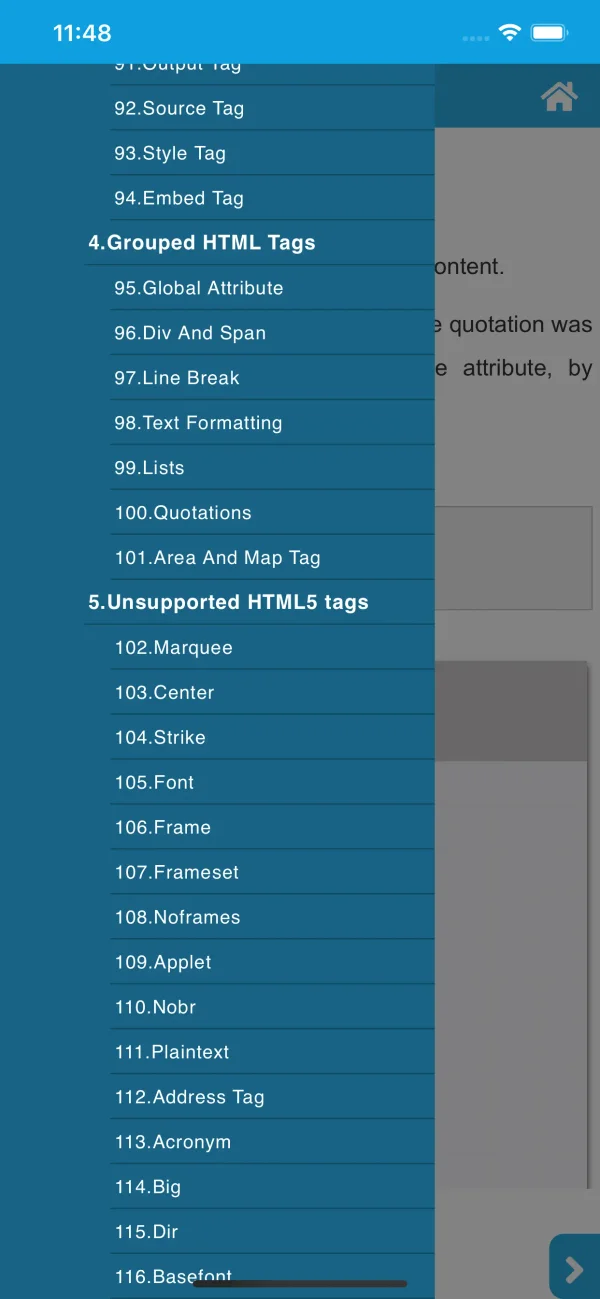
Explore HTML learning guide with editable web examples with Learn HTML. Browse the HTML learning topics and read their explanations with the supplied example code. Topic navigation supports choosing a subject directly or stepping through related material.
Choose Learn for an HTML explanation, or Examples for a concrete piece of source to explore. Read the code, change one part and switch to Output to inspect the result. Use the previous and next example controls for related material. Settings adjusts the editor presentation so you can choose a comfortable font size and color theme.
Editable examples
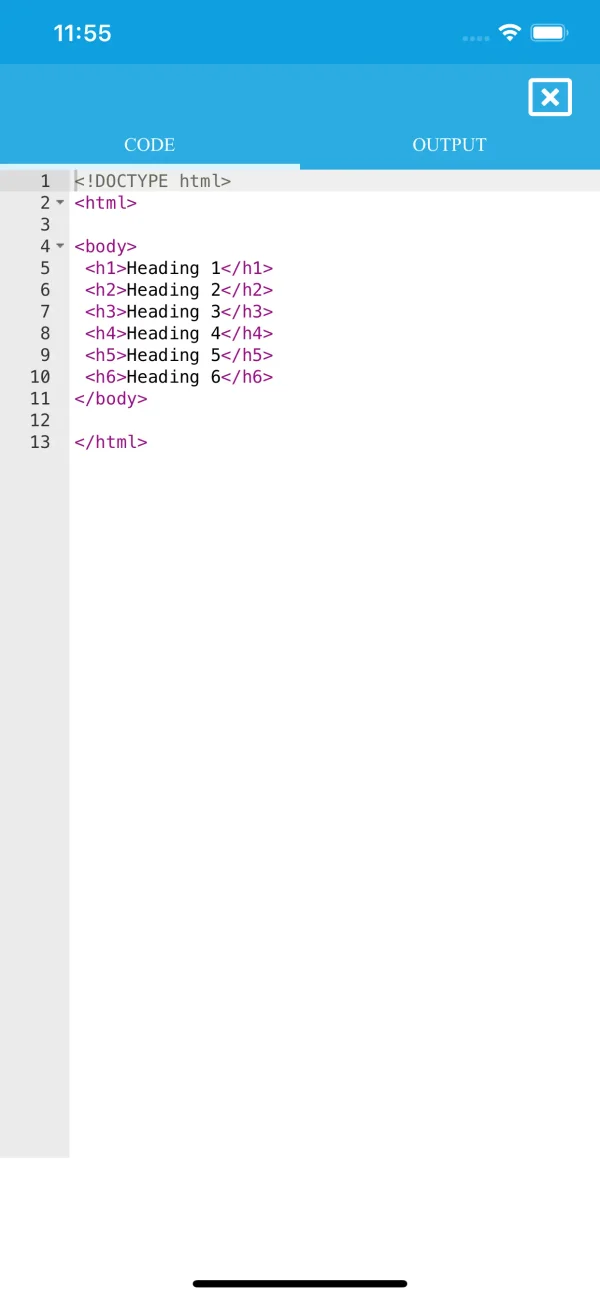
Open a supplied HTML example, inspect the source and make a targeted change. The example workflow connects the selected topic with a working source-editing screen rather than presenting only a screenshot.
Code and output views
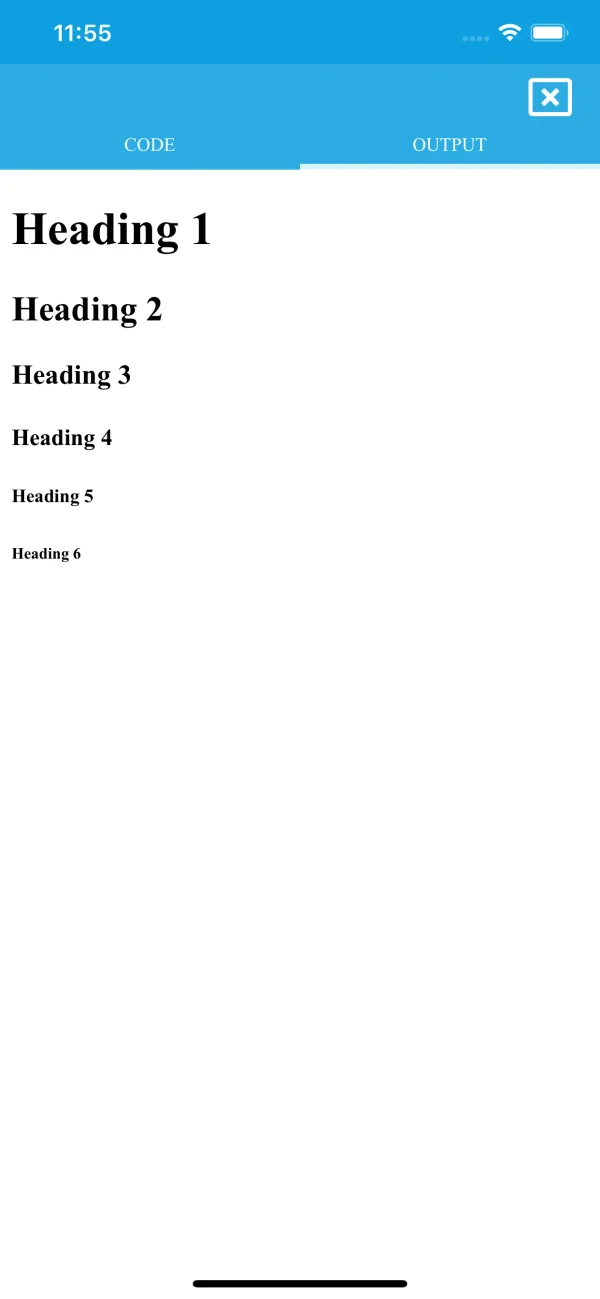
Move between the code view and rendered output to compare an edit with its visible effect. Source examples and their results appear within the same learning workflow.
Editor appearance
Change editor theme and font size through Settings, using the preview to inspect the display. Restore the default preference when you want to return to the supplied presentation.
App theme and feedback
Use the app theme control for the general appearance and the feedback form for sending a report. The feedback action requires the configured external service to be available.
Read, edit and compare
The learning topics and example browser offer two starting points. A lesson supplies the explanation, while an example supplies a concrete source document to inspect. Choose the subject you are studying, read the relevant text and compare it with the code before making a change.
In the editor, keep the starting example in mind and change one part at a time. Switch to Output to inspect the result, then return to Code for the next revision. Previous and next example navigation supports exploring related material without repeatedly starting from the Home screen.
Settings controls the editor presentation. Select an available color theme, adjust the font size and use the preview to inspect the choice. The default control offers a way back to the supplied presentation. The editor theme concerns the code display, while the app theme affects the surrounding interface.
The app is intended as a subject-focused learning and code-experimentation companion. The supplied examples are the basis of the described workflow. This listing does not infer AI code generation, production website hosting, repository synchronization or an accredited qualification from the presence of an editor.
The supplied HTML topics include forms and inputs, tables, headings, paragraphs, lists, links and images. Additional lessons cover document and section elements as well as media-related tags. Open a topic to inspect its explanation and example rather than assuming every element has the same purpose. A form groups inputs, a table organizes related values and a list represents a sequence or collection.
Made for students and beginning web developers studying HTML.
Neue Funktionen
Version 1.6 · 12.11.2026
Bug fixes
App-Datenschutz
Was Merbin Joe im App Store zum Umgang dieser App mit Daten angibt.
-
Daten, die zum Tracking Ihrer Person verwendet werden
Können verwendet werden, um Sie über Apps und Websites anderer Unternehmen hinweg zu verfolgen.
- Nutzungsdaten
-
Nicht mit Ihnen verknüpfte Daten
Können erfasst werden, sind aber nicht mit Ihrer Identität verknüpft.
- Nutzungsdaten
Die Datenschutzpraktiken können variieren, zum Beispiel je nach den von Ihnen verwendeten Funktionen oder Ihrem Alter.
Informationen
- Anbieter
- Merbin Joe
- Kategorie
- Bildung
- Version
- 1.6
- Aktualisiert
- 12.11.2026
- Veröffentlicht
- 13.03.2021
- Größe
- 11,3 MB
- Erfordert
- iOS 15.0 oder neuer
- Altersfreigabe
- 4+
- Preis
- Kostenlos
- Sprachen
- Englisch
- Copyright
- © Codeplay
Das könnte Ihnen auch gefallen
-
 Learn HTML ProgrammingBildung
-
 Learn HTML | HTML AcademyBildung
-
 Learn Web DevelopmentBildung
-
 HTML5 BuilderBildung
-
 Learn CSS | CSS TutorialBildung
-
 HTML & CSS For Beginners 2024Bildung
-
 HTML Master: Code EditorBildung
-
 Learn JavaScript ProgrammingBildung
-
 CodeHub: Learn ProgrammingBildung
-
 Learn Js, Php, Html, CssBildung