- 対象年齢4+
- カテゴリ教育
- 開発元Merbin Joe
- 言語英語
- サイズ11.3 MB
App Storeの公式ページにリンクしています
Download.orgはLearning HTMLのファイルを一切ホストしていません。ボタンを押すと、Merbin Joeが公開しているApp Storeのアプリページが開きます。ページの最終確認:2026/11/23。
スクリーンショット



概要
開発元はこのテキストをお使いの言語で提供していません。
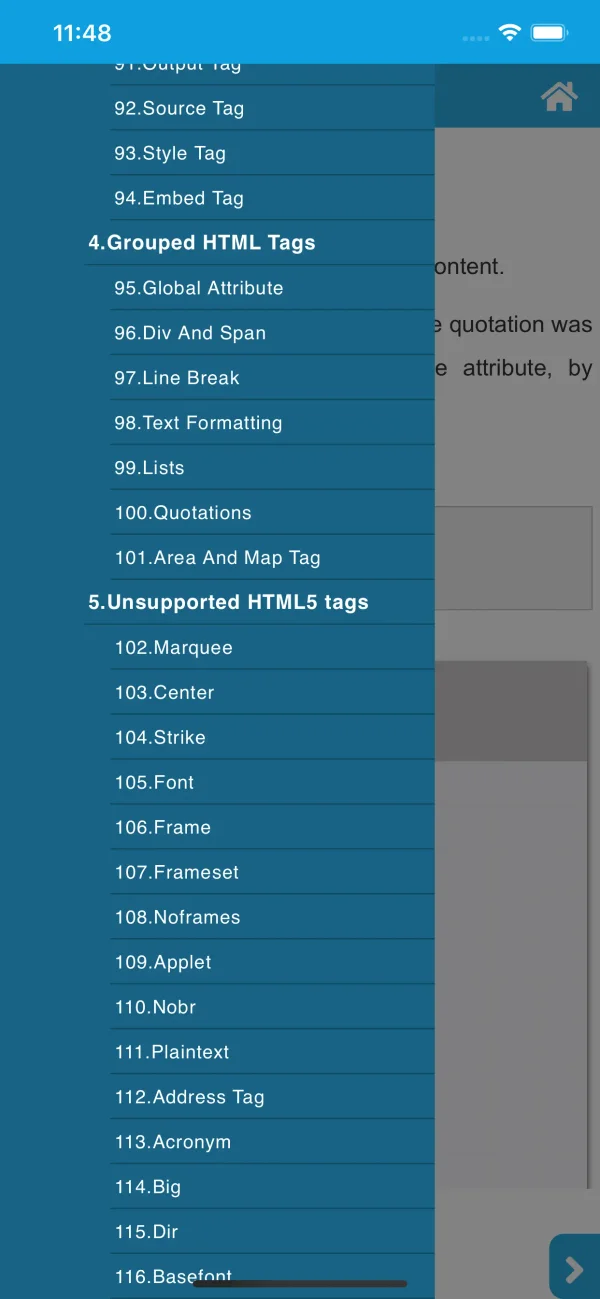
Explore HTML learning guide with editable web examples with Learn HTML. Browse the HTML learning topics and read their explanations with the supplied example code. Topic navigation supports choosing a subject directly or stepping through related material.
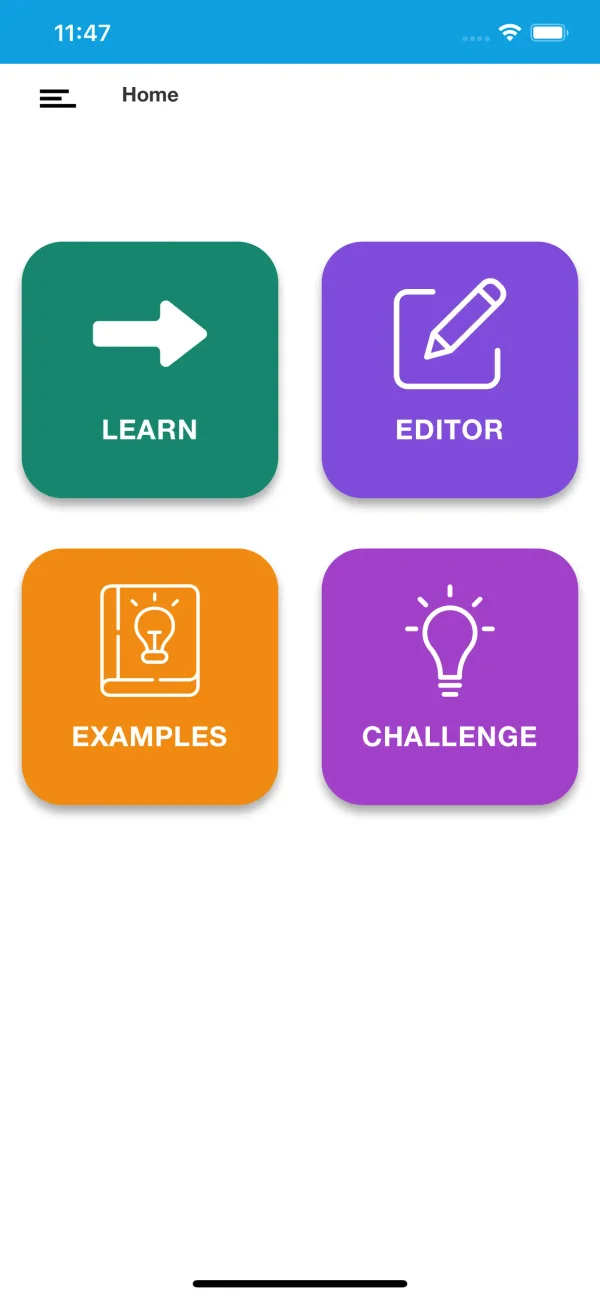
Choose Learn for an HTML explanation, or Examples for a concrete piece of source to explore. Read the code, change one part and switch to Output to inspect the result. Use the previous and next example controls for related material. Settings adjusts the editor presentation so you can choose a comfortable font size and color theme.
Editable examples
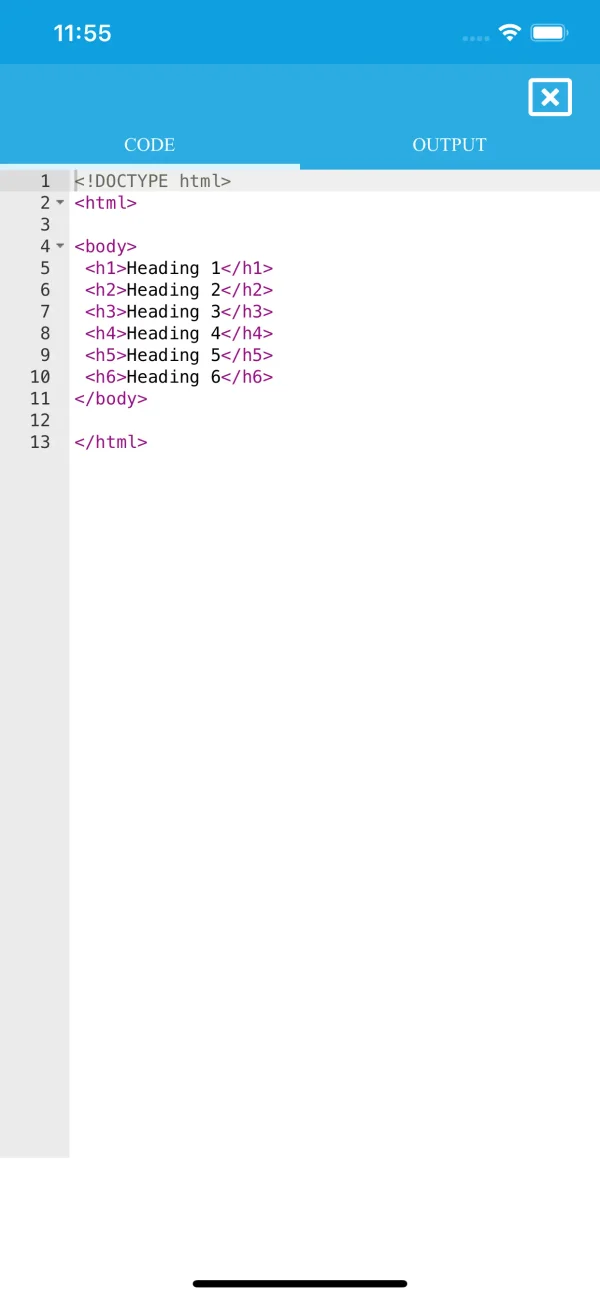
Open a supplied HTML example, inspect the source and make a targeted change. The example workflow connects the selected topic with a working source-editing screen rather than presenting only a screenshot.
Code and output views
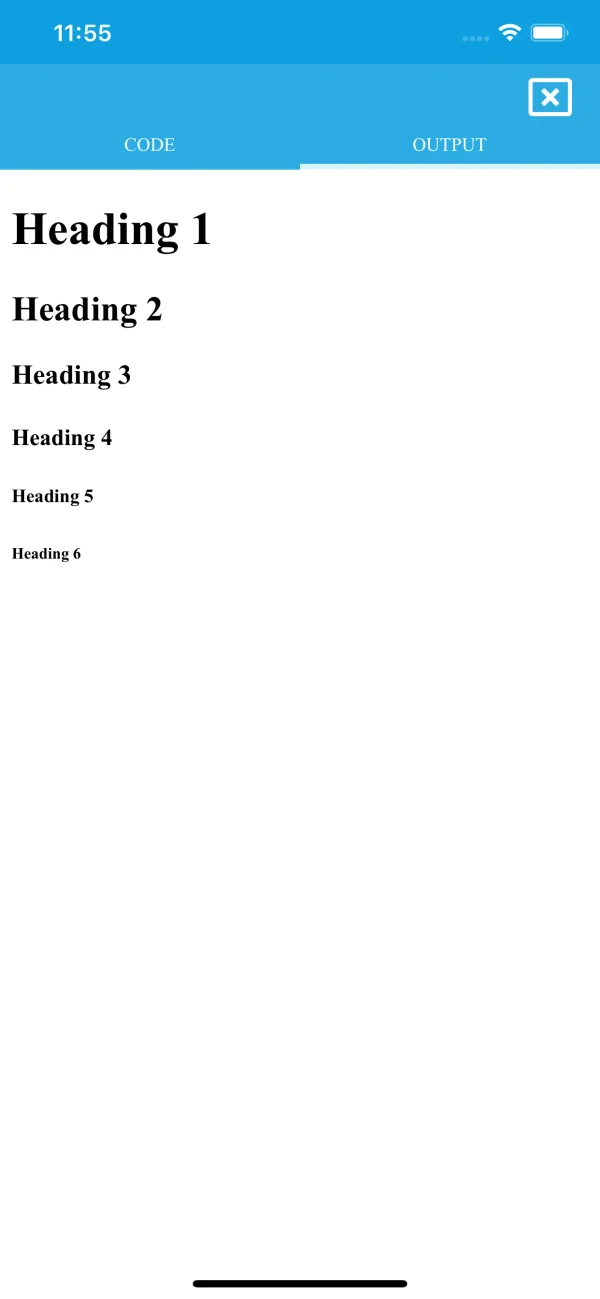
Move between the code view and rendered output to compare an edit with its visible effect. Source examples and their results appear within the same learning workflow.
Editor appearance
Change editor theme and font size through Settings, using the preview to inspect the display. Restore the default preference when you want to return to the supplied presentation.
App theme and feedback
Use the app theme control for the general appearance and the feedback form for sending a report. The feedback action requires the configured external service to be available.
Read, edit and compare
The learning topics and example browser offer two starting points. A lesson supplies the explanation, while an example supplies a concrete source document to inspect. Choose the subject you are studying, read the relevant text and compare it with the code before making a change.
In the editor, keep the starting example in mind and change one part at a time. Switch to Output to inspect the result, then return to Code for the next revision. Previous and next example navigation supports exploring related material without repeatedly starting from the Home screen.
Settings controls the editor presentation. Select an available color theme, adjust the font size and use the preview to inspect the choice. The default control offers a way back to the supplied presentation. The editor theme concerns the code display, while the app theme affects the surrounding interface.
The app is intended as a subject-focused learning and code-experimentation companion. The supplied examples are the basis of the described workflow. This listing does not infer AI code generation, production website hosting, repository synchronization or an accredited qualification from the presence of an editor.
The supplied HTML topics include forms and inputs, tables, headings, paragraphs, lists, links and images. Additional lessons cover document and section elements as well as media-related tags. Open a topic to inspect its explanation and example rather than assuming every element has the same purpose. A form groups inputs, a table organizes related values and a list represents a sequence or collection.
Made for students and beginning web developers studying HTML.
新機能
バージョン 1.6 · 2026/11/12
Bug fixes
アプリのプライバシー
このアプリのデータの取り扱いについて、Merbin JoeがApp Storeで申告している内容です。
-
ユーザーのトラッキングに使用されるデータ
他社のアプリやウェブサイトを横断してユーザーをトラッキングする目的で使用される場合があります。
- 使用状況データ
-
ユーザーに関連付けられないデータ
収集される場合がありますが、ユーザーの識別情報には関連付けられません。
- 使用状況データ
プライバシーの取り扱いは、ご利用の機能やお客様の年齢などに応じて異なる場合があります。
情報
- 販売元
- Merbin Joe
- カテゴリ
- 教育
- バージョン
- 1.6
- 更新日
- 2026/11/12
- リリース
- 2021/3/13
- サイズ
- 11.3 MB
- 必要条件
- iOS 15.0以降
- 対象年齢
- 4+
- 価格
- 無料
- 言語
- 英語
- 著作権
- © Codeplay