- Altersfreigabe4+
- KategorieFoto und Video
- EntwicklerMikolaj Adamowicz
- SprachenEnglisch
- Größe5,1 MB
Verlinkt auf die offizielle App Store-Seite
Download.org hostet keine Datei von Lens Lab. Die Schaltfläche öffnet die App-Seite bei App Store, wo Mikolaj Adamowicz die App veröffentlicht. Eintrag zuletzt geprüft am 17.11.2026.
Screenshots


Info
Der Entwickler hat diesen Text nicht in Ihrer Sprache bereitgestellt.
Edit, transform, and export your photos with a complete creative image editor.
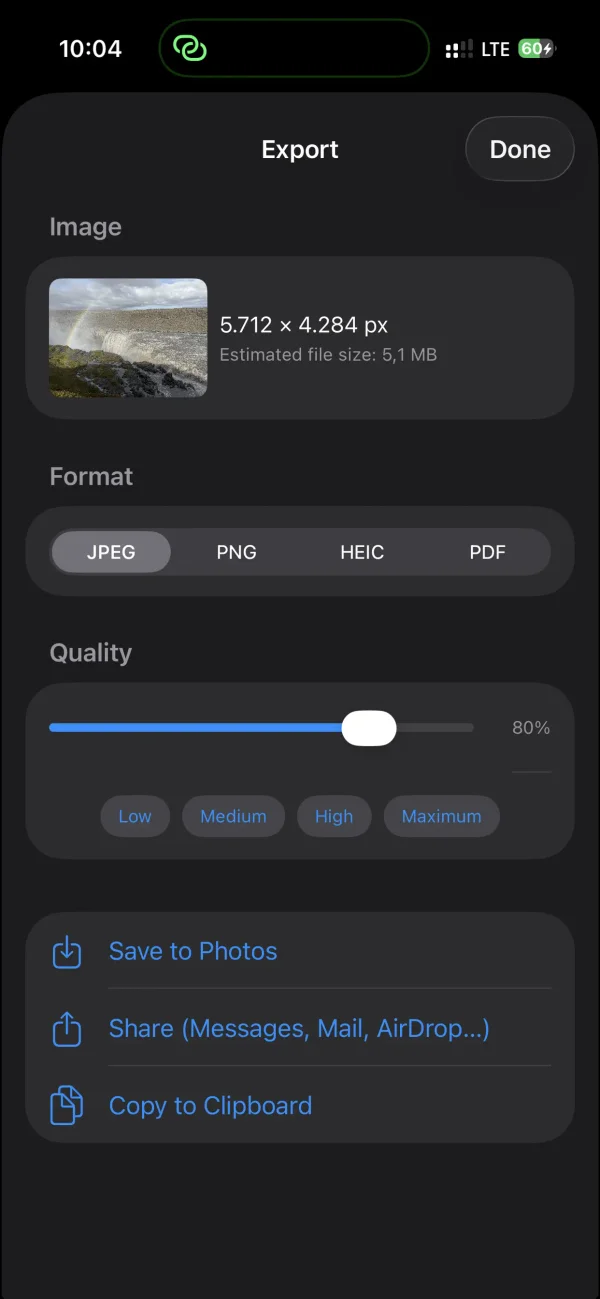
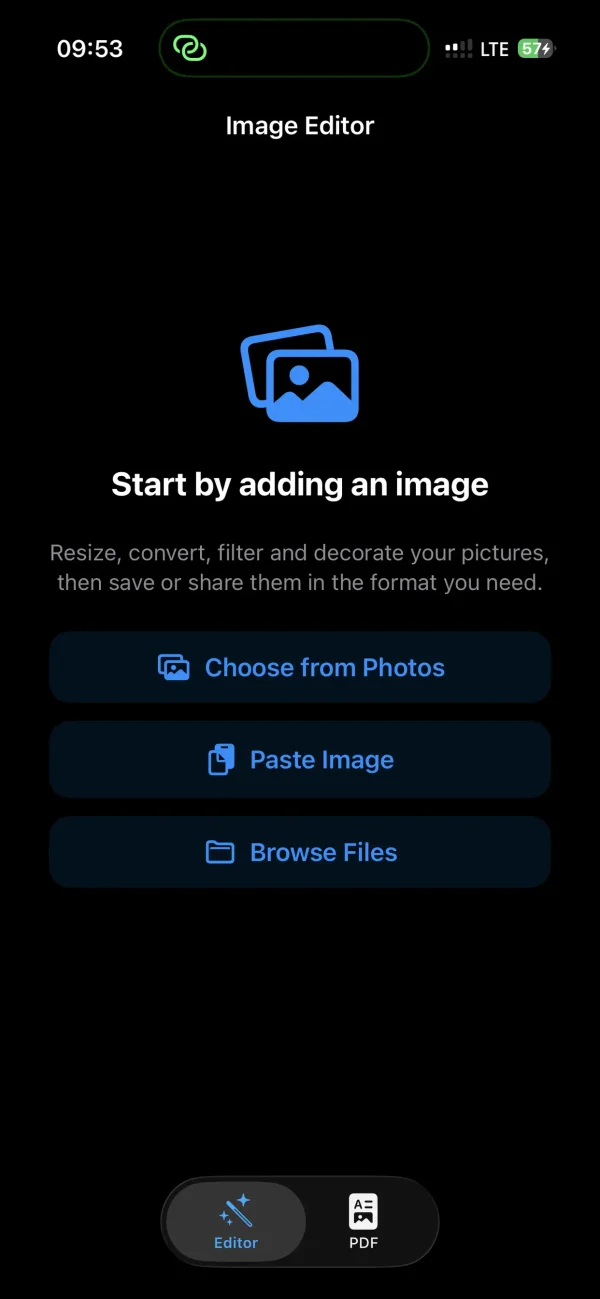
This app gives you practical photo editing tools in one clean workspace. Add a photo, adjust it, apply visual effects, layer other images on top, and export the final result as JPEG, PNG, HEIC, or PDF.
Features:
• Photo adjustments
Fine-tune brightness, contrast, saturation, warmth, and sharpness.
• Filters
Apply classic looks including Mono, Noir, Tonal, Sepia, Chrome, Fade, Instant, Process, Transfer, Vibrant, Invert, Bloom, Comic, Pixel, Frosted, Film Grain, and Halftone.
• Glass and surface effects
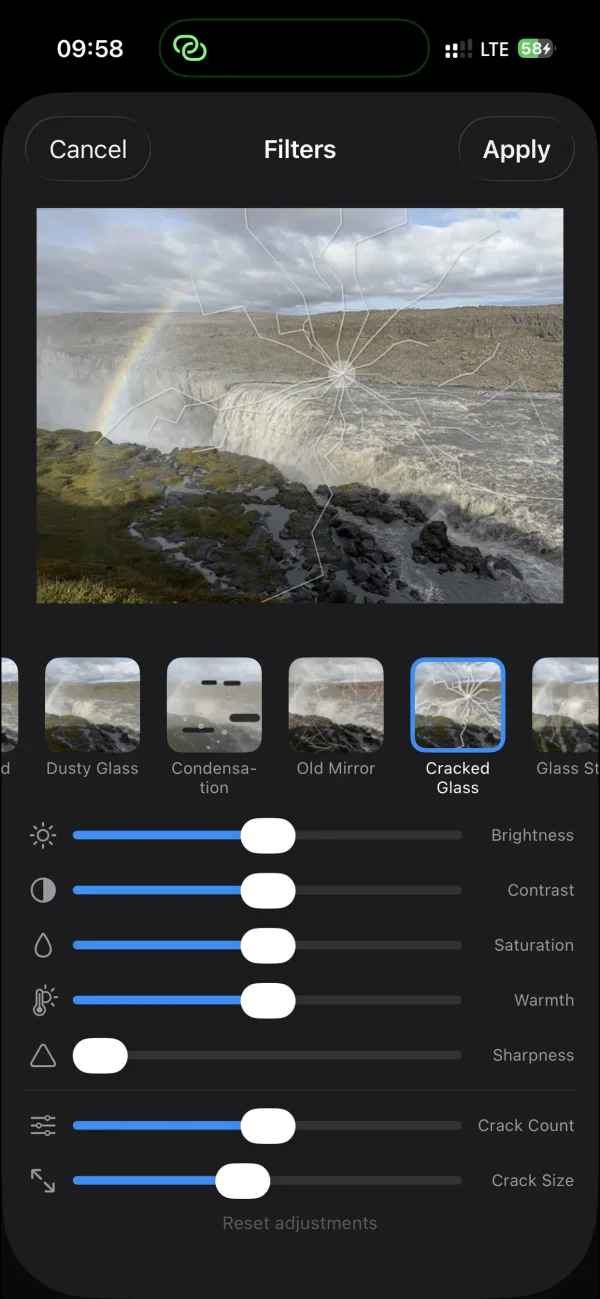
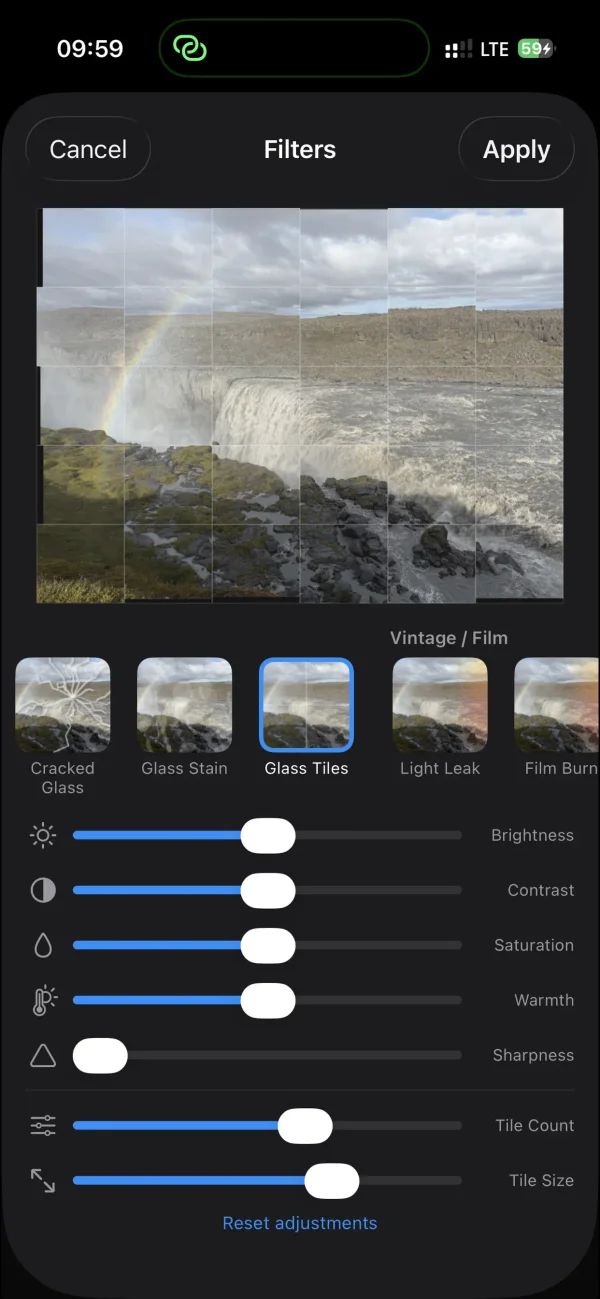
Create stylized glass-based edits with Droplets, Rainy Window, Fogged Glass, Ice Glass, Scratched Lens, Dusty Glass, Condensation, Old Mirror, Cracked Glass, Glass Stain, and Glass Tiles.
• Vintage and film effects
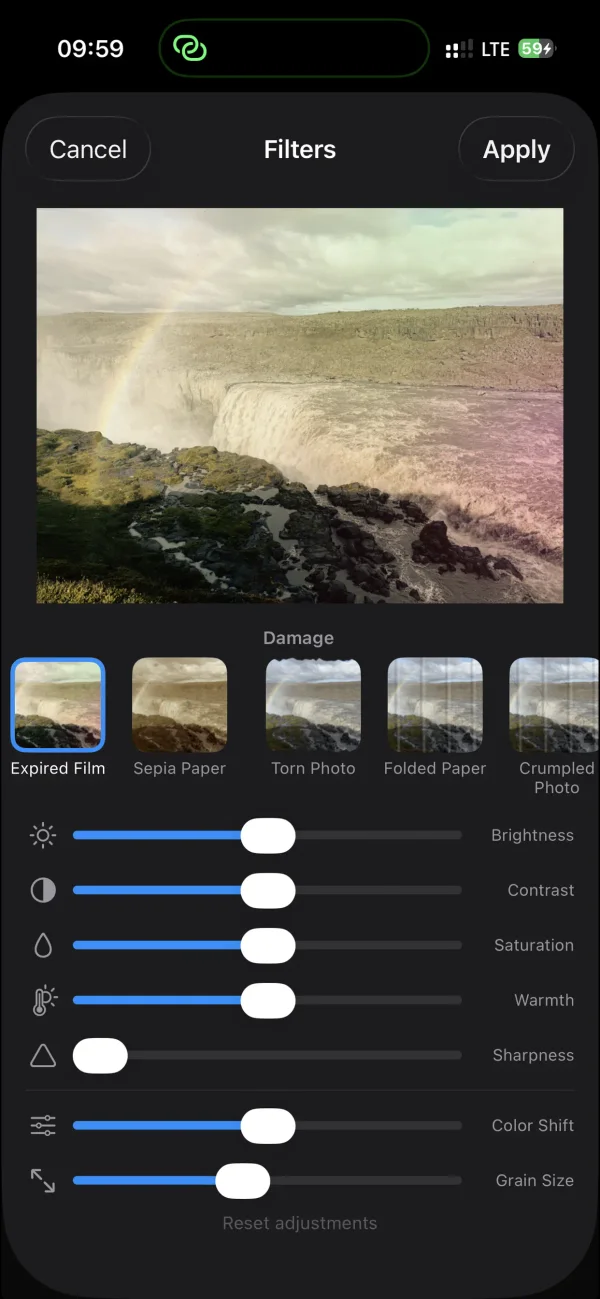
Add retro looks such as Light Leak, Film Burn, VHS, Polaroid Fade, Expired Film, and Sepia Paper.
• Damage effects
Give photos a worn or distressed look with Torn Photo, Folded Paper, Crumpled Photo, Burned Edges, Water Damage, and Ink Bleed.
• Artistic effects
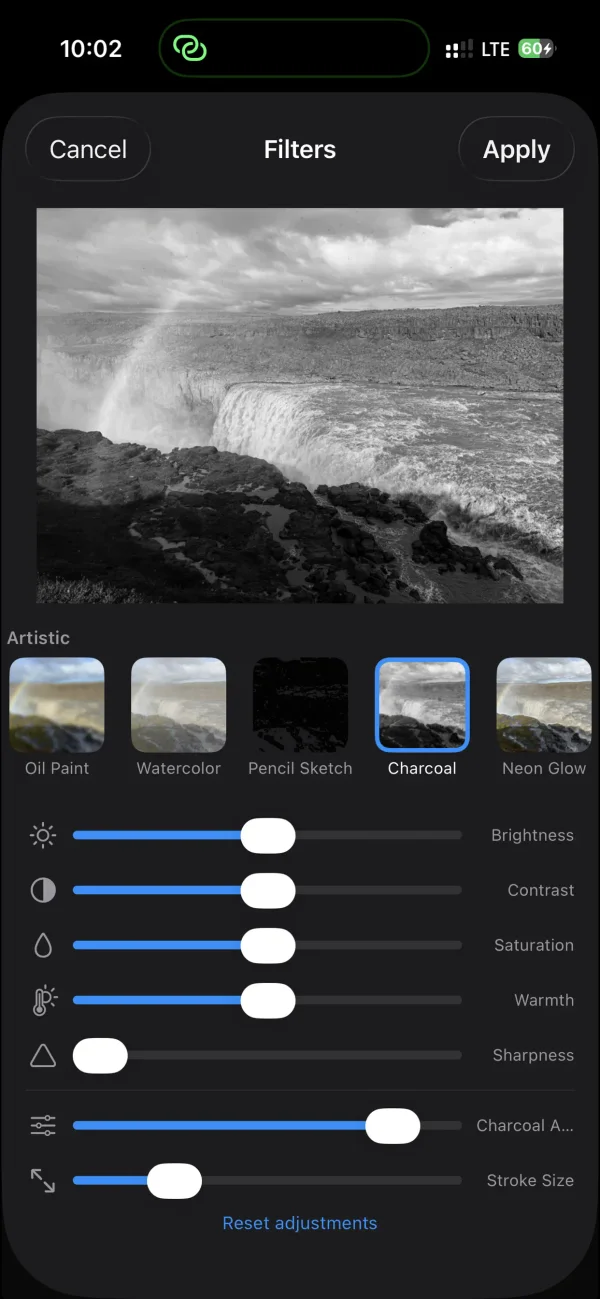
Turn images into creative styles with Oil Paint, Watercolor, Pencil Sketch, Charcoal, Neon Glow, and Duotone.
• Modern effects
Create bold digital edits with Glitch RGB, Chromatic Aberration, Cyberpunk, Dream Glow, Background Blur, and Vignette Focus.
• Adjustable effect controls
Many effects include intensity, size, count, blur, grain, glow, distortion, or texture controls, depending on the selected effect.
• Image layers
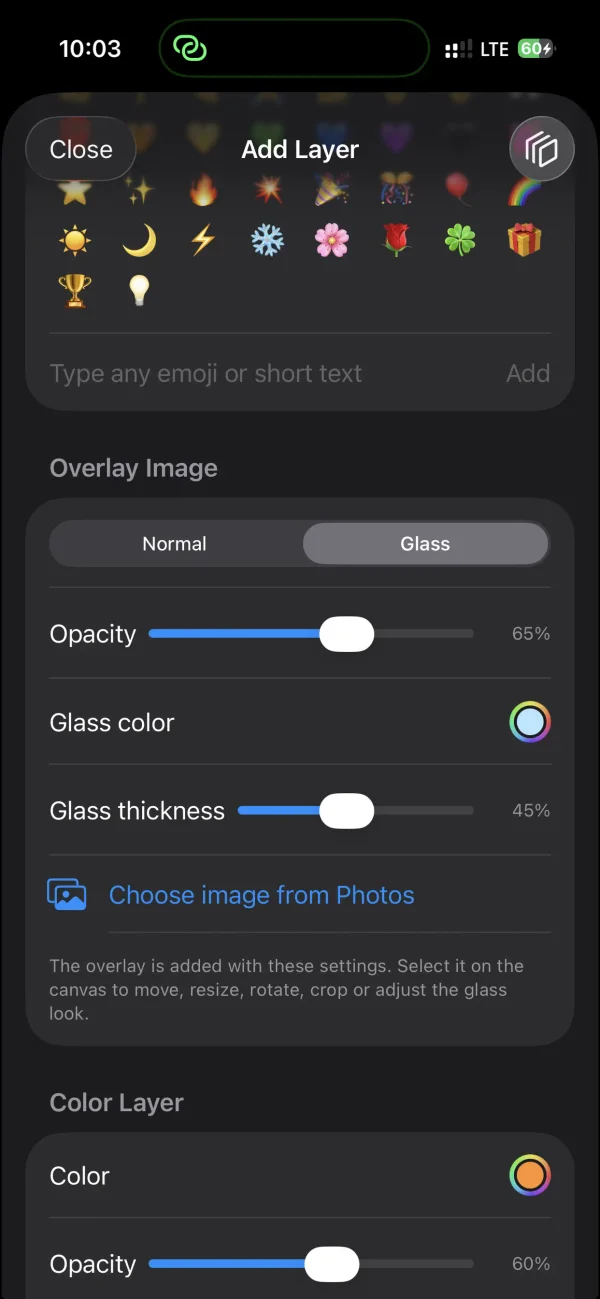
Add overlays on top of your photo, including emoji, text, color layers, and additional images.
• Glass overlay layers
Place one image over another as a glass-style layer. Adjust opacity, glass color, and glass thickness, then move, resize, rotate, crop, or reorder the layer.
• Crop and rotate tools
Rotate, flip, and crop your image with simple editing controls.
• Resize tools
Resize images for social media, screens, print, and custom dimensions. Choose stretch, crop, or fit modes with background fill options.
• Borders and frames
Add solid frames, rounded corners, torn paper edges, ripped edges, scalloped edges, Polaroid-style frames, and vignette borders.
• PDF tools
Export a single edited image as a PDF, or create multi-image PDF documents with page size, layout, frame, and quality options.
• Export options
Save or share your final image as JPEG, PNG, HEIC, or PDF. Use quality controls to balance image quality and file size.
Whether you want a quick photo adjustment, a glass distortion effect, a vintage film look, layered image composition, or a polished PDF export, this app gives you flexible tools for creative editing.
App-Datenschutz
Was Mikolaj Adamowicz im App Store zum Umgang dieser App mit Daten angibt.
-
Keine Daten erfasst
Der Entwickler erfasst keine Daten von dieser App.
Die Datenschutzpraktiken können variieren, zum Beispiel je nach den von Ihnen verwendeten Funktionen oder Ihrem Alter.
Informationen
- Anbieter
- Mikolaj Adamowicz
- Kategorie
- Foto und Video
- Version
- 1.0.0
- Aktualisiert
- 24.09.2026
- Veröffentlicht
- 24.09.2026
- Größe
- 5,1 MB
- Erfordert
- iOS 17.6 oder neuer
- Altersfreigabe
- 4+
- Preis
- 6,99 €
- Sprachen
- Englisch
- Copyright
- © 2026 Mikolaj Adamowicz
Das könnte Ihnen auch gefallen
-
 AaronSynthFoto und Video
-
 FaceVeil-Blur in Photo & VideoFoto und Video
-
 ImageSweepFotos gezielt aufräumen
-
 CleanCopy: Angaben entfernenEXIF, GPS & PDF-Daten löschen
-
 MemeKit - Meme ManagerFoto und Video
-
 StampCam - Site CameraFoto und Video
-
 PanoPeek: 360° Photo ViewerFoto und Video
-
 Photos by Date: MonthBoxFoto und Video
-
 RetroLine: Draw To Find PhotoFoto und Video
-
 berkbrainFoto und Video