Lens Pattern
Grid Lens Calibration Pattern
Entwickelt für iPhone, iPad, Mac
Kostenlos
- Altersfreigabe4+
- KategorieDienstprogramme
- EntwicklerStage Precision GmbH
- SprachenEnglisch
- Größe1,1 MB
Verlinkt auf die offizielle App Store-Seite
Download.org hostet keine Datei von Lens Pattern. Die Schaltfläche öffnet die App-Seite bei App Store, wo Stage Precision GmbH die App veröffentlicht. Eintrag zuletzt geprüft am 13.11.2026.
Screenshots

Info
Der Entwickler hat diesen Text nicht in Ihrer Sprache bereitgestellt.
Grid Professional Test Patterns for Camera Calibration
Turn your iPad, iPhone, or Apple TV into a precision test pattern generator for camera and lens analysis.
Lens Pattern displays pixel-accurate test charts directly on your device screen — no printed charts, no extra hardware. Perfect for camera calibration, lens quality testing, color grading verification, and production monitoring.
INCLUDED TEST PATTERNS:
Markers & Calibration
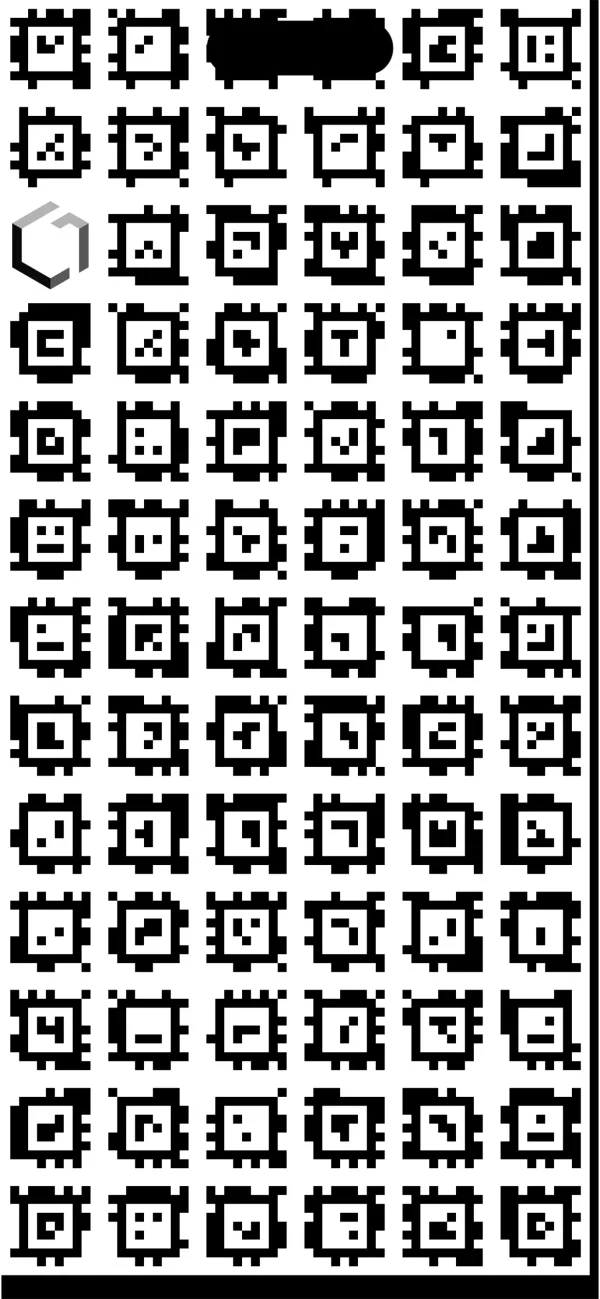
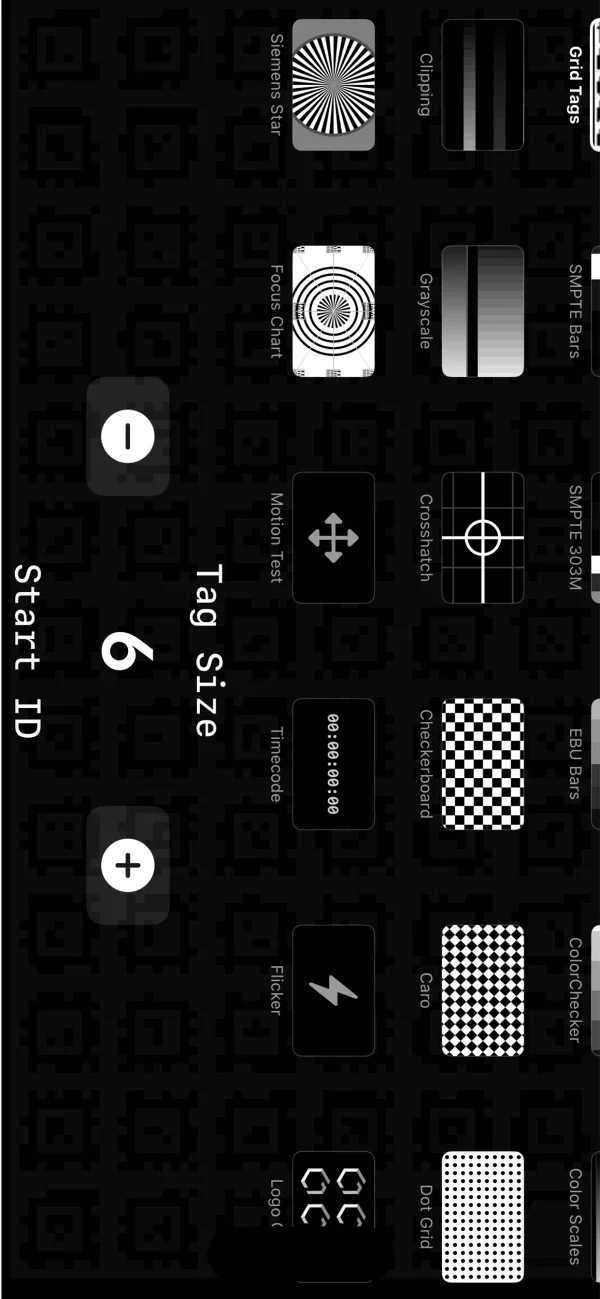
• Grid Tags — AprilTag marker grid with adjustable tag size and start ID, ideal for camera calibration and spatial tracking
Color & Exposure
• SMPTE Bars — Standard SMPTE EG-1-1990 color bars
• SMPTE 303M — HD color bars with PLUGE and Y-ramp zones
• EBU Bars — EBU Tech 3325 color bars (75% and 100%)
• ColorChecker — Classic 24-patch color reference chart
• Color Scales — R/G/B/C/M/Y/W gradient ramps with percentage markers
• Clipping — Shadow and highlight clipping test (1% steps) with stepped ramp
• Grayscale — 21-step grayscale ramp with percentage labels
Geometry & Focus
• Crosshatch — Grid pattern for distortion analysis
• Checkerboard — Black/white checkerboard for resolution testing
• Caro — Diamond pattern (45° rotated checkerboard)
• Dot Grid — Uniform dot array for distortion measurement
• Siemens Star — Resolution target for sharpness evaluation
• Focus Chart — Comprehensive focus and resolution target
Timing & Animation
• Motion Test — Moving bars for rolling shutter and motion blur analysis
• Timecode — Real-time HH:MM:SS:FF display at 60fps
• Flicker — Adjustable frequency flicker (0.5–30 Hz)
KEY FEATURES:
• Full-screen, pixel-perfect rendering on any screen size
• Physical dimensions in millimeters displayed on iOS devices
Neue Funktionen
Version 1.2 · 15.04.2026
disable Screensaver during display pattern
App-Datenschutz
Was Stage Precision GmbH im App Store zum Umgang dieser App mit Daten angibt.
-
Keine Daten erfasst
Der Entwickler erfasst keine Daten von dieser App.
Die Datenschutzpraktiken können variieren, zum Beispiel je nach den von Ihnen verwendeten Funktionen oder Ihrem Alter.
Informationen
- Anbieter
- Stage Precision GmbH
- Kategorie
- Dienstprogramme
- Version
- 1.2
- Aktualisiert
- 15.04.2026
- Veröffentlicht
- 02.04.2026
- Größe
- 1,1 MB
- Erfordert
- iOS 18.6 oder neuer
- Altersfreigabe
- 4+
- Preis
- Kostenlos
- Sprachen
- Englisch
- Copyright
- © Stageprecision GmbH
Das könnte Ihnen auch gefallen
-
 FreeD TrackerDienstprogramme
-
 Pixel Pitch: LED VisualizerDienstprogramme
-
 EXPOCALDienstprogramme
-
 CameraTestSlateDienstprogramme
-
 Move CueDienstprogramme
-
 eighty32 Toolbox: RF & AudioDienstprogramme
-
 ShowPatternDienstprogramme
-
 Pattern GeneratorDienstprogramme
-
 StreamingHubsDienstprogramme
-
 Belichtungsmesser: EV Lux ISOKamera, Blende & Verschluss