Linear Timer+
Visual interval timer
Entwickelt für iPhone, iPad, iPod touch
Kostenlos
- Altersfreigabe4+
- KategorieProduktivität
- EntwicklerThe InfoDump LLC
- SprachenEnglisch
- Größe19,8 MB
Verlinkt auf die offizielle App Store-Seite
Download.org hostet keine Datei von Linear Timer+. Die Schaltfläche öffnet die App-Seite bei App Store, wo The InfoDump LLC die App veröffentlicht. Eintrag zuletzt geprüft am 17.11.2026.
Screenshots



Info
Der Entwickler hat diesen Text nicht in Ihrer Sprache bereitgestellt.
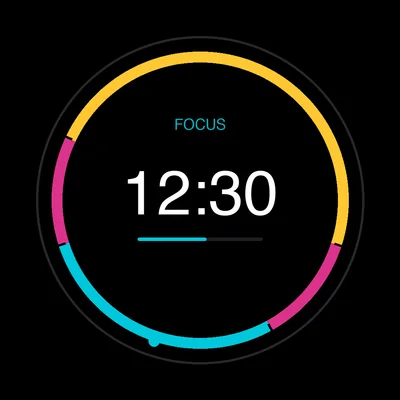
Linear Timer+ is an interval timer built for people who work in structured blocks — focus sessions, workout sets, study sprints, cooking timers, or any sequence of named activities.
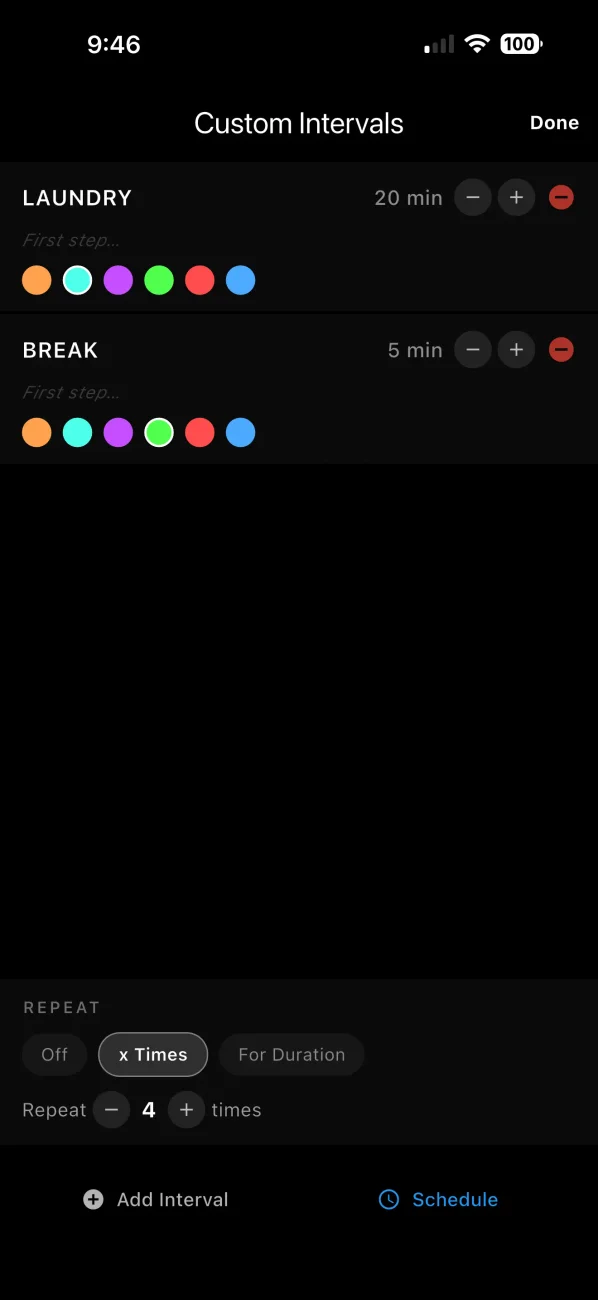
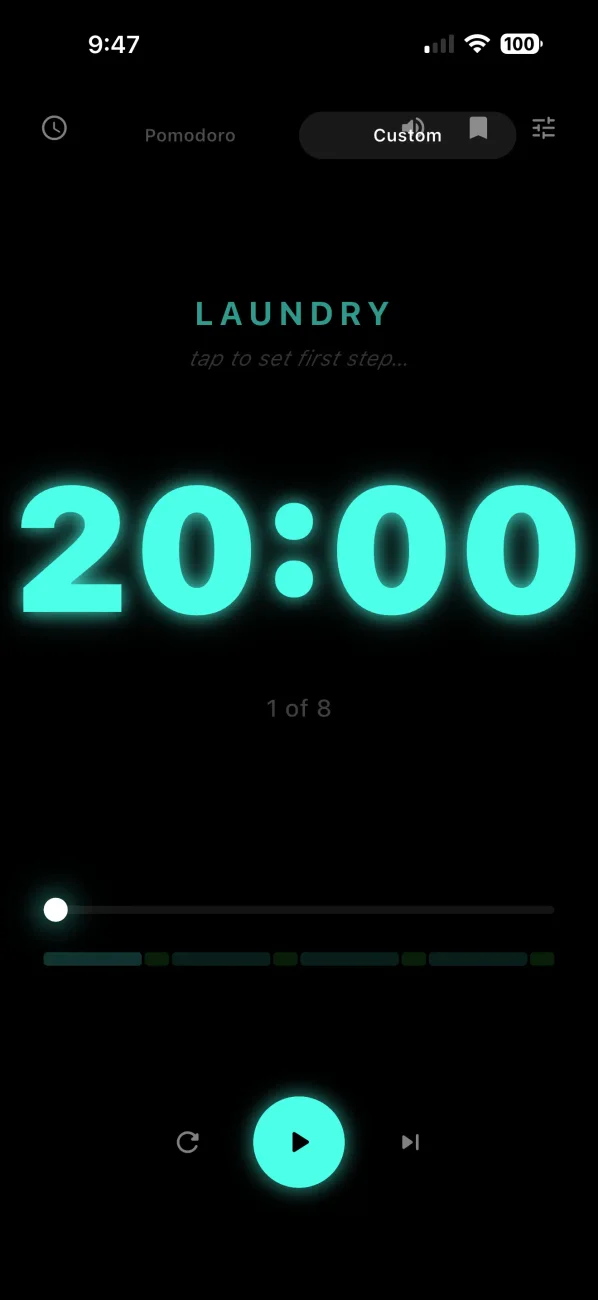
Most timers count down to zero. Linear Timer+ lets you build a full sequence: 25 minutes of FOCUS, 5 minutes of BREAK, then repeat. Each interval has its own label, duration, and color. The timer moves through them automatically, chiming at each transition.
Named intervals — call them whatever reflects your actual work. DEEP WORK. STRETCH. COOLDOWN. COLD PLUNGE. Your labels, your rhythm.
Live Activity — the timer stays visible on your lock screen and in the Dynamic Island. See your current interval and a live progress bar without touching your phone.
Works with screen off — sounds and voice cues fire reliably in the background. Lock your phone and walk away.
Logbook — a private on-device record of your focus history. Total time, weekly comparison, a 7-day chart, and time broken down by each of your activity labels. No punishing streaks — just honest information about how you actually spend structured time.
Voice cues — optional spoken announcements at each transition: the interval name, time remaining, what's coming up next.
Multiple timers — run independent sessions side by side. A workout and a work block at the same time.
Scheduled starts — set timers to auto-start at specific times on specific days.
Presets — save your favorite configurations and load them in one tap.
Pomodoro mode — classic 25/5 technique built in, no setup needed.
100% private — no accounts, no cloud sync, no analytics. All data stays on your device. The Logbook has never seen the internet.
Neue Funktionen
Version 1.0.8 · 29.07.2026
Chimes now fire when your screen is locked — no need to keep the app open while you work.
Background audio — interval sounds and voice cues play reliably with the screen off or while other apps are in front.
Live Activity — your current interval appears on the lock screen and in the Dynamic Island, counting in real time without unlocking.
Done + Repeat — when a series finishes, a completion banner stays on your lock screen for 5 minutes. Tap it to immediately restart the same sequence.
Logbook — a private, on-device record of your focus history. See your total time, this week vs. last week, a 7-day chart, time broken down by each of your activity labels, and your completion rate. Everything stays on your device — nothing is shared anywhere.
App-Datenschutz
Was The InfoDump LLC im App Store zum Umgang dieser App mit Daten angibt.
-
Keine Daten erfasst
Der Entwickler erfasst keine Daten von dieser App.
Die Datenschutzpraktiken können variieren, zum Beispiel je nach den von Ihnen verwendeten Funktionen oder Ihrem Alter.
Informationen
- Anbieter
- The InfoDump LLC
- Kategorie
- Produktivität
- Version
- 1.0.8
- Aktualisiert
- 29.07.2026
- Veröffentlicht
- 14.04.2026
- Größe
- 19,8 MB
- Erfordert
- iOS 13.0 oder neuer
- Altersfreigabe
- 4+
- Preis
- Kostenlos
- Sprachen
- Englisch
- Copyright
- © 2026 The InfoDump LLC
Das könnte Ihnen auch gefallen
-
 DayBox: Timeboxing PlanerFokus Timer & Tagesplaner
-
 HelpDo: Goals, Todos & HelpProduktivität
-
 TempoQProduktivität
-
 Pour — Routine TimerProduktivität
-
 FlowCue AppProduktivität
-
 Time2Go - Leave on TimeProduktivität
-
 Screenshot Card BoxProduktivität
-
 Stowmory: Find Your ThingsProduktivität
-
 Visueller Timer: NextStepMorgen- und Abendroutine
-
 Calibrate: Time Block PlannerProduktivität