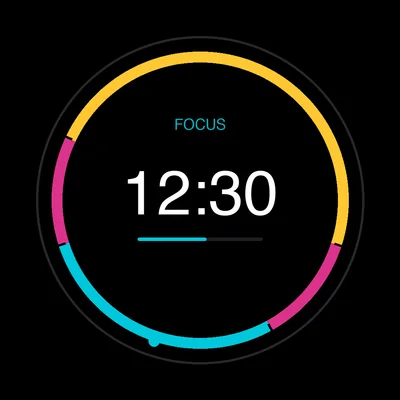
Linear Timer+
Visual interval timer
Được thiết kế cho iPhone, iPad, iPod touch
Miễn phí
- Độ tuổi4+
- Danh mụcHiệu Suất
- Nhà phát triểnThe InfoDump LLC
- Ngôn ngữTiếng Anh
- Kích thước19,8 MB
Liên kết đến trang App Store chính thức
Download.org không lưu trữ tệp nào của Linear Timer+. Nút này mở trang ứng dụng trên App Store, nơi The InfoDump LLC phát hành ứng dụng. Trang được kiểm tra lần cuối: 17/11/2026.
Ảnh chụp màn hình



Giới thiệu
Nhà phát triển chưa cung cấp nội dung này bằng ngôn ngữ của bạn.
Linear Timer+ is an interval timer built for people who work in structured blocks — focus sessions, workout sets, study sprints, cooking timers, or any sequence of named activities.
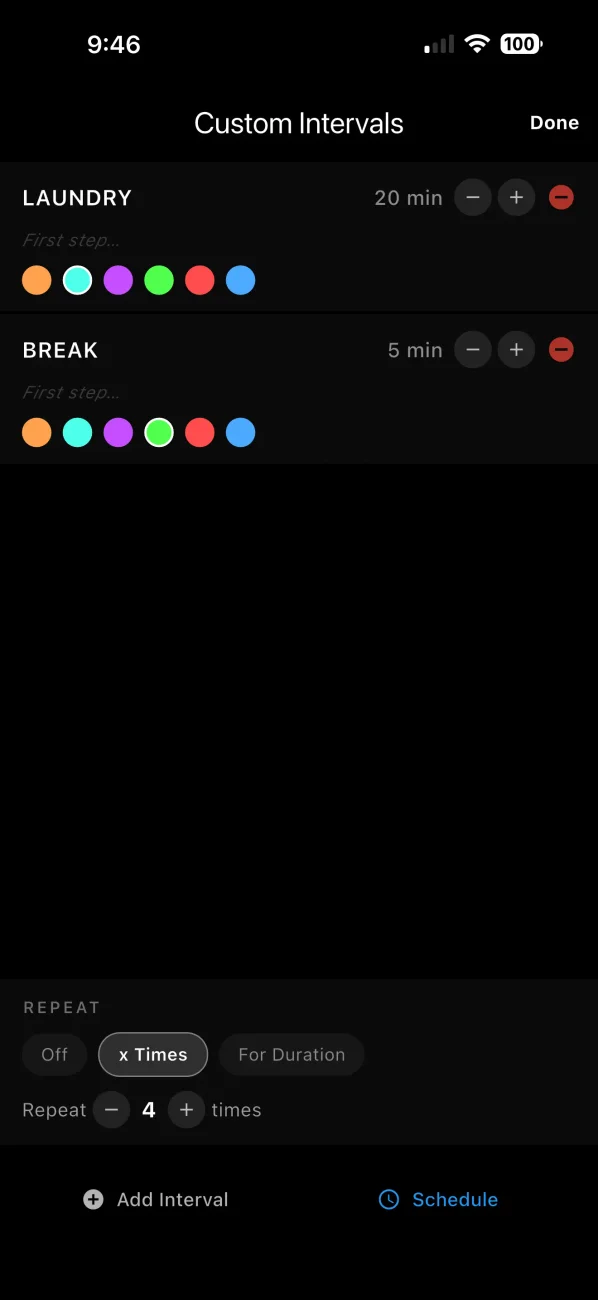
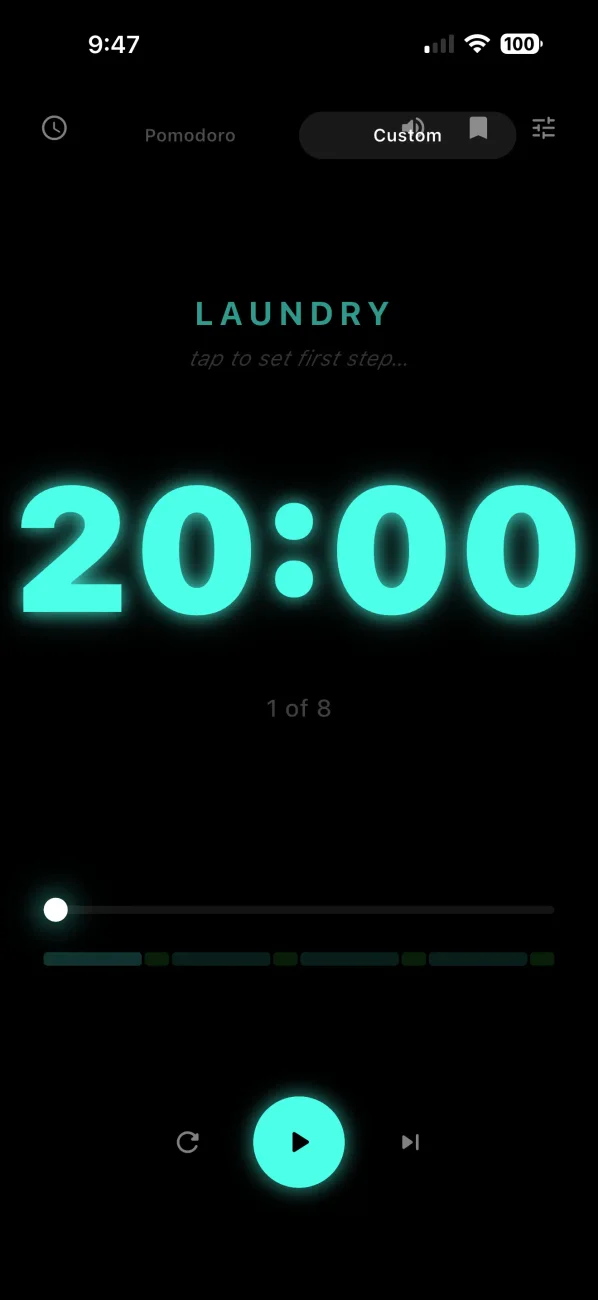
Most timers count down to zero. Linear Timer+ lets you build a full sequence: 25 minutes of FOCUS, 5 minutes of BREAK, then repeat. Each interval has its own label, duration, and color. The timer moves through them automatically, chiming at each transition.
Named intervals — call them whatever reflects your actual work. DEEP WORK. STRETCH. COOLDOWN. COLD PLUNGE. Your labels, your rhythm.
Live Activity — the timer stays visible on your lock screen and in the Dynamic Island. See your current interval and a live progress bar without touching your phone.
Works with screen off — sounds and voice cues fire reliably in the background. Lock your phone and walk away.
Logbook — a private on-device record of your focus history. Total time, weekly comparison, a 7-day chart, and time broken down by each of your activity labels. No punishing streaks — just honest information about how you actually spend structured time.
Voice cues — optional spoken announcements at each transition: the interval name, time remaining, what's coming up next.
Multiple timers — run independent sessions side by side. A workout and a work block at the same time.
Scheduled starts — set timers to auto-start at specific times on specific days.
Presets — save your favorite configurations and load them in one tap.
Pomodoro mode — classic 25/5 technique built in, no setup needed.
100% private — no accounts, no cloud sync, no analytics. All data stays on your device. The Logbook has never seen the internet.
Có gì mới
Phiên bản 1.0.8 · 29/07/2026
Chimes now fire when your screen is locked — no need to keep the app open while you work.
Background audio — interval sounds and voice cues play reliably with the screen off or while other apps are in front.
Live Activity — your current interval appears on the lock screen and in the Dynamic Island, counting in real time without unlocking.
Done + Repeat — when a series finishes, a completion banner stays on your lock screen for 5 minutes. Tap it to immediately restart the same sequence.
Logbook — a private, on-device record of your focus history. See your total time, this week vs. last week, a 7-day chart, time broken down by each of your activity labels, and your completion rate. Everything stays on your device — nothing is shared anywhere.
Quyền riêng tư của ứng dụng
Những gì The InfoDump LLC khai báo trên App Store về cách ứng dụng này xử lý dữ liệu.
-
Dữ liệu không được thu thập
Nhà phát triển không thu thập bất kỳ dữ liệu nào từ ứng dụng này.
Phương thức đảm bảo quyền riêng tư có thể khác nhau, chẳng hạn như tuỳ theo các tính năng bạn sử dụng hoặc độ tuổi của bạn.
Thông tin
- Người bán
- The InfoDump LLC
- Danh mục
- Hiệu Suất
- Phiên bản
- 1.0.8
- Cập nhật
- 29/07/2026
- Phát hành
- 14/04/2026
- Kích thước
- 19,8 MB
- Yêu cầu
- iOS 13.0 trở lên
- Độ tuổi
- 4+
- Giá
- Miễn phí
- Ngôn ngữ
- Tiếng Anh
- Bản quyền
- © 2026 The InfoDump LLC
Có thể bạn cũng thích
-
 DayBox: Time Blocking PlannerHiệu Suất
-
 HelpDo: Goals, Todos & HelpHiệu Suất
-
 TempoQHiệu Suất
-
 Pour — Routine TimerHiệu Suất
-
 FlowCue AppHiệu Suất
-
 Time2Go - Leave on TimeHiệu Suất
-
 Screenshot Card BoxHiệu Suất
-
 Stowmory: Find Your ThingsHiệu Suất
-
 NextStep: Visual Routine TimerHiệu Suất
-
 Calibrate: Time Block PlannerHiệu Suất