
- Altersfreigabe4+
- KategorieProduktivität
- EntwicklerSTEVEN COFFEY
- SprachenEnglisch
- Größe11,2 MB
Verlinkt auf die offizielle App Store-Seite
Download.org hostet keine Datei von MailPulse. Die Schaltfläche öffnet die App-Seite bei App Store, wo STEVEN COFFEY die App veröffentlicht. Eintrag zuletzt geprüft am 18.11.2026.
Screenshots



Info
Der Entwickler hat diesen Text nicht in Ihrer Sprache bereitgestellt.
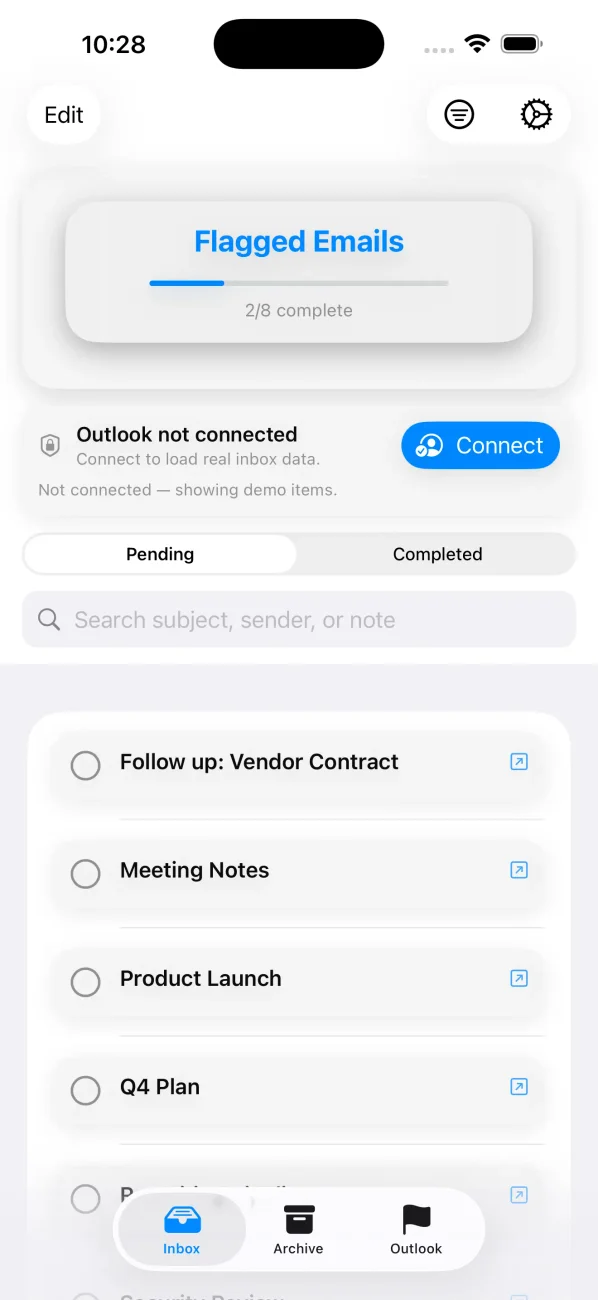
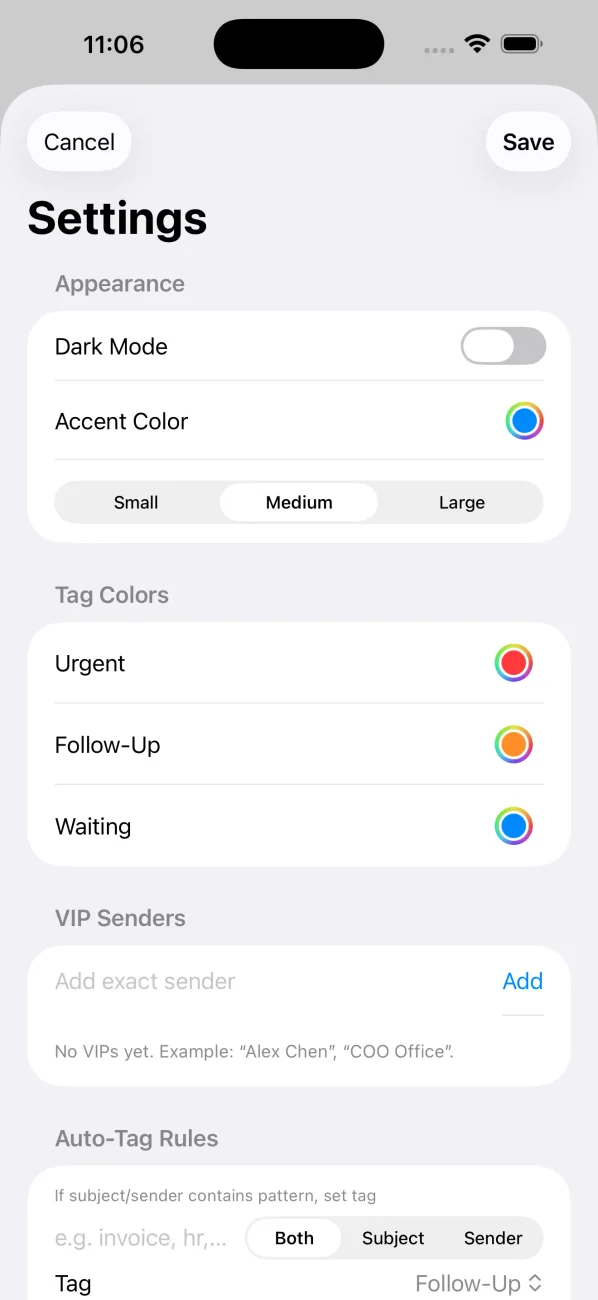
MailPulse is a focused productivity workspace designed to help you stay on top of important follow-ups using flagged Outlook emails.
Flag messages in Outlook, then use MailPulse as your daily command center to review, organize, and complete follow-ups without losing track of what matters most.
Key features:
• Live read-only view of flagged Outlook emails
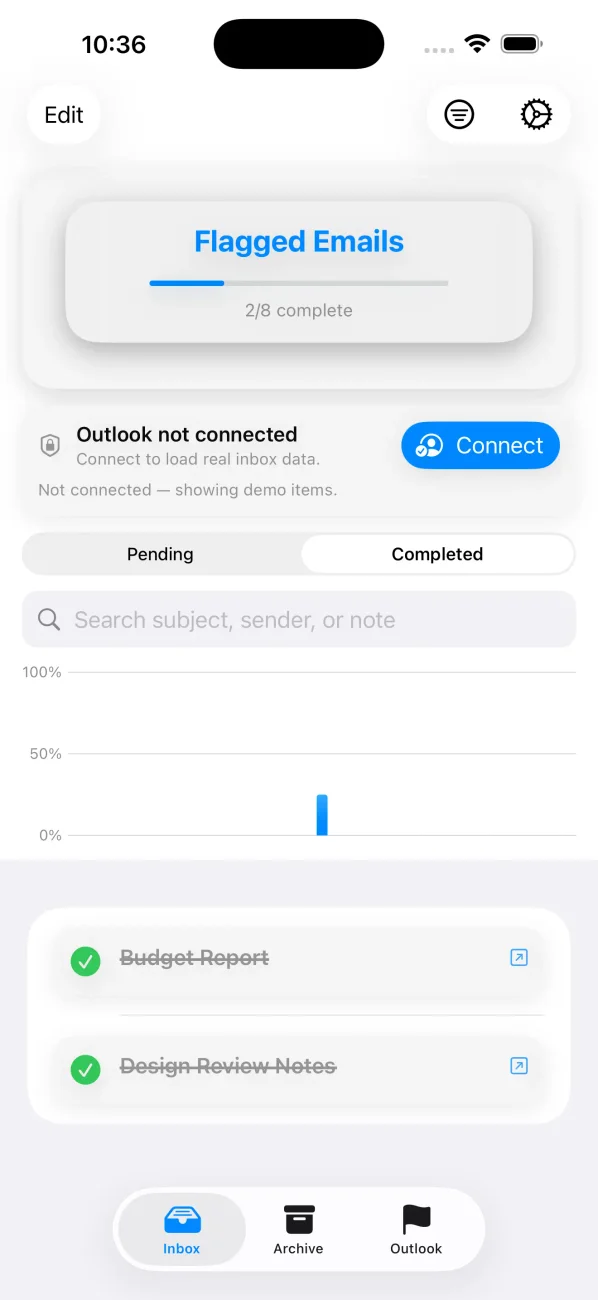
• Personal dashboard for tracking pending and completed follow-ups
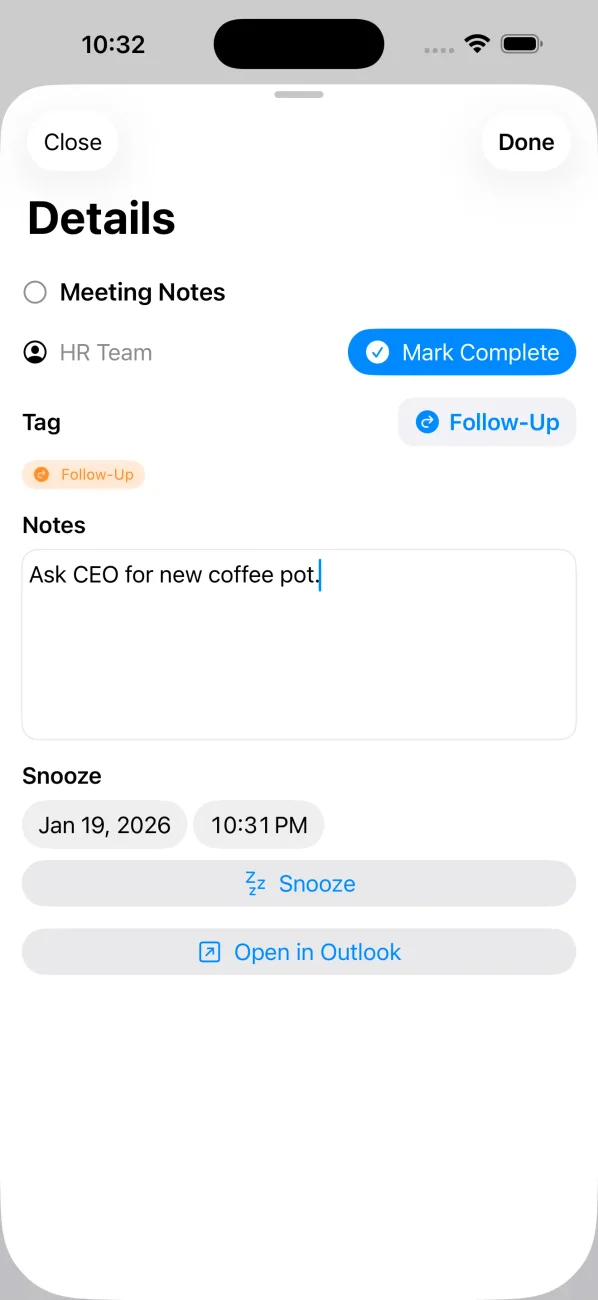
• Add notes, tags, and reminders to important messages
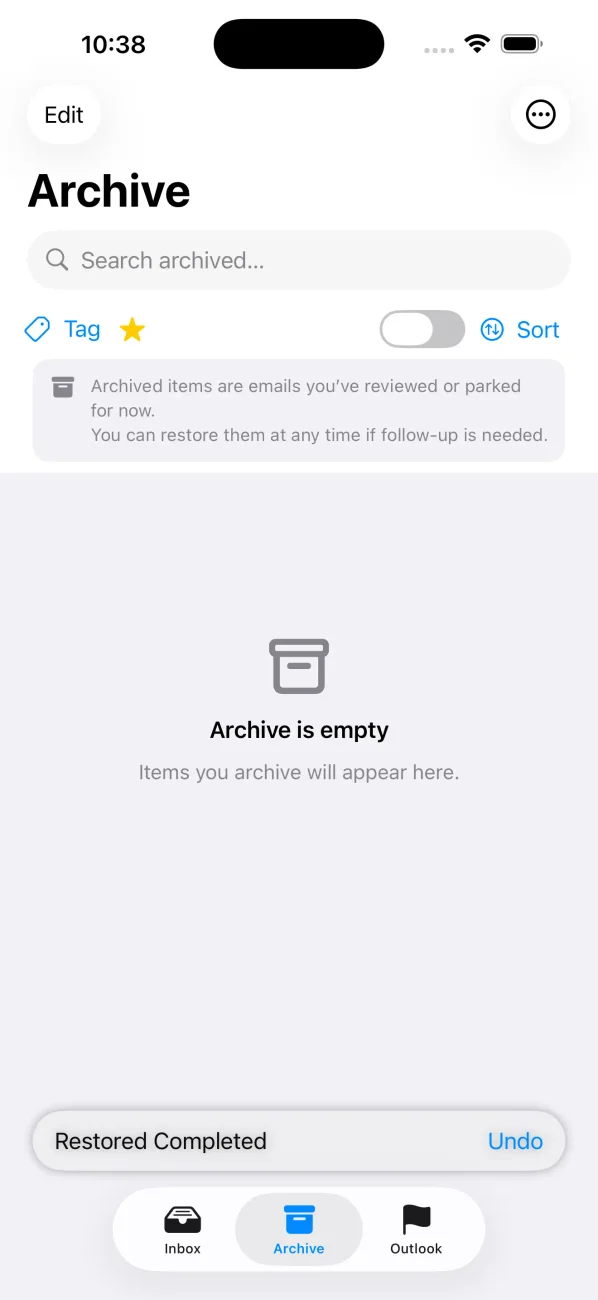
• Archive and restore follow-ups as your work progresses
• Daily reminder notifications to keep you on track
MailPulse connects securely using Microsoft Entra ID and Microsoft Graph. The app requests read-only access to your mailbox and does not send, modify, or delete any emails.
All notes, tags, reminders, and preferences are stored locally on your device. No email content or personal data is stored on any external server.
Whether you’re managing client responses, internal follow-ups, or time-sensitive requests, MailPulse helps you turn flagged emails into a clear, organized workflow.
Neue Funktionen
Version 1.1.4 · 08.02.2026
• Daily Digest notifications are now more reliable and reflect your most up-to-date flagged emails
• Improved notification clarity with a calmer, more informative summary
• App icon badge now updates automatically as tasks are completed, archived, or snoozed
• Appearance settings now respect system Light/Dark mode instantly and consistently
• Fixed an issue that could cause the Settings screen to stutter while scrolling
• General stability improvements and performance polish
App-Datenschutz
Was STEVEN COFFEY im App Store zum Umgang dieser App mit Daten angibt.
-
Keine Daten erfasst
Der Entwickler erfasst keine Daten von dieser App.
Die Datenschutzpraktiken können variieren, zum Beispiel je nach den von Ihnen verwendeten Funktionen oder Ihrem Alter.
Informationen
- Anbieter
- STEVEN COFFEY
- Kategorie
- Produktivität
- Version
- 1.1.4
- Aktualisiert
- 08.02.2026
- Veröffentlicht
- 28.01.2026
- Größe
- 11,2 MB
- Erfordert
- iOS 17.6 oder neuer
- Altersfreigabe
- 4+
- Preis
- Kostenlos
- Sprachen
- Englisch
- Copyright
- © 2026 Steven Coffey
Das könnte Ihnen auch gefallen
-
 60d MemoProduktivität
-
 Sorto: Smart Email AssistantProduktivität
-
 Bubble Mail: Email as ChatProduktivität
-
 Jovra: JMAP Mail ClientProduktivität
-
 AI Emaily - Unified AI InboxProduktivität
-
 Meron Mail: Email & RSSProduktivität
-
 MaxxSouth MailProduktivität
-
 Calendar Sync App: View & EditProduktivität
-
 Calendar+ 2: Planer-WidgetKI-Tagesplan & Agenda
-
 My Diary - Diary With LockProduktivität