
Markory
Sign, annotate and edit PDFs
Entwickelt für iPhone, iPad, iPod touch
Kostenlos
- Altersfreigabe4+
- KategorieProduktivität
- EntwicklerPLM CAD UTILITIES AS
- SprachenEnglisch
- Größe54,5 MB
Verlinkt auf die offizielle App Store-Seite
Download.org hostet keine Datei von Markory. Die Schaltfläche öffnet die App-Seite bei App Store, wo PLM CAD UTILITIES AS die App veröffentlicht. Eintrag zuletzt geprüft am 18.11.2026.
Screenshots
Info
Der Entwickler hat diesen Text nicht in Ihrer Sprache bereitgestellt.
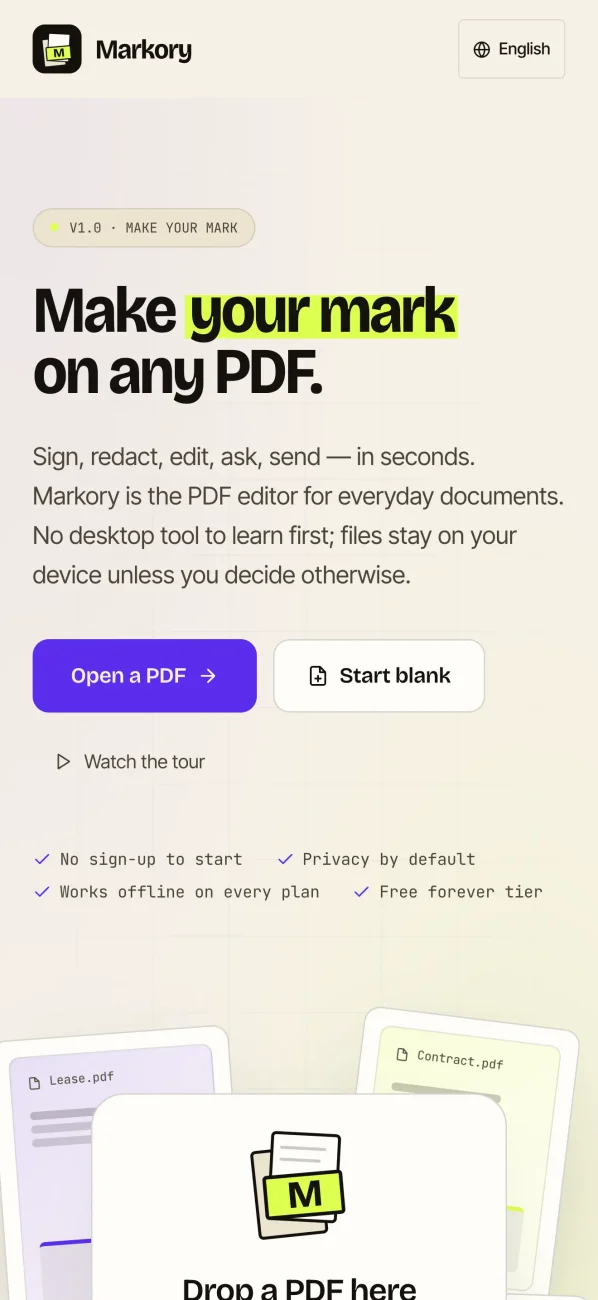
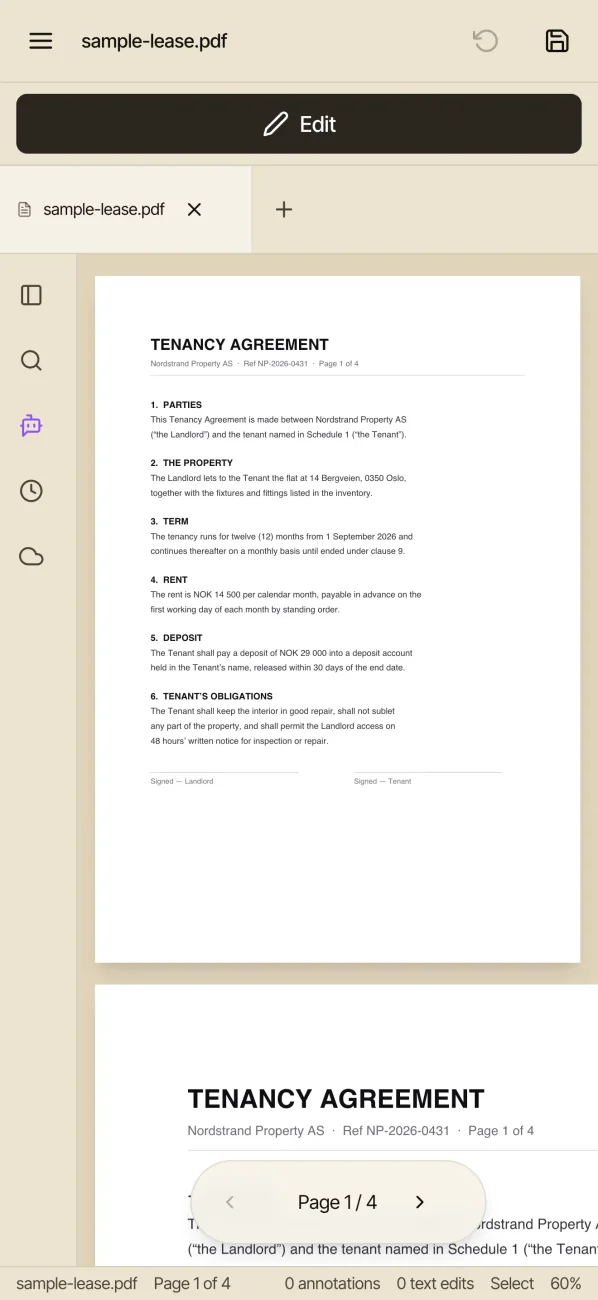
Markory is a PDF editor for everyday documents — the kind you need to sign, fix a typo in, black out a line on, and send back before lunch.
Open a PDF and start working on it. There is no account to create first, and nothing has to be uploaded for the editor to work — your document is opened and edited on your iPhone.
WHAT YOU CAN DO
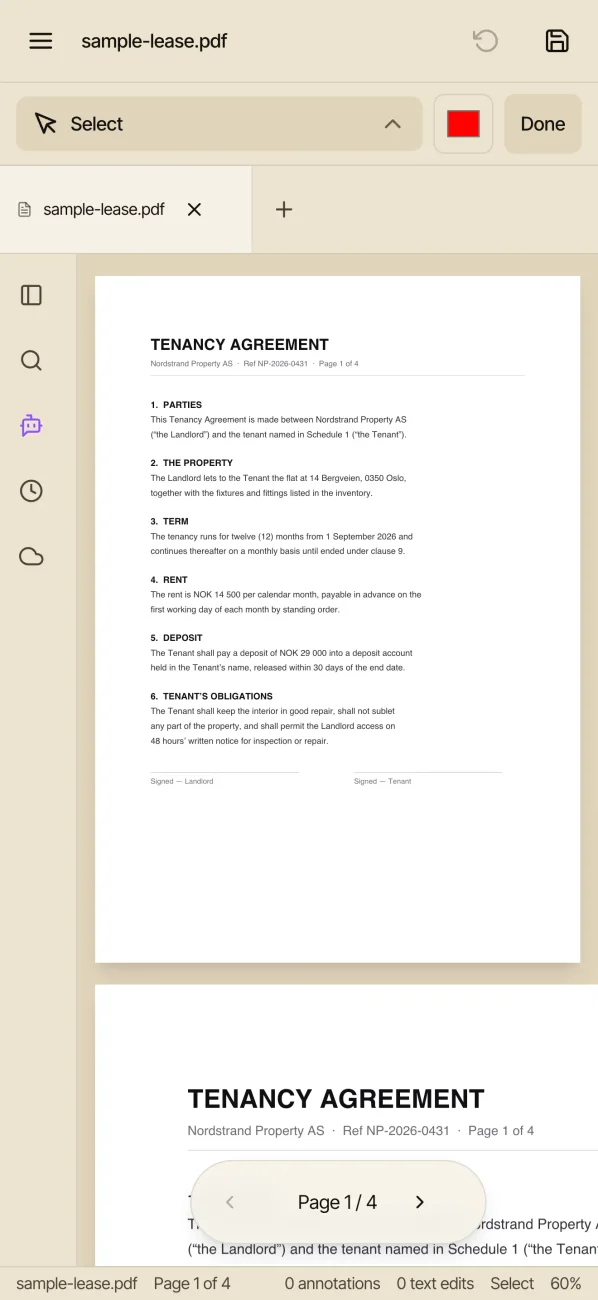
• Annotate — highlight, underline, strike through, draw freehand, add sticky notes
• Sign — draw or type a signature and place it anywhere on the page
• Edit text — tap a line to replace, restyle or delete it, keeping the font and size
• Fill in forms — type into fields and flatten them when you are done
• Rearrange pages — reorder, rotate, duplicate and delete
• Merge and split — combine several PDFs in any order, or break one long file into separate documents
• Watermarks and stamps — across the whole document or just the pages you choose
• Page numbers, headers and footers
• Share the finished file through the iOS share sheet
WORKS OFFLINE
The document tools do not need a connection. On a plane, on the underground, or with the network switched off, the editor behaves exactly the same as it does at your desk.
PRIVACY BY DEFAULT
Your file is not sent anywhere in order to be edited. No forced upload, and no account required for local editing.
Made by PLM CAD UTILITIES AS, Norway.
Questions: support@plmcadutilities.com
Neue Funktionen
Version 1.0.3 · 25.09.2026
Typing in a text field no longer zooms the page. Tapping a box used to enlarge everything and never zoom back, which pushed whatever you were filling in half off the screen. That affected every field in the app, not just one.
In Ask this PDF, the message box and the send button now line up and match in height.
App-Datenschutz
Was PLM CAD UTILITIES AS im App Store zum Umgang dieser App mit Daten angibt.
-
Keine Daten erfasst
Der Entwickler erfasst keine Daten von dieser App.
Die Datenschutzpraktiken können variieren, zum Beispiel je nach den von Ihnen verwendeten Funktionen oder Ihrem Alter.
Informationen
- Anbieter
- PLM CAD UTILITIES AS
- Kategorie
- Produktivität
- Version
- 1.0.3
- Aktualisiert
- 25.09.2026
- Veröffentlicht
- 23.09.2026
- Größe
- 54,5 MB
- Erfordert
- iOS 15.0 oder neuer
- Altersfreigabe
- 4+
- Preis
- Kostenlos
- Sprachen
- Englisch
- Copyright
- © 2026 PLM CAD UTILITIES AS
Das könnte Ihnen auch gefallen
-
 Trial Alert: Avoid Auto BillsProduktivität
-
 Penned: Private NotesProduktivität
-
 Daten Übertragen QR File SendDateien und Ordner Teilen OS
-
 Zoho Mail AdminProduktivität
-
 Bitly: Link ShortenerProduktivität
-
 Zoho Cliq-TeamkommunikationEchtzeit-Messaging für Teams
-
 Fireflies: AI Note TakerProduktivität
-
 RealVNC Viewer: Remote DesktopProduktivität
-
 PocketPal AIProduktivität
-
 µBrowser: Fast, Safe & PrivateProduktivität