
Milestone: Project Tracker
Capture and Document Progress
Entwickelt für iPhone
Kostenlos
- Altersfreigabe4+
- KategorieProduktivität
- EntwicklerEric Fan
- Größe5,3 MB
Verlinkt auf die offizielle App Store-Seite
Download.org hostet keine Datei von Milestone: Project Tracker. Die Schaltfläche öffnet die App-Seite bei App Store, wo Eric Fan die App veröffentlicht. Eintrag zuletzt geprüft am 17.11.2026.
Screenshots




Info
Der Entwickler hat diesen Text nicht in Ihrer Sprache bereitgestellt.
Progress is easy to forget. Milestone makes it easy to remember.
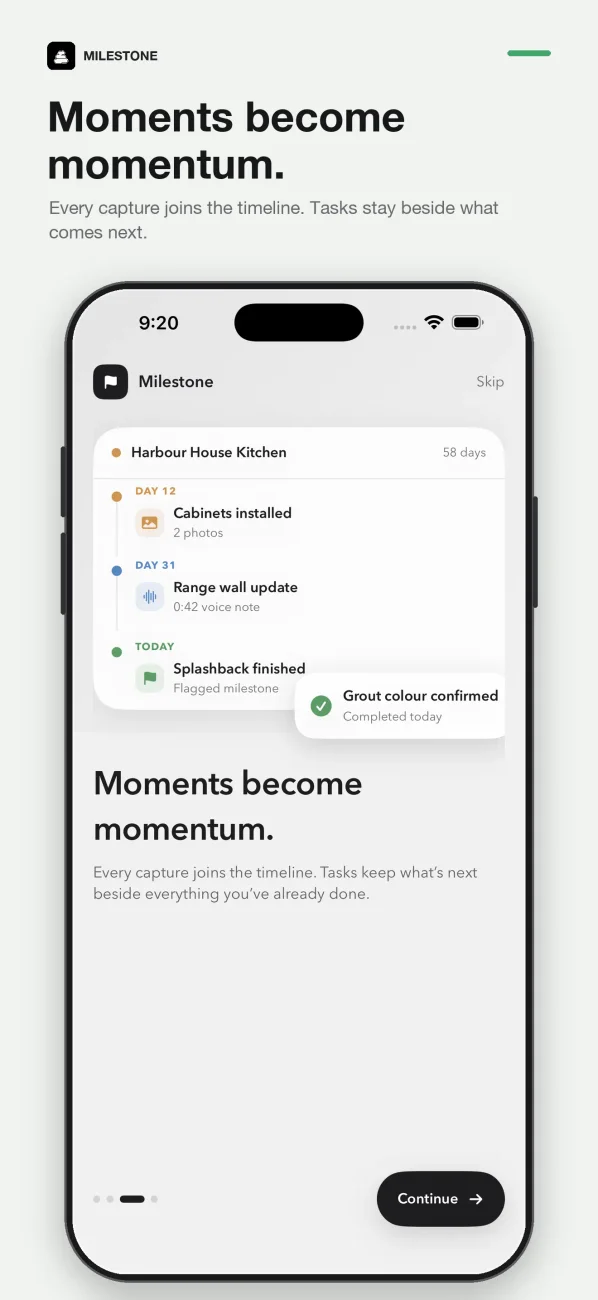
Capture what you're working on with photos, voice notes, and text. Everything is organized on a timeline, so months of slow progress become something you can actually see.
CAPTURE IN THE MOMENT
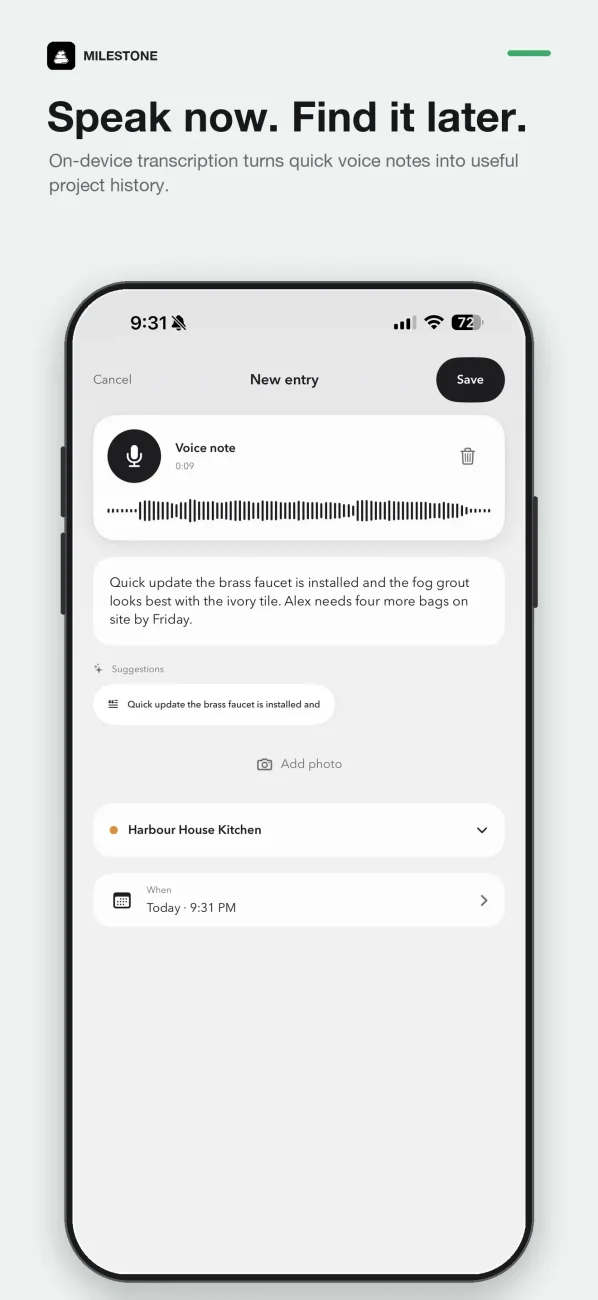
Open the app and the camera is ready. Take a photo while the work is in front of you, record a voice note while the details are fresh, or type a note instead.
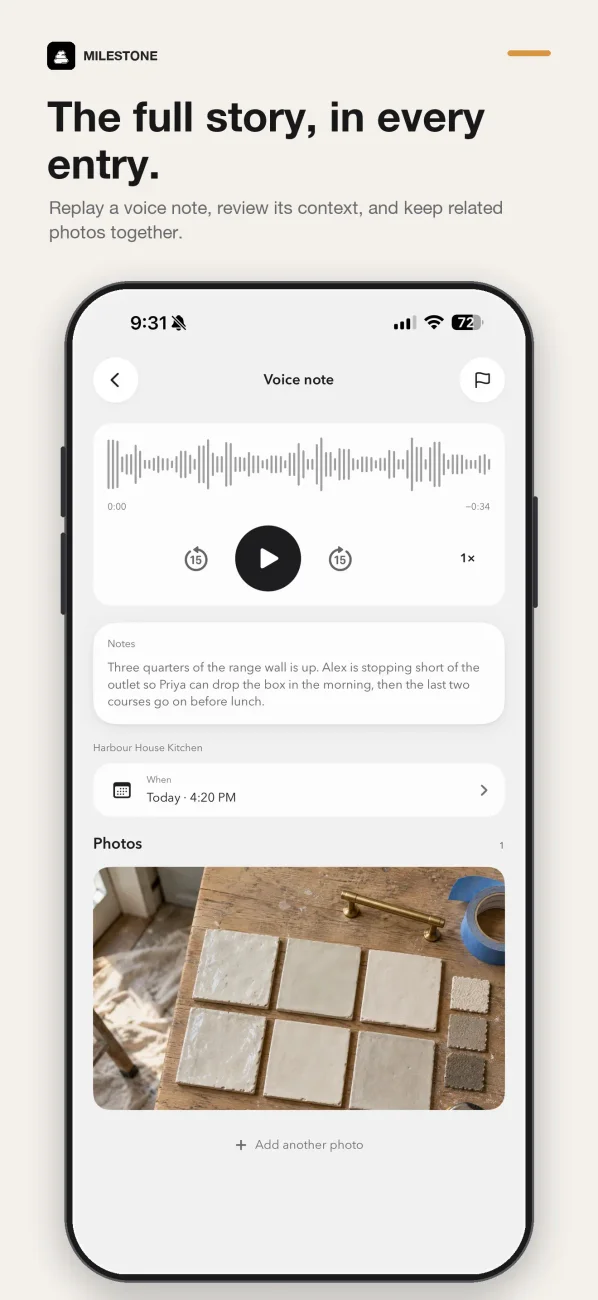
Each entry keeps the moment, the context, and the date together. The whole flow takes seconds, so documenting progress never gets in the way of making it.
SEE YOUR PROGRESS
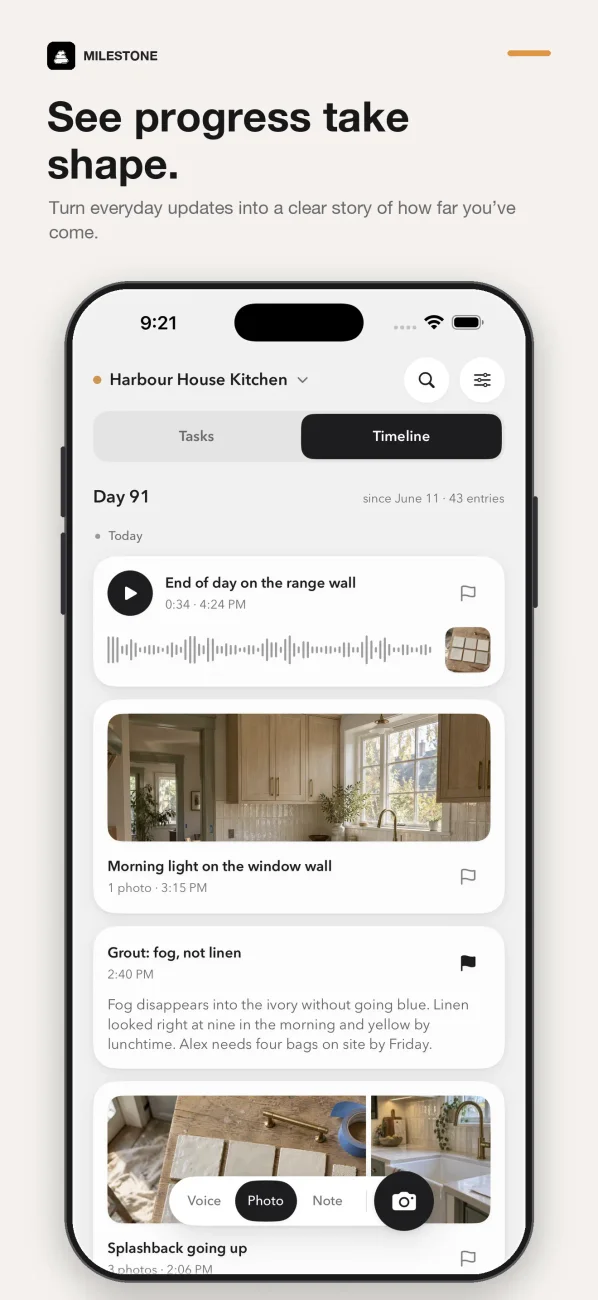
Everything lands on a chronological timeline, counting up from the day your project started.
Scroll from your first entry to today to see where you started, what changed, and how it all came together. Progress that's hard to notice day to day becomes obvious when you can see it in order.
Keep as many projects as you have going. Each one has its own timeline and day count.
PLAN WHAT'S NEXT
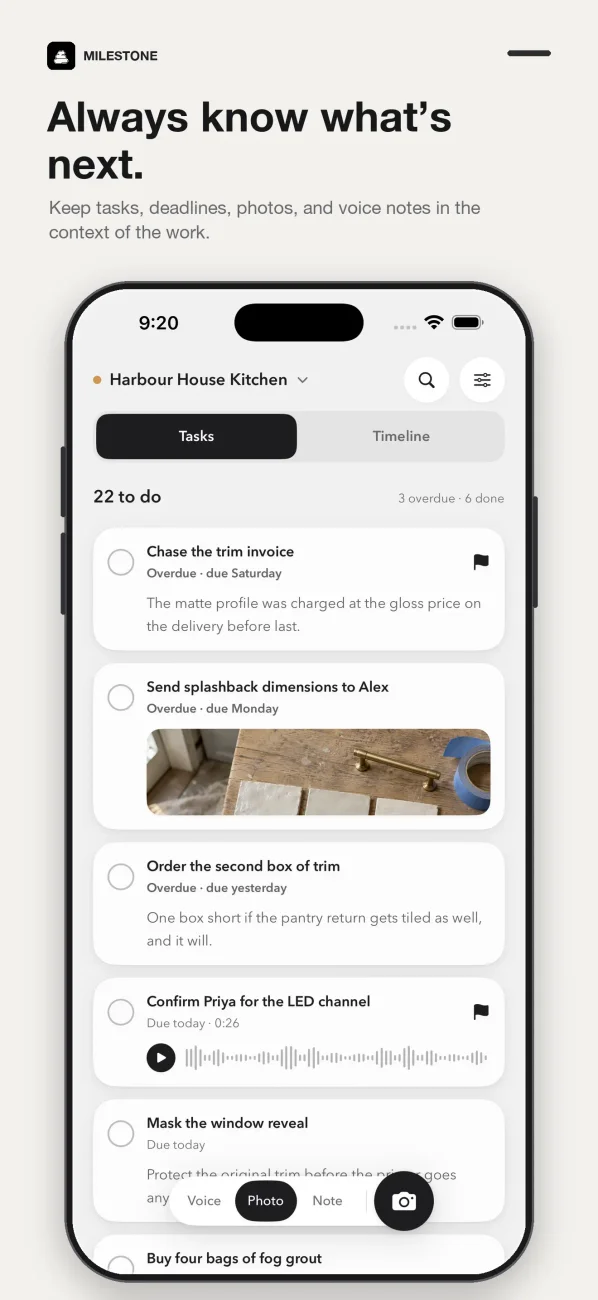
Keep tasks alongside each project so the work ahead stays connected to the progress you've already made.
Reorder tasks, check them off when they're done, and add due dates only when you need them. Tasks can include photos, voice notes, and text too, so they're more than just a checklist.
Completed tasks stay organized by when you finished them and can be cleared whenever you no longer need them.
UNDERSTAND MORE WITH ON-DEVICE AI
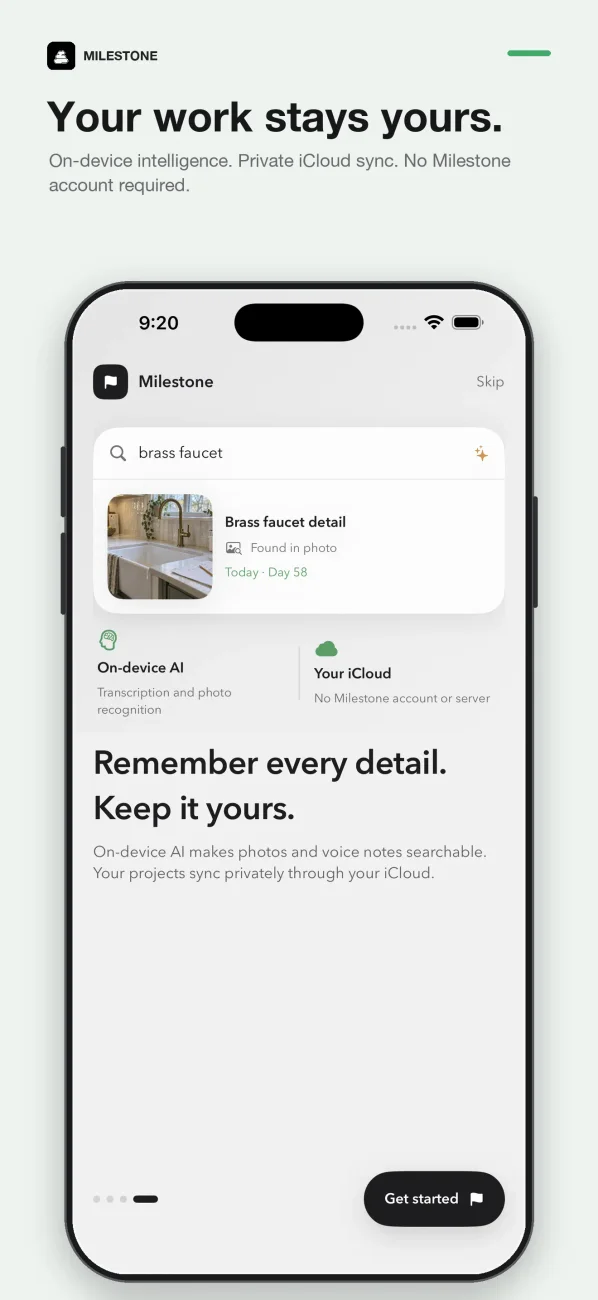
Milestone uses on-device AI to transcribe voice notes and analyze photos for readable text and visual subjects.
Search for what you said, what was written, or what appeared in a photo—all without uploading your private moments to a Milestone server.
FIND IT AGAIN
Search your notes to find the moment you can't quite place. Voice-note transcripts and photo text or visual labels are included, so search can find what was said and what appeared in a photo, not just what you typed.
Flag important entries so they're easy to return to later.
KEEP EVERYTHING TOGETHER
Project photos get buried in your camera roll. Details disappear into messages or stay in your head.
Milestone keeps the photo, the context, and the moment together in one place.
FOR ANYTHING WORTH DOCUMENTING
Personal goals. Creative work. Home improvements. School projects. Travel. Restorations.
Anything that takes long enough that you'll want to look back on it.
YOUR DATA, YOUR DEVICES
There is no Milestone account and no Milestone server. Your entries stay on your device and sync across iPhone and iPad through your own iCloud.
Turn iCloud off and Milestone still works on one device.
Neue Funktionen
Version 1.1.0 · 03.10.2026
Milestone 1.1 is all about feel.
• Smoother everywhere. Entries open out of the card you tap and fold back into it when you go back, with motion and gentle haptics throughout.
• New photo viewer. Pinch or double-tap to zoom, and swipe down to close.
• More satisfying tasks. Ticking one off crosses it out and folds it away into Completed.
• Always know where you are. Your day count and to-do count stay in the top bar as you scroll.
App-Datenschutz
Was Eric Fan im App Store zum Umgang dieser App mit Daten angibt.
-
Mit Ihnen verknüpfte Daten
Können erfasst und mit Ihrer Identität verknüpft werden.
- Benutzerinhalte
Die Datenschutzpraktiken können variieren, zum Beispiel je nach den von Ihnen verwendeten Funktionen oder Ihrem Alter.
Informationen
- Anbieter
- Eric Fan
- Kategorie
- Produktivität
- Version
- 1.1.0
- Aktualisiert
- 03.10.2026
- Veröffentlicht
- 14.09.2026
- Größe
- 5,3 MB
- Erfordert
- iOS 18.0 oder neuer
- Altersfreigabe
- 4+
- Preis
- Kostenlos
- Copyright
- © 2026 Eric Fan
Das könnte Ihnen auch gefallen
-
 Glass Notes: Notizen auf GlasChecklisten, privat & Widgets
-
 Habit Tracker | HabitTRCKRRoutinen, Ziele & Fokus
-
 Own AI: Offline-KI-ChatPrivate KI für Lernen & Mathe
-
 AI Prompt Library - PromptiFexProduktivität
-
 Resurf: Save & OrganizeProduktivität
-
 Booklet Maker: PDF BroschüreHeften, Falten, Drucken
-
 Süßer Tagesplaner für FrauenTo-do-Liste & Habit Tracker
-
 RenamerDateien stapelweise umbenennen
-
 Prod: Idea Capture AppProduktivität
-
 Screen Time Control - PausedBildschirmzeit & App Sperre