
Milestone: Project Tracker
Capture and Document Progress
Conçue pour iPhone
Gratuit
- Classification d’âge4+
- CatégorieProductivité
- DéveloppeurEric Fan
- Taille5,3 Mo
Renvoie vers la page App Store officielle
Download.org n’héberge aucun fichier de Milestone: Project Tracker. Le bouton ouvre la page de l’application sur App Store, où Eric Fan la publie. Fiche vérifiée pour la dernière fois le 17/11/2026.
Captures d’écran


À propos
Le développeur n’a pas fourni ce texte dans votre langue.
Progress is easy to forget. Milestone makes it easy to remember.
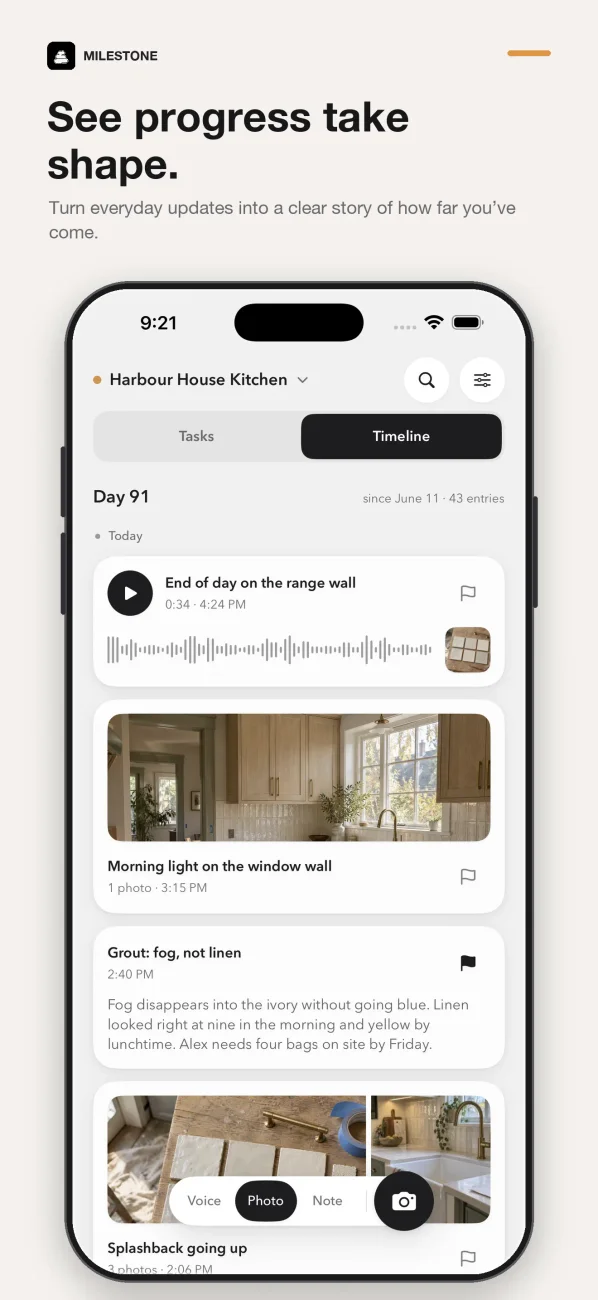
Capture what you're working on with photos, voice notes, and text. Everything is organized on a timeline, so months of slow progress become something you can actually see.
CAPTURE IN THE MOMENT
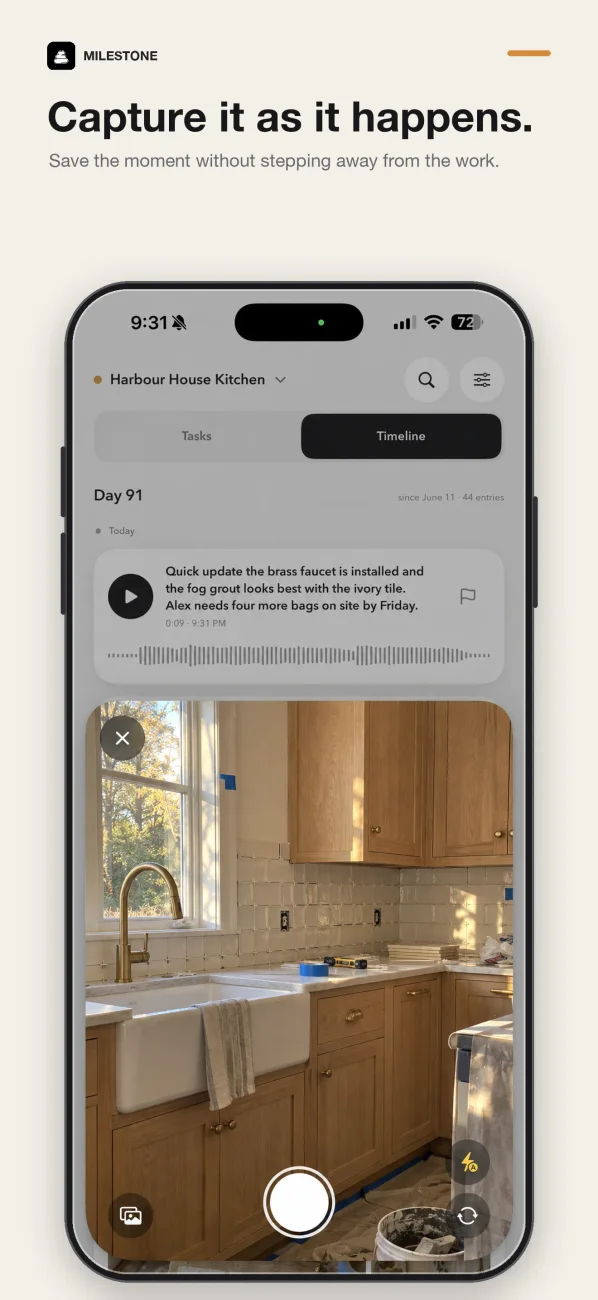
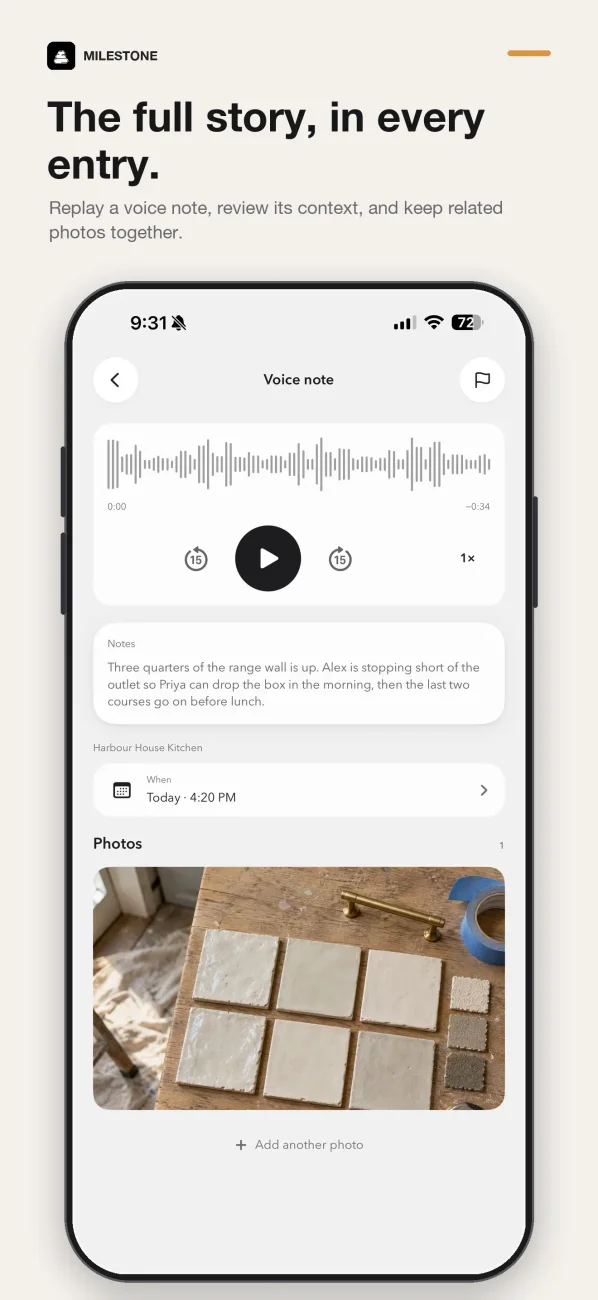
Open the app and the camera is ready. Take a photo while the work is in front of you, record a voice note while the details are fresh, or type a note instead.
Each entry keeps the moment, the context, and the date together. The whole flow takes seconds, so documenting progress never gets in the way of making it.
SEE YOUR PROGRESS
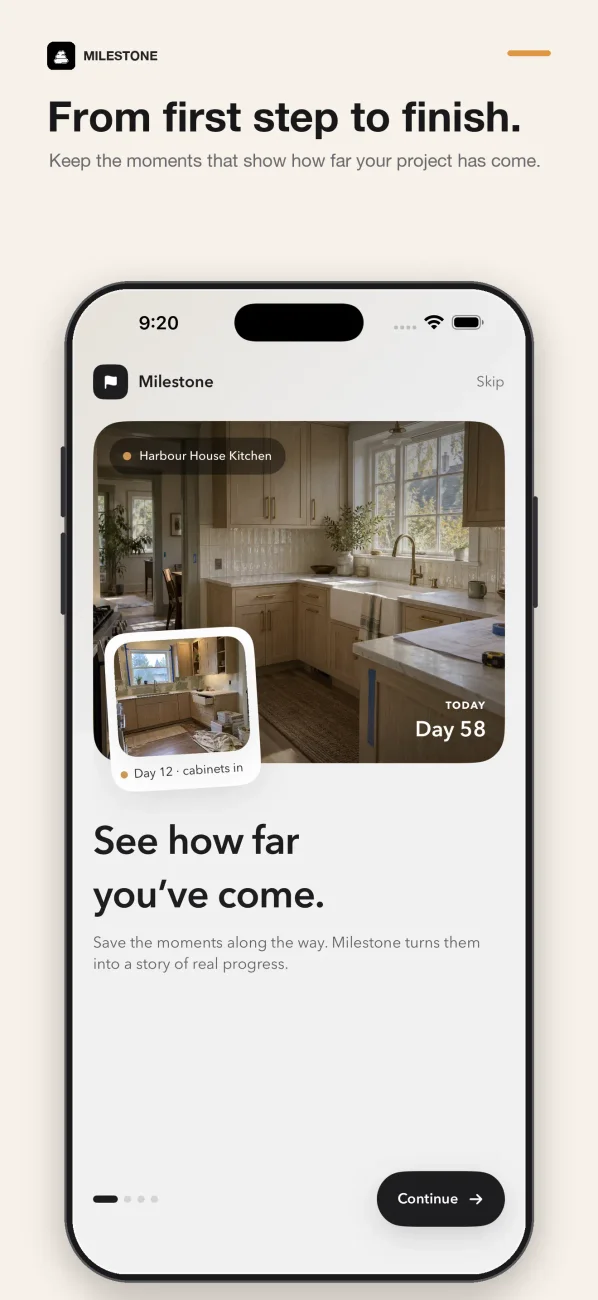
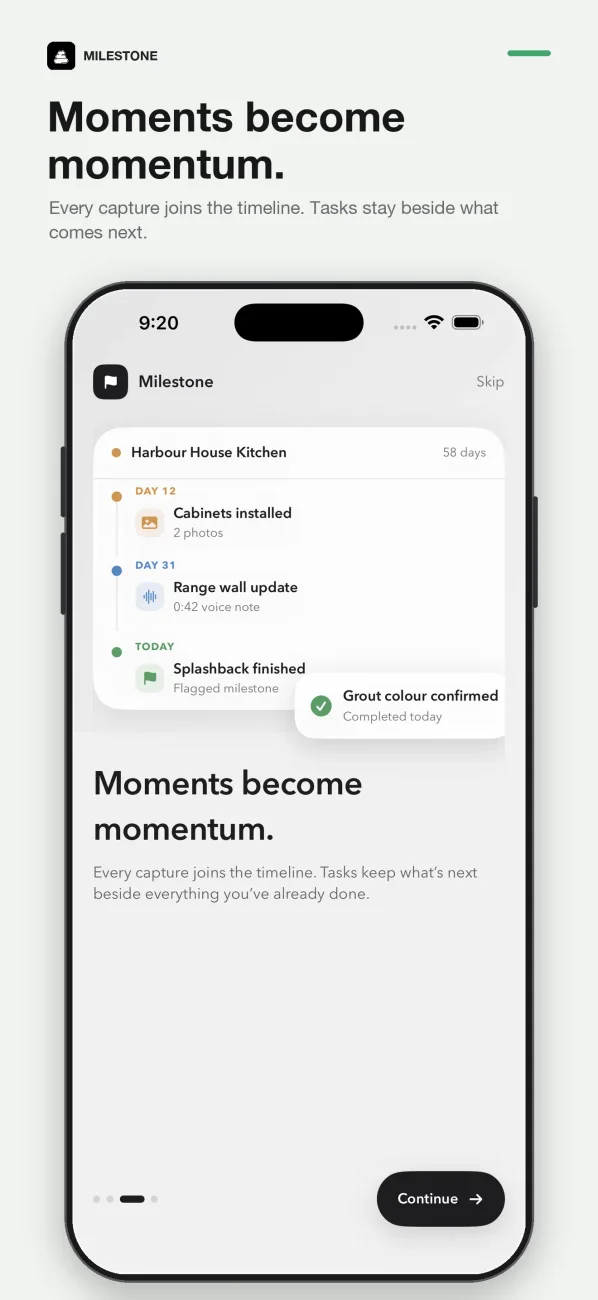
Everything lands on a chronological timeline, counting up from the day your project started.
Scroll from your first entry to today to see where you started, what changed, and how it all came together. Progress that's hard to notice day to day becomes obvious when you can see it in order.
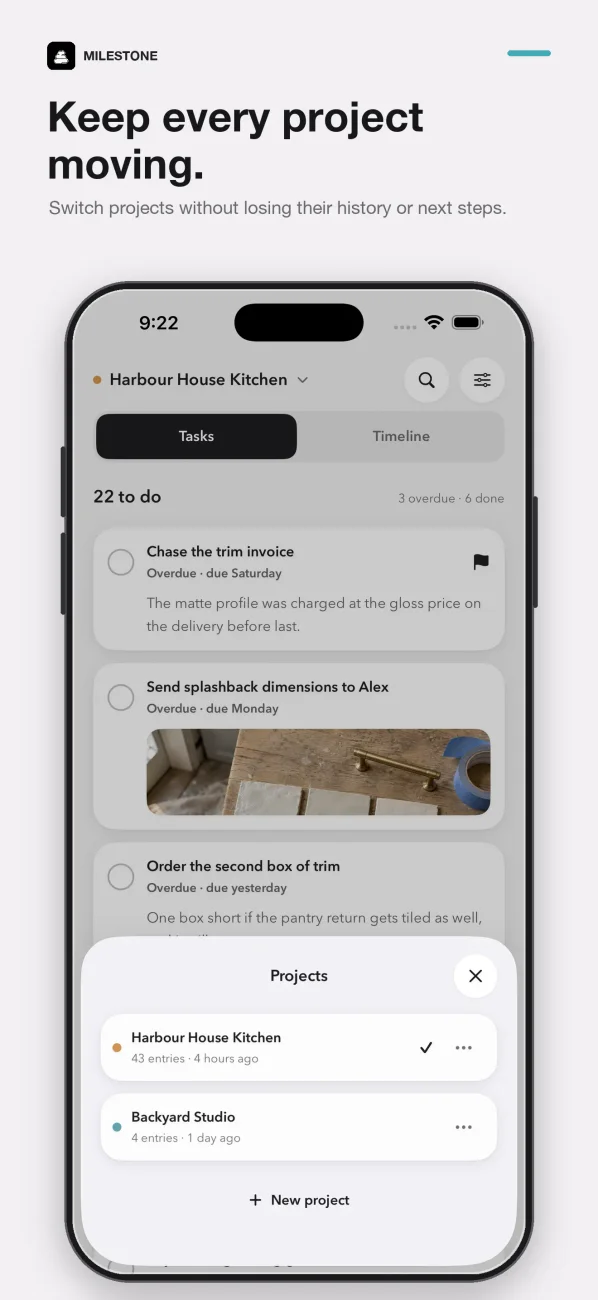
Keep as many projects as you have going. Each one has its own timeline and day count.
PLAN WHAT'S NEXT
Keep tasks alongside each project so the work ahead stays connected to the progress you've already made.
Reorder tasks, check them off when they're done, and add due dates only when you need them. Tasks can include photos, voice notes, and text too, so they're more than just a checklist.
Completed tasks stay organized by when you finished them and can be cleared whenever you no longer need them.
UNDERSTAND MORE WITH ON-DEVICE AI
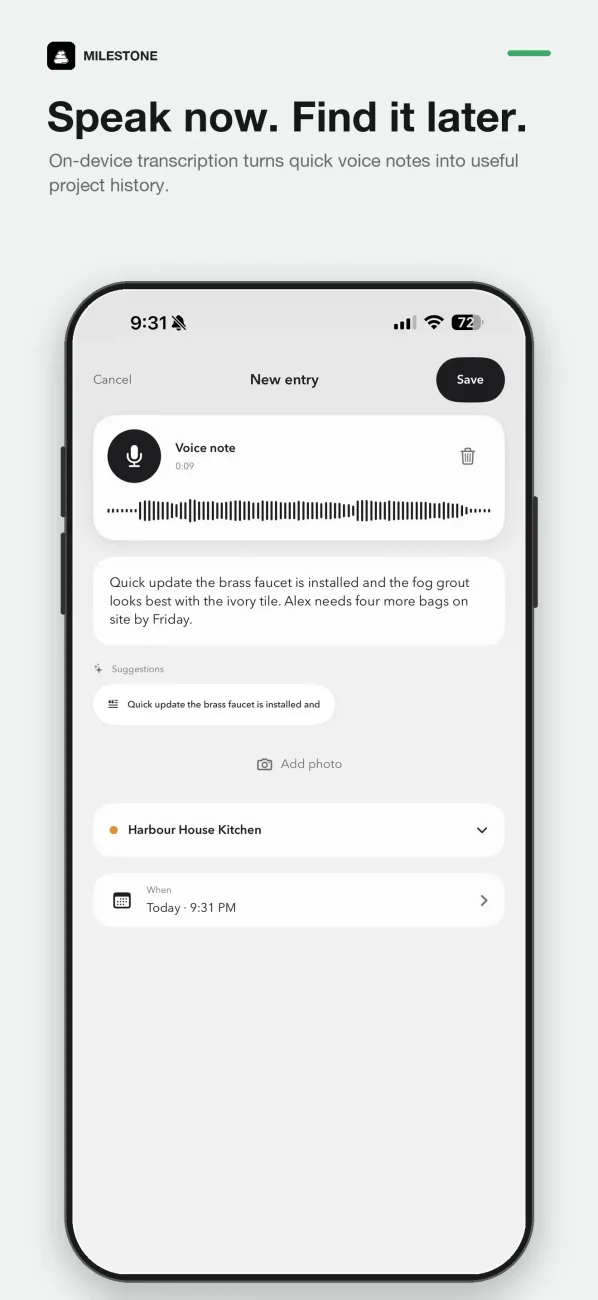
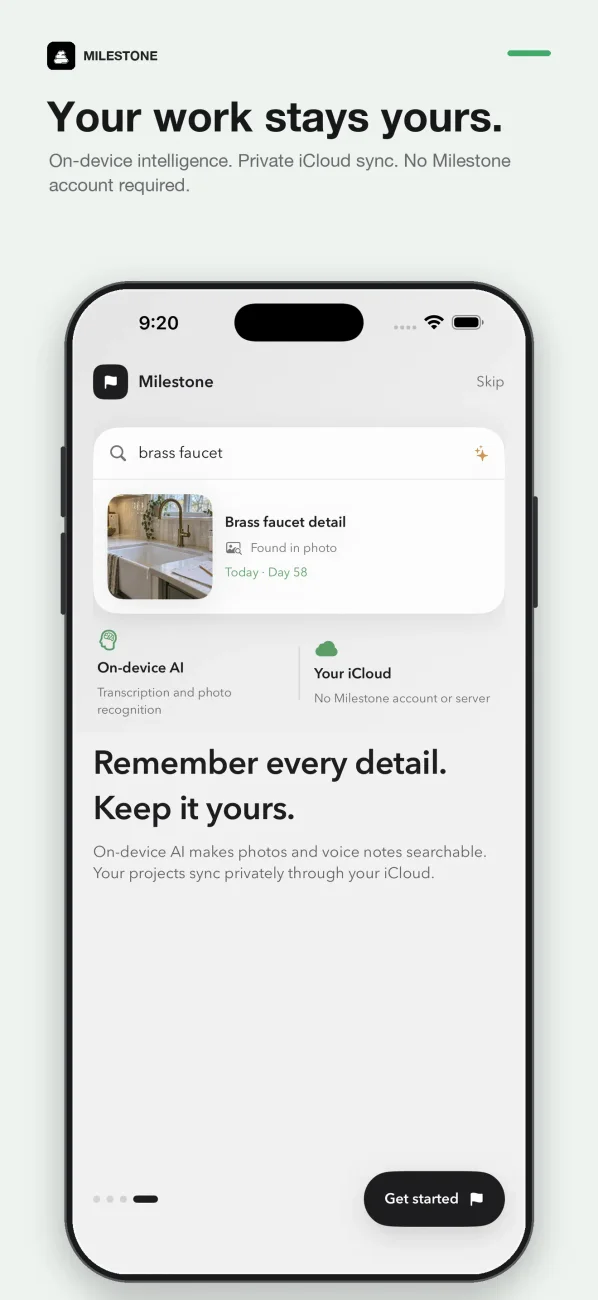
Milestone uses on-device AI to transcribe voice notes and analyze photos for readable text and visual subjects.
Search for what you said, what was written, or what appeared in a photo—all without uploading your private moments to a Milestone server.
FIND IT AGAIN
Search your notes to find the moment you can't quite place. Voice-note transcripts and photo text or visual labels are included, so search can find what was said and what appeared in a photo, not just what you typed.
Flag important entries so they're easy to return to later.
KEEP EVERYTHING TOGETHER
Project photos get buried in your camera roll. Details disappear into messages or stay in your head.
Milestone keeps the photo, the context, and the moment together in one place.
FOR ANYTHING WORTH DOCUMENTING
Personal goals. Creative work. Home improvements. School projects. Travel. Restorations.
Anything that takes long enough that you'll want to look back on it.
YOUR DATA, YOUR DEVICES
There is no Milestone account and no Milestone server. Your entries stay on your device and sync across iPhone and iPad through your own iCloud.
Turn iCloud off and Milestone still works on one device.
Nouveautés
Version 1.1.0 · 03/10/2026
Milestone 1.1 is all about feel.
• Smoother everywhere. Entries open out of the card you tap and fold back into it when you go back, with motion and gentle haptics throughout.
• New photo viewer. Pinch or double-tap to zoom, and swipe down to close.
• More satisfying tasks. Ticking one off crosses it out and folds it away into Completed.
• Always know where you are. Your day count and to-do count stay in the top bar as you scroll.
Confidentialité de l’application
Ce que Eric Fan déclare sur l’App Store au sujet du traitement des données par cette application.
-
Données établissant un lien avec vous
Peuvent être collectées et liées à votre identité.
- Contenu utilisateur
Les pratiques en matière de confidentialité peuvent varier, notamment en fonction des fonctionnalités que vous utilisez ou de votre âge.
Informations
- Vendeur
- Eric Fan
- Catégorie
- Productivité
- Version
- 1.1.0
- Mis à jour
- 03/10/2026
- Publié
- 14/09/2026
- Taille
- 5,3 Mo
- Nécessite
- iOS 18.0 ou version ultérieure
- Classification d’âge
- 4+
- Prix
- Gratuit
- Copyright
- © 2026 Eric Fan
Vous aimerez peut-être aussi
-
 Glass Notes : Notes privéesListes, tâches et widgets
-
 HabitTRCKR | Habit TrackerHabitudes Quotidiennes
-
 Own AI : chat IA hors ligneChat privé, révisions et maths
-
 AI Prompt Library - PromptiFexProductivité
-
 Resurf: Save & OrganizeProductivité
-
 Booklet Maker: Livret PDFBrochure, Imposition PDF
-
 Agenda quotidien pour femmesPlanner mignon & to do list
-
 RenamerRenommer des fichiers par lots
-
 Prod: Idea Capture AppProductivité
-
 Screen Time Detox - PausedTemps ecran, travail et ecole