Miracast
All Cast to TV & Smart Remote
Entwickelt für iPhone, iPad, iPod touch
Kostenlos · In-App-Käufe
- Altersfreigabe4+
- KategorieDienstprogramme
- EntwicklerHaruto Nakamura
- SprachenEnglisch
- Größe55,6 MB
Verlinkt auf die offizielle App Store-Seite
Download.org hostet keine Datei von Miracast. Die Schaltfläche öffnet die App-Seite bei App Store, wo Haruto Nakamura die App veröffentlicht. Eintrag zuletzt geprüft am 14.11.2026.
Screenshots


Info
Der Entwickler hat diesen Text nicht in Ihrer Sprache bereitgestellt.
Miracast – Screen Mirroring, Cast to TV & Smart Remote
Mirror your screen, cast videos and photos, and control your Smart TV from one easy-to-use app.
Miracast lets you wirelessly connect your device to compatible Smart TVs and streaming devices for presentations, entertainment, and everyday viewing.
— DISCLAIMER —
This application is an independent third-party app and is not affiliated with, endorsed by, sponsored by, or approved by any television manufacturer or streaming device brand.
Compatibility with Smart TVs and streaming features may vary depending on device model, operating system version, and network environment.
— KEY FEATURES —
SCREEN MIRRORING
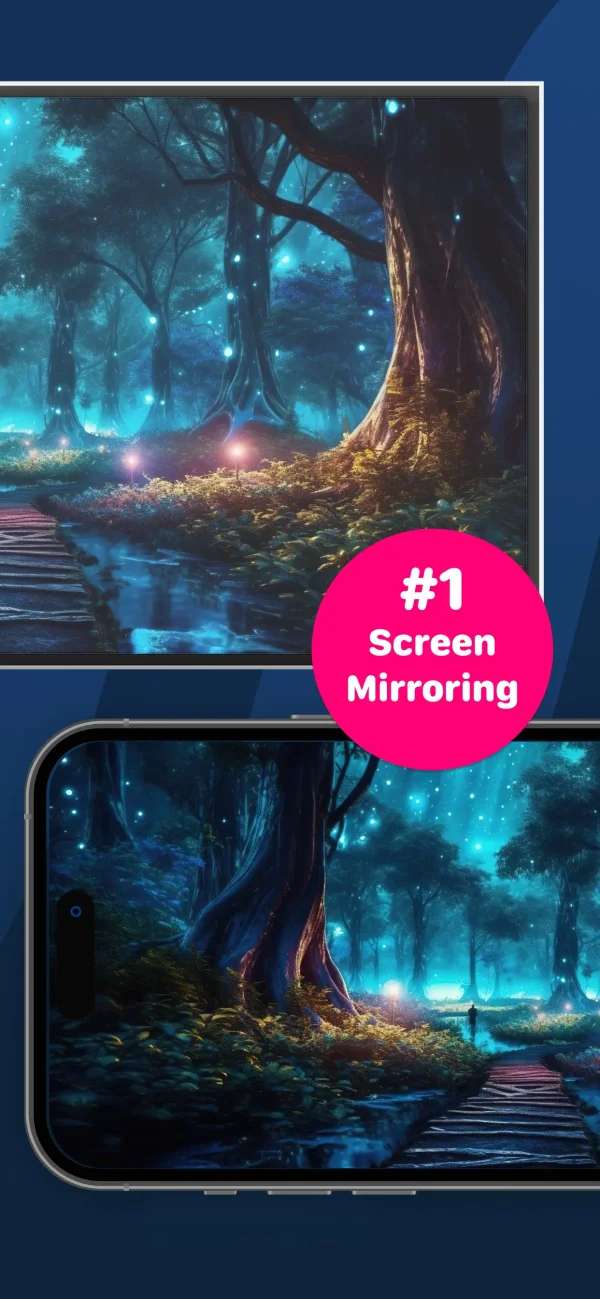
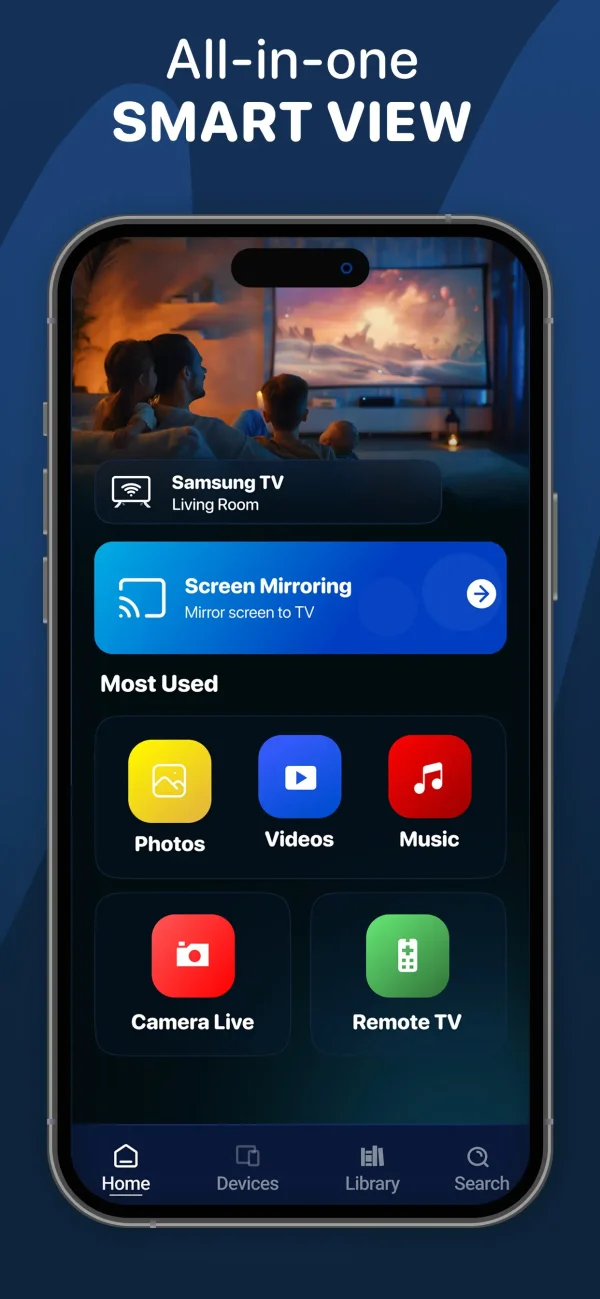
• Mirror your screen to compatible Smart TVs in real time
• Smooth, low-latency wireless screen casting
• Enjoy HD quality for presentations, apps, games, and more
VIDEO & MEDIA CASTING
• Cast videos and local media files to your TV
• Stream online web videos directly from your browser
• Display photos and albums on the big screen
• Play music wirelessly on compatible devices
SMART REMOTE
• Control volume, playback, navigation, and channels
• Easy-to-use remote designed for Smart TVs
• Fast and responsive controls
SMART TV DISCOVERY
• Automatically detect compatible devices on the same Wi-Fi network
• Quick setup and easy connection
• Switch between devices anytime
WHY USERS LOVE MIRACAST
• Easy wireless setup
• No cables or additional hardware required
• Works with many compatible Smart TVs and streaming devices
• Fast, stable, and reliable performance
• Simple and intuitive interface
— HOW IT WORKS —
1. Connect your device and TV to the same Wi-Fi network.
2. Open Miracast and select your compatible TV.
3. Choose Screen Mirroring, Video Cast, Photo Cast, or Remote Control.
4. Enjoy your content instantly on the big screen.
SUPPORTED DEVICES
Compatible with many Smart TVs and streaming devices that support wireless casting and screen mirroring technologies. Available features may vary depending on device capabilities.
— SUBSCRIPTION DETAILS —
• Payment will be charged to your Apple ID account at confirmation of purchase.
• Subscription automatically renews unless auto-renew is turned off at least 24 hours before the end of the current period.
• Your account will be charged for renewal within 24 hours prior to the end of the current period.
• You can manage subscriptions and turn off auto-renewal in your Account Settings after purchase.
• Any unused portion of a free trial period will be forfeited when you purchase a subscription.
Privacy Policy: https://cast-to-lg-tv.web.app/cast-to-lg-tv/privacy.html
Terms of Use: https://cast-to-lg-tv.web.app/cast-to-lg-tv/term.html
Neue Funktionen
Version 1.0.4 · 12.11.2026
Bug fixes - Performance improvements
App-Datenschutz
Was Haruto Nakamura im App Store zum Umgang dieser App mit Daten angibt.
-
Daten, die zum Tracking Ihrer Person verwendet werden
Können verwendet werden, um Sie über Apps und Websites anderer Unternehmen hinweg zu verfolgen.
- Nutzungsdaten
-
Nicht mit Ihnen verknüpfte Daten
Können erfasst werden, sind aber nicht mit Ihrer Identität verknüpft.
- Nutzungsdaten
Die Datenschutzpraktiken können variieren, zum Beispiel je nach den von Ihnen verwendeten Funktionen oder Ihrem Alter.
Informationen
- Anbieter
- Haruto Nakamura
- Kategorie
- Dienstprogramme
- Version
- 1.0.4
- Aktualisiert
- 12.11.2026
- Veröffentlicht
- 26.03.2026
- Größe
- 55,6 MB
- Erfordert
- iOS 16 oder neuer
- Altersfreigabe
- 4+
- Preis
- Kostenlos
- In-App-Käufe
- Ja
- Sprachen
- Englisch
- Copyright
- © Haruto Nakamura
Das könnte Ihnen auch gefallen
-
 Bildschirm Spiegeln: TVAuf TV Streamen Und Teilen
-
 Screen Mirroring+ ™Smart View Mirror Screen Share
-
 Cast to TV + Screen MirroringDienstprogramme
-
 Screen Mirroring・Miracast TVDienstprogramme
-
 Screen Mirror - Smart View TVDienstprogramme
-
 Miracast · Spiegeln mit TVBildschirm Spiegeln mit TV
-
 Screen Mirroring. Cast to TV.Dienstprogramme
-
 MirrorVO: Bildschirm spiegelnAuf TV & Handy spiegeln
-
 Screen Mirroring・AnyCast TVDienstprogramme
-
 Screen Mirror to TV CastDienstprogramme