- 対象年齢4+
- カテゴリユーティリティ
- 開発元Haruto Nakamura
- 言語英語
- サイズ55.6 MB
App Storeの公式ページにリンクしています
Download.orgはMiracastのファイルを一切ホストしていません。ボタンを押すと、Haruto Nakamuraが公開しているApp Storeのアプリページが開きます。ページの最終確認:2026/11/14。
スクリーンショット


概要
開発元はこのテキストをお使いの言語で提供していません。
Miracast – Screen Mirroring, Cast to TV & Smart Remote
Mirror your screen, cast videos and photos, and control your Smart TV from one easy-to-use app.
Miracast lets you wirelessly connect your device to compatible Smart TVs and streaming devices for presentations, entertainment, and everyday viewing.
— DISCLAIMER —
This application is an independent third-party app and is not affiliated with, endorsed by, sponsored by, or approved by any television manufacturer or streaming device brand.
Compatibility with Smart TVs and streaming features may vary depending on device model, operating system version, and network environment.
— KEY FEATURES —
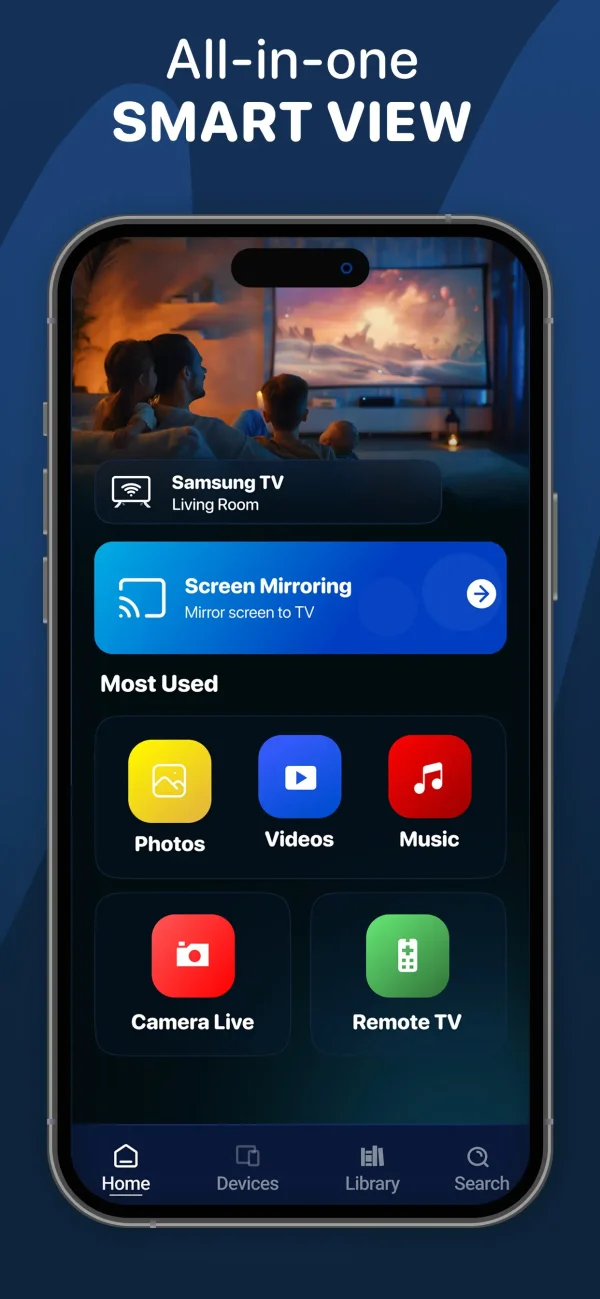
SCREEN MIRRORING
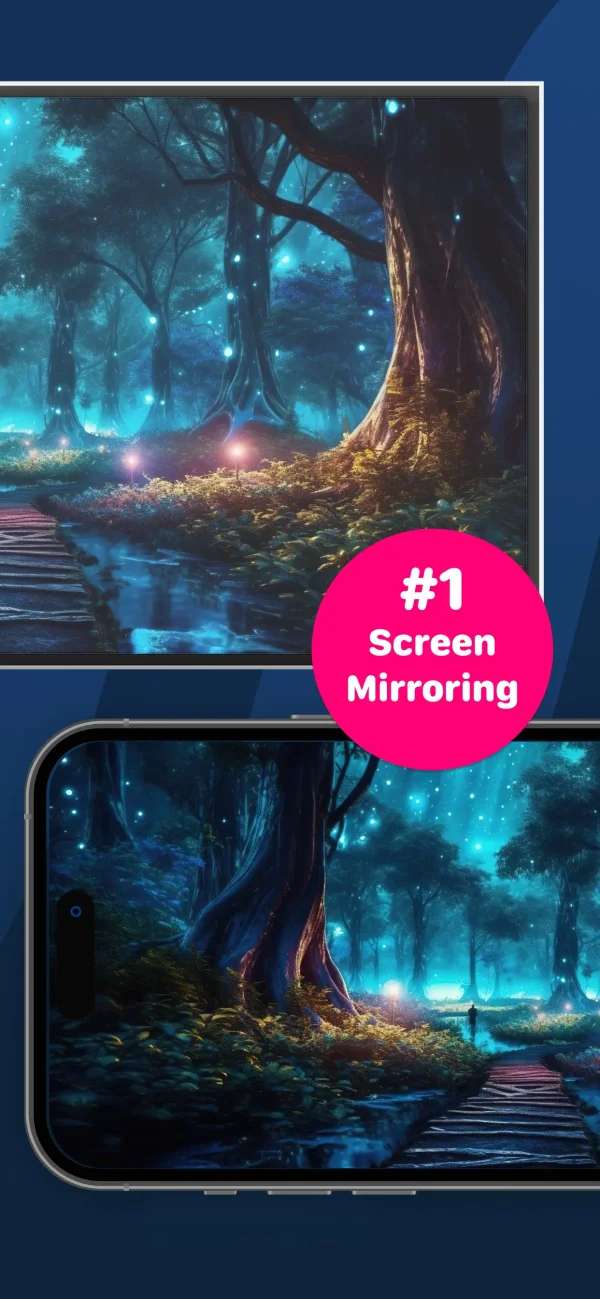
• Mirror your screen to compatible Smart TVs in real time
• Smooth, low-latency wireless screen casting
• Enjoy HD quality for presentations, apps, games, and more
VIDEO & MEDIA CASTING
• Cast videos and local media files to your TV
• Stream online web videos directly from your browser
• Display photos and albums on the big screen
• Play music wirelessly on compatible devices
SMART REMOTE
• Control volume, playback, navigation, and channels
• Easy-to-use remote designed for Smart TVs
• Fast and responsive controls
SMART TV DISCOVERY
• Automatically detect compatible devices on the same Wi-Fi network
• Quick setup and easy connection
• Switch between devices anytime
WHY USERS LOVE MIRACAST
• Easy wireless setup
• No cables or additional hardware required
• Works with many compatible Smart TVs and streaming devices
• Fast, stable, and reliable performance
• Simple and intuitive interface
— HOW IT WORKS —
1. Connect your device and TV to the same Wi-Fi network.
2. Open Miracast and select your compatible TV.
3. Choose Screen Mirroring, Video Cast, Photo Cast, or Remote Control.
4. Enjoy your content instantly on the big screen.
SUPPORTED DEVICES
Compatible with many Smart TVs and streaming devices that support wireless casting and screen mirroring technologies. Available features may vary depending on device capabilities.
— SUBSCRIPTION DETAILS —
• Payment will be charged to your Apple ID account at confirmation of purchase.
• Subscription automatically renews unless auto-renew is turned off at least 24 hours before the end of the current period.
• Your account will be charged for renewal within 24 hours prior to the end of the current period.
• You can manage subscriptions and turn off auto-renewal in your Account Settings after purchase.
• Any unused portion of a free trial period will be forfeited when you purchase a subscription.
Privacy Policy: https://cast-to-lg-tv.web.app/cast-to-lg-tv/privacy.html
Terms of Use: https://cast-to-lg-tv.web.app/cast-to-lg-tv/term.html
新機能
バージョン 1.0.4 · 2026/11/12
Bug fixes - Performance improvements
アプリのプライバシー
このアプリのデータの取り扱いについて、Haruto NakamuraがApp Storeで申告している内容です。
-
ユーザーのトラッキングに使用されるデータ
他社のアプリやウェブサイトを横断してユーザーをトラッキングする目的で使用される場合があります。
- 使用状況データ
-
ユーザーに関連付けられないデータ
収集される場合がありますが、ユーザーの識別情報には関連付けられません。
- 使用状況データ
プライバシーの取り扱いは、ご利用の機能やお客様の年齢などに応じて異なる場合があります。
情報
- 販売元
- Haruto Nakamura
- カテゴリ
- ユーティリティ
- バージョン
- 1.0.4
- 更新日
- 2026/11/12
- リリース
- 2026/3/26
- サイズ
- 55.6 MB
- 必要条件
- iOS 16以降
- 対象年齢
- 4+
- 価格
- 無料
- アプリ内課金
- あり
- 言語
- 英語
- 著作権
- © Haruto Nakamura
こちらもおすすめ
-
 画面ミラーリング: テレビ視聴とキャストテレビにキャスト・写真や動画を大画面へミラーリング
-
 投影 - 画面ミラーリング画面共有 - テレビにキャストするアプリ -多屏互动
-
 Cast to TV + Screen Mirroringユーティリティ
-
 画面ミラーリング・テレビキャストスクリーンミラーリング|ミラキャスト TV
-
 Screen Mirror - Smart View TVユーティリティ
-
 Miracast · Screen Mirroring TVミラーキャスト · スクリーンミラーリング
-
 Screen Mirroring. Cast to TV.ユーティリティ
-
 MirrorVO: 画面ミラーリングテレビにもスマホにも
-
 画面ミラーリング・AnyCast TVSmart View ミラーリング・DLNA キャスト
-
 Screen Mirror to TV Castユーティリティ