Modo: End Doomscrolling
Less Screen. More Life.
Entwickelt für iPhone, iPad
Kostenlos
- Altersfreigabe4+
- KategorieProduktivität
- EntwicklerAlejandro Reyes Bradford
- SprachenEnglisch
- Größe4,3 MB
Verlinkt auf die offizielle App Store-Seite
Download.org hostet keine Datei von Modo: End Doomscrolling. Die Schaltfläche öffnet die App-Seite bei App Store, wo Alejandro Reyes Bradford die App veröffentlicht. Eintrag zuletzt geprüft am 20.11.2026.
Screenshots
Info
Der Entwickler hat diesen Text nicht in Ihrer Sprache bereitgestellt.
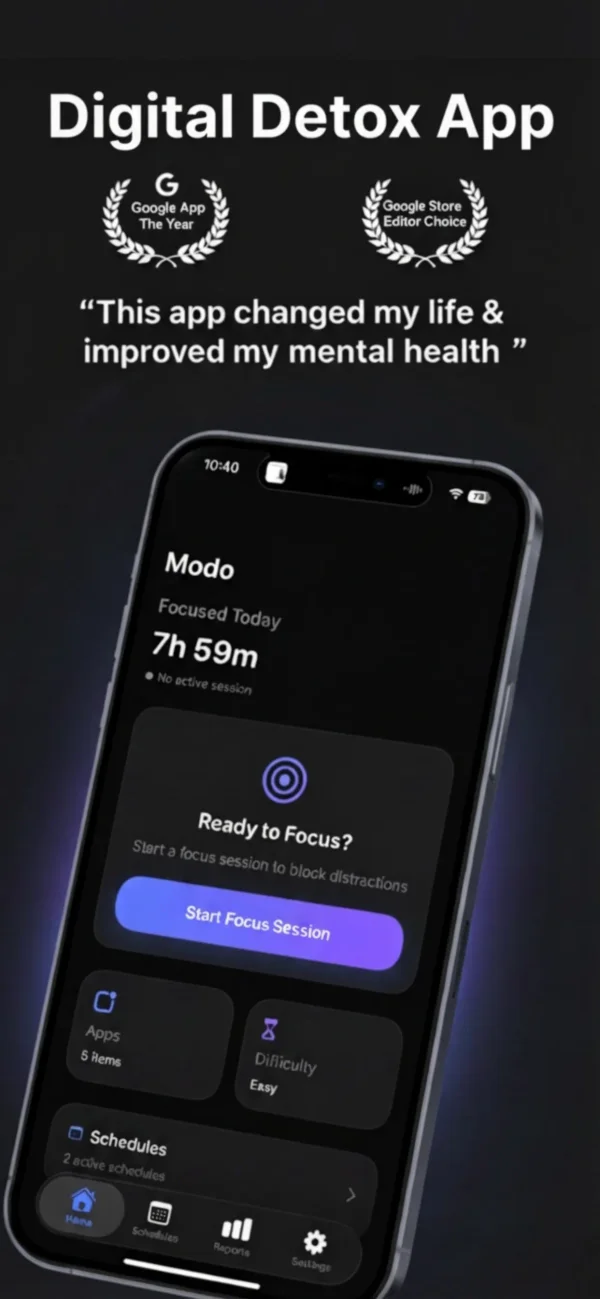
Regain control of your time. Modo uses Apple’s Screen Time framework to block addicting apps.
How it works
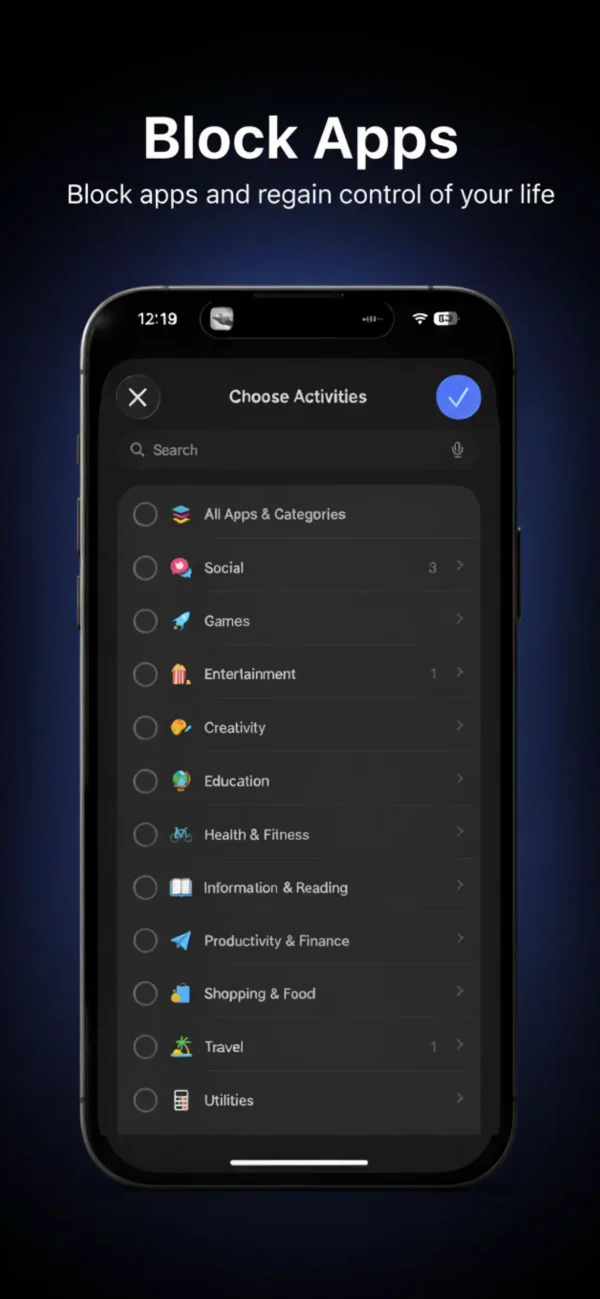
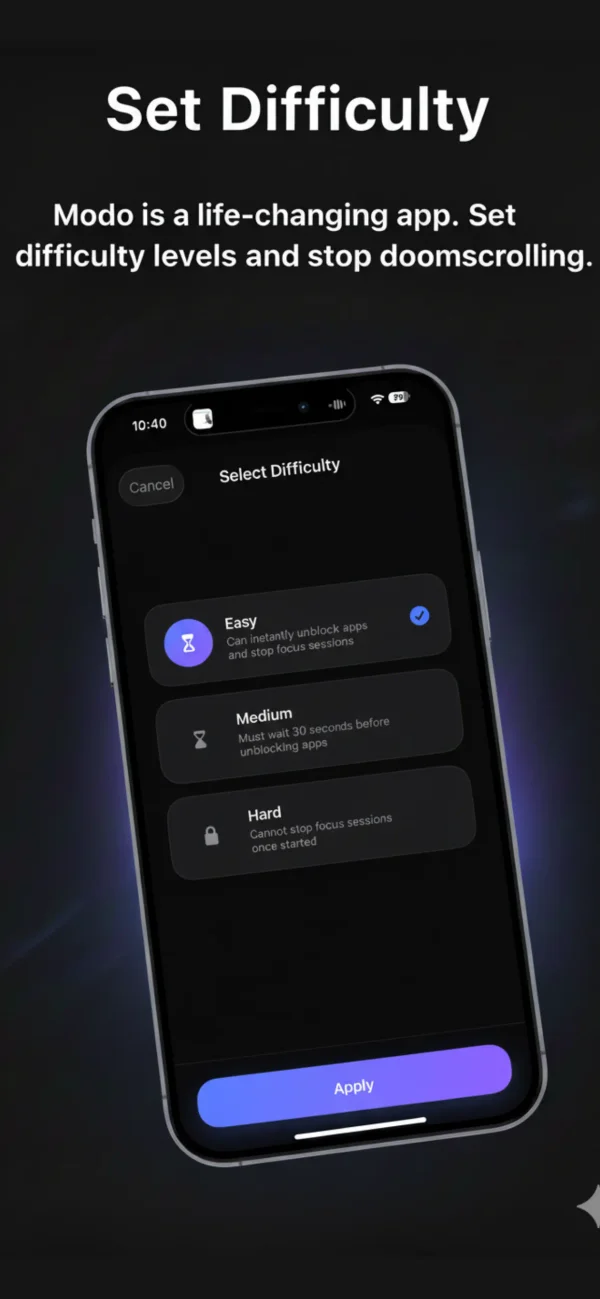
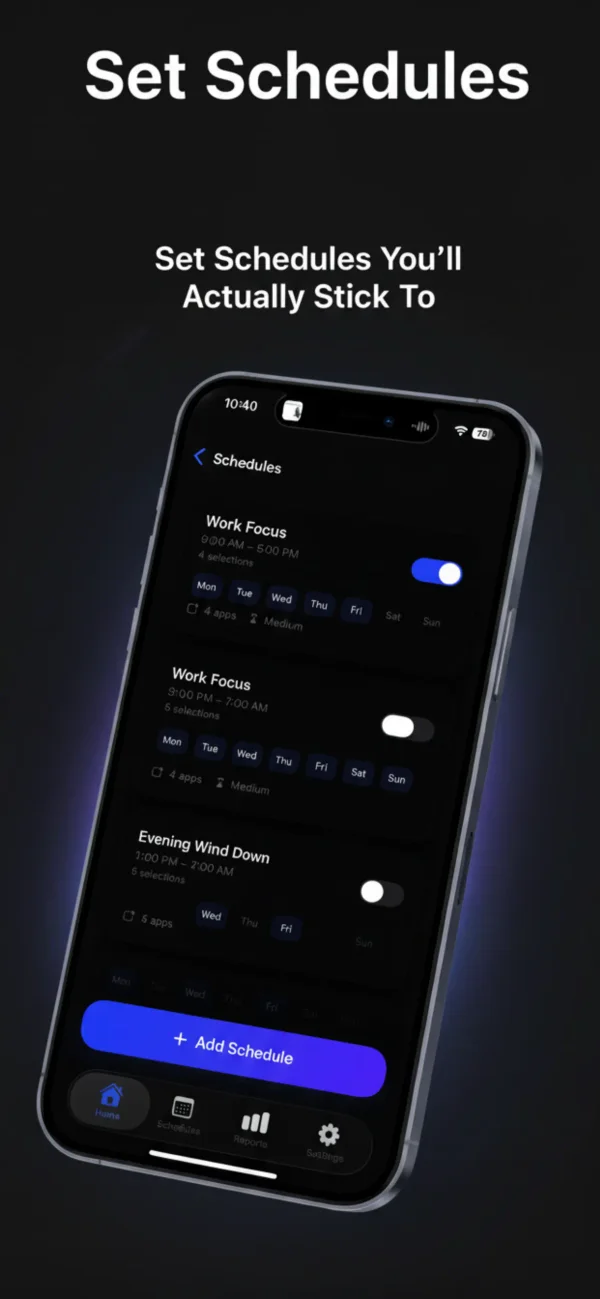
Start a session, pick the apps you want blocked, choose a difficulty, and set the duration. While the session is active, selected apps are restricted at the system level. When time’s up, access is restored.
Why Modo
• Real, system-level blocking via Screen Time
• Minimal, fast, and easy to use
• Designed for deep work, study, and digital wellbeing
Features
• Focus Sessions: one tap to start, with live timer
• Difficulty Levels: Easy / Medium / Hard / Blocked
• App Selection: pick specific apps or groups to restrict
• Schedules: automate focus by time and day (work, study, sleep)
• Reports: see time saved, pickups avoided, and trends
• Reminders: gentle prompts to start or resume focus
Premium unlocks (freemium available)
• Blocked difficulty (strict)
• Unlimited schedules and app groups
• Advanced reports and insights
• Priority enhancements as we roll out new features
Who it’s for
• Students who want distraction-free study time
• Professionals who need deep work blocks
• Anyone building healthier phone habits
Privacy
Modo relies on Apple’s Screen Time APIs for blocking. You control which apps are restricted and when. We don’t collect your data.
Notes
• Requires enabling Screen Time/Family Controls permission to function.
• Availability of certain restrictions may vary by app category and iOS version.
Take back your time—one focused session at a time.
Neue Funktionen
Version 1.3 · 04.03.2026
- Added review pop up modal automatically
App-Datenschutz
Was Alejandro Reyes Bradford im App Store zum Umgang dieser App mit Daten angibt.
-
Keine Daten erfasst
Der Entwickler erfasst keine Daten von dieser App.
Die Datenschutzpraktiken können variieren, zum Beispiel je nach den von Ihnen verwendeten Funktionen oder Ihrem Alter.
Informationen
- Anbieter
- Alejandro Reyes Bradford
- Kategorie
- Produktivität
- Version
- 1.3
- Aktualisiert
- 04.03.2026
- Veröffentlicht
- 11.11.2025
- Größe
- 4,3 MB
- Erfordert
- iOS 18.6 oder neuer
- Altersfreigabe
- 4+
- Preis
- Kostenlos
- Sprachen
- Englisch
- Copyright
- © Alejandro Reyes
Das könnte Ihnen auch gefallen
-
 Nodd: Stretch Before ScrollProduktivität
-
 DeadlineGuard: Task ReminderProduktivität
-
 DoTEN: Simple Daily To-Do ListProduktivität
-
 Deepflow Focus TimerProduktivität
-
 My Next: ListSammlungen ohne Unordnung.
-
 ImpulseKillProduktivität
-
 Pactly: Earn Screen TimeProduktivität
-
 Benchpad — Scratchpad NotesProduktivität
-
 Wake ScrollProduktivität
-
 Popplo: Süße To Do ListHabit Tracker & Erinnerungen