- Age rating4+
- CategoryProductivity
- DeveloperAlejandro Reyes Bradford
- LanguagesEnglish
- Size4.3 MB
Links to the official App Store page
Download.org hosts no file of Modo: End Doomscrolling. The button opens its official App Store page, published by Alejandro Reyes Bradford. Listing last checked on Nov 20, 2026.
Screenshots
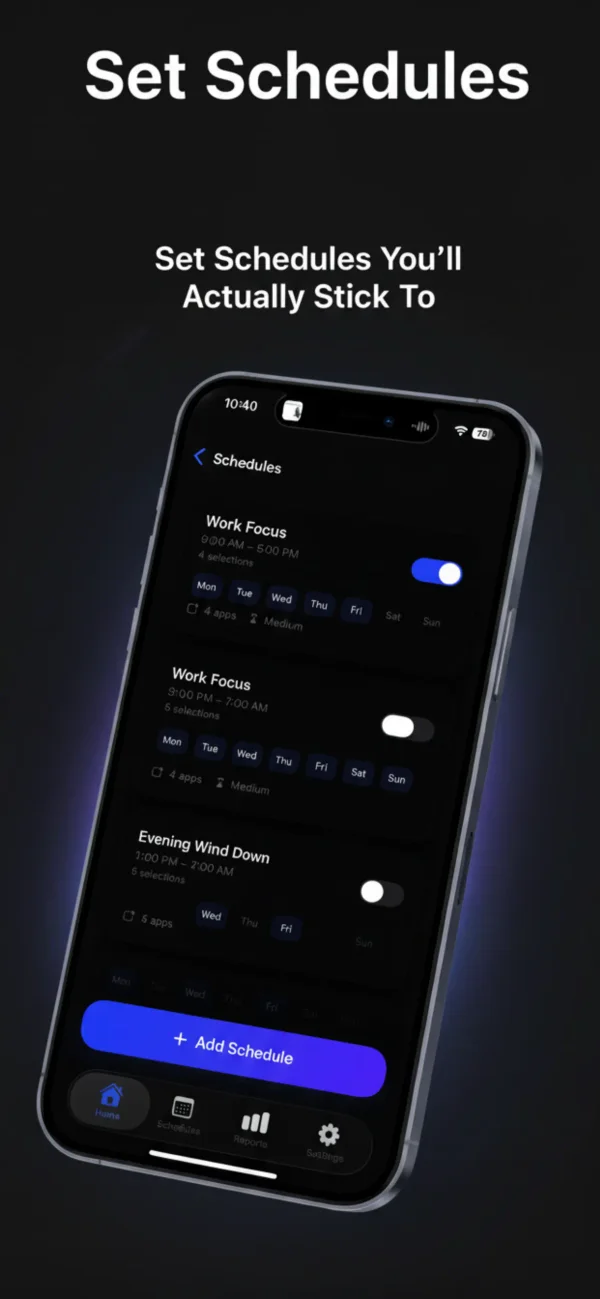
About
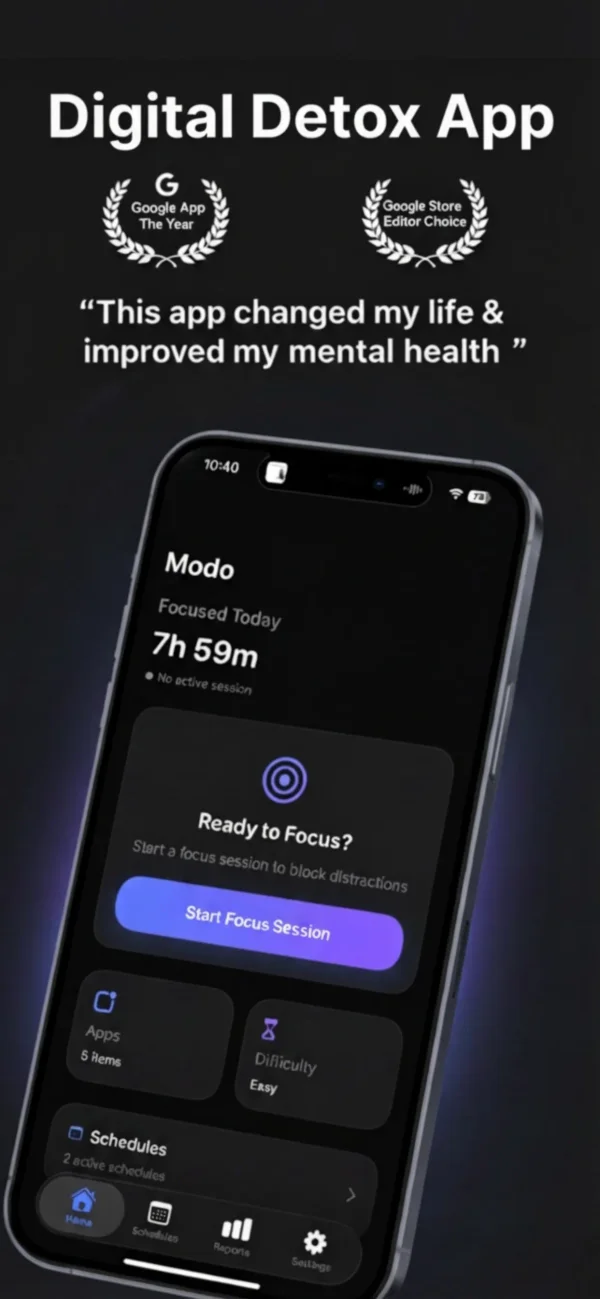
Regain control of your time. Modo uses Apple’s Screen Time framework to block addicting apps.
How it works
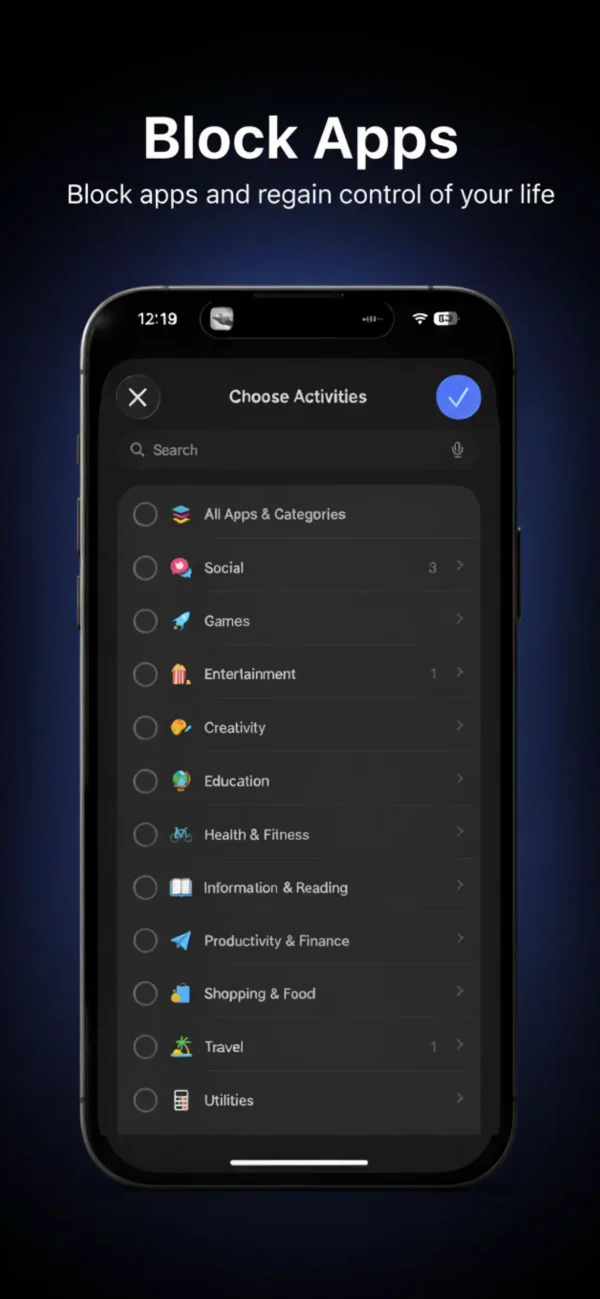
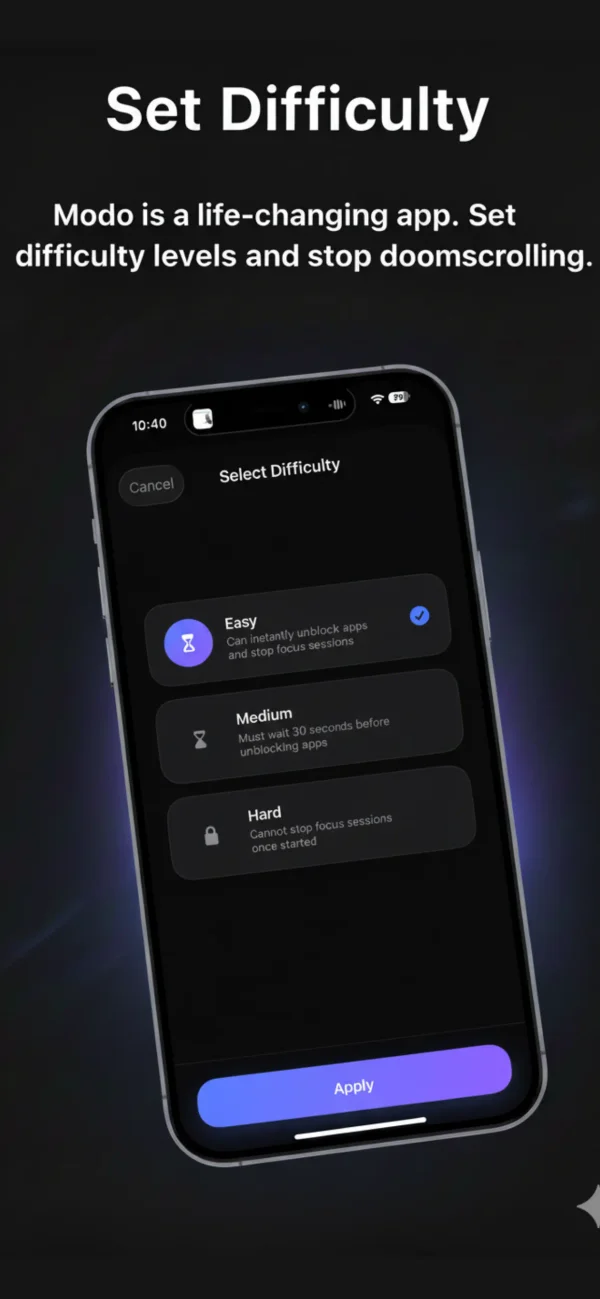
Start a session, pick the apps you want blocked, choose a difficulty, and set the duration. While the session is active, selected apps are restricted at the system level. When time’s up, access is restored.
Why Modo
• Real, system-level blocking via Screen Time
• Minimal, fast, and easy to use
• Designed for deep work, study, and digital wellbeing
Features
• Focus Sessions: one tap to start, with live timer
• Difficulty Levels: Easy / Medium / Hard / Blocked
• App Selection: pick specific apps or groups to restrict
• Schedules: automate focus by time and day (work, study, sleep)
• Reports: see time saved, pickups avoided, and trends
• Reminders: gentle prompts to start or resume focus
Premium unlocks (freemium available)
• Blocked difficulty (strict)
• Unlimited schedules and app groups
• Advanced reports and insights
• Priority enhancements as we roll out new features
Who it’s for
• Students who want distraction-free study time
• Professionals who need deep work blocks
• Anyone building healthier phone habits
Privacy
Modo relies on Apple’s Screen Time APIs for blocking. You control which apps are restricted and when. We don’t collect your data.
Notes
• Requires enabling Screen Time/Family Controls permission to function.
• Availability of certain restrictions may vary by app category and iOS version.
Take back your time—one focused session at a time.
What’s new
Version 1.3 · Mar 4, 2026
- Added review pop up modal automatically
App privacy
What Alejandro Reyes Bradford declares on the App Store about how this app handles data.
-
Data not collected
The developer does not collect any data from this app.
Privacy practices may vary, for example with the features you use or your age.
Information
- Seller
- Alejandro Reyes Bradford
- Category
- Productivity
- Version
- 1.3
- Updated
- Mar 4, 2026
- Released
- Nov 11, 2025
- Size
- 4.3 MB
- Requires
- iOS 18.6 or later
- Age rating
- 4+
- Price
- Free
- Languages
- English
- Copyright
- © Alejandro Reyes
You might also like
-
 Nodd: Stretch Before ScrollApp Blocker. Less Screen Time.
-
 DeadlineGuard: Task ReminderSmart Reminders for Deadlines!
-
 DoTEN: Simple Daily To-Do ListTen Tasks a Day + Focus Sounds
-
 Deepflow Focus TimerApp blocker for deep work
-
 My Next: ListCollections without clutter.
-
 ImpulseKillBreak bad habits gently
-
 Pactly: Earn Screen TimeDo tasks. Unlock apps.
-
 Benchpad — Scratchpad NotesThree pads. Offline. Done.
-
 Wake ScrollEnd doomscrolling for good
-
 Popplo: Cute To Do ListHabits, routines & reminders