
Mongee
Screenshot organiser
Entwickelt für iPhone, iPod touch
Kostenlos · In-App-Käufe
- Altersfreigabe4+
- KategorieProduktivität
- EntwicklerGil Ho
- SprachenEnglisch
- Größe65,5 MB
Verlinkt auf die offizielle App Store-Seite
Download.org hostet keine Datei von Mongee. Die Schaltfläche öffnet die App-Seite bei App Store, wo Gil Ho die App veröffentlicht. Eintrag zuletzt geprüft am 12.11.2026.
Screenshots
Info
Der Entwickler hat diesen Text nicht in Ihrer Sprache bereitgestellt.
Mongee helps you save the screenshots, photos and links you actually want to find again.
You know the moment: you are scrolling through short videos, social feeds or Reddit threads and spot something worth keeping — a movie clip, a TV show recommendation, a restaurant, a product, a travel idea, a job post, an event or a useful comment buried halfway down the screen.
So you screenshot it.
Then it disappears into your camera roll.
Mongee is built for those saves.
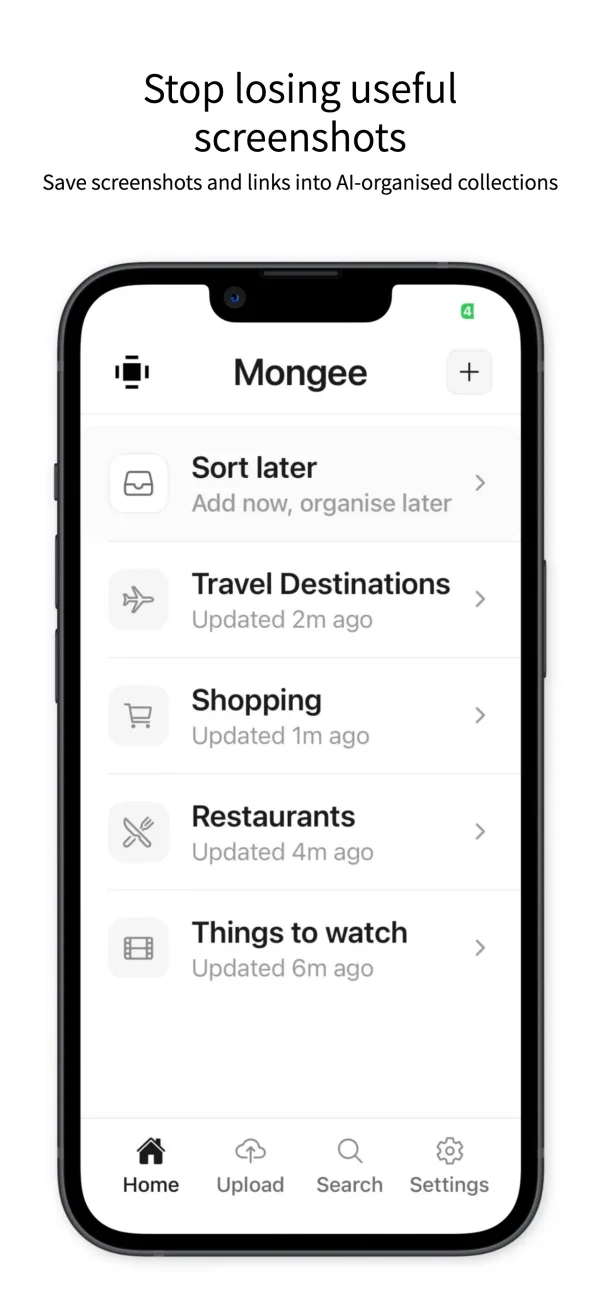
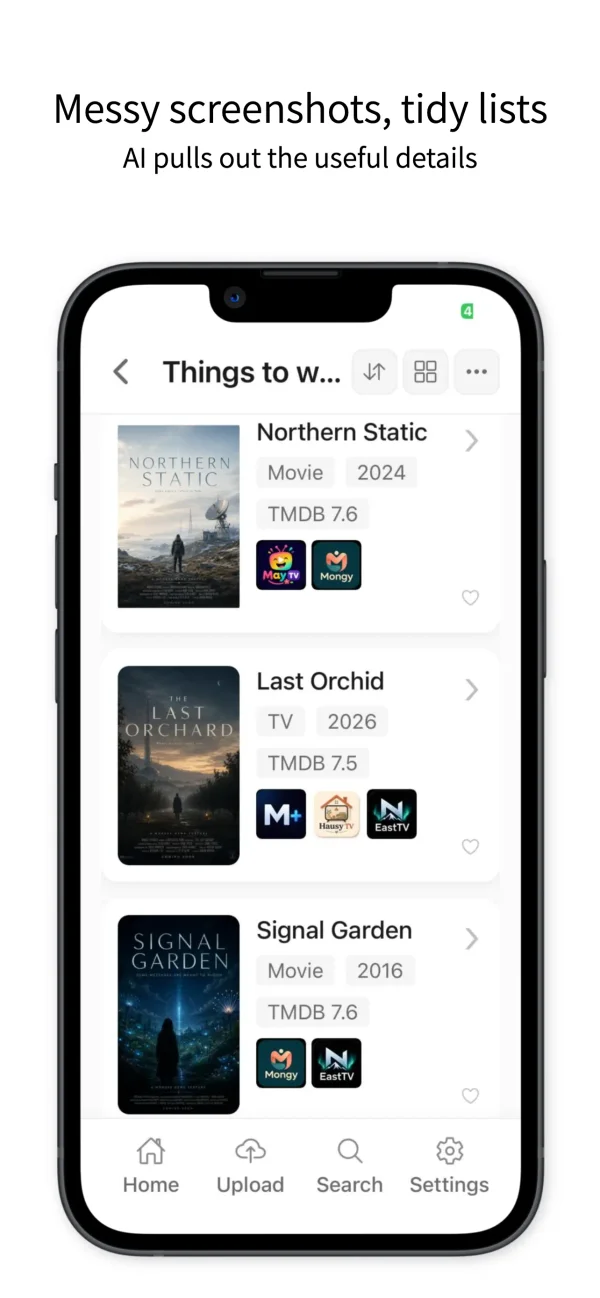
Share something into Mongee or upload it from your photo album, choose a collection and let AI help work out what it is. Mongee can categorise each save, extract useful details and turn messy captured content into organised items you can come back to later.
Use Mongee for:
* movies or TV shows you find from short-form videos, comments and social feeds
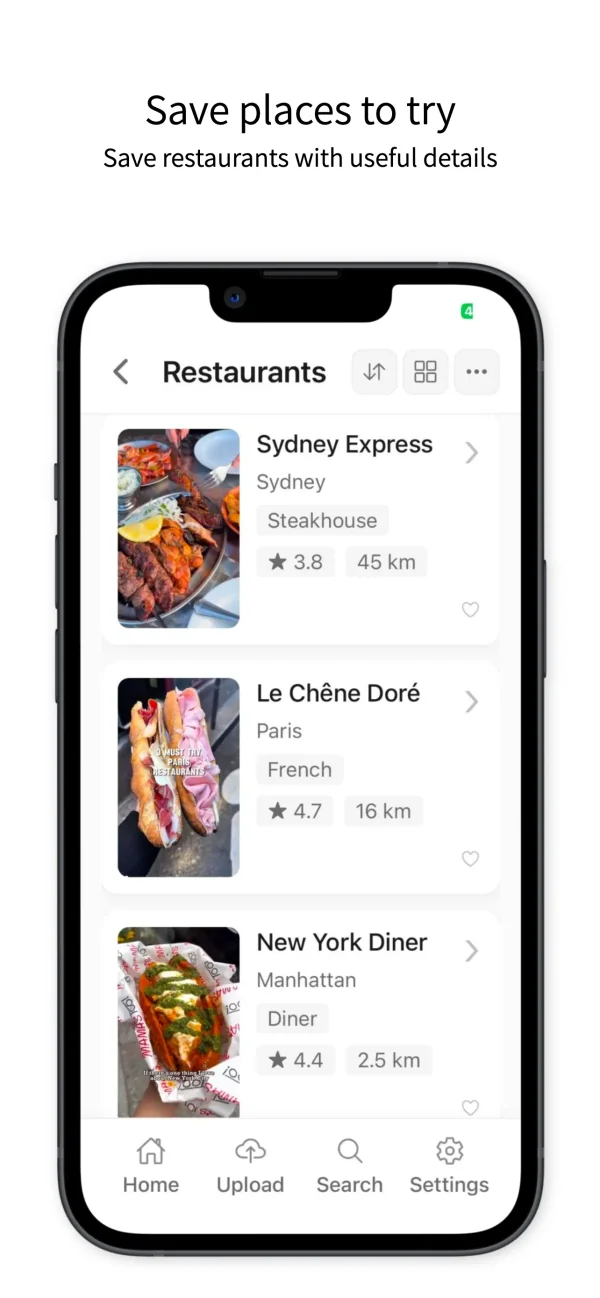
* restaurant recommendations you screenshot from posts, reels, chats or reviews
* travel destinations and trip ideas
* shopping finds and products to compare later
* useful Reddit threads, links and comments
* ideas, inspiration and reference material
* appointments, events and reminders
* job opportunities
* documents and notes
* screenshots that should not disappear in your gallery
What you can do:
* save screenshots, photos and links into collections
* upload from your photo album or share from supported apps
* let AI categorise saves and extract useful fields
* browse and search saved items
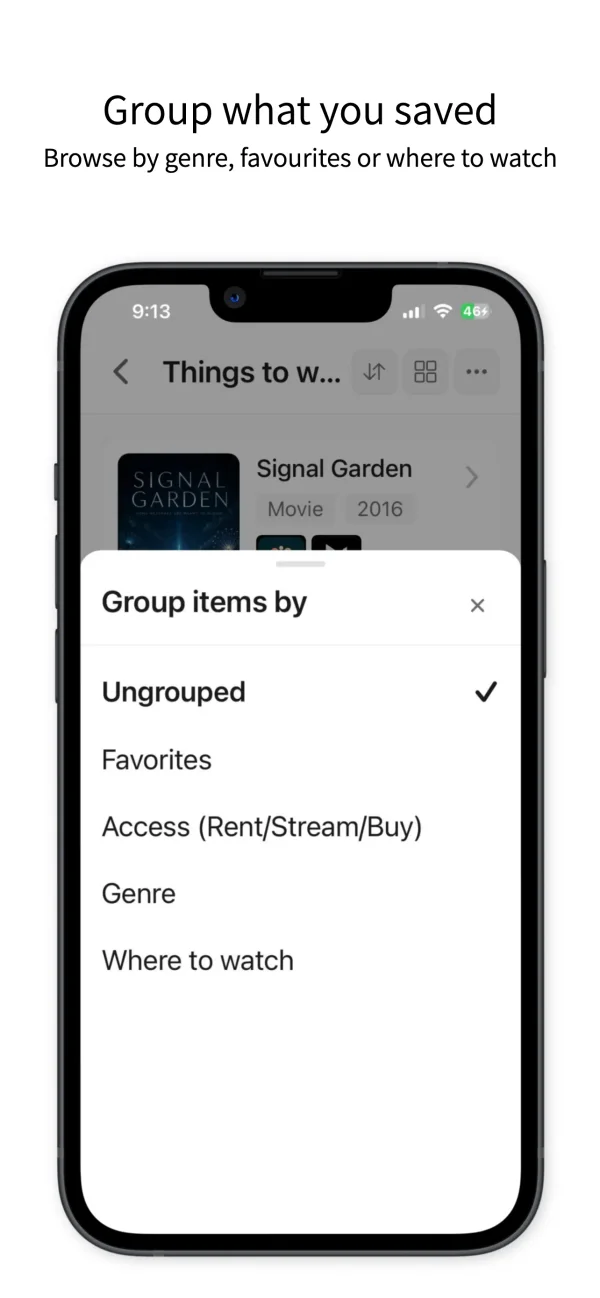
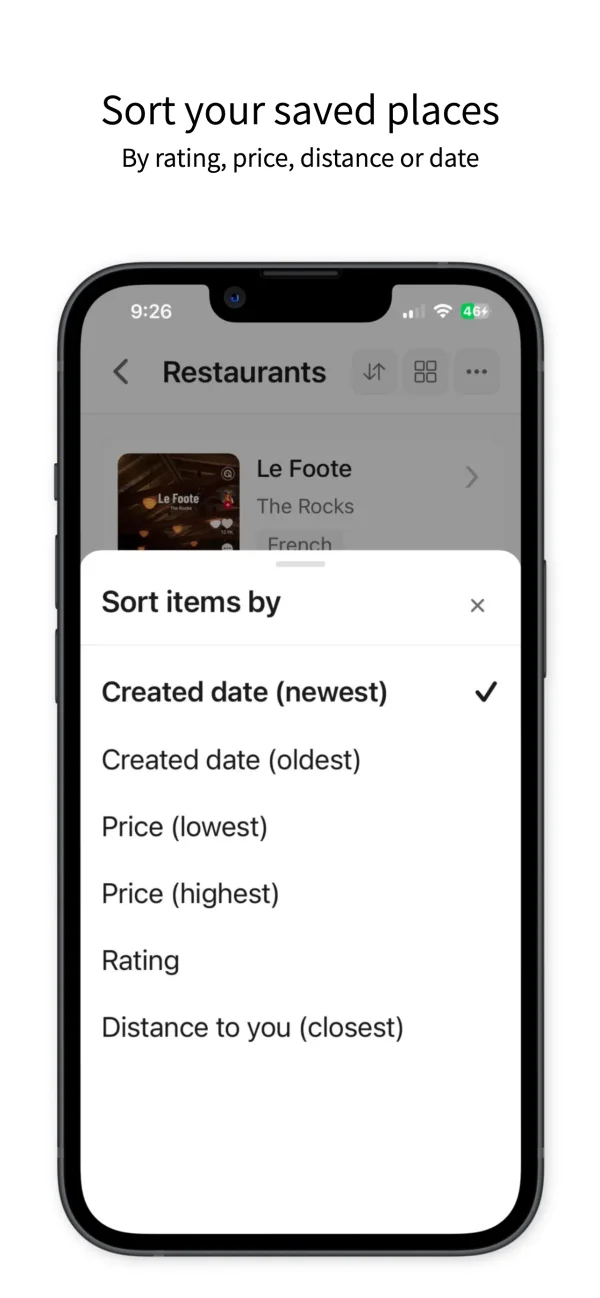
* group and sort items using extracted details
* favourite, edit, move and recategorise items
* keep your saved library local-first on your device
The goal is simple: save first, organise less and find the right thing later without digging through your photo gallery, browser tabs or scattered notes.
Your saved items and collections are stored on your device. Some user-selected saves may be processed to classify and extract details, as described in the privacy policy.
No Mongee account is required. The Free plan includes ads. Optional paid subscriptions are available through the App Store with higher limits and an ad-free experience.
Terms of Use (EULA): https://www.apple.com/legal/internet-services/itunes/dev/stdeula/
Neue Funktionen
Version 2.1.0 · 21.08.2026
What’s new in Mongee 2.1.0
Save recipes from screenshots and links, with ingredients, servings, instructions, and useful cooking details.
Browse and group recipes more easily by cuisine, dish type, meal type, and cooking method.
Group your collections by Mongee categories.
Improved creator details and general reliability.
App-Datenschutz
Was Gil Ho im App Store zum Umgang dieser App mit Daten angibt.
-
Mit Ihnen verknüpfte Daten
Können erfasst und mit Ihrer Identität verknüpft werden.
- Käufe
- Standort
- Benutzerinhalte
- Browserverlauf
- Kennungen
- Nutzungsdaten
- Diagnose
Die Datenschutzpraktiken können variieren, zum Beispiel je nach den von Ihnen verwendeten Funktionen oder Ihrem Alter.
Informationen
- Anbieter
- Gil Ho
- Kategorie
- Produktivität
- Version
- 2.1.0
- Aktualisiert
- 21.08.2026
- Veröffentlicht
- 08.08.2026
- Größe
- 65,5 MB
- Erfordert
- iOS 15.1 oder neuer
- Altersfreigabe
- 4+
- Preis
- Kostenlos
- In-App-Käufe
- Ja
- Sprachen
- Englisch
- Copyright
- © 2026 Mongee
Das könnte Ihnen auch gefallen
-
 Pluck - Save for LaterProduktivität
-
 SavedIt: Save Social PostsProduktivität
-
 iLinkVault: Lesezeichen AppSpeichern, lesen, KI fragen
-
 Clipboard AI - TastaturKopieren, Verlauf & Snippet
-
 Stasht: Speichern & OrdnenFavoriten, Screenshots & Links
-
 Calculator Notes - SpreadsheetProduktivität
-
 Stash: Links & LesezeichenSammeln und später lesen
-
 Kutu: Lesezeichen-ManagerLinks speichern & später lesen
-
 ClipBox: ZwischenablageKopieren & Einfügen Verlauf
-
 ScrambleIDProduktivität