
- 対象年齢4+
- カテゴリ仕事効率化
- 開発元Gil Ho
- 言語英語
- サイズ65.5 MB
Mongeeは現在App Storeで入手できない可能性があります
前回の確認時、ストアのページにアクセスできませんでした。リンク先は引き続きApp Storeの公式ページです。
スクリーンショット
概要
開発元はこのテキストをお使いの言語で提供していません。
Mongee helps you save the screenshots, photos and links you actually want to find again.
You know the moment: you are scrolling through short videos, social feeds or Reddit threads and spot something worth keeping — a movie clip, a TV show recommendation, a restaurant, a product, a travel idea, a job post, an event or a useful comment buried halfway down the screen.
So you screenshot it.
Then it disappears into your camera roll.
Mongee is built for those saves.
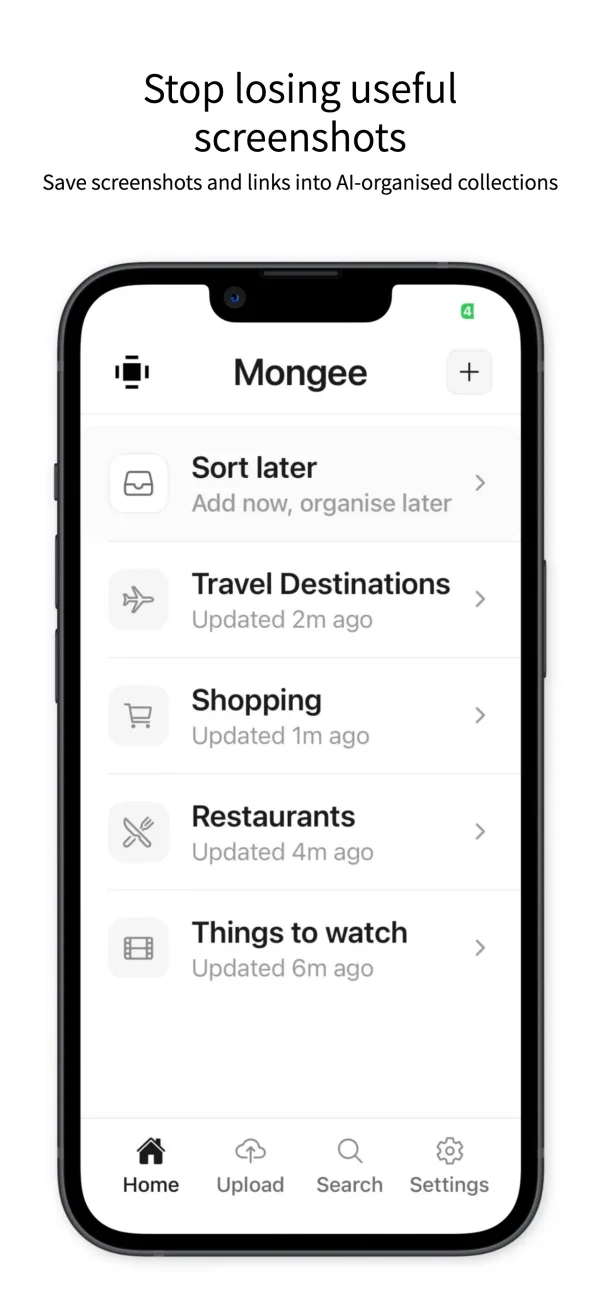
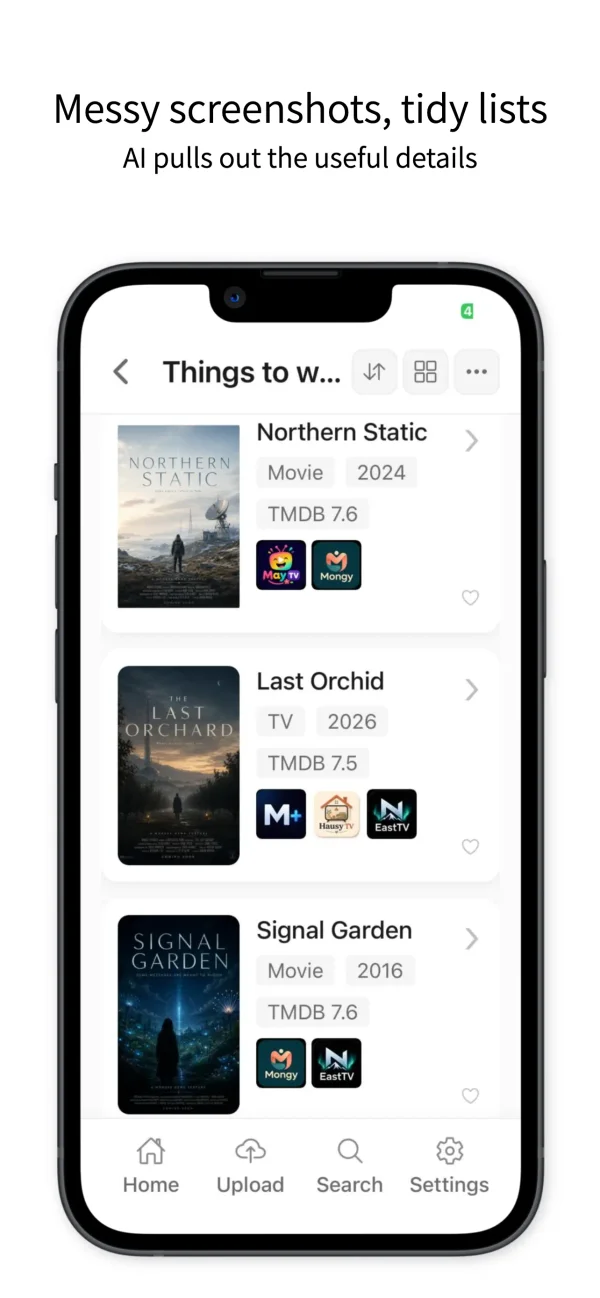
Share something into Mongee or upload it from your photo album, choose a collection and let AI help work out what it is. Mongee can categorise each save, extract useful details and turn messy captured content into organised items you can come back to later.
Use Mongee for:
* movies or TV shows you find from short-form videos, comments and social feeds
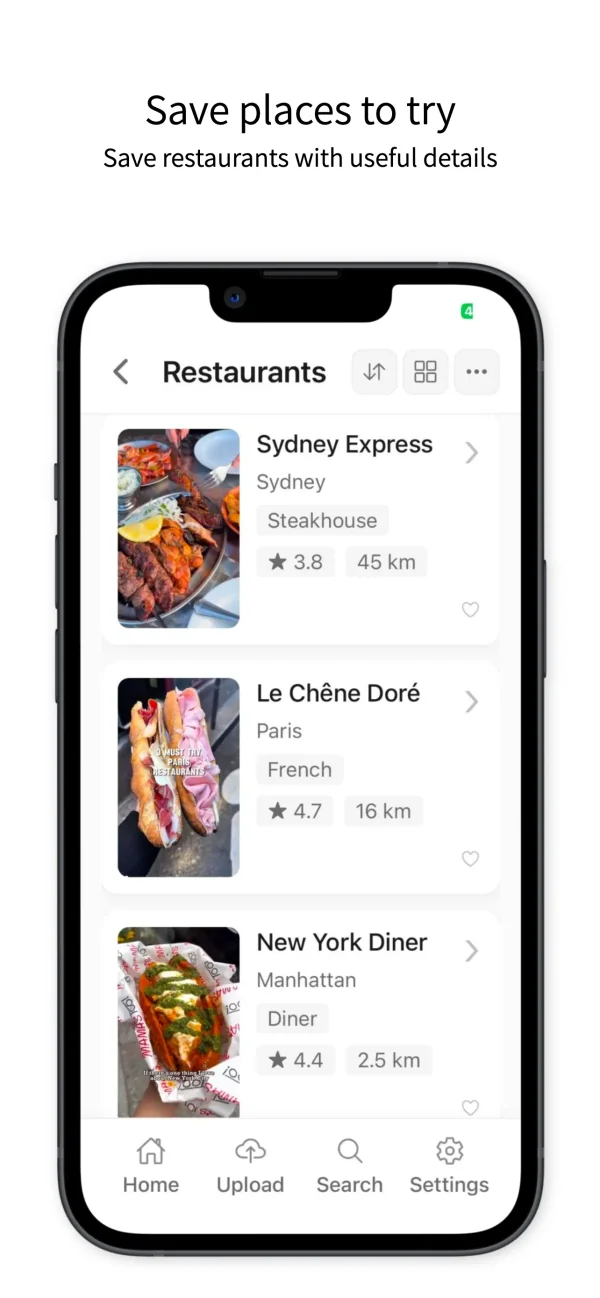
* restaurant recommendations you screenshot from posts, reels, chats or reviews
* travel destinations and trip ideas
* shopping finds and products to compare later
* useful Reddit threads, links and comments
* ideas, inspiration and reference material
* appointments, events and reminders
* job opportunities
* documents and notes
* screenshots that should not disappear in your gallery
What you can do:
* save screenshots, photos and links into collections
* upload from your photo album or share from supported apps
* let AI categorise saves and extract useful fields
* browse and search saved items
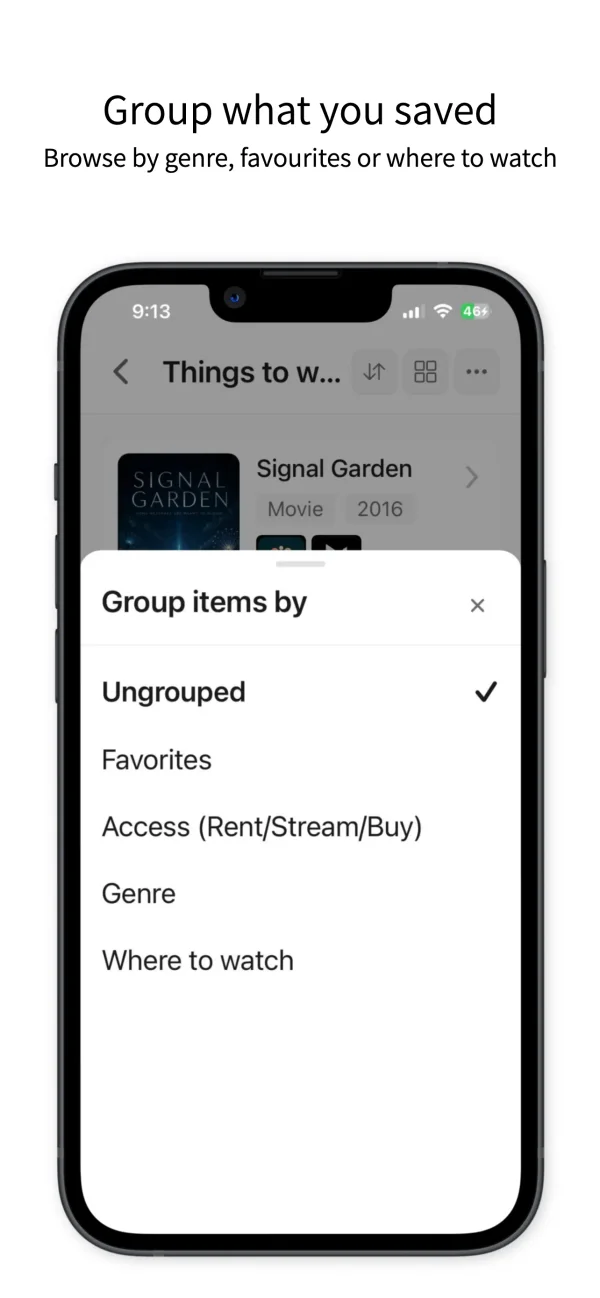
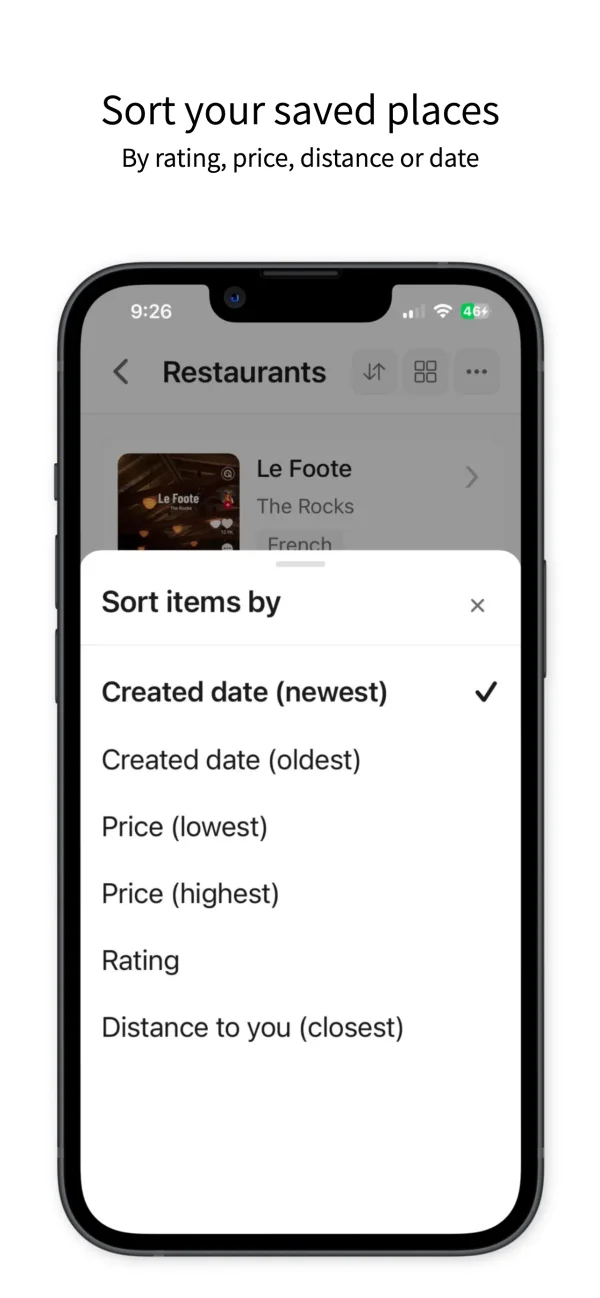
* group and sort items using extracted details
* favourite, edit, move and recategorise items
* keep your saved library local-first on your device
The goal is simple: save first, organise less and find the right thing later without digging through your photo gallery, browser tabs or scattered notes.
Your saved items and collections are stored on your device. Some user-selected saves may be processed to classify and extract details, as described in the privacy policy.
No Mongee account is required. The Free plan includes ads. Optional paid subscriptions are available through the App Store with higher limits and an ad-free experience.
Terms of Use (EULA): https://www.apple.com/legal/internet-services/itunes/dev/stdeula/
新機能
バージョン 2.1.0 · 2026/8/21
What’s new in Mongee 2.1.0
Save recipes from screenshots and links, with ingredients, servings, instructions, and useful cooking details.
Browse and group recipes more easily by cuisine, dish type, meal type, and cooking method.
Group your collections by Mongee categories.
Improved creator details and general reliability.
アプリのプライバシー
このアプリのデータの取り扱いについて、Gil HoがApp Storeで申告している内容です。
-
ユーザーに関連付けられたデータ
収集され、ユーザーの識別情報に関連付けられる場合があります。
- 購入
- 位置情報
- ユーザーコンテンツ
- 閲覧履歴
- ID
- 使用状況データ
- 診断
プライバシーの取り扱いは、ご利用の機能やお客様の年齢などに応じて異なる場合があります。
情報
- 販売元
- Gil Ho
- カテゴリ
- 仕事効率化
- バージョン
- 2.1.0
- 更新日
- 2026/8/21
- リリース
- 2026/8/8
- サイズ
- 65.5 MB
- 必要条件
- iOS 15.1以降
- 対象年齢
- 4+
- アプリ内課金
- あり
- 言語
- 英語
- 著作権
- © 2026 Mongee
こちらもおすすめ
-
 Pluck - Save for Later仕事効率化
-
 SavedIt: Save Social Posts仕事効率化
-
 iLinkVault: ブックマーク管理リンクを保存・閲覧・AIに質問
-
 Clipboard AI - コピペキーボードコピー履歴 & テキスト保存
-
 Stasht:保存して整理ブックマーク・スクショ・リンク
-
 計算メモ - 表計算 買い物計算 家計簿 収支表 お小遣い帳ウィジェット / 貯金 収支 収入 支出 管理 おこづかい帳
-
 Stash: リンクを保存ブックマーク・あとで読む
-
 Kutu: ブックマーク管理リンクを保存して後で読む
-
 ClipBox: クリップボード管理と履歴コピペを拡張するキーボード
-
 ScrambleID仕事効率化