
NearCue: AI Coding Remote
Answer Mac prompts in one tap
Entwickelt für iPhone
Kostenlos · In-App-Käufe
- Altersfreigabe4+
- KategorieEntwickler-Tools
- Entwickler德鑫 徐
- SprachenEnglisch+ 2 weitere
- Größe2,8 MB
Verlinkt auf die offizielle App Store-Seite
Download.org hostet keine Datei von NearCue: AI Coding Remote. Die Schaltfläche öffnet die App-Seite bei App Store, wo 德鑫 徐 die App veröffentlicht. Eintrag zuletzt geprüft am 18.11.2026.
Screenshots
Info
Der Entwickler hat diesen Text nicht in Ihrer Sprache bereitgestellt.
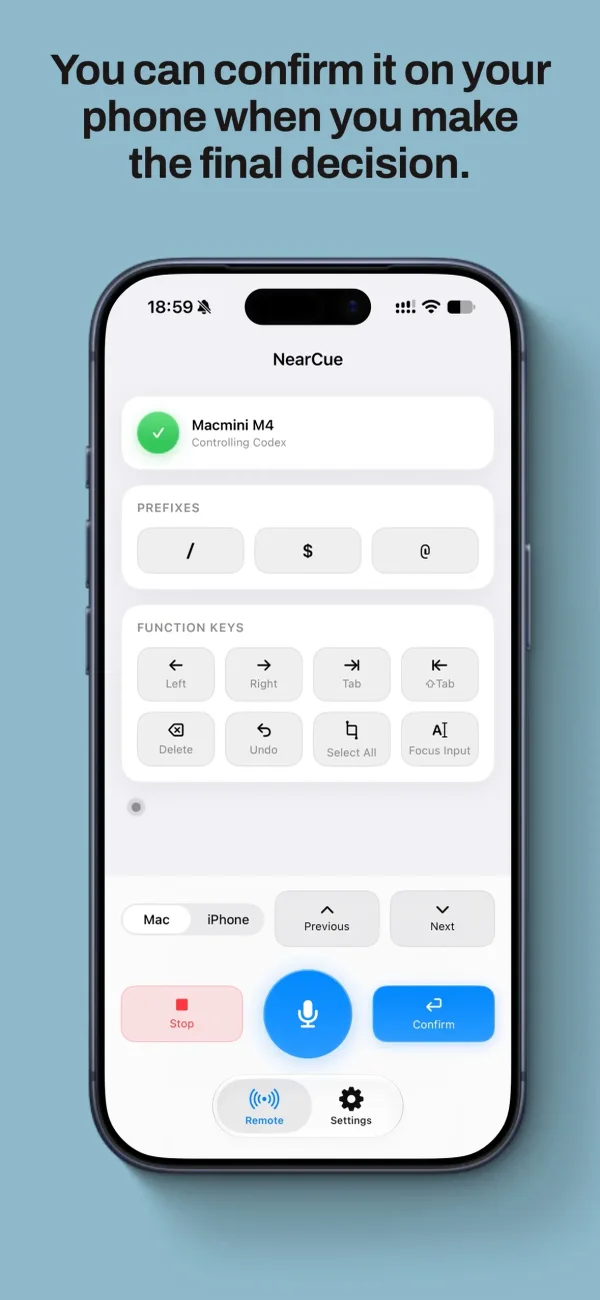
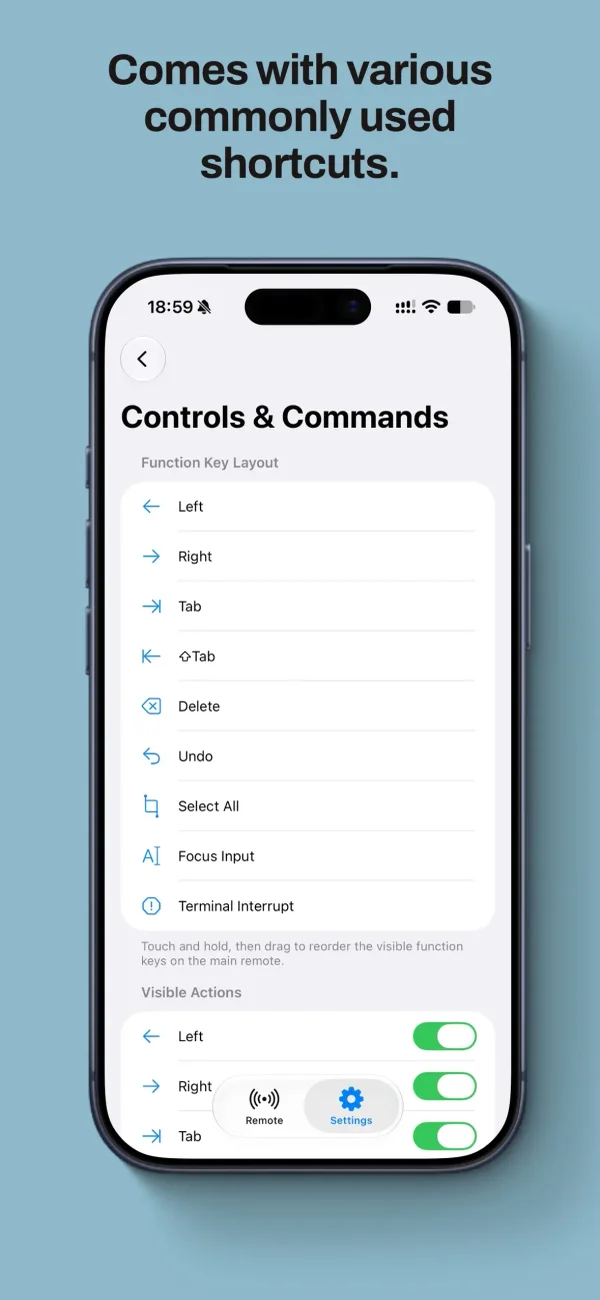
When your AI coding tool asks whether to continue, you don’t have to reach for the keyboard. Tap Confirm on your iPhone or Apple Watch, or tap Stop to interrupt the task. The keystroke goes to the app in front on your Mac, and only if you’ve allowed NearCue to control it.
Getting started
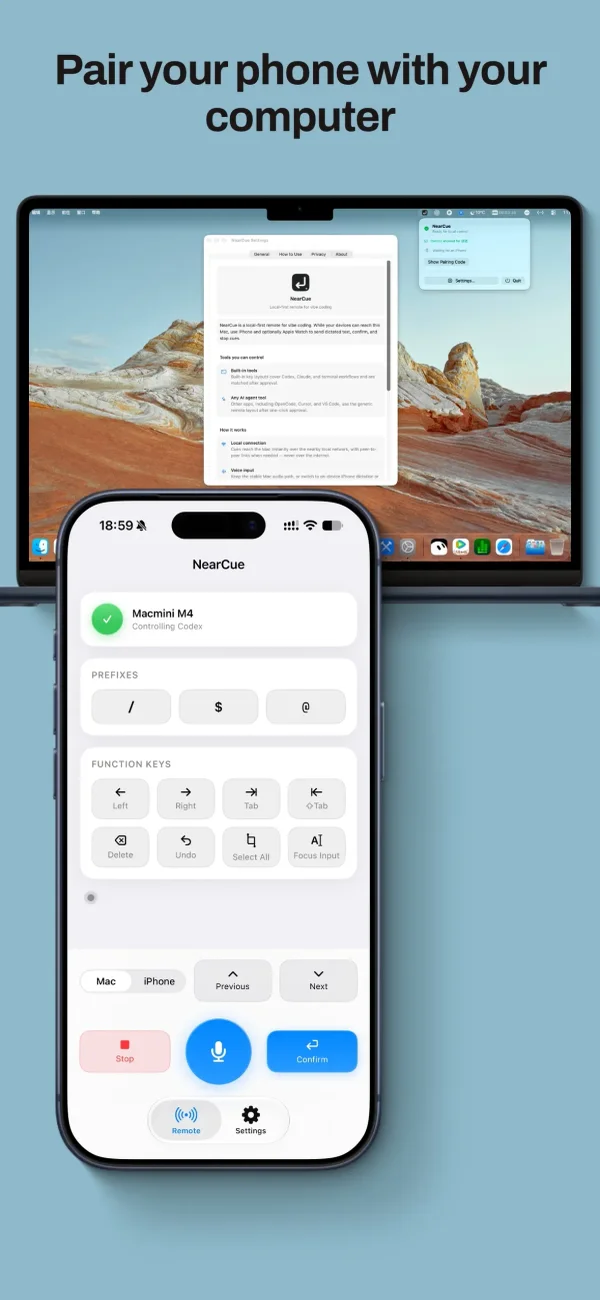
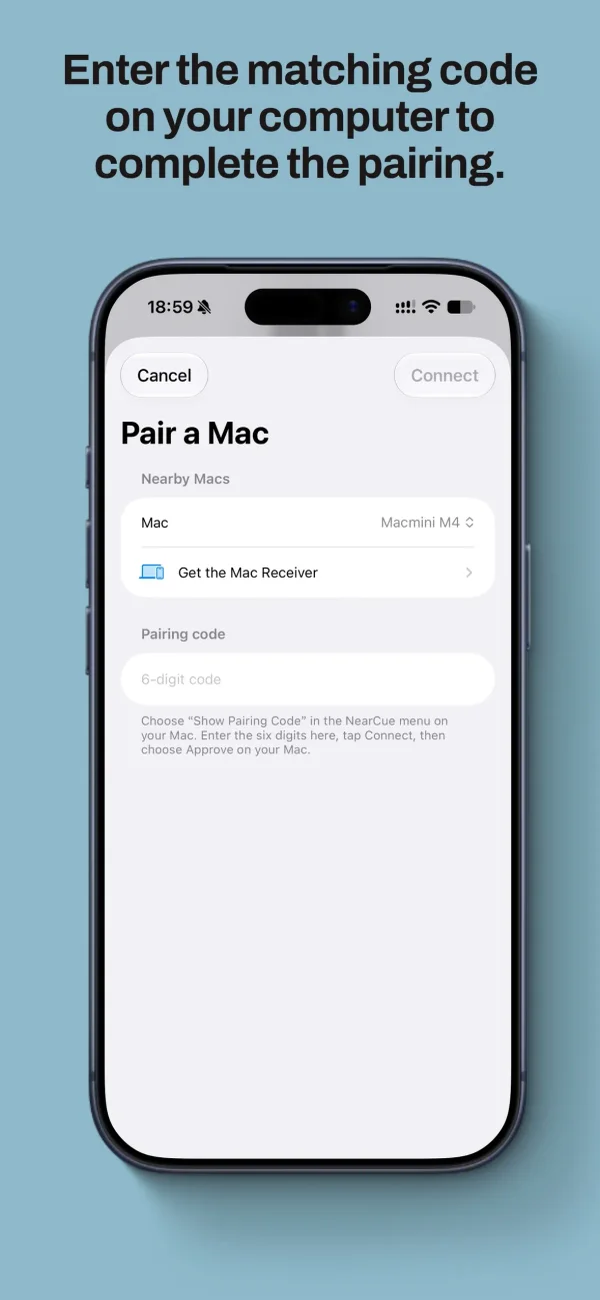
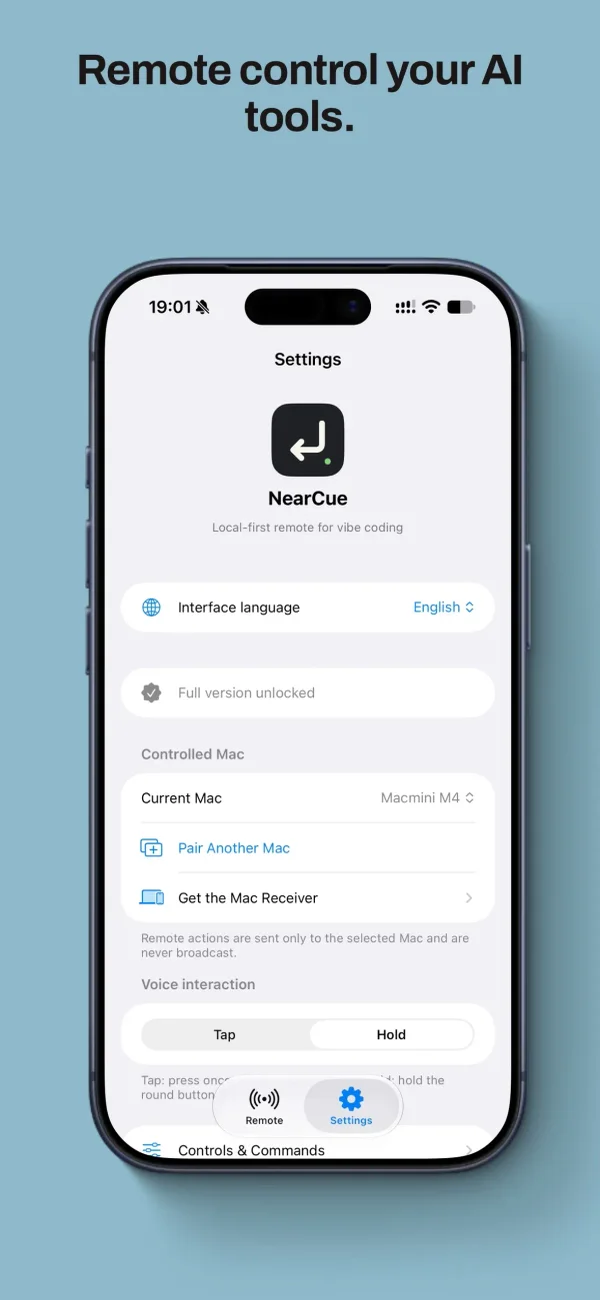
Install the free NearCue receiver on a Mac running macOS 15 or later. With your iPhone and Mac on the same local network, enter the six-digit pairing code on your iPhone and approve the connection on your Mac. An Apple Watch is optional; it sends controls through your paired iPhone.
Mac download: https://nearc.top/en#download
What’s free
Pair one Mac, confirm or stop a task, and turn your Mac’s own voice input tool on or off. No account is required.
What one purchase unlocks
• Dictate on iPhone or Apple Watch to insert text on your Mac. You decide when to submit it.
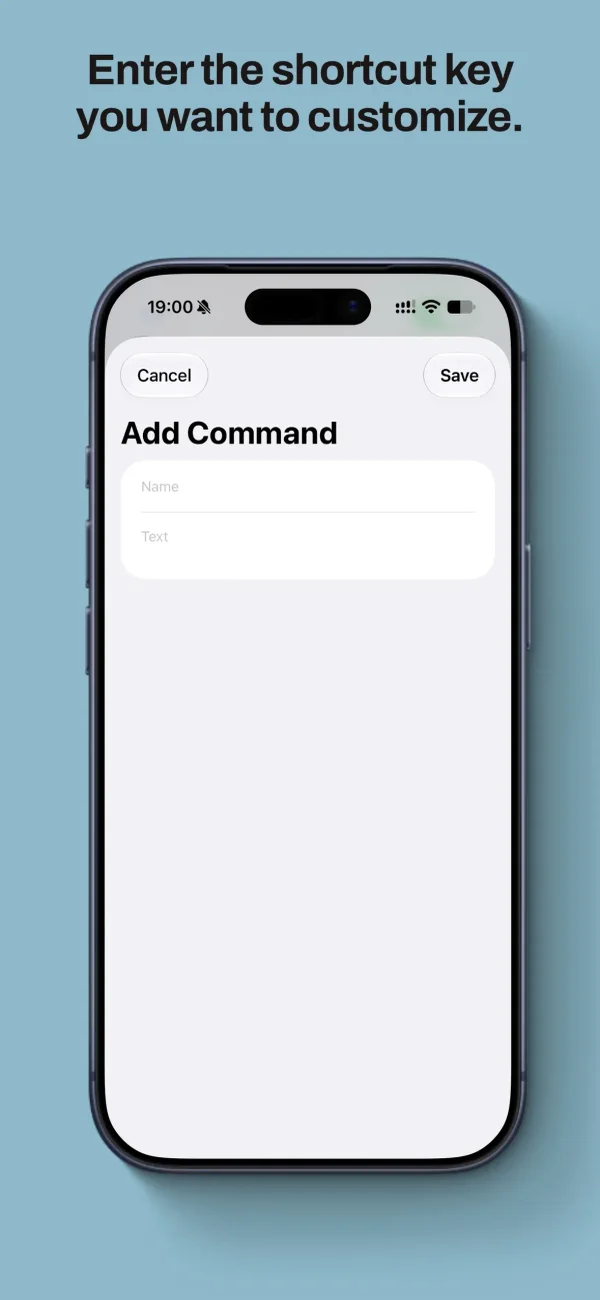
• Navigate with the arrow keys and Tab, delete or undo an edit, and keep frequent commands in a library for one-tap insertion.
• Customize watch shortcuts and switch between paired Macs.
The one-time purchase unlocks these features on iPhone and Apple Watch. There’s no subscription, and the Mac receiver is free.
Remote commands stay on your local network. NearCue doesn’t read your Mac’s screen, code, or clipboard. On iPhone and in the Mac receiver, you can choose English, Simplified Chinese, or Traditional Chinese without changing your system settings.
Neue Funktionen
Version 1.0.2 · 11.11.2026
• In NearCue on iPhone, open Settings > Interface language to choose English, Simplified Chinese, or Traditional Chinese. You can also follow the system language.
• Setting up your first Mac? Open the setup guide from the Remote tab, the pairing screen, or Settings.
App-Datenschutz
Was 德鑫 徐 im App Store zum Umgang dieser App mit Daten angibt.
-
Keine Daten erfasst
Der Entwickler erfasst keine Daten von dieser App.
Die Datenschutzpraktiken können variieren, zum Beispiel je nach den von Ihnen verwendeten Funktionen oder Ihrem Alter.
Informationen
- Anbieter
- 德鑫 徐
- Kategorie
- Entwickler-Tools
- Version
- 1.0.2
- Aktualisiert
- 11.11.2026
- Veröffentlicht
- 19.07.2026
- Größe
- 2,8 MB
- Erfordert
- iOS 18.0 oder neuer
- Altersfreigabe
- 4+
- Preis
- Kostenlos
- In-App-Käufe
- Ja
- Sprachen
- Englisch, Vereinf. Chinesisch, Tradit. Chinesisch
- Copyright
- © 2026 XDX_LAB
Das könnte Ihnen auch gefallen
-
 AI Token Usage TrackerEntwickler-Tools
-
 SQL GuideEntwickler-Tools
-
 Smile Code - Vibe CodingEntwickler-Tools
-
 CoduxEntwickler-Tools
-
 RawClawEntwickler-Tools
-
 Python Code DevelopEntwickler-Tools
-
 Monito - Server Monitor & SSHEntwickler-Tools
-
 SwiftMate: Swift programmierenCode Editor, IDE & Playground
-
 MyServers-Server ManagerEntwickler-Tools
-
 Orchestrator.IncEntwickler-Tools