
NearCue: AI Coding Remote
Answer Mac prompts in one tap
Designed for iPhone
Free · In-app purchases
- Age rating4+
- CategoryDeveloper Tools
- Developer德鑫 徐
- LanguagesEnglish+ 2 more
- Size2.8 MB
Links to the official App Store page
Download.org hosts no file of NearCue: AI Coding Remote. The button opens its official App Store page, published by 德鑫 徐. Listing last checked on Nov 18, 2026.
Screenshots
About
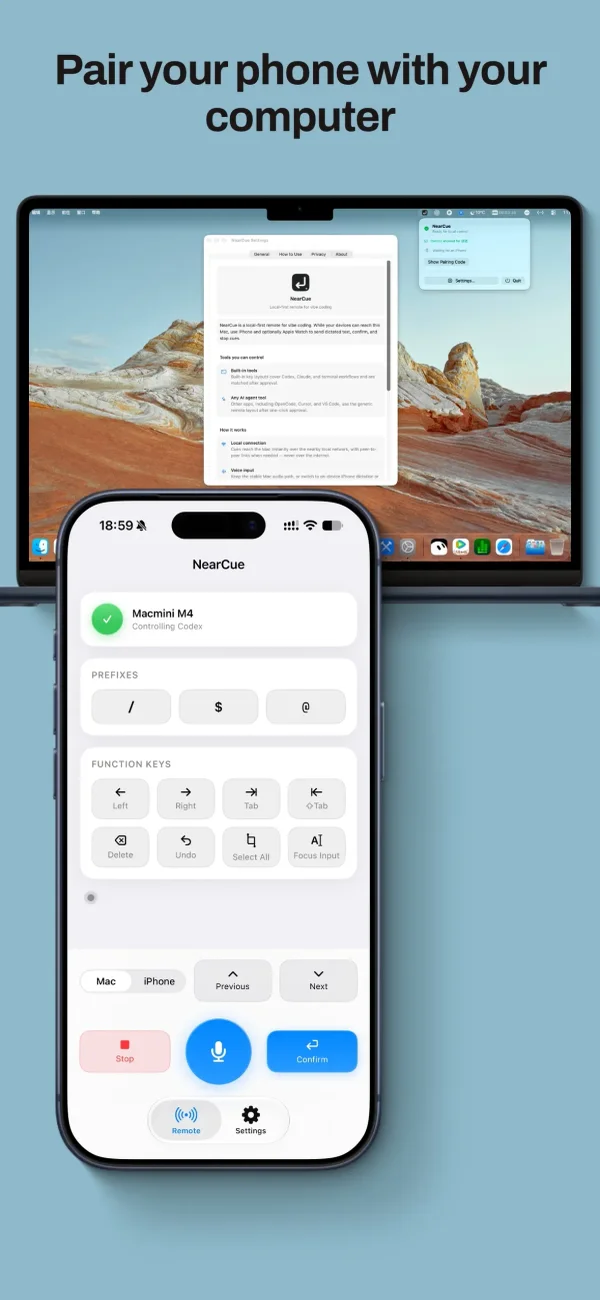
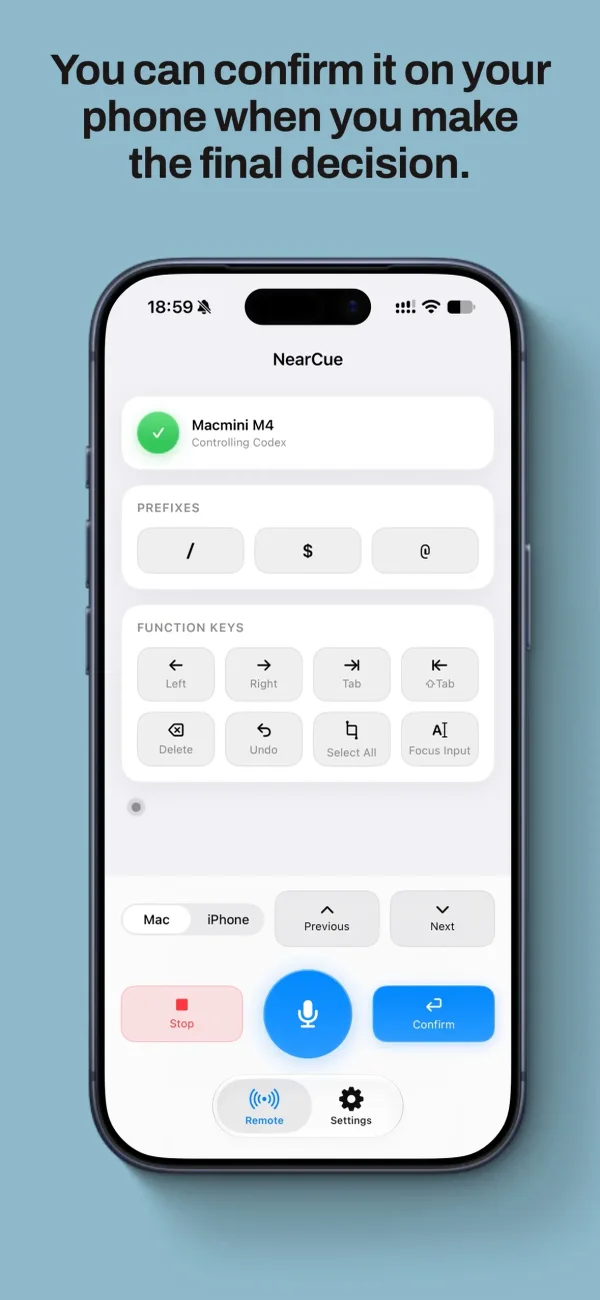
When your AI coding tool asks whether to continue, you don’t have to reach for the keyboard. Tap Confirm on your iPhone or Apple Watch, or tap Stop to interrupt the task. The keystroke goes to the app in front on your Mac, and only if you’ve allowed NearCue to control it.
Getting started
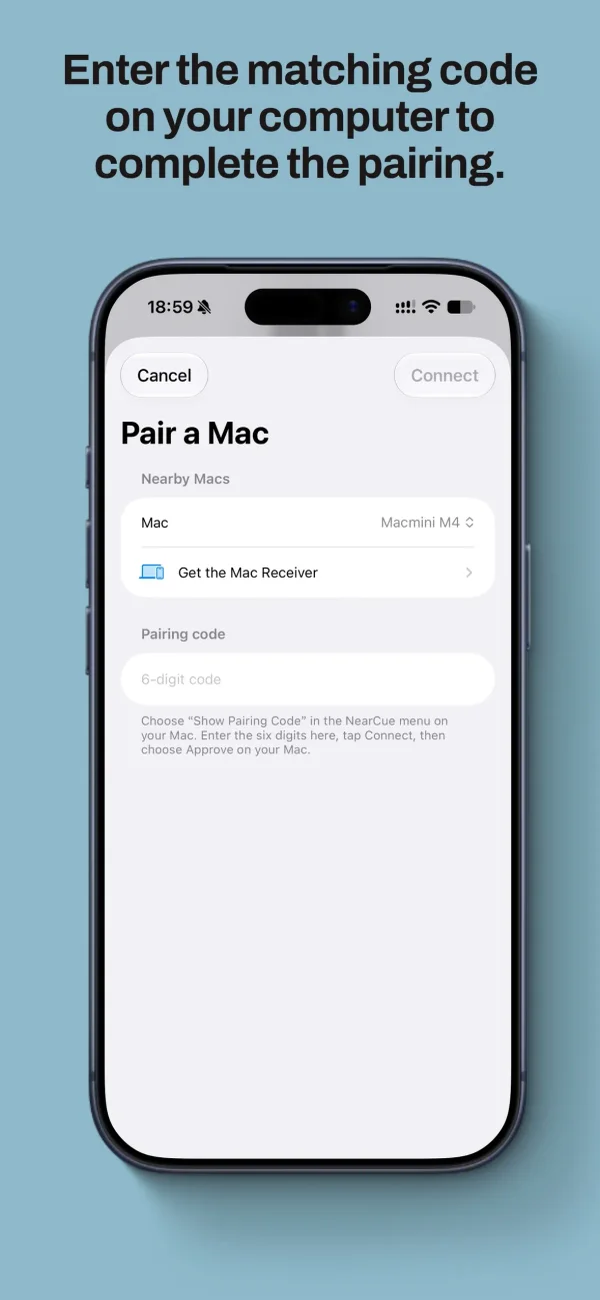
Install the free NearCue receiver on a Mac running macOS 15 or later. With your iPhone and Mac on the same local network, enter the six-digit pairing code on your iPhone and approve the connection on your Mac. An Apple Watch is optional; it sends controls through your paired iPhone.
Mac download: https://nearc.top/en#download
What’s free
Pair one Mac, confirm or stop a task, and turn your Mac’s own voice input tool on or off. No account is required.
What one purchase unlocks
• Dictate on iPhone or Apple Watch to insert text on your Mac. You decide when to submit it.
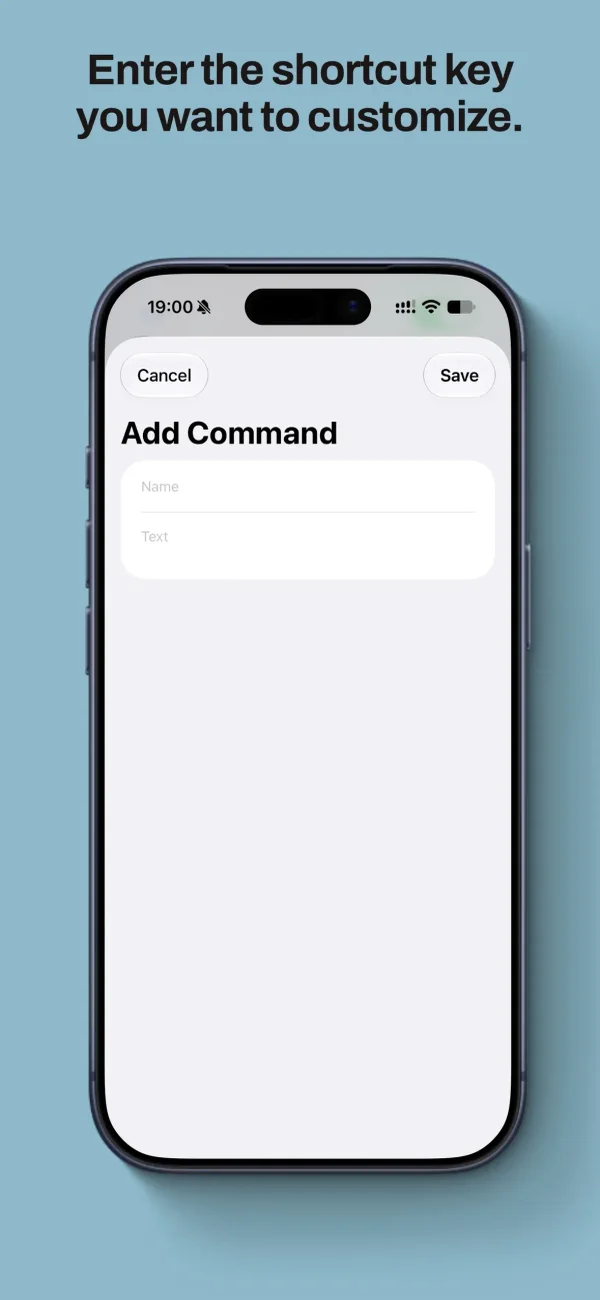
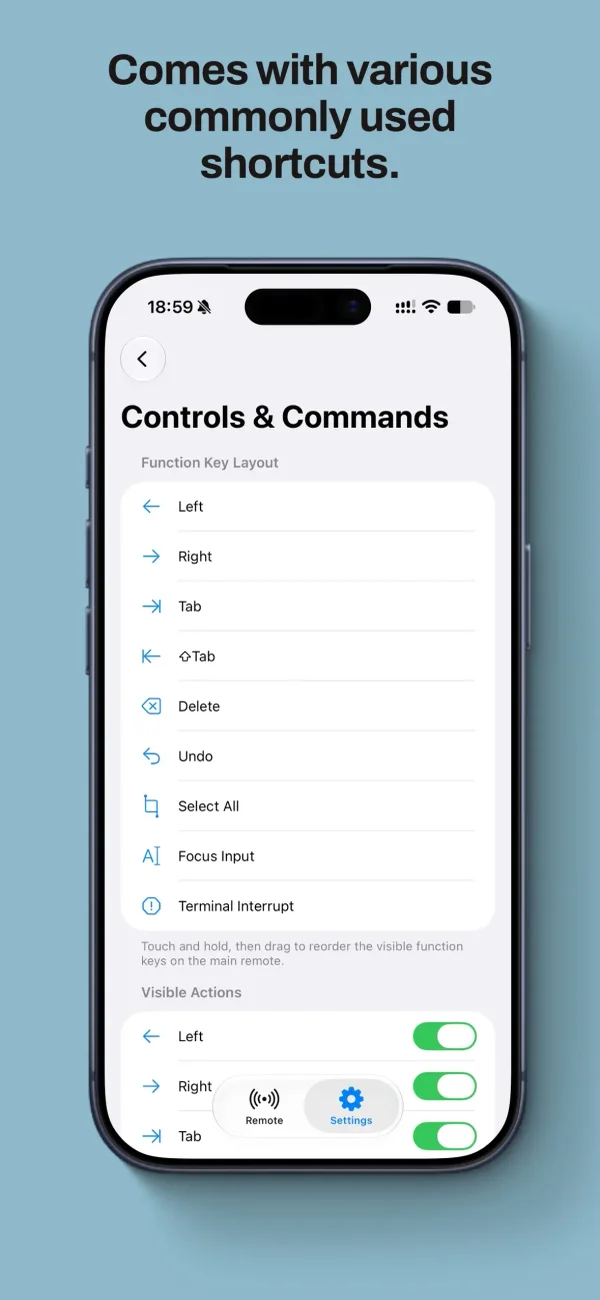
• Navigate with the arrow keys and Tab, delete or undo an edit, and keep frequent commands in a library for one-tap insertion.
• Customize watch shortcuts and switch between paired Macs.
The one-time purchase unlocks these features on iPhone and Apple Watch. There’s no subscription, and the Mac receiver is free.
Remote commands stay on your local network. NearCue doesn’t read your Mac’s screen, code, or clipboard. On iPhone and in the Mac receiver, you can choose English, Simplified Chinese, or Traditional Chinese without changing your system settings.
What’s new
Version 1.0.2 · Nov 11, 2026
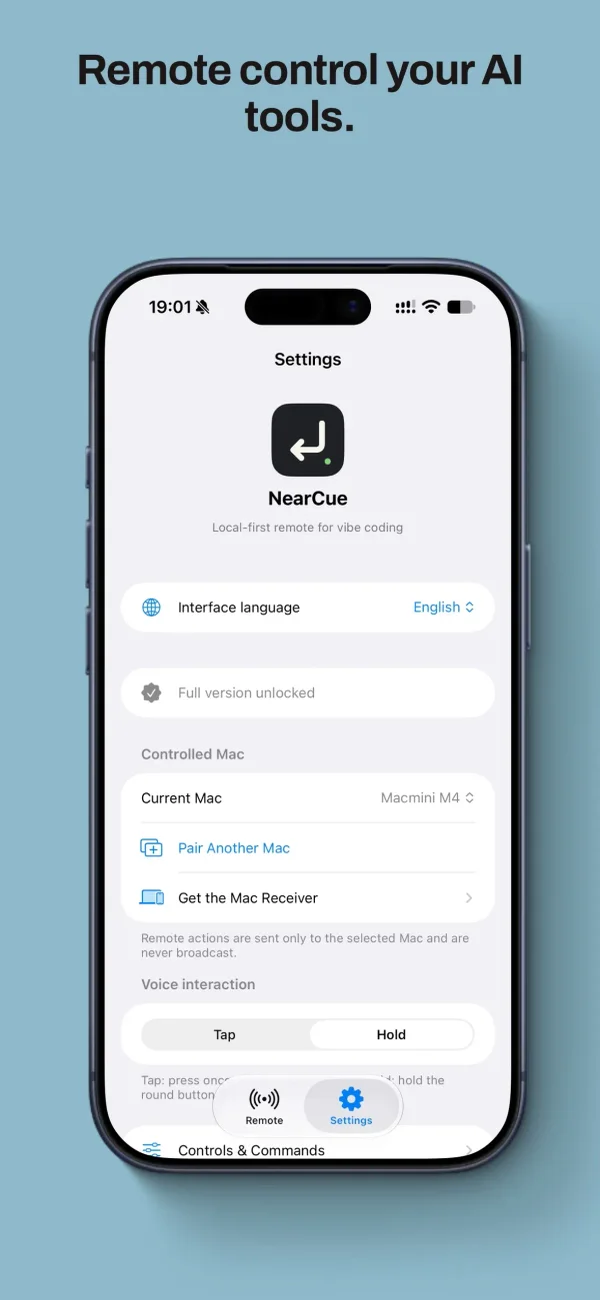
• In NearCue on iPhone, open Settings > Interface language to choose English, Simplified Chinese, or Traditional Chinese. You can also follow the system language.
• Setting up your first Mac? Open the setup guide from the Remote tab, the pairing screen, or Settings.
App privacy
What 德鑫 徐 declares on the App Store about how this app handles data.
-
Data not collected
The developer does not collect any data from this app.
Privacy practices may vary, for example with the features you use or your age.
Information
- Seller
- 德鑫 徐
- Category
- Developer Tools
- Version
- 1.0.2
- Updated
- Nov 11, 2026
- Released
- Jul 19, 2026
- Size
- 2.8 MB
- Requires
- iOS 18.0 or later
- Age rating
- 4+
- Price
- Free
- In-app purchases
- Yes
- Languages
- English, Simplified Chinese, Traditional Chinese
- Copyright
- © 2026 XDX_LAB
You might also like
-
 AI Token Usage TrackerTrack API tokens & cost
-
 SQL GuideLearn SQL Step by Step
-
 Smile Code - Vibe CodingYour pocket Agent for coding
-
 CoduxRemote terminal workspace
-
 RawClawDeveloper Tools
-
 Python Code DevelopFull Coding Environment
-
 Monito - Server Monitor & SSHNezha, Komari & NodeGet Client
-
 SwiftMate: Swift Code EditorCompiler, IDE & Playground
-
 MyServers-Server ManagerSSH Terminal Docker Monitor
-
 Orchestrator.IncSupervise your coding agents