NexPaste - Clipboard Manager
Everything you copy, in reach
Entwickelt für iPhone, iPad, Mac
Kostenlos · In-App-Käufe
- Altersfreigabe4+
- KategorieProduktivität
- Entwickler新坤 杨
- SprachenEnglisch+ 9 weitere
- Größe5,2 MB
Verlinkt auf die offizielle App Store-Seite
Download.org hostet keine Datei von NexPaste - Clipboard Manager. Die Schaltfläche öffnet die App-Seite bei App Store, wo 新坤 杨 die App veröffentlicht. Eintrag zuletzt geprüft am 18.11.2026.
Screenshots

Info
Der Entwickler hat diesen Text nicht in Ihrer Sprache bereitgestellt.
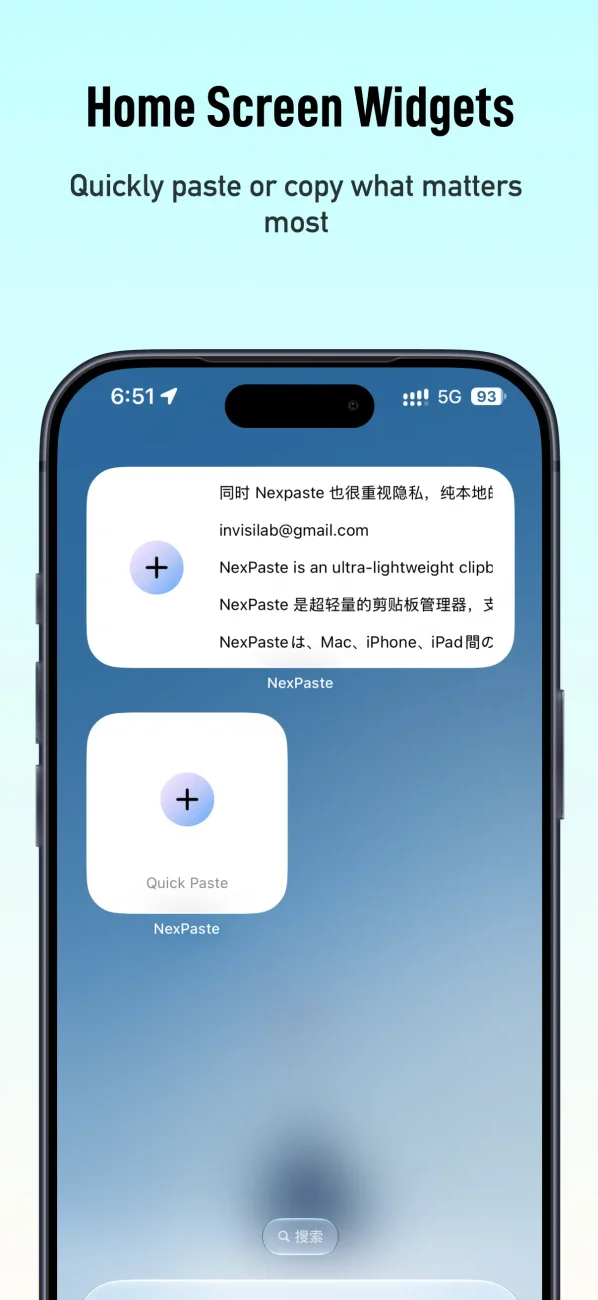
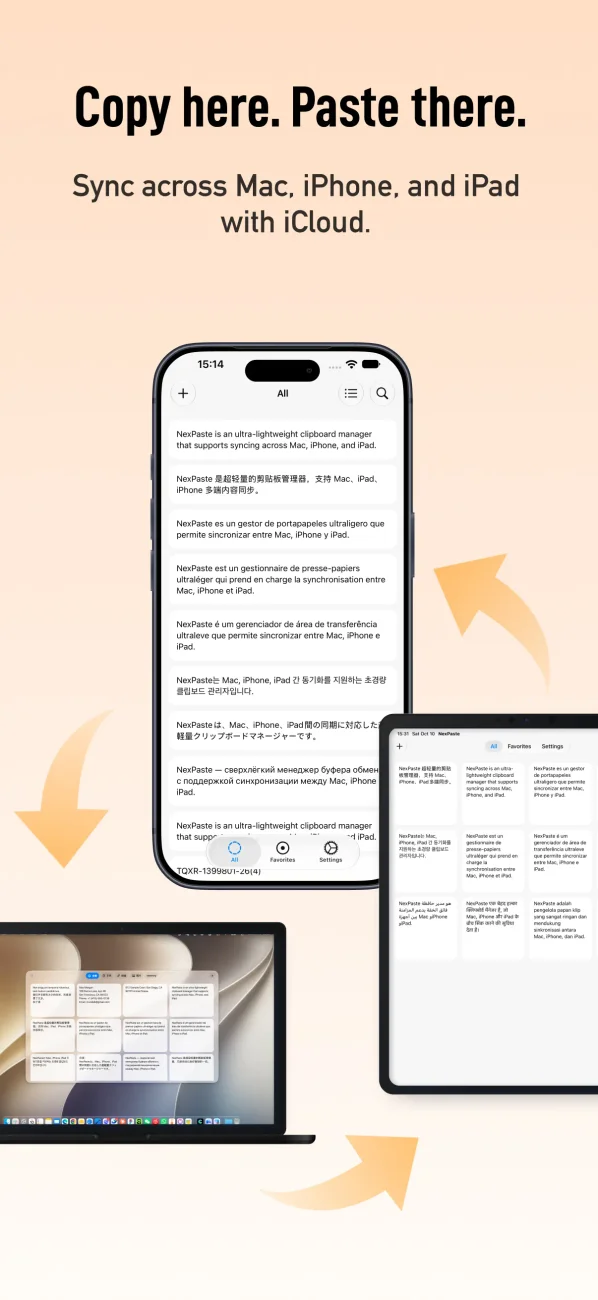
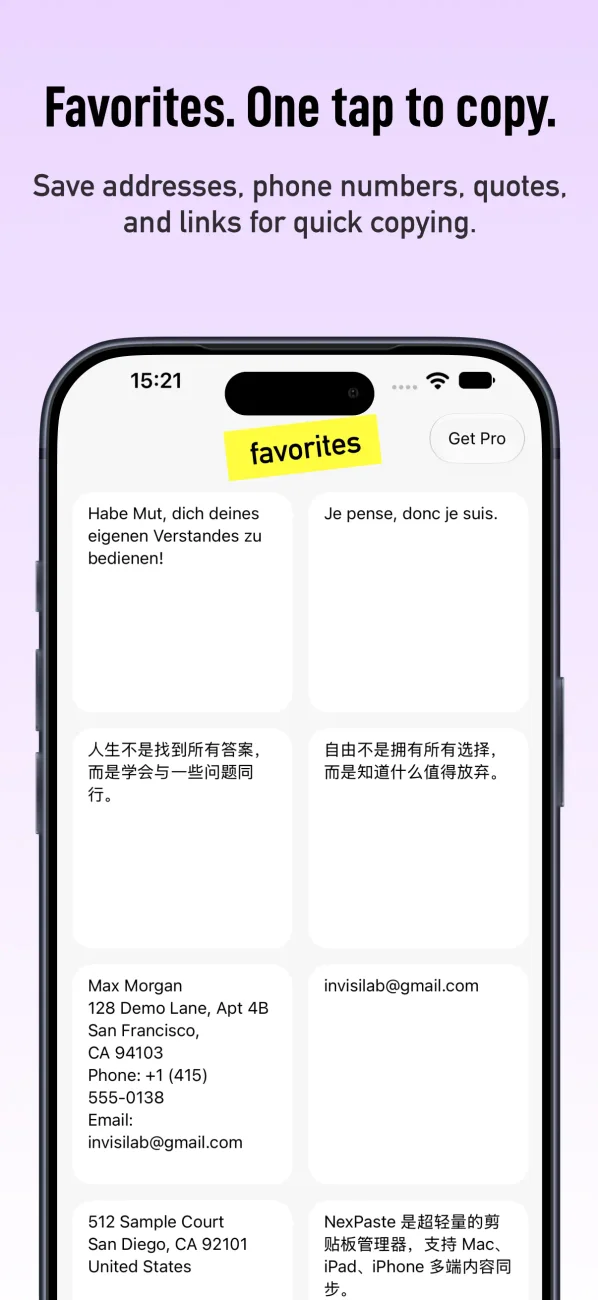
NexPaste is an ultra-lightweight clipboard manager that remembers everything you copy and keeps it in sync across Mac, iPad, and iPhone.
Here’s what that means in everyday terms:
1. You copy it. NexPaste remembers it.
2. Your privacy matters. NexPaste works locally, so you can use it without an internet connection. It uses no third-party SDKs and is built entirely in Swift with Apple’s native frameworks. You can also exclude password managers and other sensitive apps, so NexPaste won’t save anything you copy from them. You’re in control of those settings.
3. You get three panel styles. Press a keyboard shortcut, and the panel appears in the center of your screen by default. You can move it to the top, left, or right instead. There’s also a mini panel in the menu bar. Still need more options? Tell me what you’d like, and I’ll build it.
4. Cloud sync runs on Apple’s iCloud. NexPaste uses Apple’s native iCloud framework, with no third-party cloud services involved. Your synced data uses storage in your own iCloud account. Simple as that.
【Membership & Subscriptions】
NexPaste’s basic features are free to use. Upgrade to Pro to unlock all premium features.
Subscription details:
- Payment will be charged to your Apple ID account upon confirmation of purchase.
- Your subscription will renew automatically unless you turn off auto-renewal at least 24 hours before the current subscription period ends.
- Your account will be charged for renewal within 24 hours before the end of the current period.
- You can manage your subscription or turn off auto-renewal in your Apple ID account settings after purchase.
To manage your subscription, go to Settings → Apple ID → Media & Purchases → Subscriptions.
【Contact】
Have a suggestion or some feedback? I’d love to hear from you.
Email: invisilab@gmail.com
X(twitter):@invisilab_x
【Additional Information】
Privacy Policy: https://maxc.cc/privacy-policy/
User Agreement: https://maxc.cc/user-agreement/
Neue Funktionen
Version 1.6 · 24.10.2026
Clipboard syncing between Mac and iPhone via iCloud.
Opus 5.5 solved everything ChatGPT 6.1 couldn’t—especially iCloud sync. What used to take 5 minutes now takes just 5 seconds.
App-Datenschutz
Was 新坤 杨 im App Store zum Umgang dieser App mit Daten angibt.
-
Keine Daten erfasst
Der Entwickler erfasst keine Daten von dieser App.
Die Datenschutzpraktiken können variieren, zum Beispiel je nach den von Ihnen verwendeten Funktionen oder Ihrem Alter.
Informationen
- Anbieter
- 新坤 杨
- Kategorie
- Produktivität
- Version
- 1.6
- Aktualisiert
- 24.10.2026
- Veröffentlicht
- 11.04.2026
- Größe
- 5,2 MB
- Erfordert
- iOS 17.0 oder neuer
- Altersfreigabe
- 4+
- Preis
- Kostenlos
- In-App-Käufe
- Ja
- Sprachen
- Englisch, Französisch, Deutsch, Japanisch, Koreanisch, Portugiesisch, Russisch, Vereinf. Chinesisch, Spanisch, Tradit. Chinesisch
- Copyright
- © 2026.invisilab.nexpaste
Das könnte Ihnen auch gefallen
-
 序日Produktivität
-
 EverTrans - 文本、语音、图片离线翻译助手Produktivität
-
 Bookmark Read Later - LinkjoyProduktivität
-
 Nota AI:Meeting Recorder AgentProduktivität
-
 Synca: Notes & File TransferProduktivität
-
 Titanova: Ziele & GewohnheitenAufgaben, Planer & Fokus-Timer
-
 FavPicks:bookmarks saverProduktivität
-
 CalendarSpeak: Voice PlannerKI-Agenda & Sprachplaner
-
 Diary Lock: My JournalProduktivität
-
 Capylist: Countdown & TagebuchGewohnheiten Tracker & Routine