NexPaste - Clipboard Manager
Everything you copy, in reach
Designed for iPhone, iPad, Mac
Free · In-app purchases
- Age rating4+
- CategoryProductivity
- Developer新坤 杨
- LanguagesEnglish+ 9 more
- Size5.2 MB
Links to the official App Store page
Download.org hosts no file of NexPaste - Clipboard Manager. The button opens its official App Store page, published by 新坤 杨. Listing last checked on Nov 18, 2026.
Screenshots

About
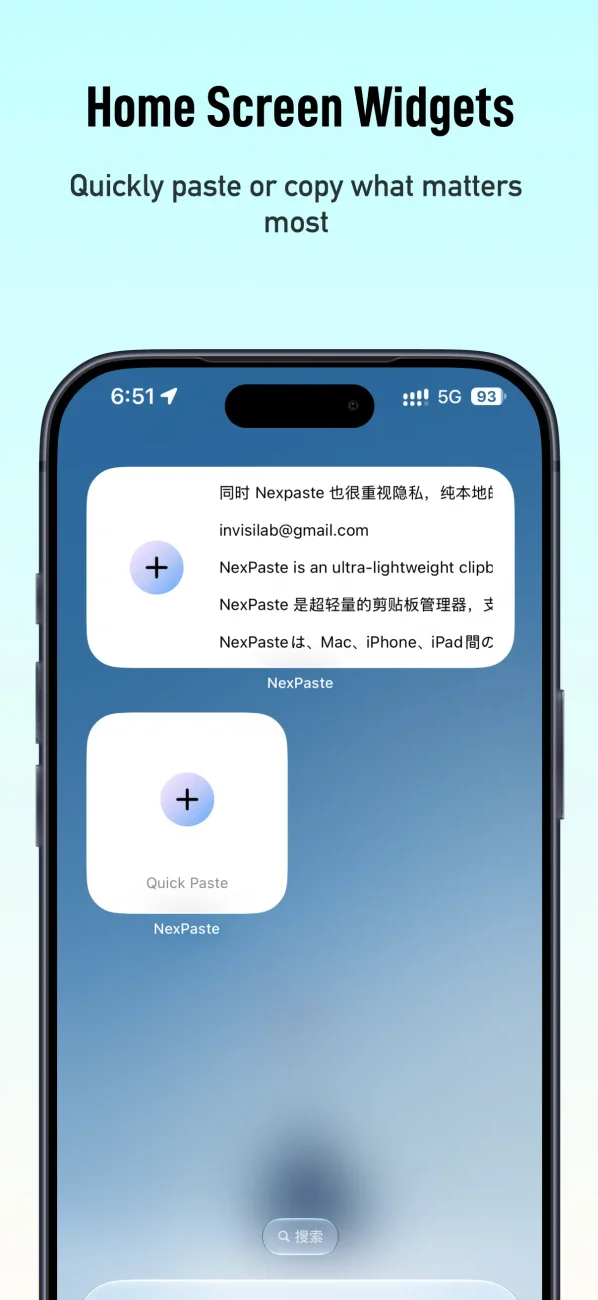
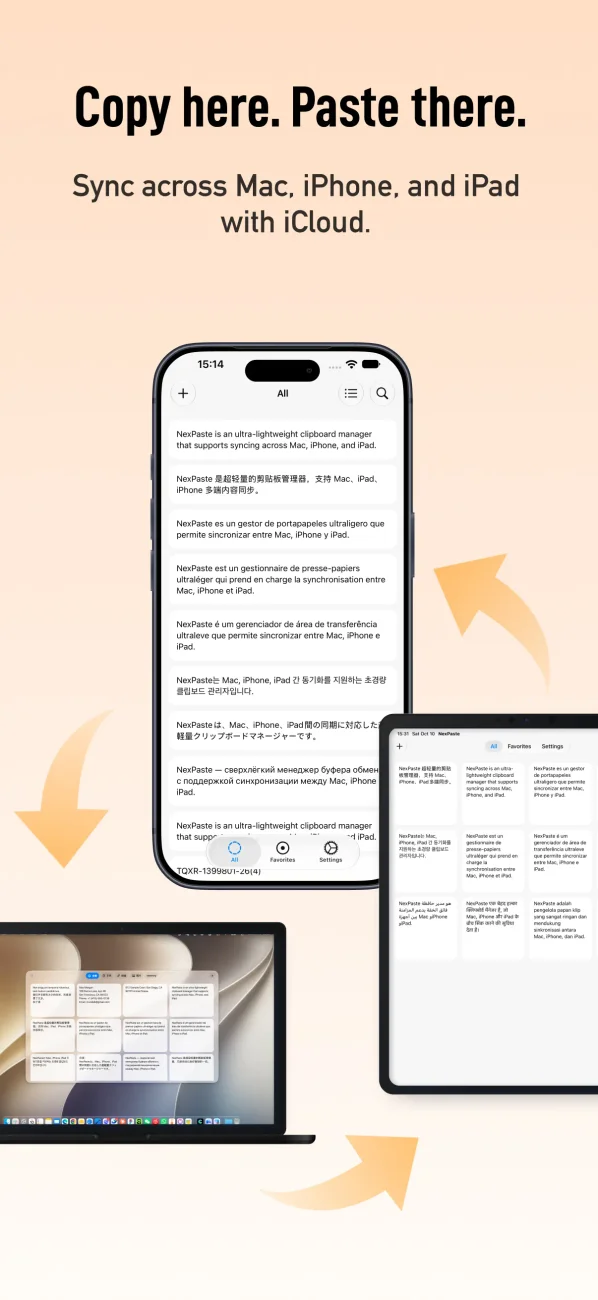
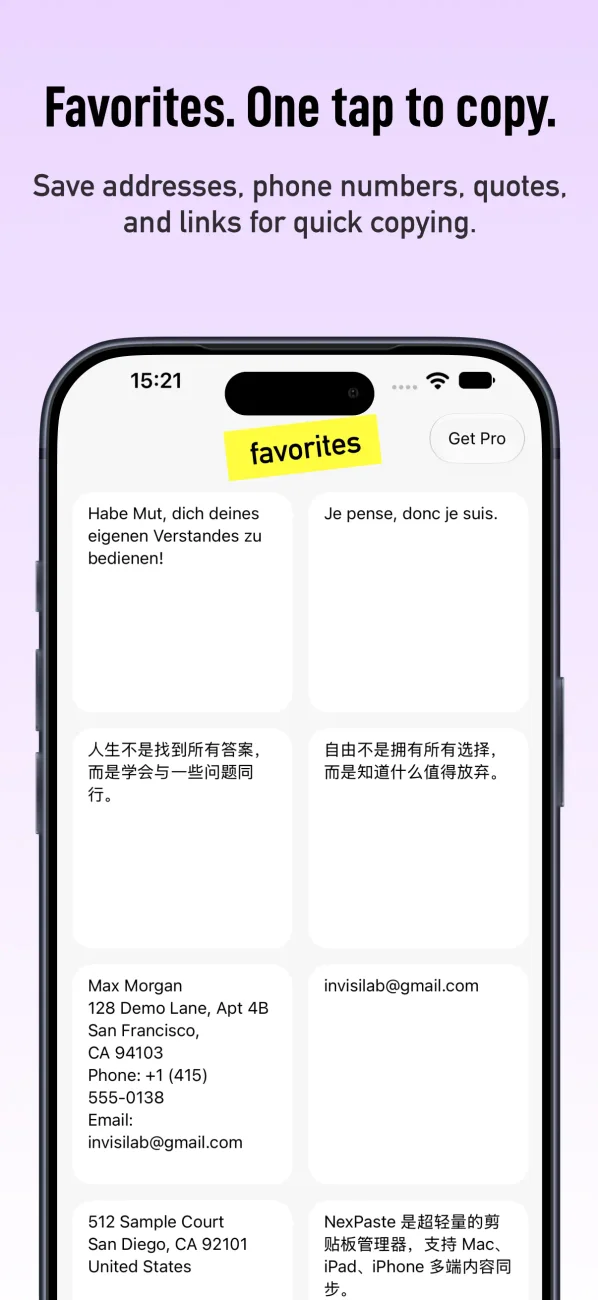
NexPaste is an ultra-lightweight clipboard manager that remembers everything you copy and keeps it in sync across Mac, iPad, and iPhone.
Here’s what that means in everyday terms:
1. You copy it. NexPaste remembers it.
2. Your privacy matters. NexPaste works locally, so you can use it without an internet connection. It uses no third-party SDKs and is built entirely in Swift with Apple’s native frameworks. You can also exclude password managers and other sensitive apps, so NexPaste won’t save anything you copy from them. You’re in control of those settings.
3. You get three panel styles. Press a keyboard shortcut, and the panel appears in the center of your screen by default. You can move it to the top, left, or right instead. There’s also a mini panel in the menu bar. Still need more options? Tell me what you’d like, and I’ll build it.
4. Cloud sync runs on Apple’s iCloud. NexPaste uses Apple’s native iCloud framework, with no third-party cloud services involved. Your synced data uses storage in your own iCloud account. Simple as that.
【Membership & Subscriptions】
NexPaste’s basic features are free to use. Upgrade to Pro to unlock all premium features.
Subscription details:
- Payment will be charged to your Apple ID account upon confirmation of purchase.
- Your subscription will renew automatically unless you turn off auto-renewal at least 24 hours before the current subscription period ends.
- Your account will be charged for renewal within 24 hours before the end of the current period.
- You can manage your subscription or turn off auto-renewal in your Apple ID account settings after purchase.
To manage your subscription, go to Settings → Apple ID → Media & Purchases → Subscriptions.
【Contact】
Have a suggestion or some feedback? I’d love to hear from you.
Email: invisilab@gmail.com
X(twitter):@invisilab_x
【Additional Information】
Privacy Policy: https://maxc.cc/privacy-policy/
User Agreement: https://maxc.cc/user-agreement/
What’s new
Version 1.6 · Oct 24, 2026
Clipboard syncing between Mac and iPhone via iCloud.
Opus 5.5 solved everything ChatGPT 6.1 couldn’t—especially iCloud sync. What used to take 5 minutes now takes just 5 seconds.
App privacy
What 新坤 杨 declares on the App Store about how this app handles data.
-
Data not collected
The developer does not collect any data from this app.
Privacy practices may vary, for example with the features you use or your age.
Information
- Seller
- 新坤 杨
- Category
- Productivity
- Version
- 1.6
- Updated
- Oct 24, 2026
- Released
- Apr 11, 2026
- Size
- 5.2 MB
- Requires
- iOS 17.0 or later
- Age rating
- 4+
- Price
- Free
- In-app purchases
- Yes
- Languages
- English, French, German, Japanese, Korean, Portuguese, Russian, Simplified Chinese, Spanish, Traditional Chinese
- Copyright
- © 2026.invisilab.nexpaste
You might also like
-
 序日Track plans, journals & dates
-
 EverTrans - 文本、语音、图片离线翻译助手Offline Translate
-
 Bookmark Read Later - LinkjoyOffline, Highlight, Notebook
-
 Nota AI:Meeting Recorder AgentOffline AI Smart Note Taker
-
 Synca · Sync Your Aha MomentCapture Ideas, Synced Anywhere
-
 Titanova: Life PlannerGoals, Habits, Tasks & Focus
-
 FavPicks:bookmarks saverManage Favorites & Reminders !
-
 ADHD Calendar: Voice PlannerAI Calendar: Talk to Schedule
-
 Diary Lock: My JournalPrivate Notes & Password
-
 Capylist: Countdown & HabitWater Habit Tracker · Calendar