
Next Cabin Tools
Network Troubleshooting Tools
Entwickelt für iPhone, iPad, iPod touch
Kostenlos
- Altersfreigabe4+
- KategorieDienstprogramme
- SprachenEnglisch
- Größe38,5 MB
Verlinkt auf die offizielle App Store-Seite
Download.org hostet keine Datei von Next Cabin Tools. Die Schaltfläche öffnet die App-Seite bei App Store, wo die App veröffentlicht. Eintrag zuletzt geprüft am 18.11.2026.
Screenshots


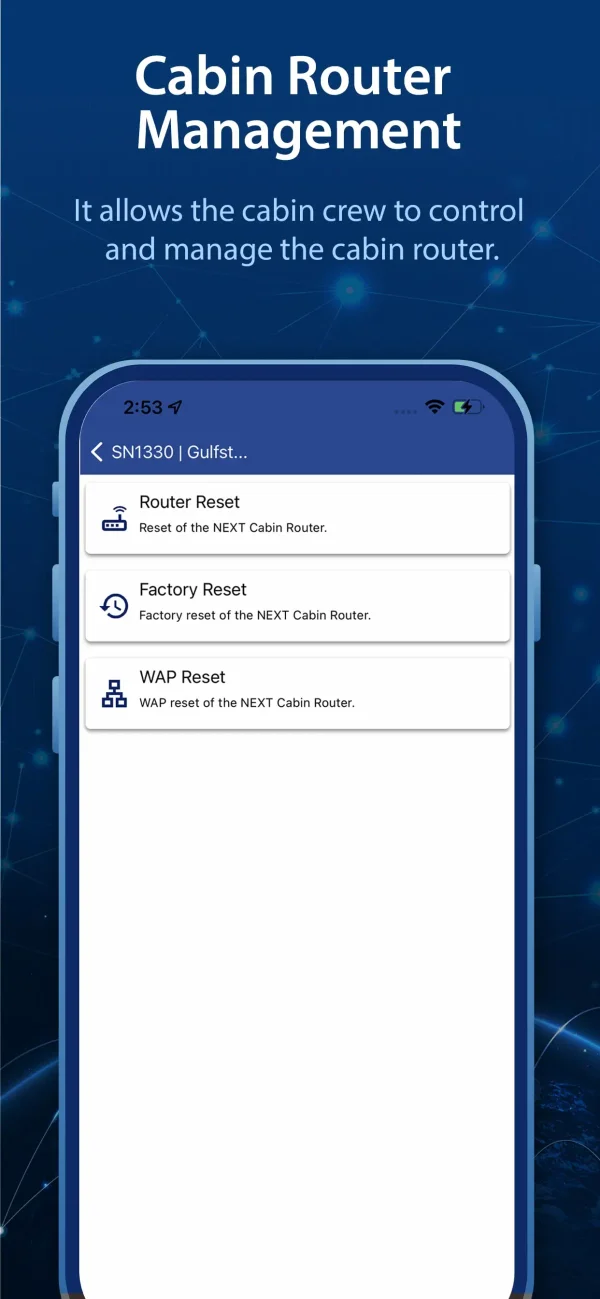
Info
Der Entwickler hat diesen Text nicht in Ihrer Sprache bereitgestellt.
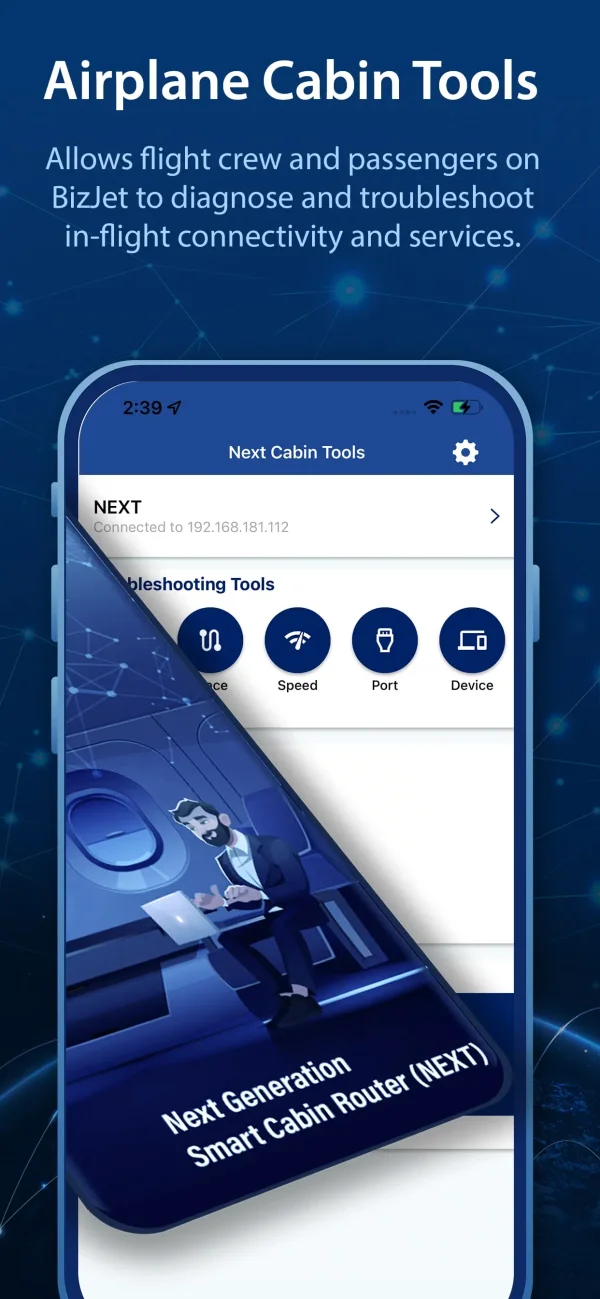
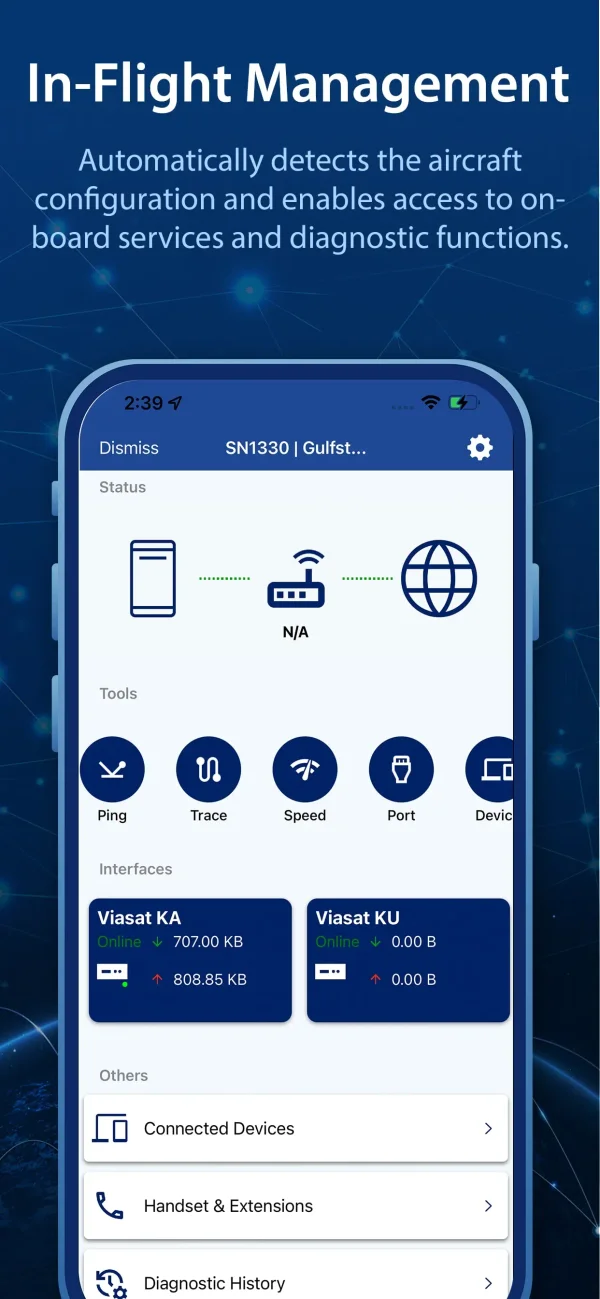
Network Tools allows flight crew and passengers on business aviation aircraft to diagnose and troubleshoot in-flight connectivity. It dynamically detects the aircraft configuration and enables access to onboard services and diagnostic functions.
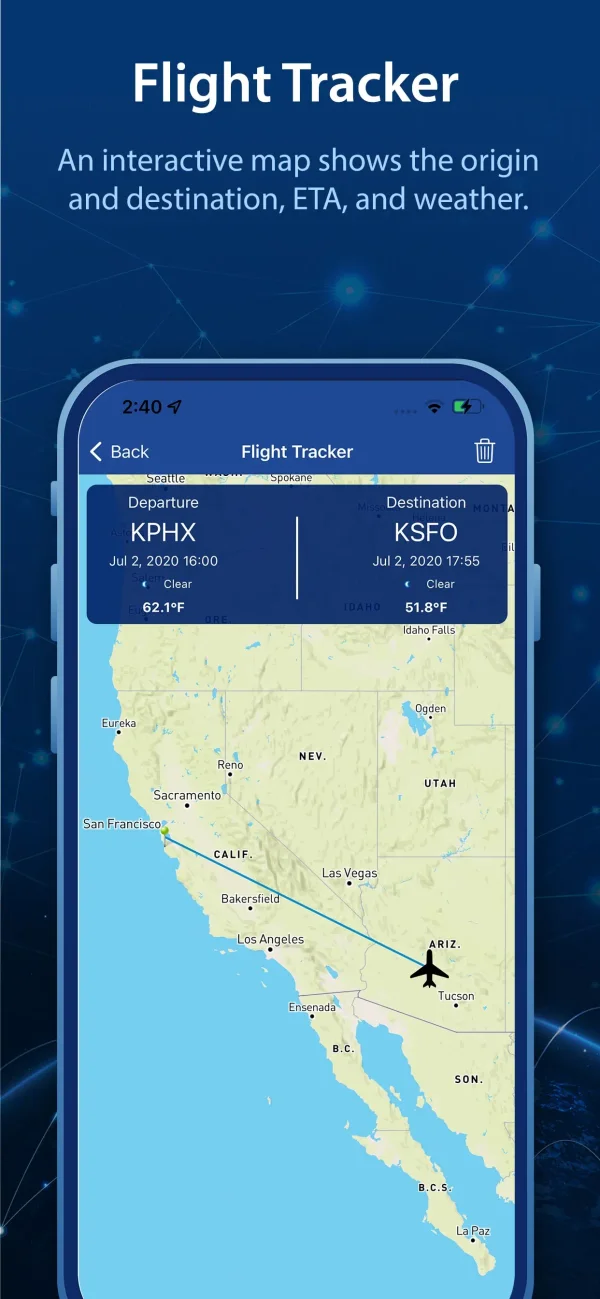
Pre-listed various aircraft manufacturers and it's aircraft model helps the user to add aircraft configurations quickly and efficiently. In addition, this app lets you add flight itinerary with ICAO and IATA supported city airports and it shows an interactive map with origin and destination. Moreover, live weather status for both origin and destination cities.
This app assists customers when troubleshooting the connectivity and configuration of satellite communication systems aboard their aircraft.
Network Tools captures in-flight WiFi and satellite internet health details and delivers to support rep or crew for up to date status and troubleshooting tools.
Once the app is connected to the onboard Wi-Fi network, the app can perform status queries of the various connected devices or SATCOM hardware. The status of each component is presented graphically. Any issues with the connection is identified through a visual indicator, and a probable solution is presented.
To explore the app features, use the demo mode:
1. Tap 'Next Network Tools' in the top 3 times.
2. Press Yes to confirm to run Demo Mode.
3. Enjoy the demo mode with pre-populated aircraft configuration and itinerary.
Key Features are:
- Automatically detects aircraft configuration and hardware services on board, when connected to aircraft Wi-Fi.
- It detects and indicates which devices are connected in the cockpit and cabin.
- Real-time flight tracking.
- Interactive map shows origin and destination, ETA and weather.
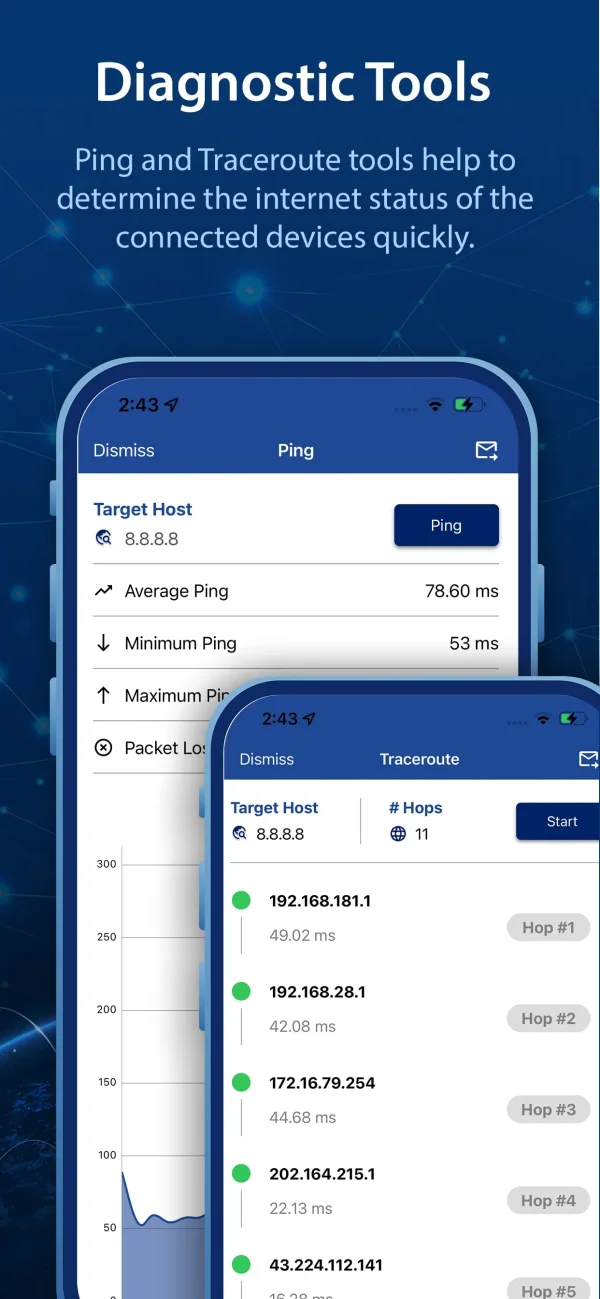
- Uses Ping and Traceroute to quickly determine the internet status of connected devices.
- Speed tests for Satellite networks.
- Various SATCOM and ATG connection management.
- Tail-based aircraft configuration management.
- Per device internet connection control.
- Per device bandwidth usage graph.
- Per WAN connection bandwidth usage.
- Cabin IP PBX status including onboard extension or call status.
- Network QoS management.
- Push notification for Network change.
- Visual cues for network status including failure notification.
- Troubleshooting history logs and email option to send to tech support.
- Demo mode helps the user to get the training on the apps without reading an extensive user guide.
Neue Funktionen
Version 1.1.3 · 13.11.2024
- Performance Improvement.
- Bug fixes.
App-Datenschutz
Was im App Store zum Umgang dieser App mit Daten angibt.
-
Keine Daten erfasst
Der Entwickler erfasst keine Daten von dieser App.
Die Datenschutzpraktiken können variieren, zum Beispiel je nach den von Ihnen verwendeten Funktionen oder Ihrem Alter.
Informationen
- Anbieter
- Stitel Networks, LLC
- Kategorie
- Dienstprogramme
- Version
- 1.1.3
- Aktualisiert
- 13.11.2024
- Veröffentlicht
- 29.11.2022
- Größe
- 38,5 MB
- Erfordert
- iOS 14.0 oder neuer
- Altersfreigabe
- 4+
- Preis
- Kostenlos
- Sprachen
- Englisch
- Copyright
- © 2020 Stitel Networks, LLC. All Rights Reserved.
Das könnte Ihnen auch gefallen
-
 iZeroSphereDienstprogramme
-
 Scanpad:QR Code ScannerDienstprogramme
-
 Clearly: Privacy CompanionDienstprogramme
-
 777BuddyDienstprogramme
-
 Network Watch ToolsDienstprogramme
-
 ATL Maintenance App AvioblueDienstprogramme
-
 iFoldHubDienstprogramme
-
 737 Tools · Annunciator LightsDienstprogramme
-
 IP Geolocation & Network ToolsDienstprogramme
-
 WiFi Sonar: Netzwerk-ScannerGeräte finden & Speedtest