
Next Cabin Tools
Network Troubleshooting Tools
Được thiết kế cho iPhone, iPad, iPod touch
Miễn phí
- Độ tuổi4+
- Danh mụcTiện Ích
- Ngôn ngữTiếng Anh
- Kích thước38,5 MB
Liên kết đến trang App Store chính thức
Download.org không lưu trữ tệp nào của Next Cabin Tools. Nút này mở trang ứng dụng trên App Store, nơi phát hành ứng dụng. Trang được kiểm tra lần cuối: 18/11/2026.
Ảnh chụp màn hình
Giới thiệu
Nhà phát triển chưa cung cấp nội dung này bằng ngôn ngữ của bạn.
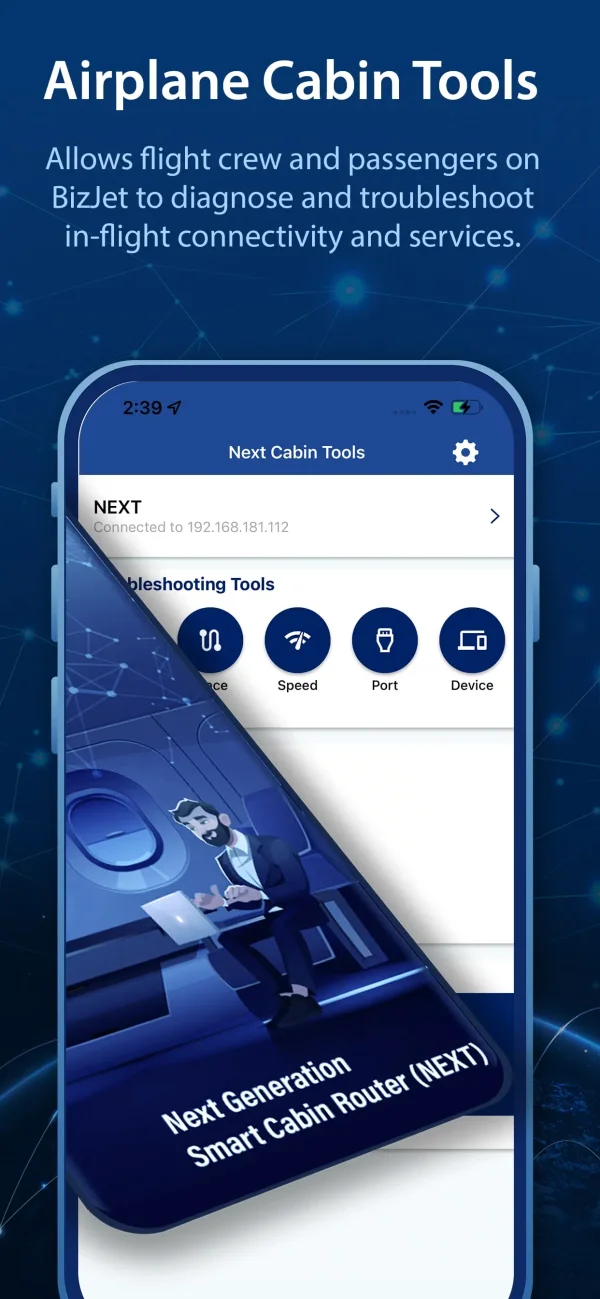
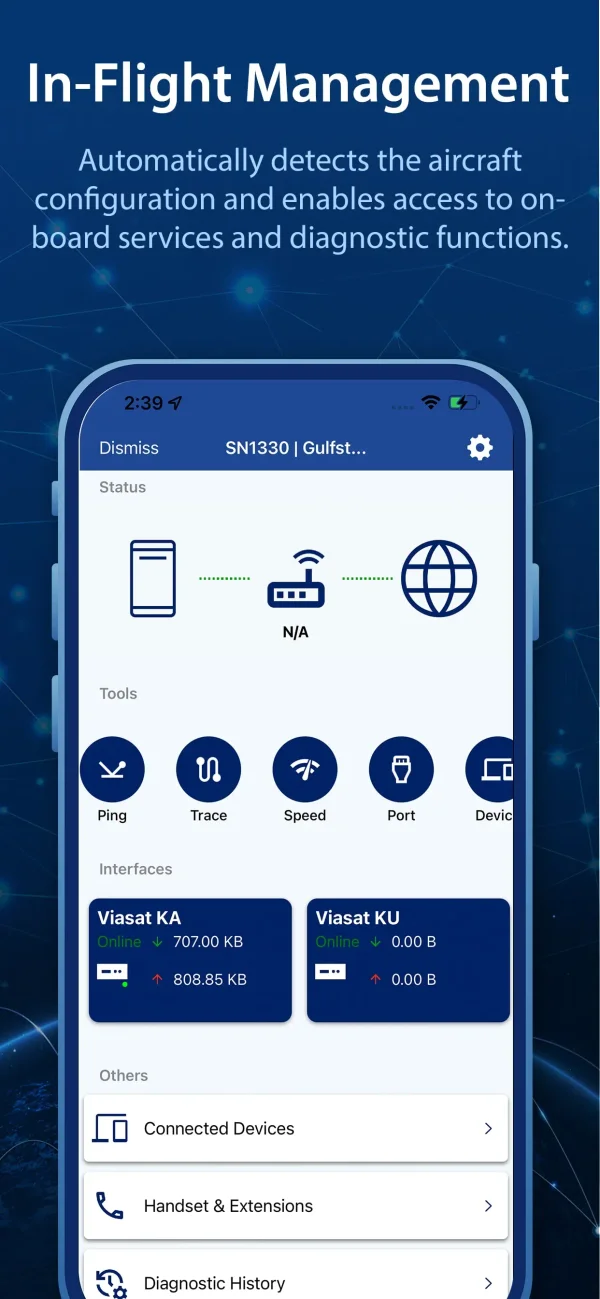
Network Tools allows flight crew and passengers on business aviation aircraft to diagnose and troubleshoot in-flight connectivity. It dynamically detects the aircraft configuration and enables access to onboard services and diagnostic functions.
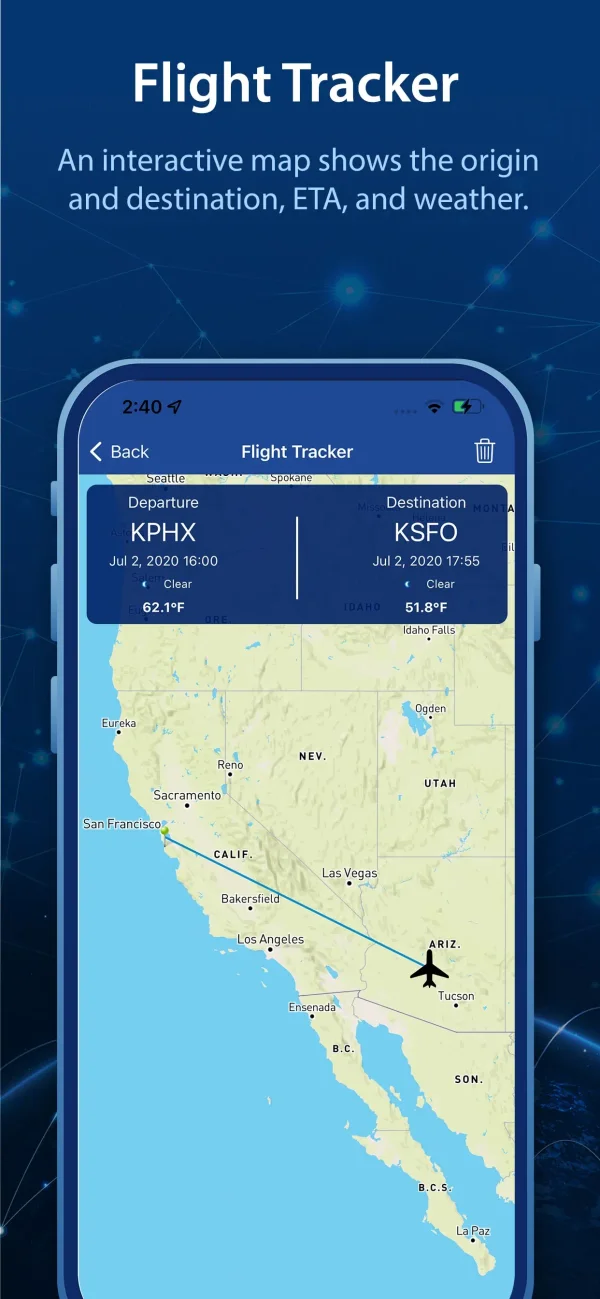
Pre-listed various aircraft manufacturers and it's aircraft model helps the user to add aircraft configurations quickly and efficiently. In addition, this app lets you add flight itinerary with ICAO and IATA supported city airports and it shows an interactive map with origin and destination. Moreover, live weather status for both origin and destination cities.
This app assists customers when troubleshooting the connectivity and configuration of satellite communication systems aboard their aircraft.
Network Tools captures in-flight WiFi and satellite internet health details and delivers to support rep or crew for up to date status and troubleshooting tools.
Once the app is connected to the onboard Wi-Fi network, the app can perform status queries of the various connected devices or SATCOM hardware. The status of each component is presented graphically. Any issues with the connection is identified through a visual indicator, and a probable solution is presented.
To explore the app features, use the demo mode:
1. Tap 'Next Network Tools' in the top 3 times.
2. Press Yes to confirm to run Demo Mode.
3. Enjoy the demo mode with pre-populated aircraft configuration and itinerary.
Key Features are:
- Automatically detects aircraft configuration and hardware services on board, when connected to aircraft Wi-Fi.
- It detects and indicates which devices are connected in the cockpit and cabin.
- Real-time flight tracking.
- Interactive map shows origin and destination, ETA and weather.
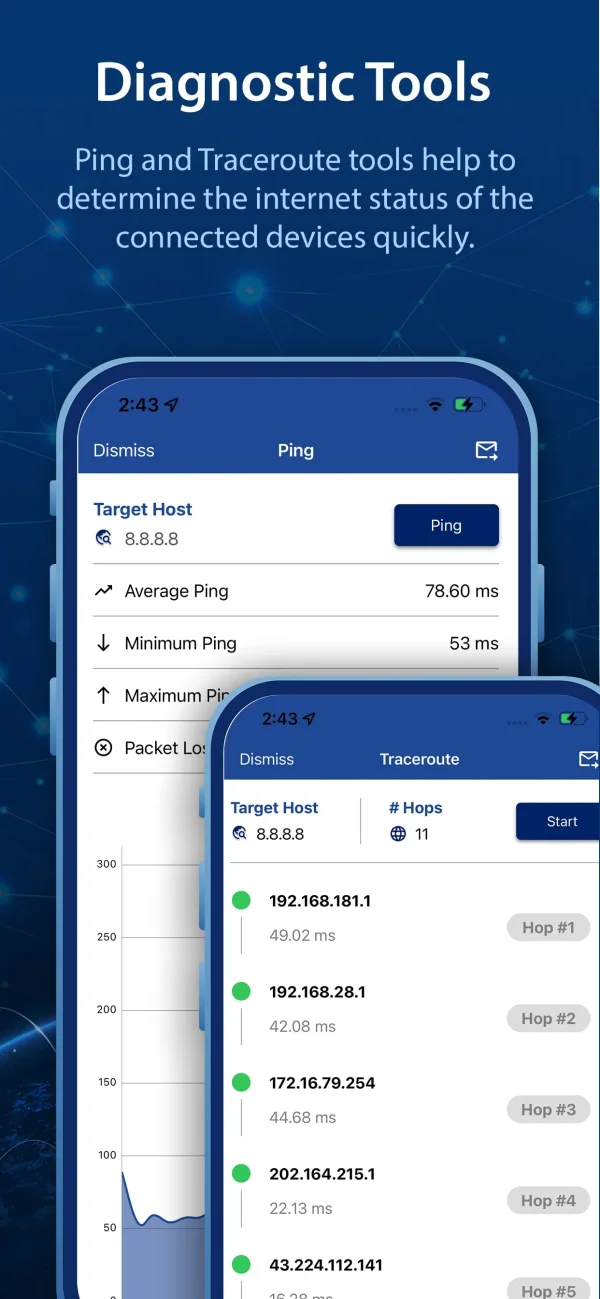
- Uses Ping and Traceroute to quickly determine the internet status of connected devices.
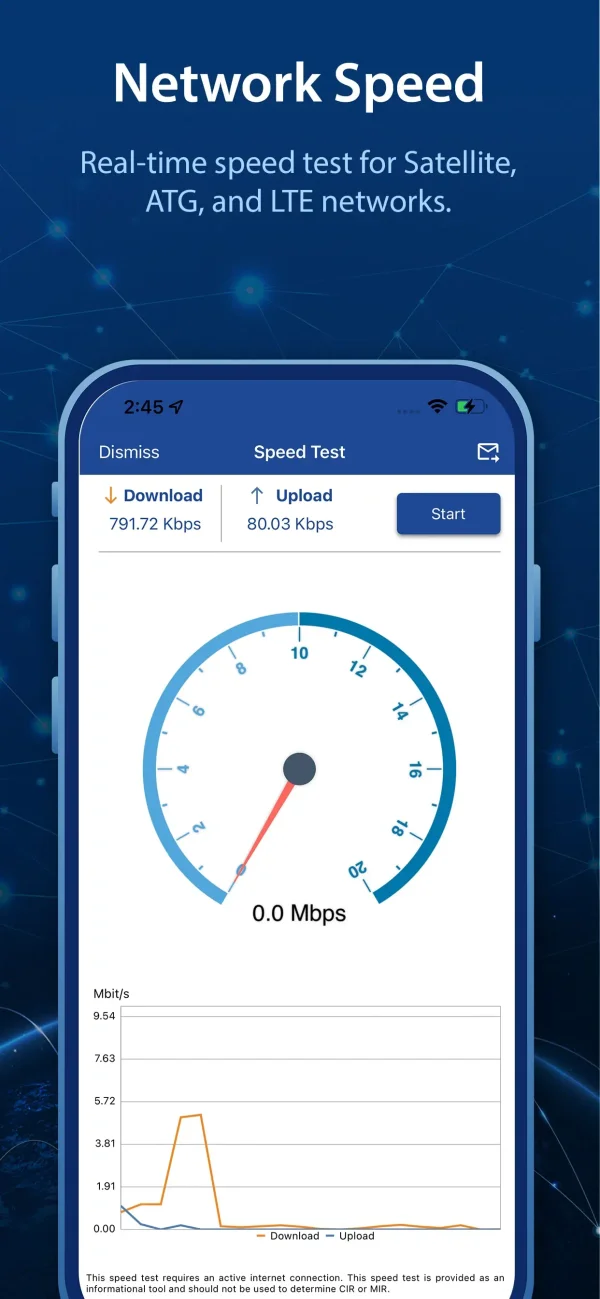
- Speed tests for Satellite networks.
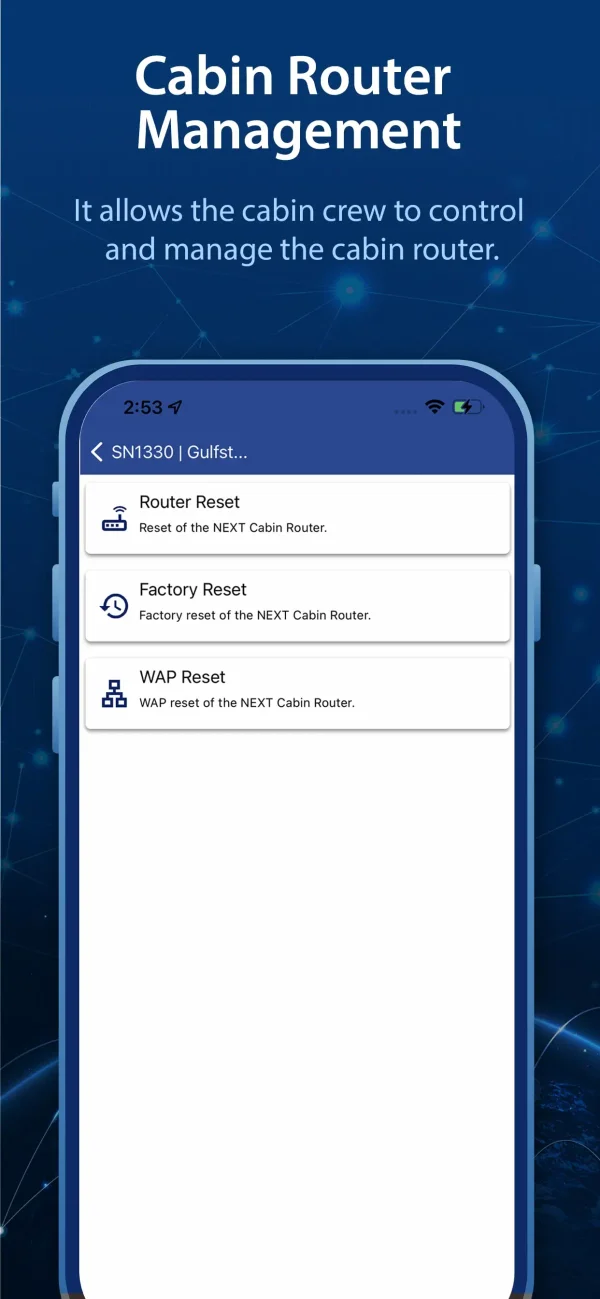
- Various SATCOM and ATG connection management.
- Tail-based aircraft configuration management.
- Per device internet connection control.
- Per device bandwidth usage graph.
- Per WAN connection bandwidth usage.
- Cabin IP PBX status including onboard extension or call status.
- Network QoS management.
- Push notification for Network change.
- Visual cues for network status including failure notification.
- Troubleshooting history logs and email option to send to tech support.
- Demo mode helps the user to get the training on the apps without reading an extensive user guide.
Có gì mới
Phiên bản 1.1.3 · 13/11/2024
- Performance Improvement.
- Bug fixes.
Quyền riêng tư của ứng dụng
Những gì khai báo trên App Store về cách ứng dụng này xử lý dữ liệu.
-
Dữ liệu không được thu thập
Nhà phát triển không thu thập bất kỳ dữ liệu nào từ ứng dụng này.
Phương thức đảm bảo quyền riêng tư có thể khác nhau, chẳng hạn như tuỳ theo các tính năng bạn sử dụng hoặc độ tuổi của bạn.
Thông tin
- Người bán
- Stitel Networks, LLC
- Danh mục
- Tiện Ích
- Phiên bản
- 1.1.3
- Cập nhật
- 13/11/2024
- Phát hành
- 29/11/2022
- Kích thước
- 38,5 MB
- Yêu cầu
- iOS 14.0 trở lên
- Độ tuổi
- 4+
- Giá
- Miễn phí
- Ngôn ngữ
- Tiếng Anh
- Bản quyền
- © 2020 Stitel Networks, LLC. All Rights Reserved.