Npp - Lightweight Text Editor
Editor with Tabs persistence
Entwickelt für iPhone, iPad, iPod touch
Kostenlos
- Altersfreigabe4+
- KategorieEntwickler-Tools
- EntwicklerIlia Bogdanovski
- SprachenEnglisch
- Größe41,7 MB
Verlinkt auf die offizielle App Store-Seite
Download.org hostet keine Datei von Npp - Lightweight Text Editor. Die Schaltfläche öffnet die App-Seite bei App Store, wo Ilia Bogdanovski die App veröffentlicht. Eintrag zuletzt geprüft am 17.11.2026.
Screenshots

Info
Der Entwickler hat diesen Text nicht in Ihrer Sprache bereitgestellt.
NPP — Notepad++ Inspired Code Editor
A fast, lightweight code editor that treats your unsaved work as sacred. Whether you're a professional developer, a student, or a tinkerer, NPP gives you the essentials to write and edit code — without the weight of a full IDE, and without ever fearing lost changes.
NEVER LOSE YOUR WORK
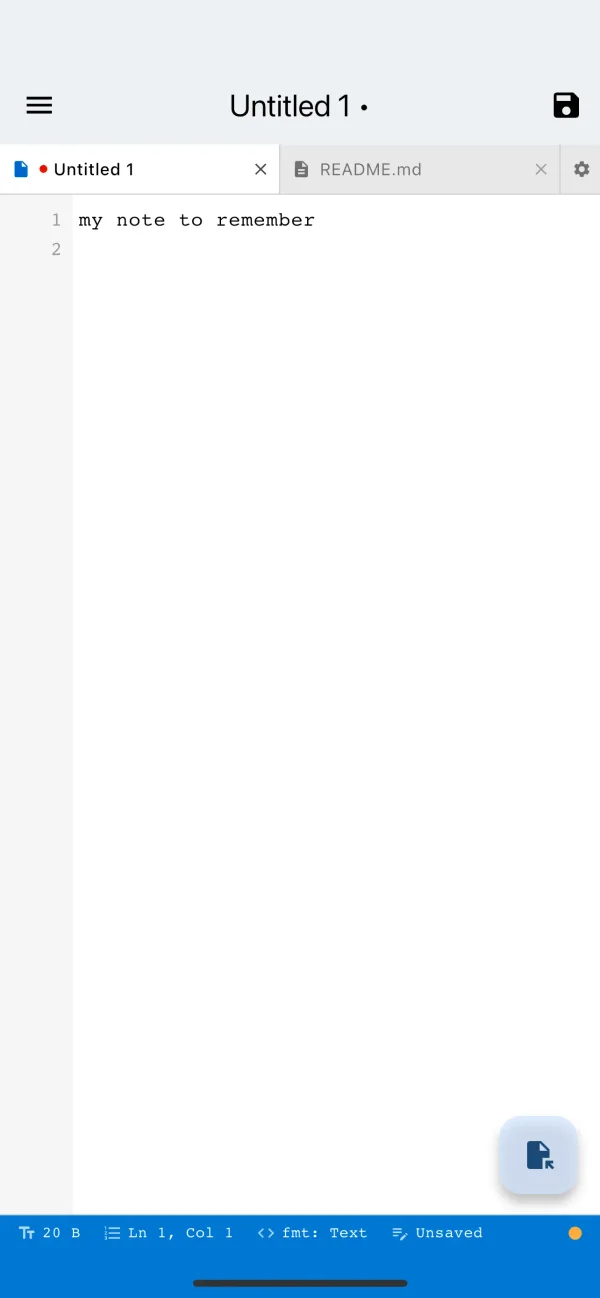
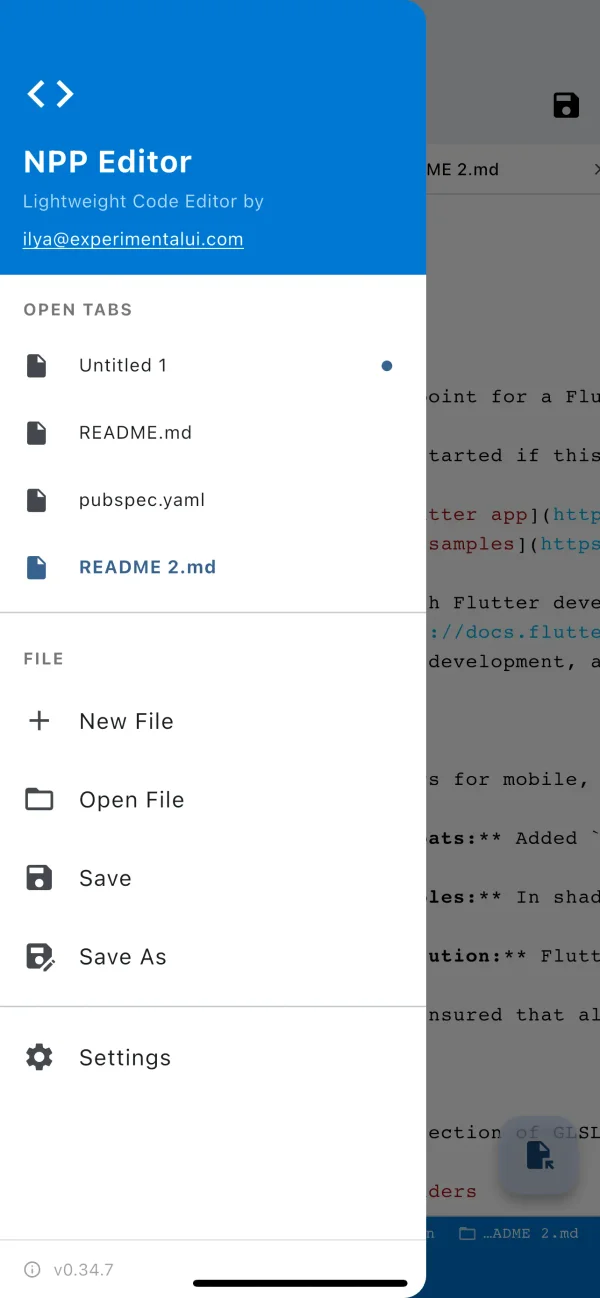
This is what makes NPP different. Every tab and every unsaved edit is continuously saved to disk in the background. Close the app, swipe it away, run out of battery, or let it crash mid-sentence — it doesn't matter. Reopen NPP and every tab is exactly where you left it, down to the last character you typed. No "Save?" dialogs, no warnings, no anxiety. Commit to a real file only when you're truly done.
MULTI-TAB EDITING
Work on many files at once with intuitive tabs. Spin up as many scratch tabs as you like — for quick notes, snippets, or full drafts — without touching your file system. Switch between them instantly.
BUILT FOR BIG FILES
A rebuilt editing engine keeps typing smooth and responsive even in very large files, where other mobile editors stutter.
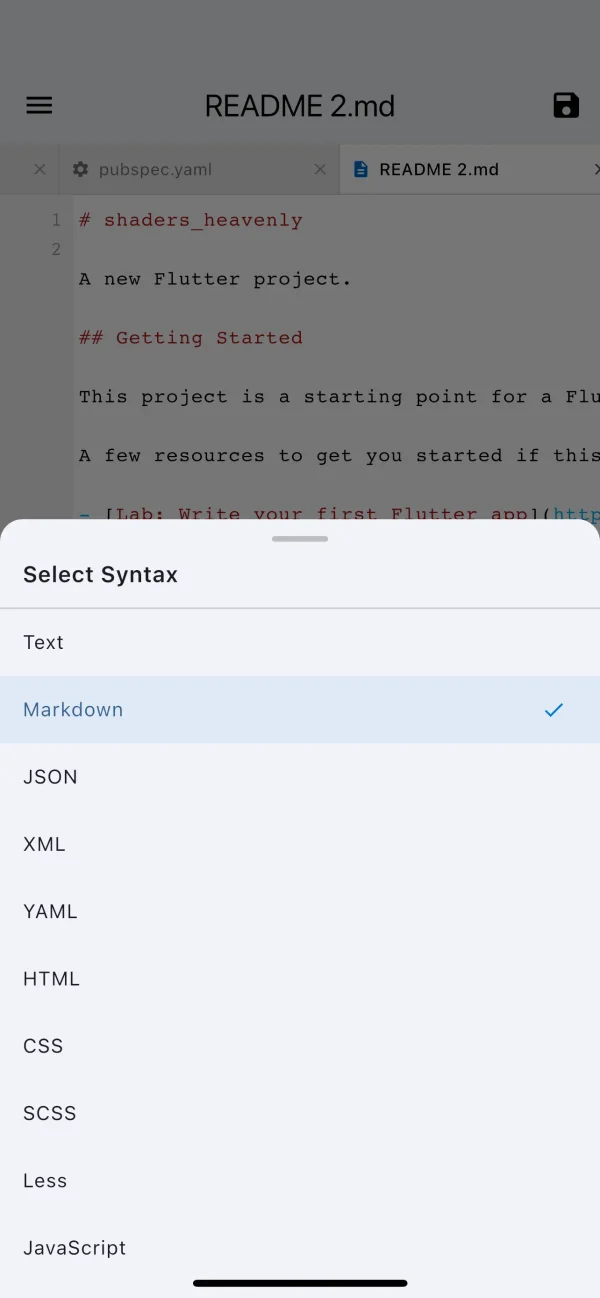
SYNTAX HIGHLIGHTING FOR 60+ LANGUAGES
• Python, JavaScript, TypeScript, Dart, Vue
• Java, Kotlin, Swift, Objective-C
• C, C++, C#, Go, Rust, Assembly
• Ruby, PHP, Perl, Lua, R
• Elixir, Erlang, Haskell, Clojure, OCaml, F#, Julia
• HTML, CSS, SCSS, JSON, XML, YAML, TOML
• SQL, GraphQL, Protocol Buffers, Diff/Patch, LaTeX
• Bash, PowerShell, Dockerfile, Makefile, nginx & Apache configs, .env
• Markdown and many more
VIEW & EDIT CSV AS A TABLE
Open any CSV or TSV and see it as a clean spreadsheet with automatic delimiter detection. Tap a cell to edit it, and search across all cells with the matching cell highlighted — then switch back to raw text anytime.
MORE THAN A PLAIN EDITOR
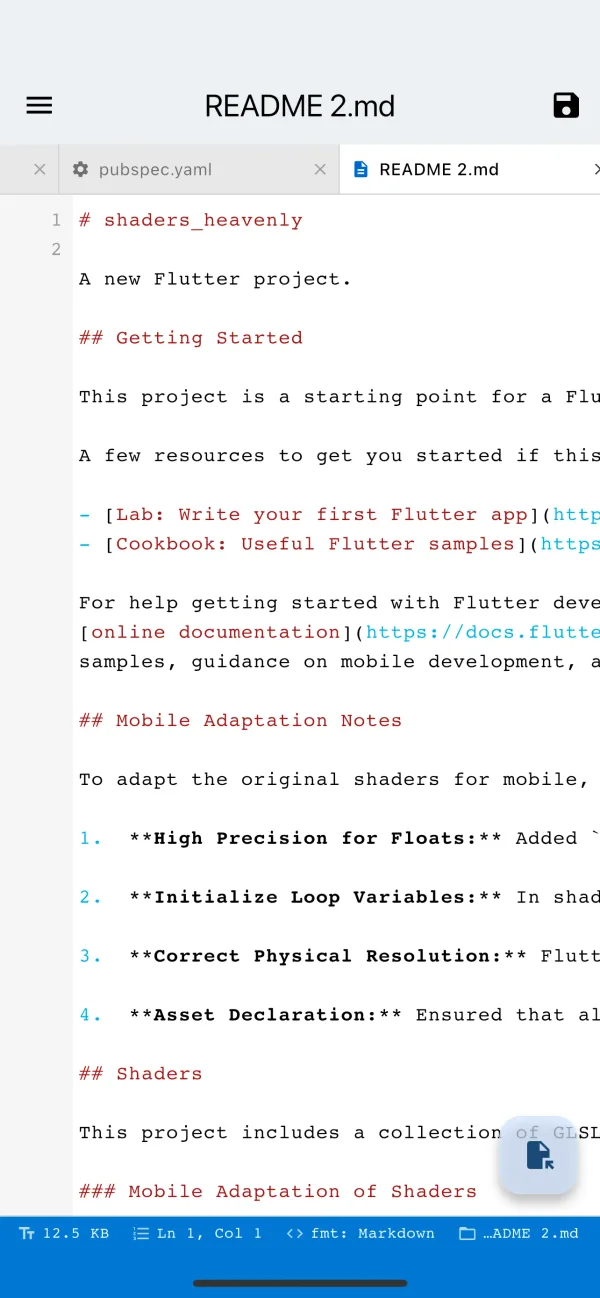
• Live Markdown preview with clickable links
• One-tap JSON formatting / beautify
• Find & Replace with case-sensitivity and regular expressions
• Automatic bracket matching
FILE OPERATIONS
• Open files from your device
• Save, Save As, and export scratch tabs to real files
• Automatic UTF-8 detection with fallback for legacy files
• Open files directly from other apps
MADE YOURS
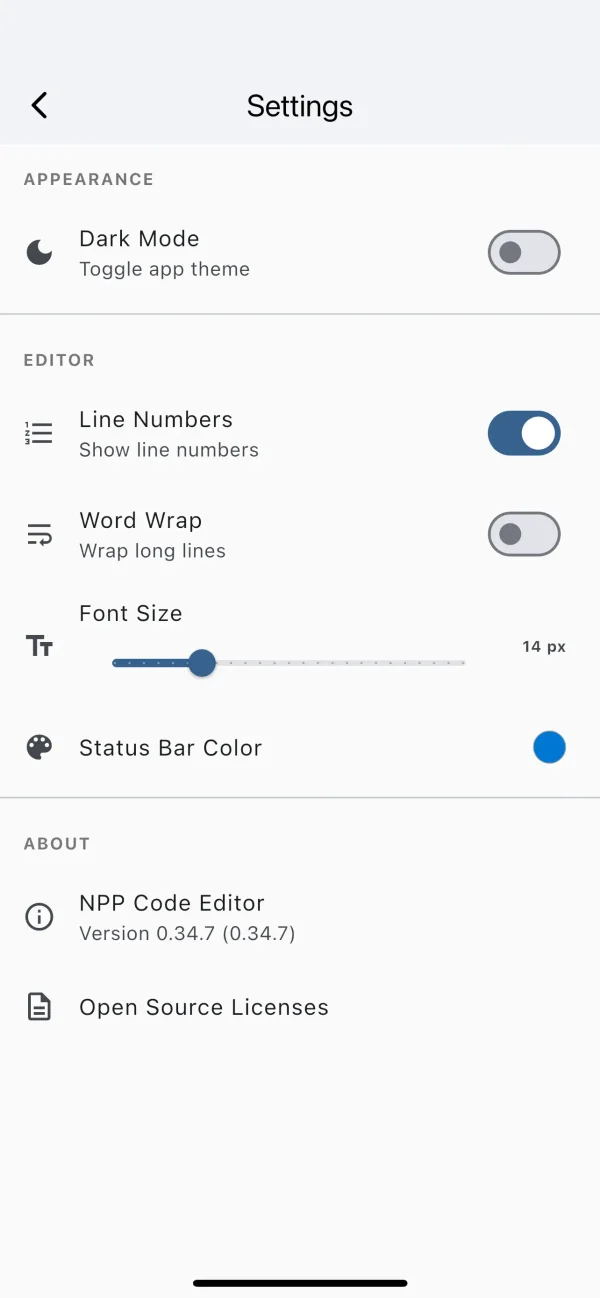
• Light, dark, and system themes
• Toggle line numbers and word wrap
• Adjustable font size
• Custom status bar color
SUPPORTED DEVICES
NPP runs on phones, tablets, and desktop computers, adapting its layout to each screen size for a comfortable editing experience everywhere.
PRIVATE BY DESIGN
NPP works fully offline. No account, no ads, no tracking — your code never leaves your device.
Neue Funktionen
Version 1.1.0 · 24.10.2026
- Your files stay intact: encoding (UTF-8, UTF-16, Windows-1251/1252) and line endings (LF/CRLF) are preserved on save.
- Live sync: files changed in other apps reload automatically. If both sides have edits, you choose which version to keep.
- Nothing gets lost: unsaved edits survive crashes and app restarts.
- Faster large files: typing stays smooth even in very large documents.
- Coding keyboard bar: brackets, symbols, Tab, arrow keys and undo/redo right above the keyboard.
- New editing tools: go to line, toggle comment, duplicate line, smart indentation with tabs or spaces.
- Pinch to zoom text, swipe between tabs, reopen closed tabs.
- Remembers your syntax choice for each file.
- Undo and redo now work with the system controls.
App-Datenschutz
Was Ilia Bogdanovski im App Store zum Umgang dieser App mit Daten angibt.
-
Keine Daten erfasst
Der Entwickler erfasst keine Daten von dieser App.
Die Datenschutzpraktiken können variieren, zum Beispiel je nach den von Ihnen verwendeten Funktionen oder Ihrem Alter.
Informationen
- Anbieter
- Ilia Bogdanovski
- Kategorie
- Entwickler-Tools
- Version
- 1.1.0
- Aktualisiert
- 24.10.2026
- Veröffentlicht
- 10.03.2026
- Größe
- 41,7 MB
- Erfordert
- iOS 15.0 oder neuer
- Altersfreigabe
- 4+
- Preis
- Kostenlos
- Sprachen
- Englisch
- Copyright
- © ExperimentalUI.com
Das könnte Ihnen auch gefallen
-
 Anywhere Issue – GitHub IssuesEntwickler-Tools
-
 DesignToCode for SwiftUIEntwickler-Tools
-
 RegExpLeistungsstarker Regex-Tester
-
 Zeron: Coding AgentsEntwickler-Tools
-
 Carets - Code EditorEntwickler-Tools
-
 ParseLabEntwickler-Tools
-
 yxcodeEin Gedanke. Ein Code.
-
 SQL Professional EditorEntwickler-Tools
-
 InKuber - Kubernetes DashboardEntwickler-Tools
-
 Xml Genie: XML Viewer & EditorXML öffnen, suchen, bearbeiten