Npp - Lightweight Text Editor
Editor with Tabs persistence
Designed for iPhone, iPad, iPod touch
Free
- Age rating4+
- CategoryDeveloper Tools
- DeveloperIlia Bogdanovski
- LanguagesEnglish
- Size41.7 MB
Links to the official App Store page
Download.org hosts no file of Npp - Lightweight Text Editor. The button opens its official App Store page, published by Ilia Bogdanovski. Listing last checked on Nov 17, 2026.
Screenshots

About
NPP — Notepad++ Inspired Code Editor
A fast, lightweight code editor that treats your unsaved work as sacred. Whether you're a professional developer, a student, or a tinkerer, NPP gives you the essentials to write and edit code — without the weight of a full IDE, and without ever fearing lost changes.
NEVER LOSE YOUR WORK
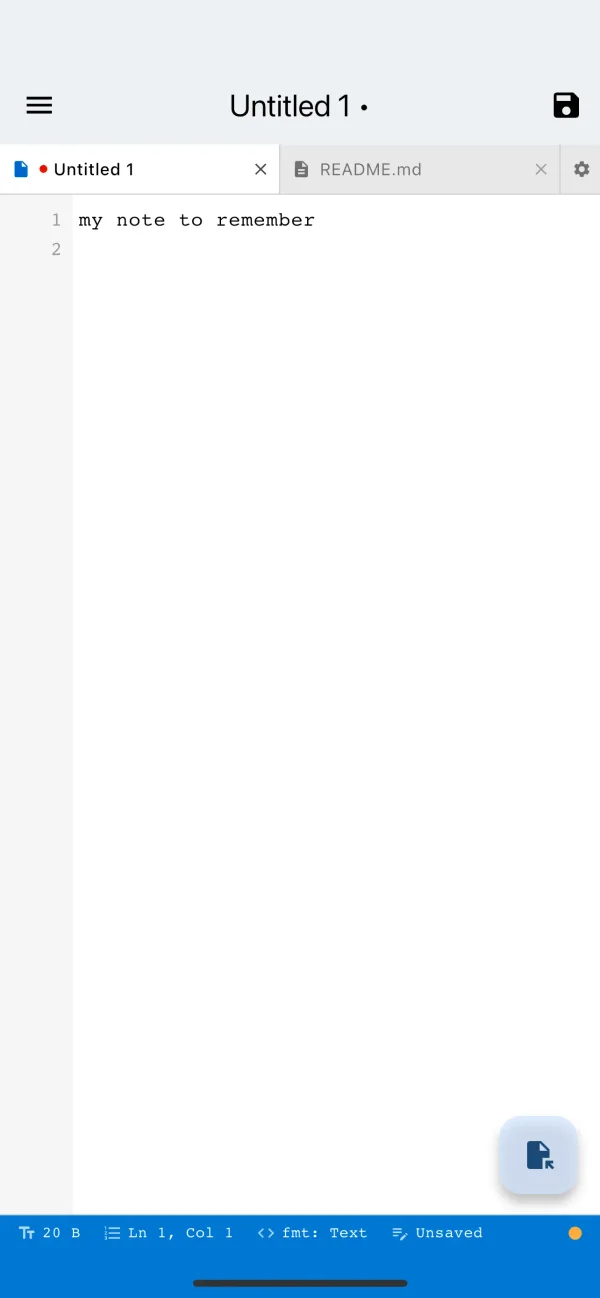
This is what makes NPP different. Every tab and every unsaved edit is continuously saved to disk in the background. Close the app, swipe it away, run out of battery, or let it crash mid-sentence — it doesn't matter. Reopen NPP and every tab is exactly where you left it, down to the last character you typed. No "Save?" dialogs, no warnings, no anxiety. Commit to a real file only when you're truly done.
MULTI-TAB EDITING
Work on many files at once with intuitive tabs. Spin up as many scratch tabs as you like — for quick notes, snippets, or full drafts — without touching your file system. Switch between them instantly.
BUILT FOR BIG FILES
A rebuilt editing engine keeps typing smooth and responsive even in very large files, where other mobile editors stutter.
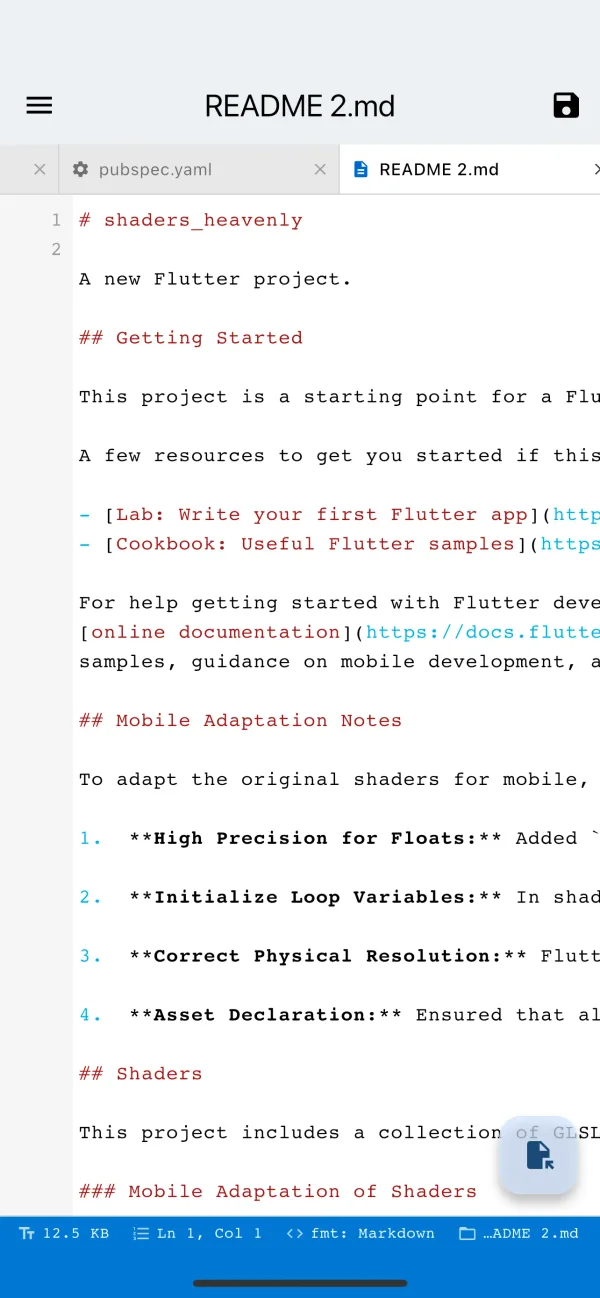
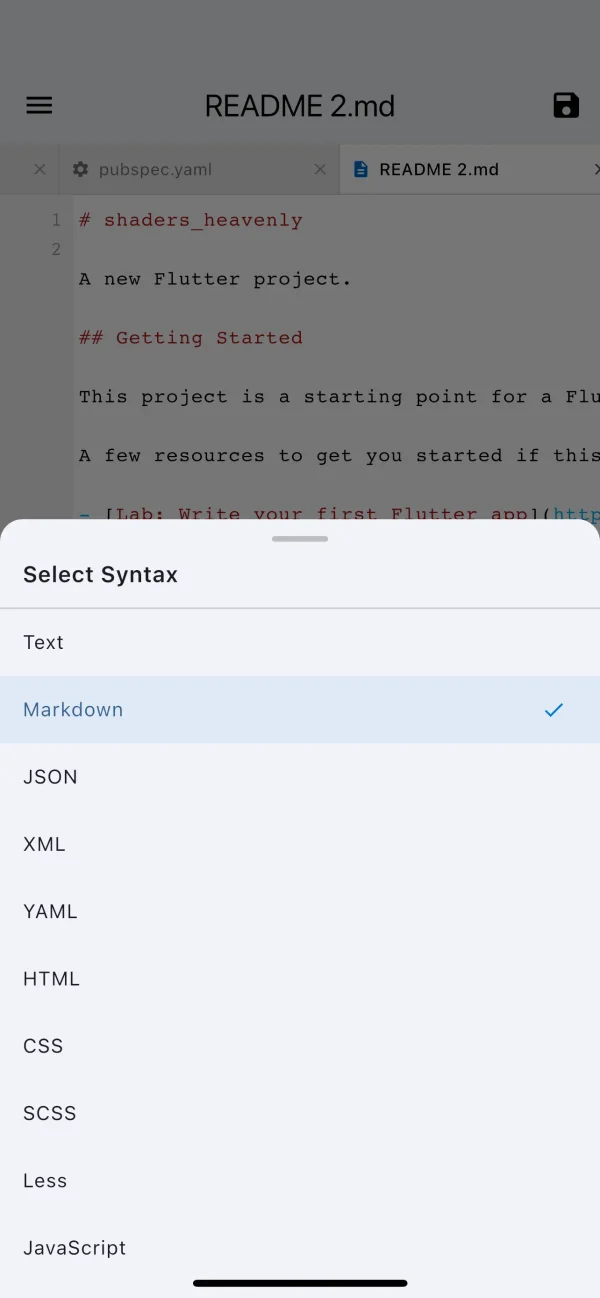
SYNTAX HIGHLIGHTING FOR 60+ LANGUAGES
• Python, JavaScript, TypeScript, Dart, Vue
• Java, Kotlin, Swift, Objective-C
• C, C++, C#, Go, Rust, Assembly
• Ruby, PHP, Perl, Lua, R
• Elixir, Erlang, Haskell, Clojure, OCaml, F#, Julia
• HTML, CSS, SCSS, JSON, XML, YAML, TOML
• SQL, GraphQL, Protocol Buffers, Diff/Patch, LaTeX
• Bash, PowerShell, Dockerfile, Makefile, nginx & Apache configs, .env
• Markdown and many more
VIEW & EDIT CSV AS A TABLE
Open any CSV or TSV and see it as a clean spreadsheet with automatic delimiter detection. Tap a cell to edit it, and search across all cells with the matching cell highlighted — then switch back to raw text anytime.
MORE THAN A PLAIN EDITOR
• Live Markdown preview with clickable links
• One-tap JSON formatting / beautify
• Find & Replace with case-sensitivity and regular expressions
• Automatic bracket matching
FILE OPERATIONS
• Open files from your device
• Save, Save As, and export scratch tabs to real files
• Automatic UTF-8 detection with fallback for legacy files
• Open files directly from other apps
MADE YOURS
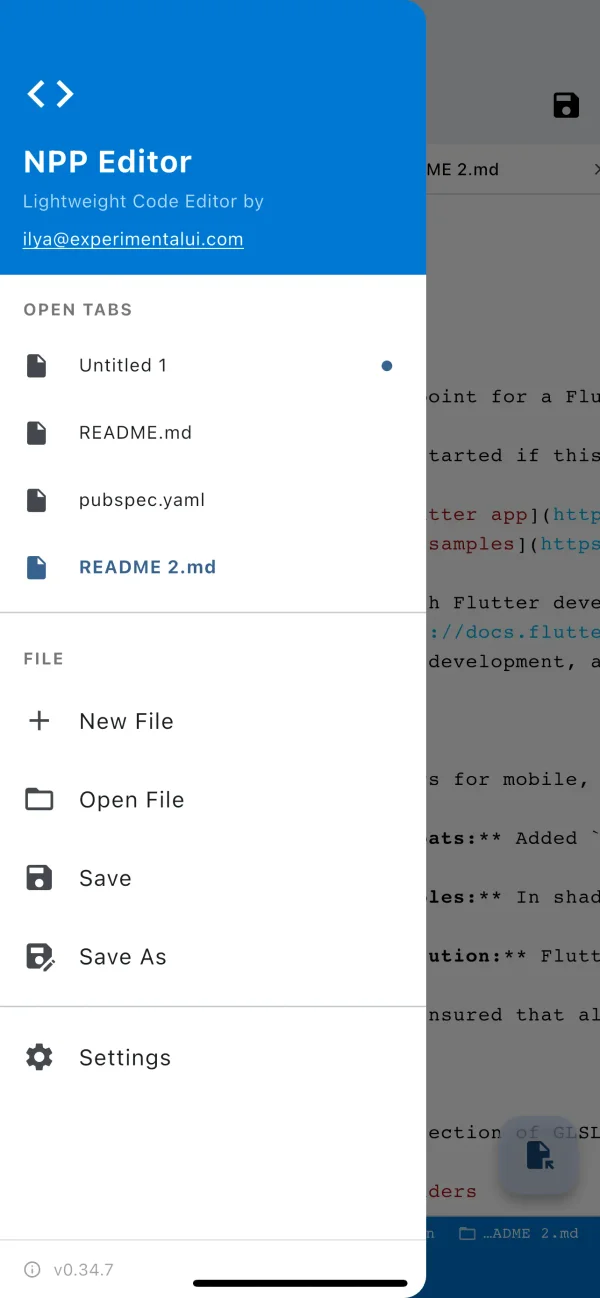
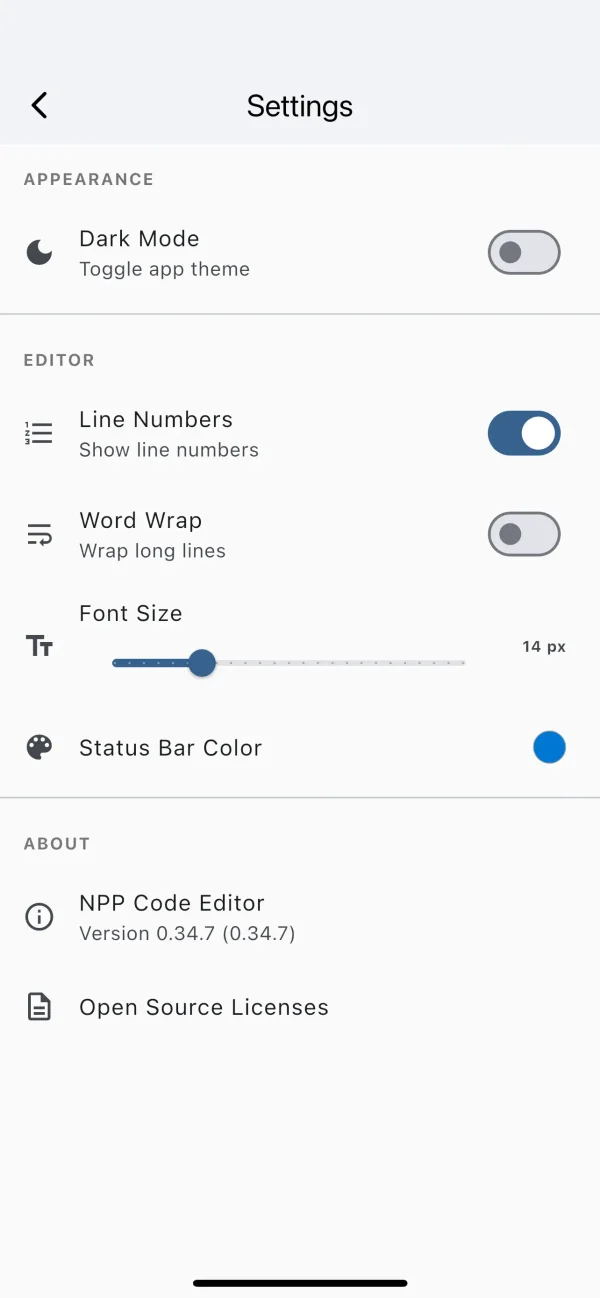
• Light, dark, and system themes
• Toggle line numbers and word wrap
• Adjustable font size
• Custom status bar color
SUPPORTED DEVICES
NPP runs on phones, tablets, and desktop computers, adapting its layout to each screen size for a comfortable editing experience everywhere.
PRIVATE BY DESIGN
NPP works fully offline. No account, no ads, no tracking — your code never leaves your device.
What’s new
Version 1.1.0 · Oct 24, 2026
- Your files stay intact: encoding (UTF-8, UTF-16, Windows-1251/1252) and line endings (LF/CRLF) are preserved on save.
- Live sync: files changed in other apps reload automatically. If both sides have edits, you choose which version to keep.
- Nothing gets lost: unsaved edits survive crashes and app restarts.
- Faster large files: typing stays smooth even in very large documents.
- Coding keyboard bar: brackets, symbols, Tab, arrow keys and undo/redo right above the keyboard.
- New editing tools: go to line, toggle comment, duplicate line, smart indentation with tabs or spaces.
- Pinch to zoom text, swipe between tabs, reopen closed tabs.
- Remembers your syntax choice for each file.
- Undo and redo now work with the system controls.
App privacy
What Ilia Bogdanovski declares on the App Store about how this app handles data.
-
Data not collected
The developer does not collect any data from this app.
Privacy practices may vary, for example with the features you use or your age.
Information
- Seller
- Ilia Bogdanovski
- Category
- Developer Tools
- Version
- 1.1.0
- Updated
- Oct 24, 2026
- Released
- Mar 10, 2026
- Size
- 41.7 MB
- Requires
- iOS 15.0 or later
- Age rating
- 4+
- Price
- Free
- Languages
- English
- Copyright
- © ExperimentalUI.com
You might also like
-
 Anywhere Issue – GitHub IssuesCreate & manage GitHub Issues
-
 DesignToCode for SwiftUIVisual Mobile Interface Design
-
 RegExpPowerful Regex Testing Tool
-
 Zeron: Coding AgentsYour agents, wherever you are
-
 Carets - Code EditorA fast, minimal text editor.
-
 ParseLabParse Anything!
-
 yxcodeOne Mind. One Code.
-
 SQL Professional EditorDeveloper Tools
-
 InKuber - Kubernetes DashboardEasy Kubernetes management
-
 Xml Genie: XML Viewer & EditorOpen, Search & Edit XML Files