OpenClient: Private AI Chat
LiteLLM, Ollama & your server
Entwickelt für iPhone, iPad, Mac
Kostenlos · In-App-Käufe
- Altersfreigabe4+
- KategorieProduktivität
- EntwicklerArturo Carretero Calvo
- SprachenEnglisch+ 9 weitere
- Größe244,8 MB
Verlinkt auf die offizielle App Store-Seite
Download.org hostet keine Datei von OpenClient: Private AI Chat. Die Schaltfläche öffnet die App-Seite bei App Store, wo Arturo Carretero Calvo die App veröffentlicht. Eintrag zuletzt geprüft am 28.11.2026.
Screenshots

Info
Der Entwickler hat diesen Text nicht in Ihrer Sprache bereitgestellt.
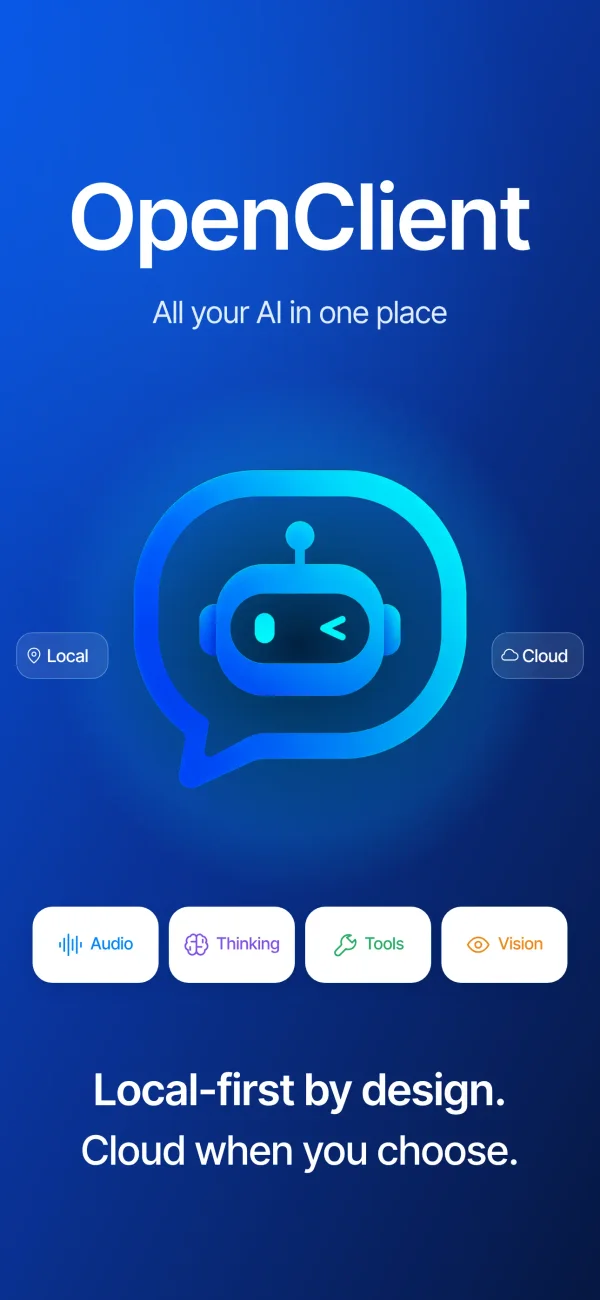
OpenClient is an independent AI chat client for professionals and developers who run their own LLM infrastructure. Connect it to your self-hosted server and chat with your models, without mandatory subscriptions.
Compatible with LiteLLM, Ollama, and OpenAI-compatible servers. Supports many popular model families, including GPT, Claude, Llama, Gemini, Mistral, and more.
Chat
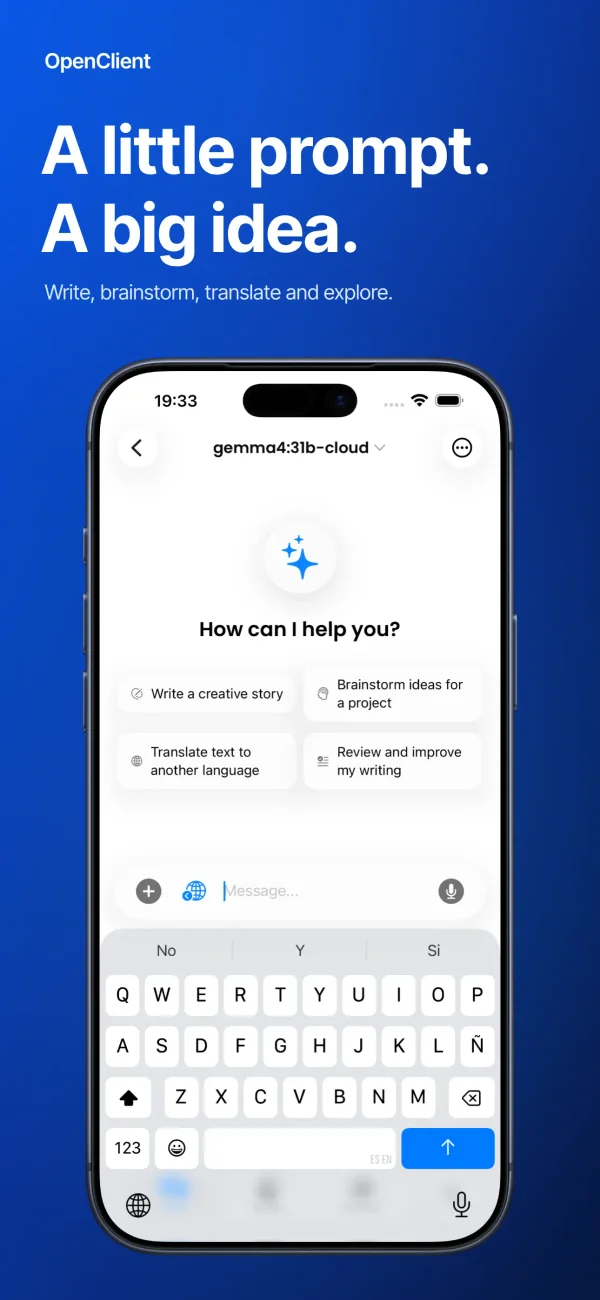
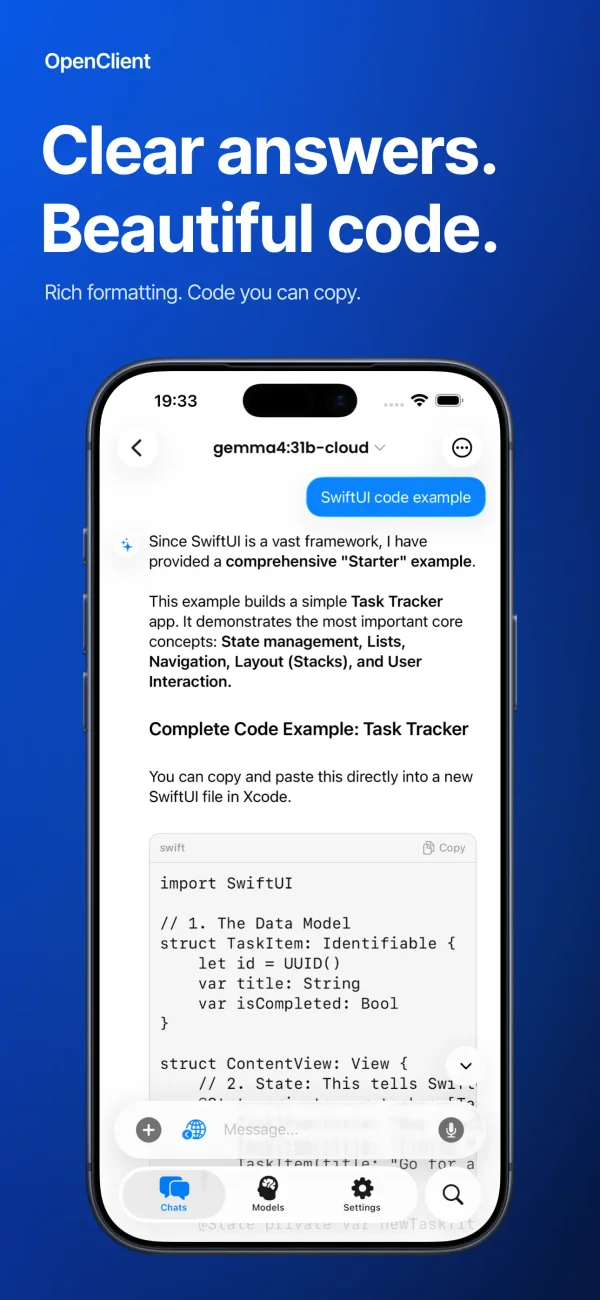
• Real-time streaming responses with Markdown and code block rendering
• Collapsible Thinking section for supported reasoning models
• Attach photos, camera captures, and PDF documents for multimodal conversations
• Drag and drop text, images, and files from other apps (Split View, Stage Manager, Finder on macOS)
• Dictate messages with Speech-to-Text and listen with Text-to-Speech
• Web search through the search provider configured on your server
• Tool-calling support for models that provide function calling
• MCP (Model Context Protocol) tools, browse, enable, and use external tools from MCP servers like GitHub, databases, and more, configured on your LiteLLM server
• Favourite messages to bookmark and revisit quickly
• Per-conversation system prompt and model parameters (temperature, max tokens, top-p)
Conversations
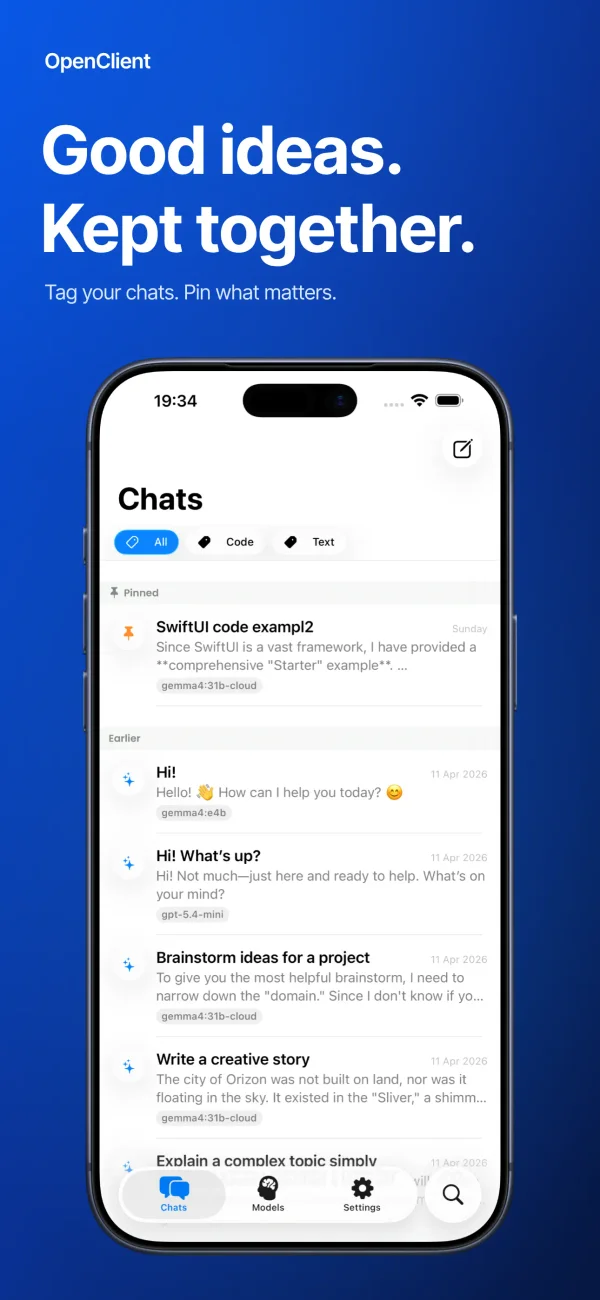
• Full conversation history with search, pins, and tags
• Branch from any message to explore alternatives, then edit and regenerate
• Media & Files gallery to browse all attached images and documents
• Share content from any app directly into a new conversation via Share Sheet
• Apple Shortcuts integration: New Chat, Search Chats, Send File to Chat
• Home Screen widgets: New Chat, Search, Quick Actions, Conversations Overview
• Control Center button: start a new chat from Control Center
• iCloud sync across your Apple devices
• Export conversations to JSON
• Token usage per message and estimated conversation cost
Models
• Browse available models with capability badges (vision, tools, JSON mode)
• Model detail sheet with context window, pricing, provider, and capabilities
• Voice selector for Text-to-Speech models
• Switch models per conversation
Personalization
• Prompt template library for recurring workflows
• User profile to provide name and context
• Memory to save facts and preferences, synced via iCloud
On macOS
• Menu bar companion for quick access without opening the main window
Privacy
• OpenClient does not operate a backend service for your chats. Your requests are sent to the server you configure.
• OpenClient does not include advertising SDKs or third-party analytics trackers.
This project is licensed under the GNU Affero General Public License v3.0: https://github.com/ArtCC/openclient-llm
Privacy Policy: https://arturocarreterocalvo.com/openclient-llm/privacy
Terms of Use: https://arturocarreterocalvo.com/openclient-llm/terms
OpenClient is an independent client and is not affiliated with or endorsed by the model or platform providers referenced above.
Neue Funktionen
Version 1.7.55 · 27.11.2026
Hi there! We've got some great new features for you in this update.
• Organize your chats into folders and move several at once. On Mac, you can also drag chats into a folder in the sidebar.
• On selected updates, What’s New shows the highlights instead of an announcement banner. Choose Continue or use the extra action if one is offered.
• The redesigned banner keeps its action beside the message or below it, depending on screen width.
• Both What’s New and the banner can take you straight to the App Store to write a review.
• Minor bug fixes and stability improvements.
Thanks for your continued support and for helping us build the best possible LLM client together.
Remember: you can suggest and vote on new features from the Feedback section in Settings.
App-Datenschutz
Was Arturo Carretero Calvo im App Store zum Umgang dieser App mit Daten angibt.
-
Keine Daten erfasst
Der Entwickler erfasst keine Daten von dieser App.
Die Datenschutzpraktiken können variieren, zum Beispiel je nach den von Ihnen verwendeten Funktionen oder Ihrem Alter.
Informationen
- Anbieter
- Arturo Carretero Calvo
- Kategorie
- Produktivität
- Version
- 1.7.55
- Aktualisiert
- 27.11.2026
- Veröffentlicht
- 08.04.2026
- Größe
- 244,8 MB
- Erfordert
- iOS 26.6 oder neuer
- Altersfreigabe
- 4+
- Preis
- Kostenlos
- In-App-Käufe
- Ja
- Sprachen
- Englisch, Niederländisch, Französisch, Deutsch, Griechisch, Italienisch, Japanisch, Portugiesisch, Spanisch, Schwedisch
- Copyright
- © Arturo Carretero Calvo
Das könnte Ihnen auch gefallen
-
 Mimi AIProduktivität
-
 AIMailMindProduktivität
-
 Vault AI: Local AI AssistantProduktivität
-
 AI ToneFixProduktivität
-
 Local AI Assistant: ThinkLocalProduktivität
-
 Ki-noteProduktivität
-
 Teleprompter Buddy: PrompterSkript lesen & Video aufnehmen
-
 VortixProduktivität
-
 Lucid: Notes & OutlinesProduktivität
-
 Pomodrop: Focus & BreathingProduktivität