OpenClient: Private AI Chat
LiteLLM, Ollama & your server
Designed for iPhone, iPad, Mac
Free · In-app purchases
- Age rating4+
- CategoryProductivity
- DeveloperArturo Carretero Calvo
- LanguagesEnglish+ 9 more
- Size244.1 MB
Links to the official App Store page
Download.org hosts no file of OpenClient: Private AI Chat. The button opens its official App Store page, published by Arturo Carretero Calvo. Listing last checked on Nov 18, 2026.
Screenshots

About
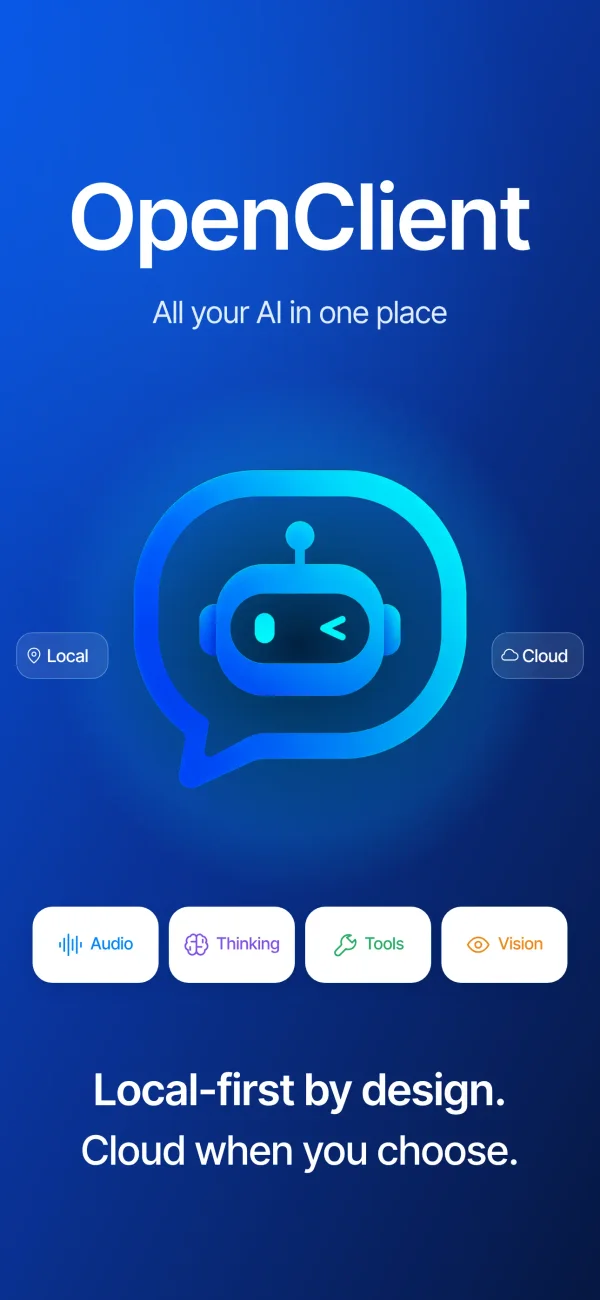
OpenClient is an independent AI chat client for professionals and developers who run their own LLM infrastructure. Connect it to your self-hosted server and chat with your models, without mandatory subscriptions.
Compatible with LiteLLM, Ollama, and OpenAI-compatible servers. Supports many popular model families, including GPT, Claude, Llama, Gemini, Mistral, and more.
Chat
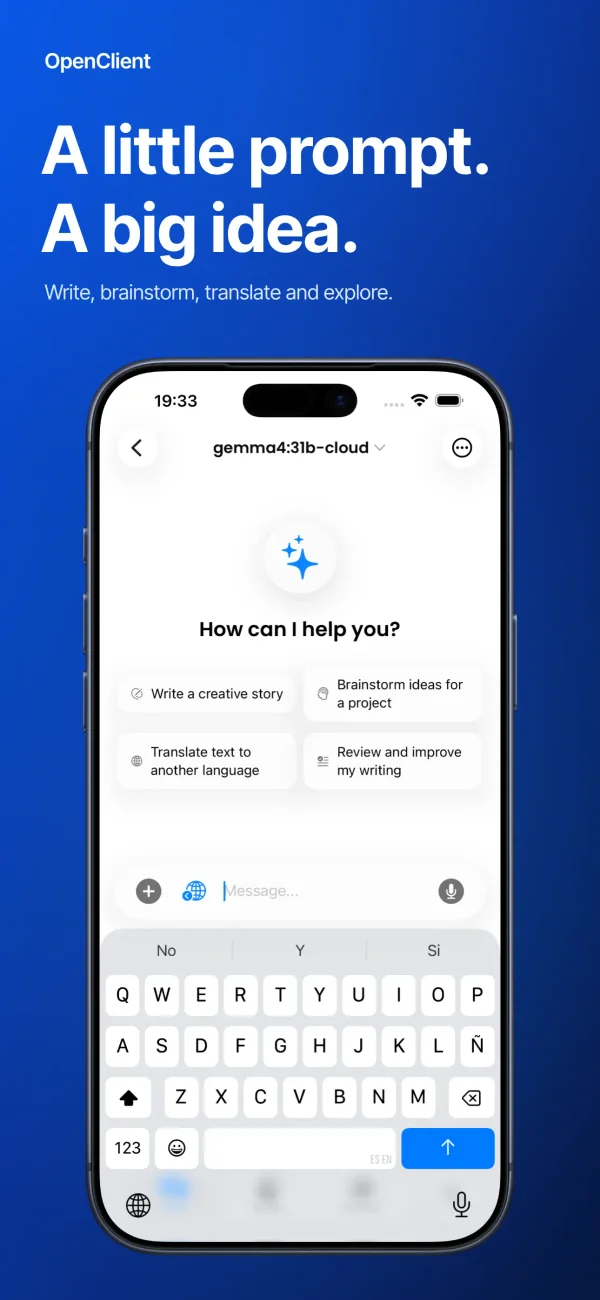
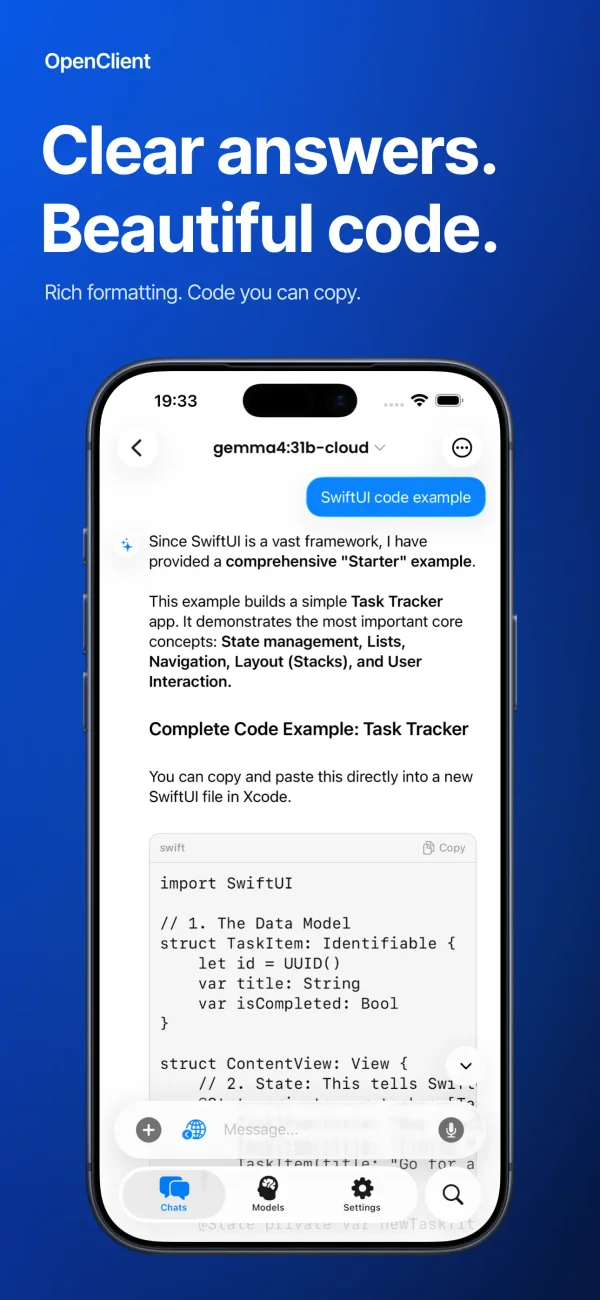
• Real-time streaming responses with Markdown and code block rendering
• Collapsible Thinking section for supported reasoning models
• Attach photos, camera captures, and PDF documents for multimodal conversations
• Drag and drop text, images, and files from other apps (Split View, Stage Manager, Finder on macOS)
• Dictate messages with Speech-to-Text and listen with Text-to-Speech
• Web search through the search provider configured on your server
• Tool-calling support for models that provide function calling
• MCP (Model Context Protocol) tools, browse, enable, and use external tools from MCP servers like GitHub, databases, and more, configured on your LiteLLM server
• Favourite messages to bookmark and revisit quickly
• Per-conversation system prompt and model parameters (temperature, max tokens, top-p)
Conversations
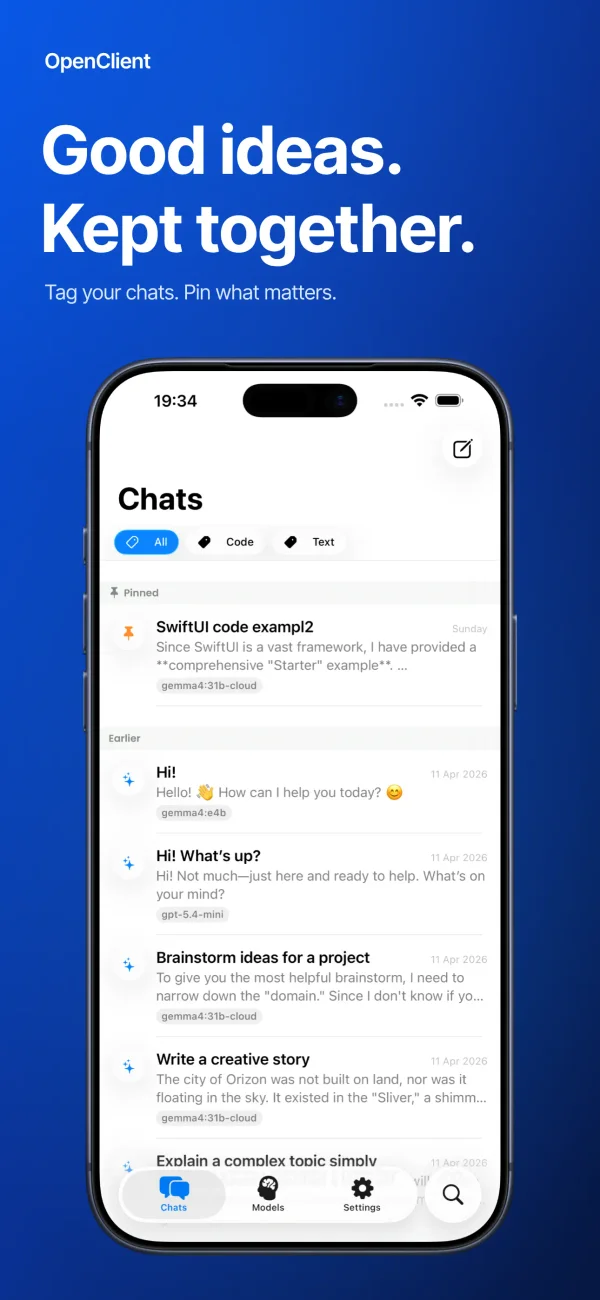
• Full conversation history with search, pins, and tags
• Branch from any message to explore alternatives, then edit and regenerate
• Media & Files gallery to browse all attached images and documents
• Share content from any app directly into a new conversation via Share Sheet
• Apple Shortcuts integration: New Chat, Search Chats, Send File to Chat
• Home Screen widgets: New Chat, Search, Quick Actions, Conversations Overview
• Control Center button: start a new chat from Control Center
• iCloud sync across your Apple devices
• Export conversations to JSON
• Token usage per message and estimated conversation cost
Models
• Browse available models with capability badges (vision, tools, JSON mode)
• Model detail sheet with context window, pricing, provider, and capabilities
• Voice selector for Text-to-Speech models
• Switch models per conversation
Personalization
• Prompt template library for recurring workflows
• User profile to provide name and context
• Memory to save facts and preferences, synced via iCloud
On macOS
• Menu bar companion for quick access without opening the main window
Privacy
• OpenClient does not operate a backend service for your chats. Your requests are sent to the server you configure.
• OpenClient does not include advertising SDKs or third-party analytics trackers.
This project is licensed under the GNU Affero General Public License v3.0: https://github.com/ArtCC/openclient-llm
Privacy Policy: https://arturocarreterocalvo.com/openclient-llm/privacy
Terms of Use: https://arturocarreterocalvo.com/openclient-llm/terms
OpenClient is an independent client and is not affiliated with or endorsed by the model or platform providers referenced above.
What’s new
Version 1.7.45 · Nov 5, 2026
Hi there! We've got some great new features for you in this update.
• Enable Send Chat ID in Settings > Server > Advanced if your server requires a conversation identifier in an HTTP header. Choose the header name and OpenClient supplies the value automatically.
• Each chat keeps its own identifier when you reopen it or retry a response; new chats and forks use a different one. Model listing and connection checks omit this header.
• Edit a model's capabilities from its info screen: turn off Automatic Capabilities to select vision, tools, image generation, and other supported capabilities when your server does not report them correctly.
• Your choices are saved locally for each server and model and survive catalog refreshes. Turn automatic detection back on to restore the detected capabilities. The Models list updates when you save; open chats keep their loaded capabilities.
• Add custom HTTP headers in Settings > Server > Advanced to connect to servers that require extra headers.
• Minor bug fixes and stability improvements.
Thanks for your continued support and for helping us build the best possible LLM client together.
Remember: you can suggest and vote on new features from the Feedback section in Settings.
App privacy
What Arturo Carretero Calvo declares on the App Store about how this app handles data.
-
Data not collected
The developer does not collect any data from this app.
Privacy practices may vary, for example with the features you use or your age.
Information
- Seller
- Arturo Carretero Calvo
- Category
- Productivity
- Version
- 1.7.45
- Updated
- Nov 5, 2026
- Released
- Apr 8, 2026
- Size
- 244.1 MB
- Requires
- iOS 26.6 or later
- Age rating
- 4+
- Price
- Free
- In-app purchases
- Yes
- Languages
- English, Dutch, French, German, Greek, Italian, Japanese, Portuguese, Spanish, Swedish
- Copyright
- © Arturo Carretero Calvo
You might also like
-
 Mimi AIOn-device AI. Fully private
-
 AIMailMindSmart inbox with AI triage
-
 Vault AI: Local AI AssistantPrivate AI Chat & Tools
-
 AI ToneFixRewrite tone, keep every fact
-
 Local AI Assistant: ThinkLocalOffline Private Chat, Run LLM
-
 Ki-noteYour Personal Knowledge Vault
-
 Teleprompter Buddy For VideoRead Script, Scroller, Record
-
 VortixAll-in-One AI Assistant
-
 Lucid: Notes & OutlinesEffortless second brain
-
 Pomodrop: Focus & BreathingAdaptive Pomodoro Timer.