
openote: Markdown Notes & Sync
Plain .md files. No account.
Entwickelt für iPhone, iPad
Kostenlos · In-App-Käufe
- Altersfreigabe4+
- KategorieProduktivität
- EntwicklerWooyoung Kim
- SprachenEnglisch+ 2 weitere
- Größe8,3 MB
Verlinkt auf die offizielle App Store-Seite
Download.org hostet keine Datei von openote: Markdown Notes & Sync. Die Schaltfläche öffnet die App-Seite bei App Store, wo Wooyoung Kim die App veröffentlicht. Eintrag zuletzt geprüft am 15.11.2026.
Screenshots
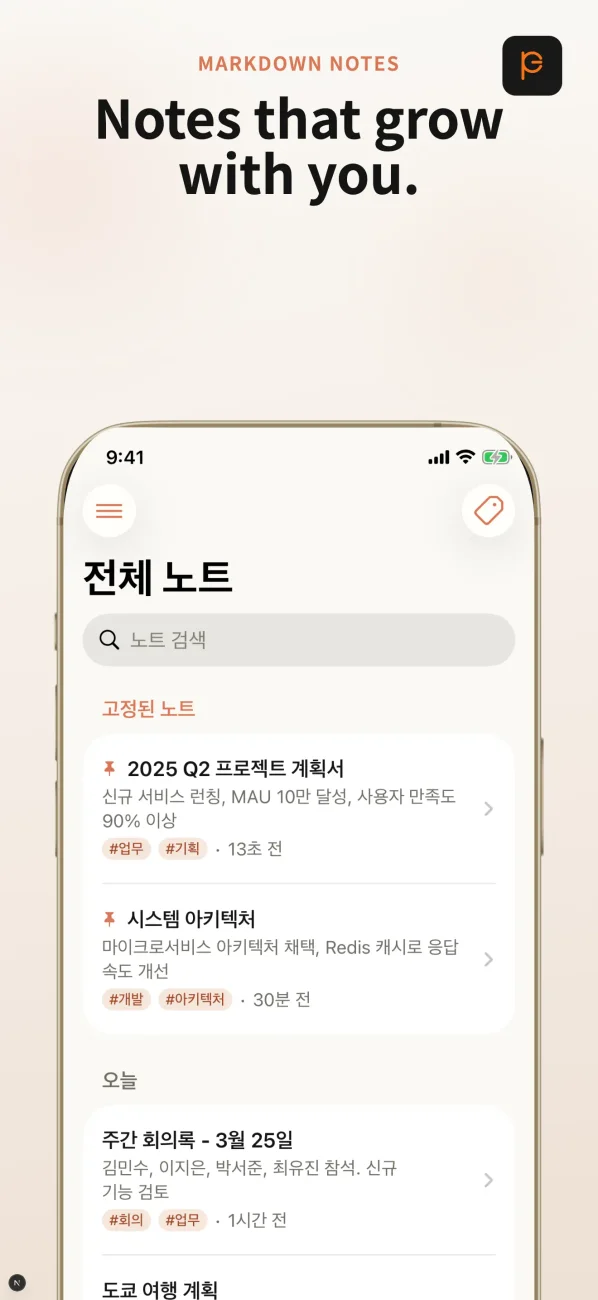
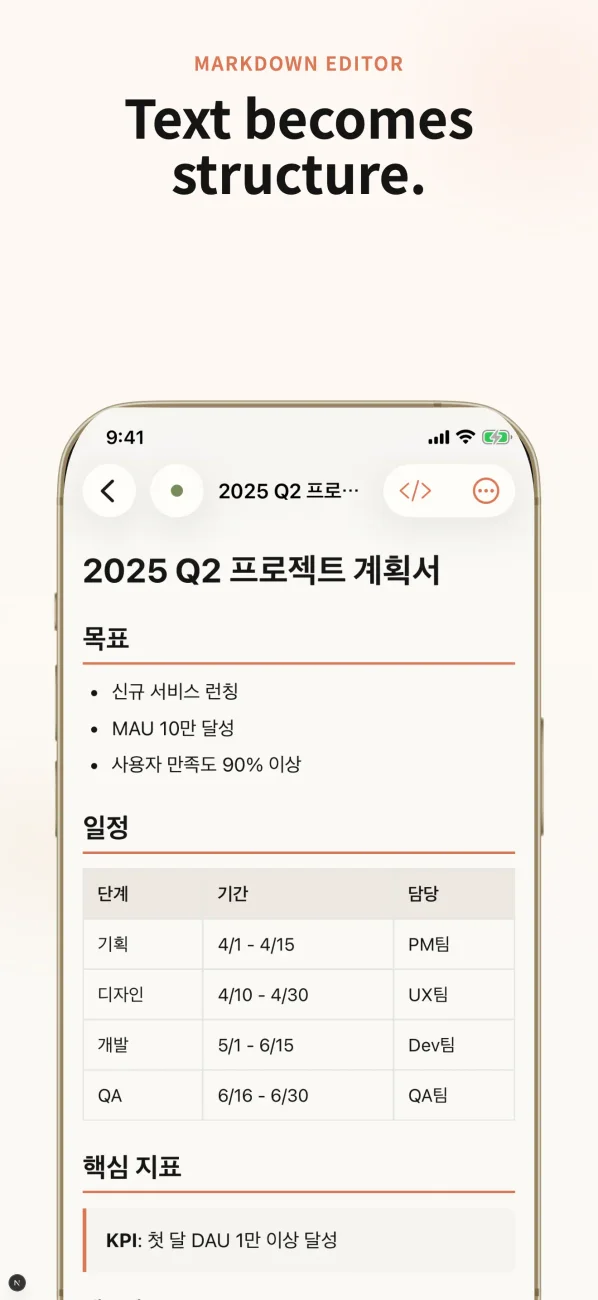
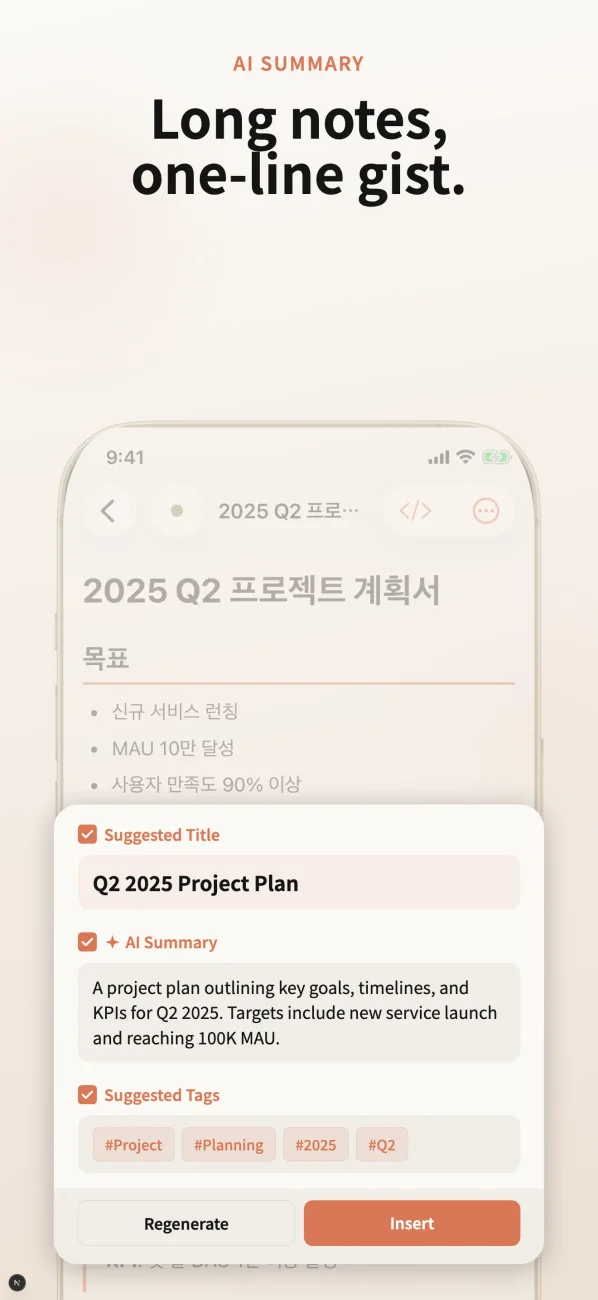
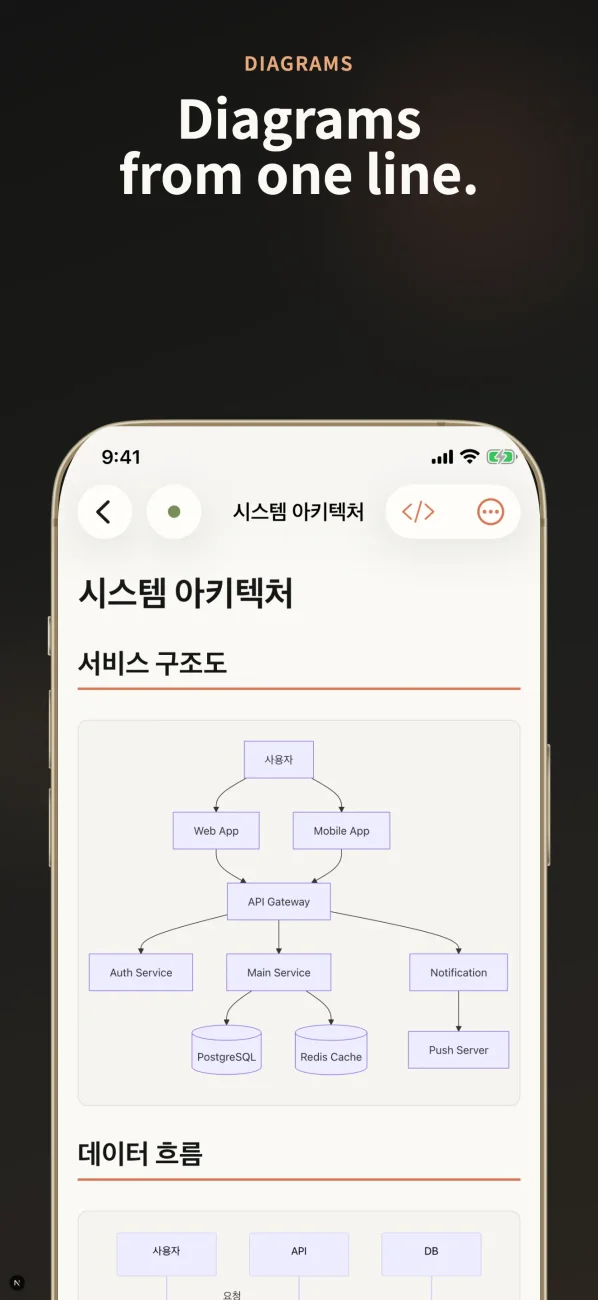
Info
Der Entwickler hat diesen Text nicht in Ihrer Sprache bereitgestellt.
openote — Markdown notes with free sync. No account. No subscription.
Other note apps charge a yearly fee just to sync your own devices. openote syncs iPhone, iPad and Mac through your iCloud Drive — free, with no account to create.
Your notes stay plain .md files. Open them in the Files app or any Markdown editor, and take them anywhere. No proprietary format, no lock-in.
---
WHY OPENOTE
Free iCloud sync
Notes sync through iCloud Drive on your own Apple account. No sign-up, no subscription.
Plain Markdown files
Every note is a standard .md file. Front matter, checklists and [[wiki links]] are kept exactly as you wrote them.
Safe across devices
If a note changes on another device while you're editing, openote keeps both versions instead of silently overwriting one. Your last words are saved even if you switch apps or quit right away.
Mermaid diagrams
Flowcharts, sequence diagrams and more render live from Markdown. Start from a template, pinch to zoom, tap to edit the code. Rendering works offline.
On-device AI
On devices with Apple Intelligence, summarize a note, get tag suggestions, or turn a sentence into a diagram. It runs entirely on your device — nothing is sent to a server.
---
FEATURES
Editor
- Rich Markdown editing, with a source mode when you want the raw text
- Checklists, tables and code blocks
- Auto-save
- Word and character count
Organize
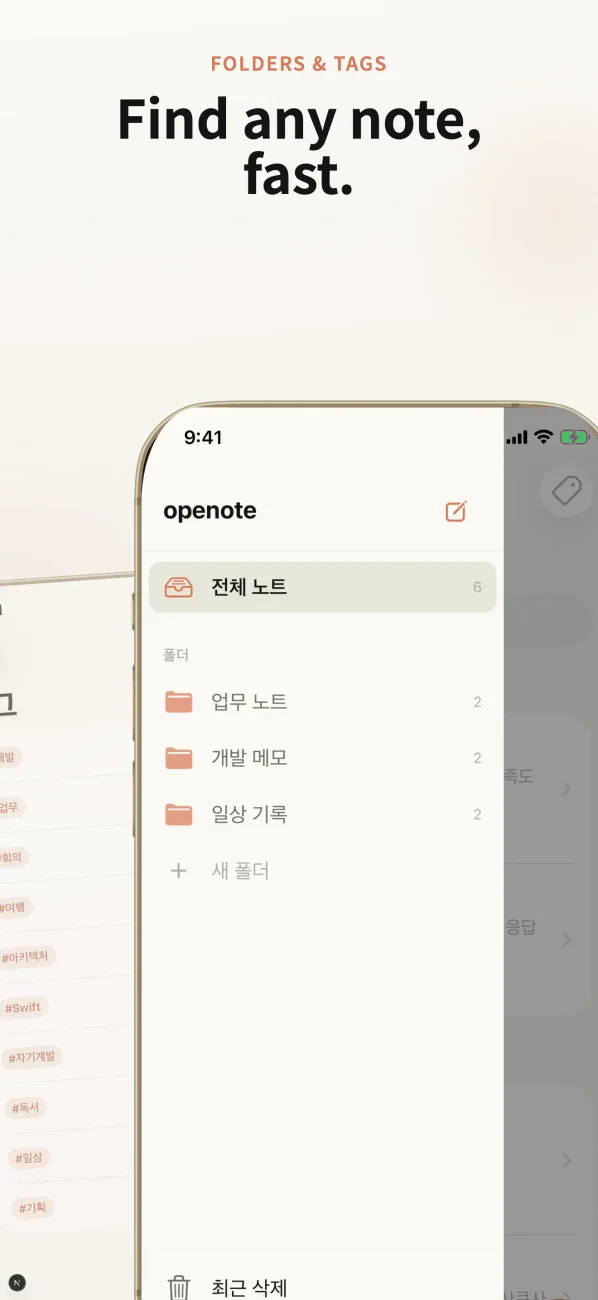
- Folders and #tags with autocomplete
- [[Wiki links]] between notes
- Full-text search in English, Korean and Japanese
Sync & files
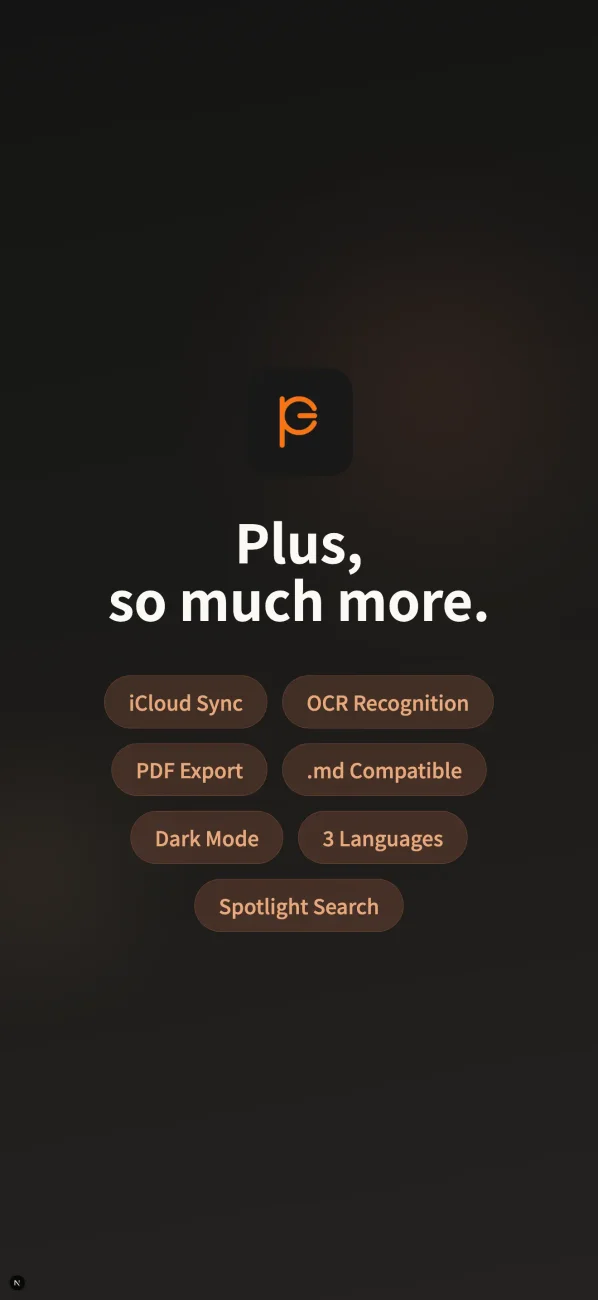
- iPhone, iPad and Mac via iCloud Drive
- Browse your notes in the Files app
- Export a note as PDF
Shortcuts & Siri
- Create, open and search notes from Shortcuts and Siri
- Notes appear in Spotlight search
---
PRIVACY
- No account, no email
- No tracking
- Your notes stay in your iCloud and on your devices
- AI runs on your device
Everything is free. openote has no in-app purchases.
openote — Your notes, your files.
Neue Funktionen
Version 2.2.0 · 29.09.2026
Your notes, safer.
• Editing on one device no longer overwrites changes made on another — both versions are kept
• Checklists, front matter, [[wiki links]] and nested lists are no longer altered when you edit a note
• Your last few words are saved even if you switch apps or quit right away
Diagrams, fixed.
• Tap a diagram to edit its code — and long-press to view, edit, or delete it
• Pinch-to-zoom viewer for any diagram
• AI-generated diagrams no longer fail to render when labels contain parentheses
• Long diagrams no longer swallow the whole screen
Faster
• Search no longer stalls while you type
• iCloud sync only processes what actually changed
Cleaner
• Note previews show your text, not raw markdown or diagram code
• PDF preview returns properly when you cancel sharing
openote is now a focused notes app. The experimental AI-agent integration is gone; notes, folders, tags, search, sync, and on-device AI stay.
App-Datenschutz
Was Wooyoung Kim im App Store zum Umgang dieser App mit Daten angibt.
-
Keine Daten erfasst
Der Entwickler erfasst keine Daten von dieser App.
Die Datenschutzpraktiken können variieren, zum Beispiel je nach den von Ihnen verwendeten Funktionen oder Ihrem Alter.
Informationen
- Anbieter
- Wooyoung Kim
- Kategorie
- Produktivität
- Version
- 2.2.0
- Aktualisiert
- 29.09.2026
- Veröffentlicht
- 01.04.2026
- Größe
- 8,3 MB
- Erfordert
- iOS 17.0 oder neuer
- Altersfreigabe
- 4+
- Preis
- Kostenlos
- In-App-Käufe
- Ja
- Sprachen
- Englisch, Japanisch, Koreanisch
- Copyright
- © 2026 wooyoung Kim
Das könnte Ihnen auch gefallen
-
 Weft: Mind MapsProduktivität
-
 Levity Markdown NotesProduktivität
-
 mdReview - Markdown EditorProduktivität
-
 Never-NoteProduktivität
-
 HaloscriptProduktivität
-
 BarPad MobileProduktivität
-
 ConceptMap - Mind MapperProduktivität
-
 MDflow - Mobile MarkdownProduktivität
-
 mrkdwn — Markdown-NotizenFokussiert schreiben, offline
-
 Jotaid - Your Note EngineProduktivität