
openote: Markdown Notes & Sync
Plain .md files. No account.
Dirancang untuk iPhone, iPad
Gratis · Pembelian dalam aplikasi
- Batasan usia4+
- KategoriProduktivitas
- PengembangWooyoung Kim
- BahasaInggris+ 2 lainnya
- Ukuran8,3 MB
Tertaut ke halaman resmi App Store
Download.org tidak menyimpan file openote: Markdown Notes & Sync apa pun. Tombol ini membuka halaman aplikasi di App Store, tempat Wooyoung Kim menerbitkannya. Halaman terakhir diperiksa pada 15/11/2026.
Tangkapan layar
Tentang
Pengembang belum menyediakan teks ini dalam bahasa Anda.
openote — Markdown notes with free sync. No account. No subscription.
Other note apps charge a yearly fee just to sync your own devices. openote syncs iPhone, iPad and Mac through your iCloud Drive — free, with no account to create.
Your notes stay plain .md files. Open them in the Files app or any Markdown editor, and take them anywhere. No proprietary format, no lock-in.
---
WHY OPENOTE
Free iCloud sync
Notes sync through iCloud Drive on your own Apple account. No sign-up, no subscription.
Plain Markdown files
Every note is a standard .md file. Front matter, checklists and [[wiki links]] are kept exactly as you wrote them.
Safe across devices
If a note changes on another device while you're editing, openote keeps both versions instead of silently overwriting one. Your last words are saved even if you switch apps or quit right away.
Mermaid diagrams
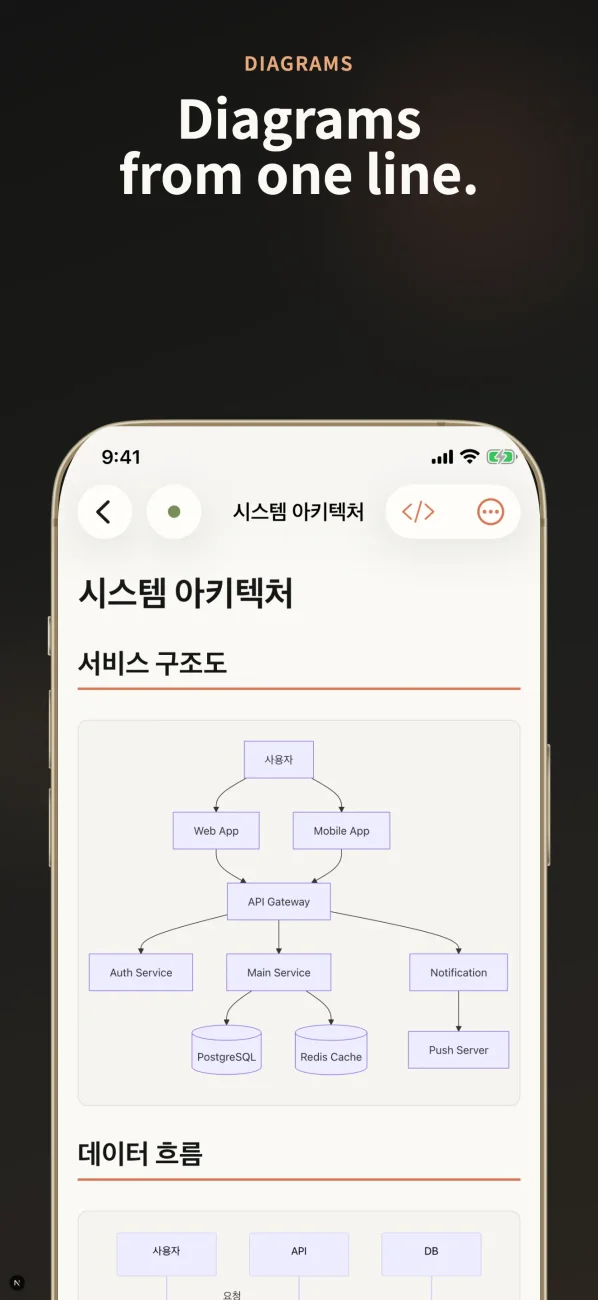
Flowcharts, sequence diagrams and more render live from Markdown. Start from a template, pinch to zoom, tap to edit the code. Rendering works offline.
On-device AI
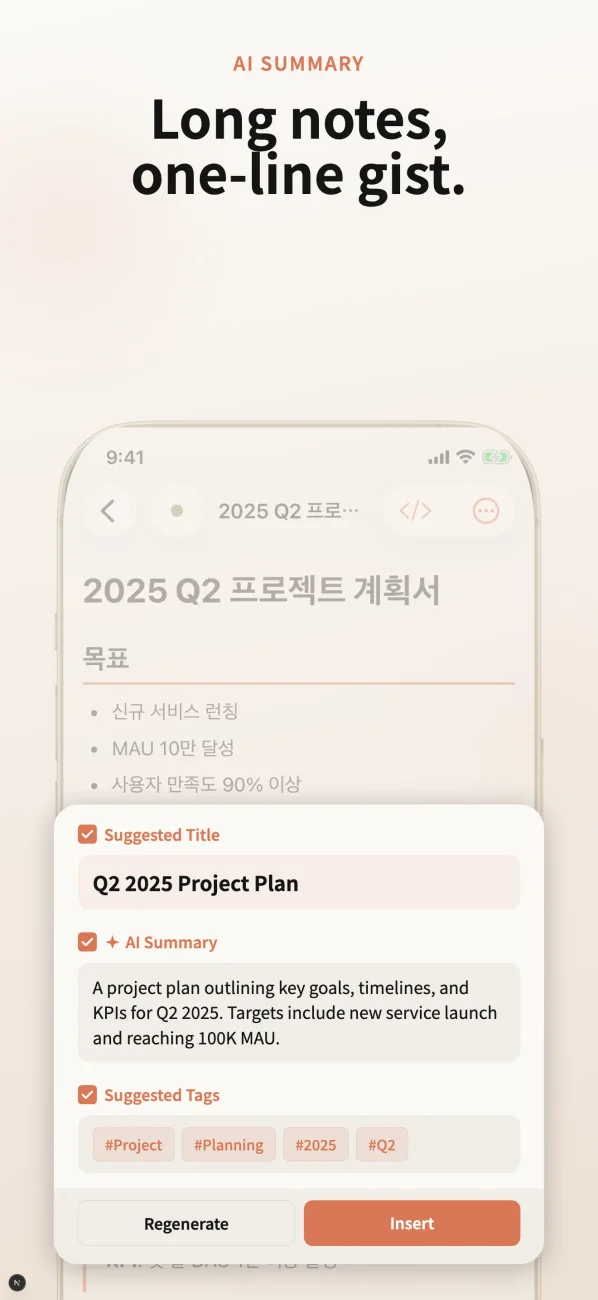
On devices with Apple Intelligence, summarize a note, get tag suggestions, or turn a sentence into a diagram. It runs entirely on your device — nothing is sent to a server.
---
FEATURES
Editor
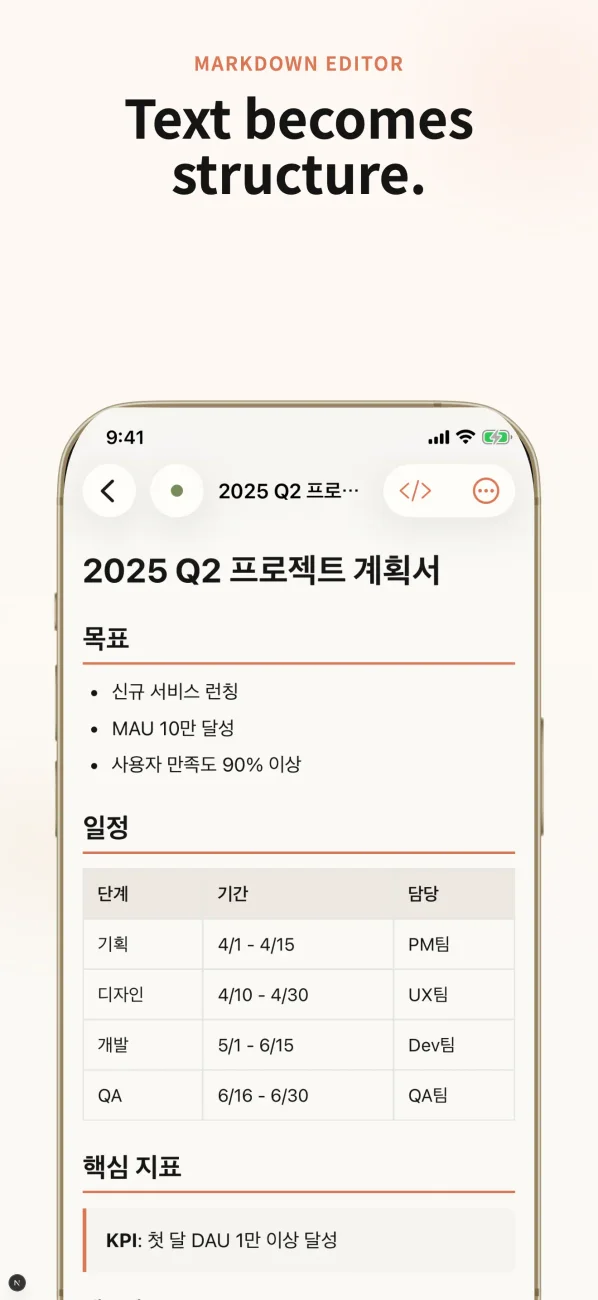
- Rich Markdown editing, with a source mode when you want the raw text
- Checklists, tables and code blocks
- Auto-save
- Word and character count
Organize
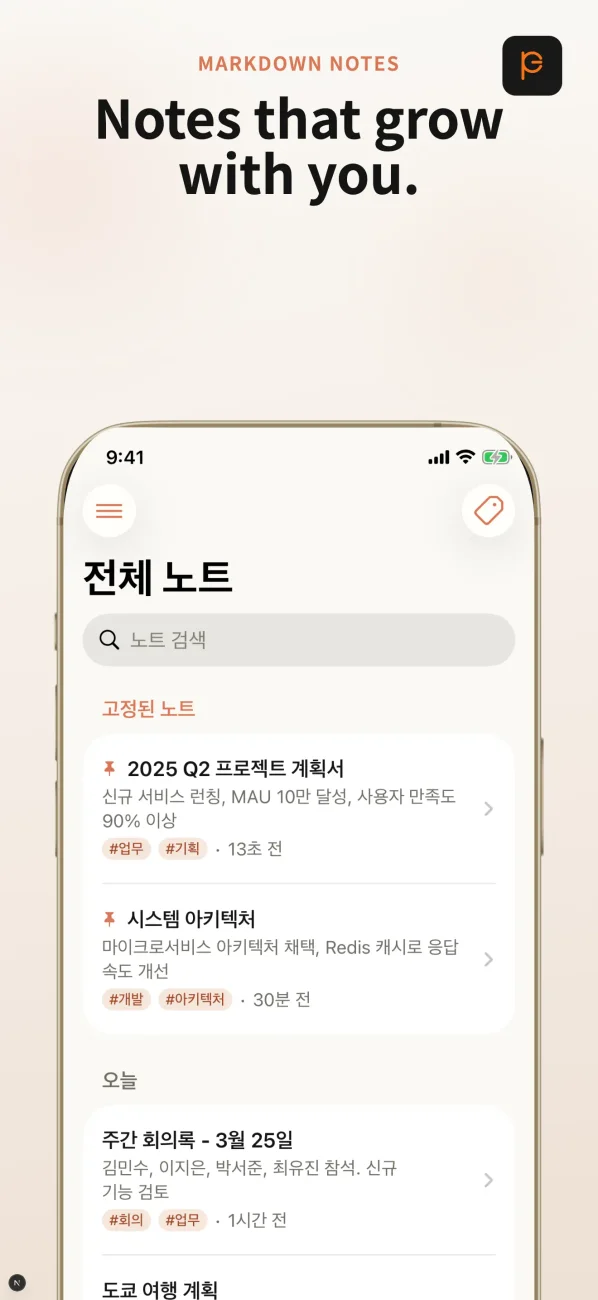
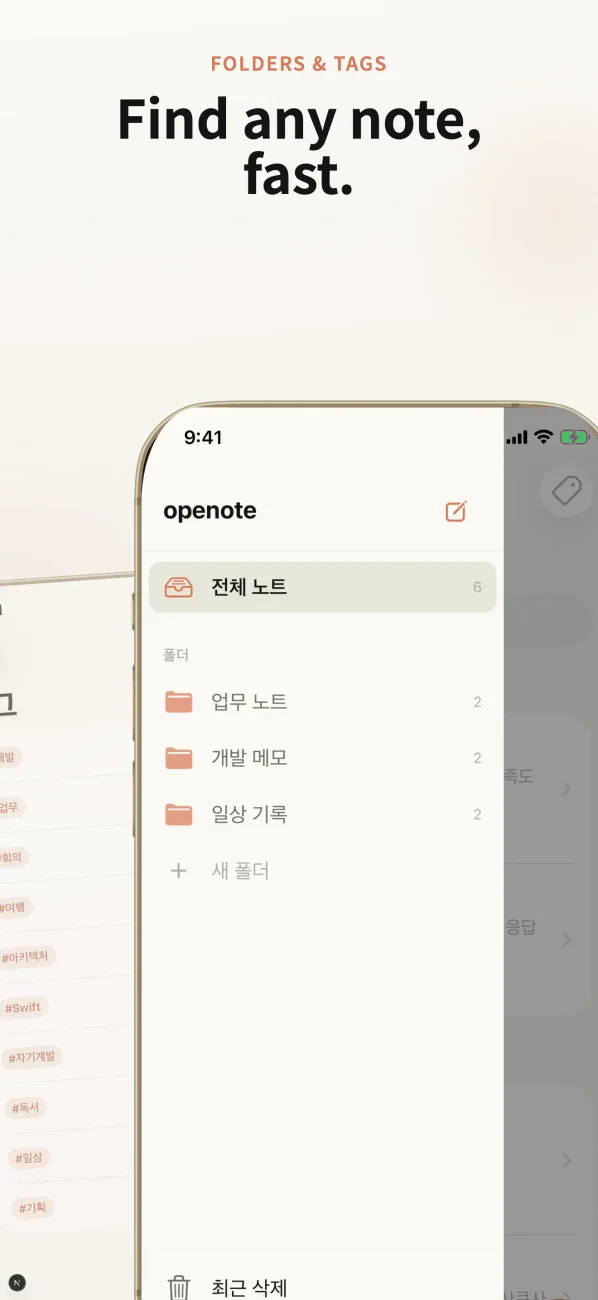
- Folders and #tags with autocomplete
- [[Wiki links]] between notes
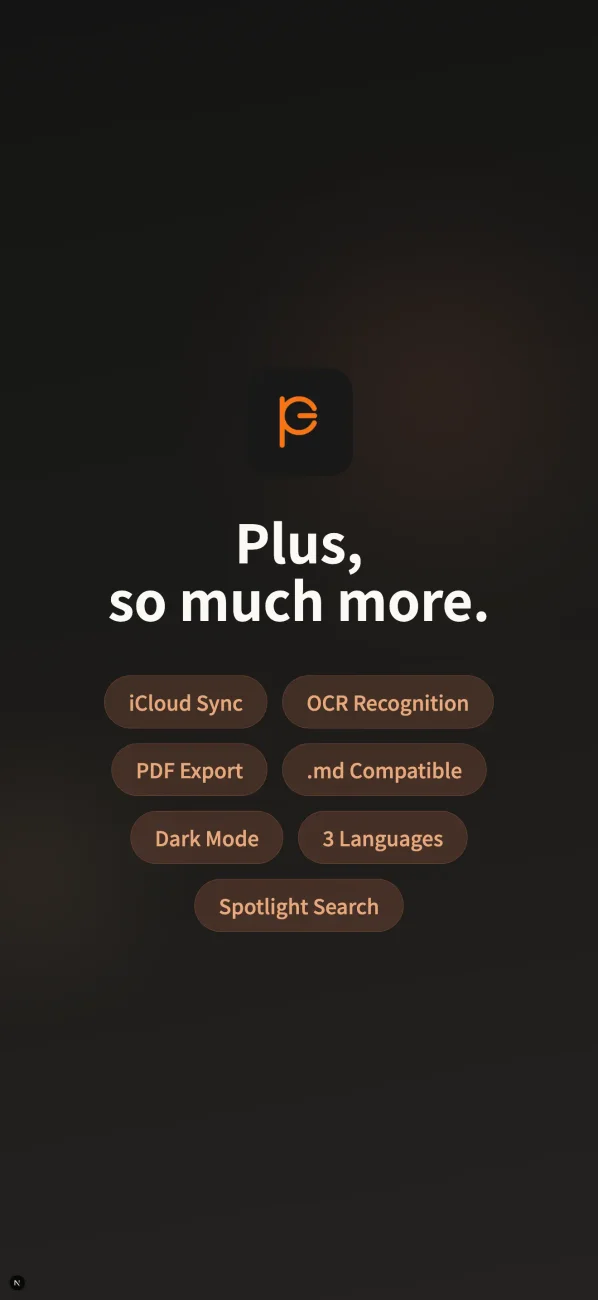
- Full-text search in English, Korean and Japanese
Sync & files
- iPhone, iPad and Mac via iCloud Drive
- Browse your notes in the Files app
- Export a note as PDF
Shortcuts & Siri
- Create, open and search notes from Shortcuts and Siri
- Notes appear in Spotlight search
---
PRIVACY
- No account, no email
- No tracking
- Your notes stay in your iCloud and on your devices
- AI runs on your device
Everything is free. openote has no in-app purchases.
openote — Your notes, your files.
Yang baru
Versi 2.2.0 · 29/9/2026
Your notes, safer.
• Editing on one device no longer overwrites changes made on another — both versions are kept
• Checklists, front matter, [[wiki links]] and nested lists are no longer altered when you edit a note
• Your last few words are saved even if you switch apps or quit right away
Diagrams, fixed.
• Tap a diagram to edit its code — and long-press to view, edit, or delete it
• Pinch-to-zoom viewer for any diagram
• AI-generated diagrams no longer fail to render when labels contain parentheses
• Long diagrams no longer swallow the whole screen
Faster
• Search no longer stalls while you type
• iCloud sync only processes what actually changed
Cleaner
• Note previews show your text, not raw markdown or diagram code
• PDF preview returns properly when you cancel sharing
openote is now a focused notes app. The experimental AI-agent integration is gone; notes, folders, tags, search, sync, and on-device AI stay.
Privasi aplikasi
Yang dinyatakan Wooyoung Kim di App Store tentang cara aplikasi ini menangani data.
-
Data tidak dikumpulkan
Pengembang tidak mengumpulkan data apa pun dari aplikasi ini.
Praktik privasi dapat bervariasi, misalnya berdasarkan fitur yang Anda gunakan atau usia Anda.
Informasi
- Penjual
- Wooyoung Kim
- Kategori
- Produktivitas
- Versi
- 2.2.0
- Diperbarui
- 29/9/2026
- Dirilis
- 1/4/2026
- Ukuran
- 8,3 MB
- Memerlukan
- iOS 17.0 atau yang lebih baru
- Batasan usia
- 4+
- Harga
- Gratis
- Pembelian dalam aplikasi
- Ya
- Bahasa
- Inggris, Jepang, Korea
- Hak cipta
- © 2026 wooyoung Kim
Mungkin Anda juga suka
-
 Weft: Mind MapsProduktivitas
-
 Levity Markdown NotesProduktivitas
-
 mdReview - Markdown EditorProduktivitas
-
 Never-NoteProduktivitas
-
 HaloscriptProduktivitas
-
 BarPad MobileProduktivitas
-
 ConceptMap - Mind MapperProduktivitas
-
 MDflow - Mobile MarkdownProduktivitas
-
 mrkdwn — Catatan MarkdownMenulis fokus dan privat
-
 Jotaid - Your Note EngineProduktivitas