PagePrep: PDF Margins & Notes
Add space to write, compress
Entwickelt für iPhone, iPad
Kostenlos · In-App-Käufe
- Altersfreigabe4+
- KategorieProduktivität
- EntwicklerPrashant Angyan
- SprachenEnglisch
- Größe2,0 MB
Verlinkt auf die offizielle App Store-Seite
Download.org hostet keine Datei von PagePrep: PDF Margins & Notes. Die Schaltfläche öffnet die App-Seite bei App Store, wo Prashant Angyan die App veröffentlicht. Eintrag zuletzt geprüft am 20.11.2026.
Screenshots

Info
Der Entwickler hat diesen Text nicht in Ihrer Sprache bereitgestellt.
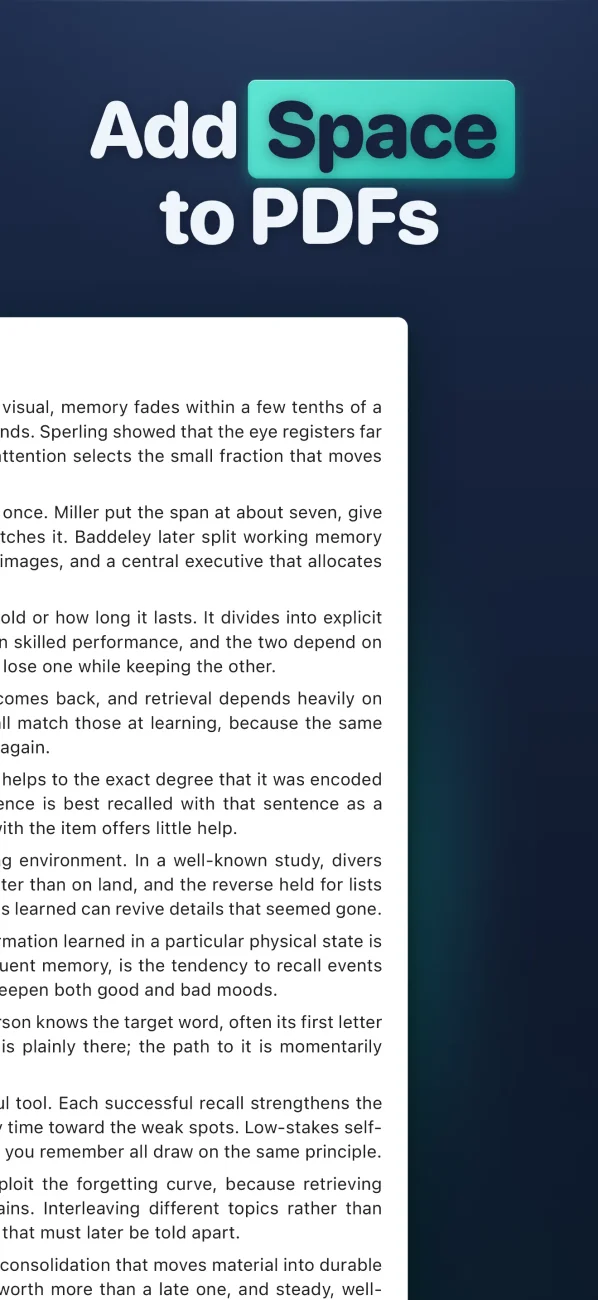
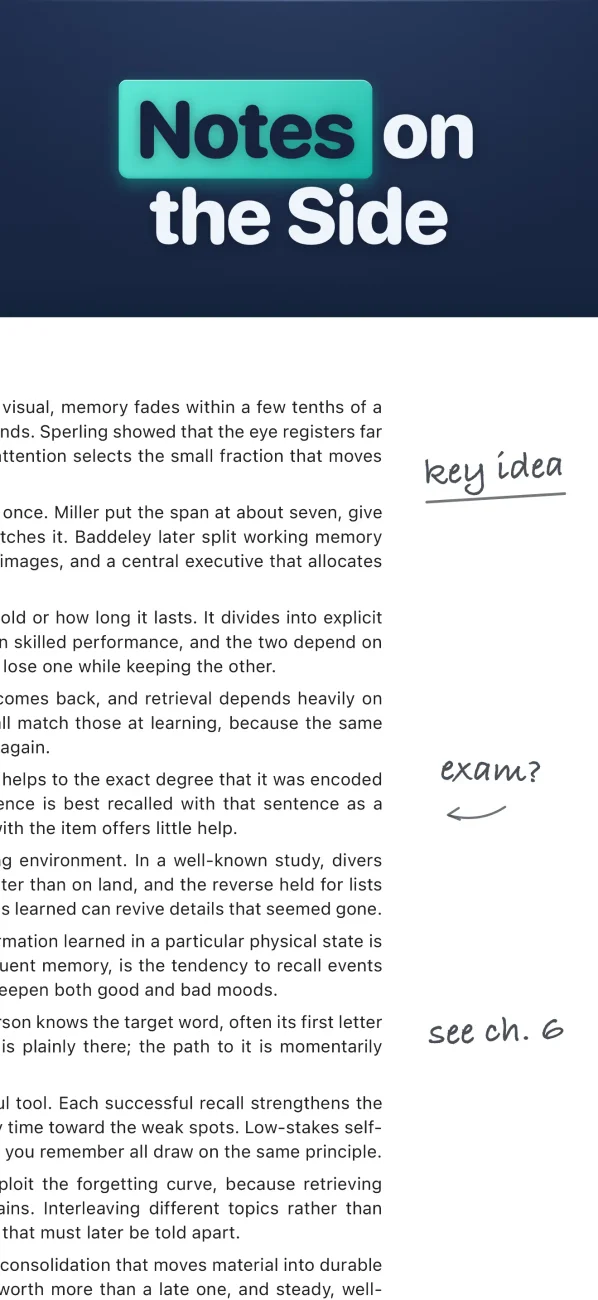
PagePrep adds space to write on a PDF. Widen the margins, insert blank or lined pages between the slides, then write your notes in Preview, Markup, or your note app. It also splits one file into two, merges several into one, makes a picture-heavy file smaller, trims wasted space, and reorders pages. PagePrep changes page size and page order instead of flattening the page to an image, so your text stays selectable and your links keep working.
You open a PDF to write on it and there is nowhere to put your notes. The margins are tight and there is no blank space to work out a problem. Preview and Markup let you annotate, but they cannot add room to the page. PagePrep adds the room first. Save the file back to Files and write on it in Apple's Preview app or Markup, no extra app to buy.
ADD WRITING MARGINS
Give any page room to write. Set the top, bottom, left, or right margin, or pick Small, Medium, or Large. Apply it to one page or the whole document and watch it update live.
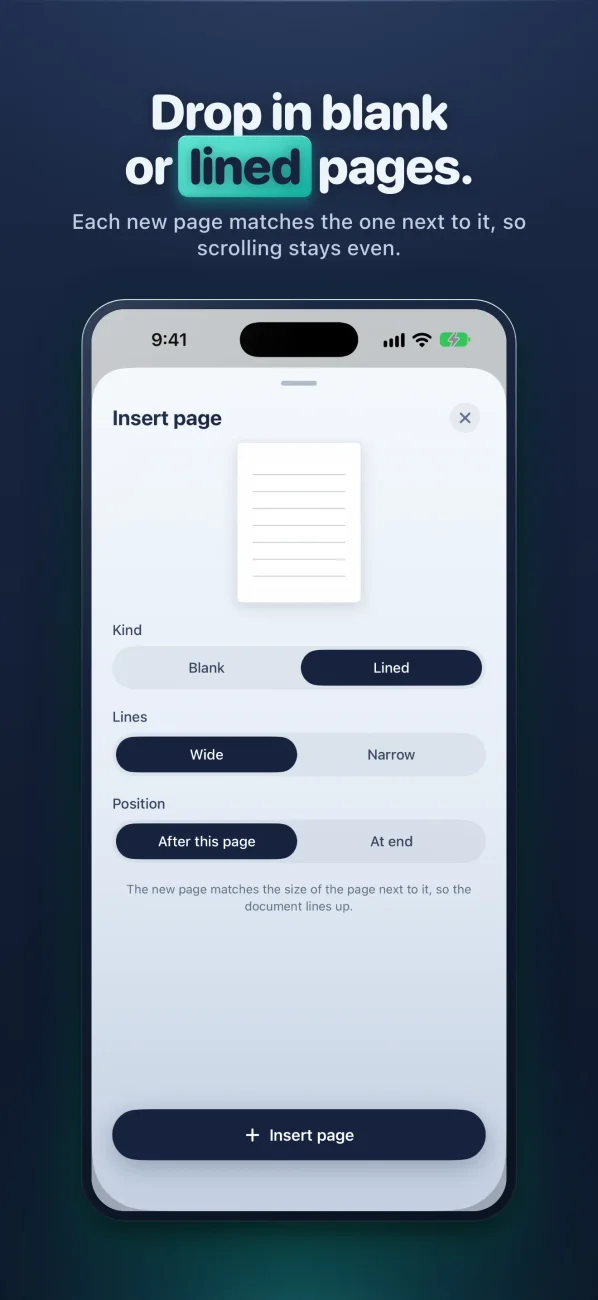
INSERT BLANK OR LINED PAGES
Add a blank or ruled page between or after any page, sized to match the page next to it so the document scrolls evenly. Good for working a proof beside a problem set, or leaving a clean page after each slide.
MERGE, SPLIT, REORDER
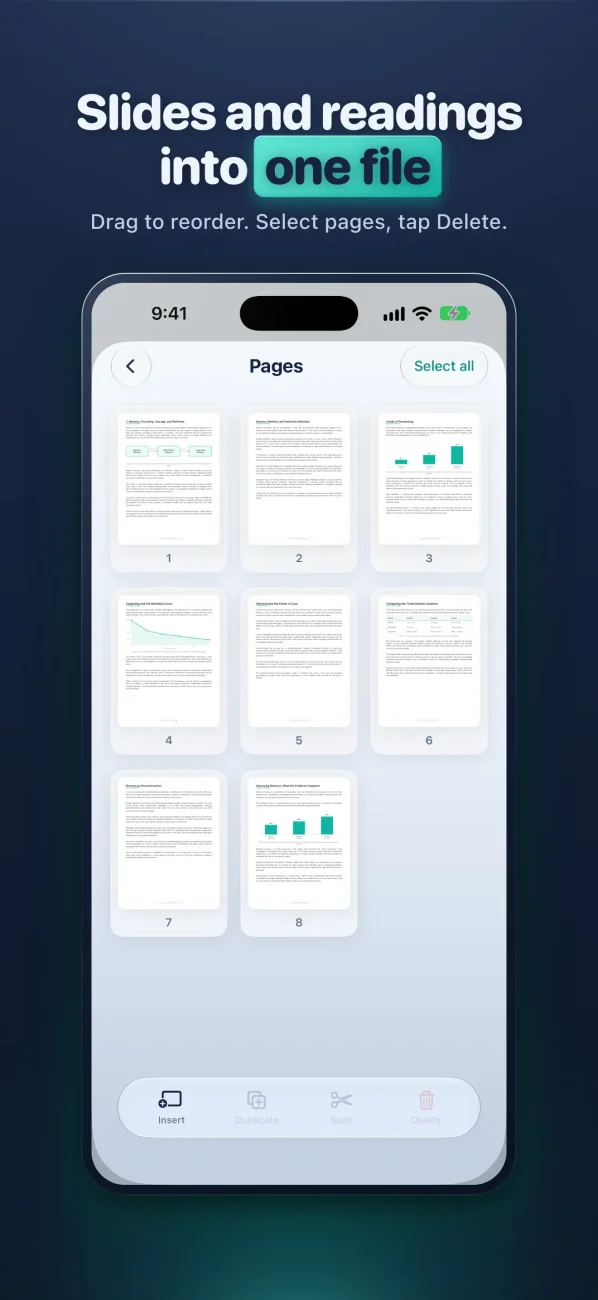
Combine slides, readings, and problem sets into one study file. Pull a range of pages out into a new file. Drag thumbnails to reorder. Select pages and tap Delete.
TRIM WASTED MARGINS
Crop oversized whitespace to fit more on screen, without cutting into the content.
COMPRESS A BIG FILE
Make a scanned or picture-heavy PDF smaller before you email it. PagePrep re-saves the pictures inside at a smaller size and leaves everything else alone. Text that was selectable stays selectable, and links keep working. You see the old size and the new size before you keep the change. A file with few pictures may not get smaller, and PagePrep tells you so.
IMAGES TO PDF
Turn photos of handouts or worksheets into PDF pages, then use the same page tools on them.
WHY PAGEPREP
- Keeps your selectable text and your links working
- Your PDF files never leave your device
- No account, no sign-in, no ads
- Write on it in Apple's Preview or Markup, or any note app
The first 6 exports are free. After that, one purchase of $6.99 gives you unlimited exports for good. No subscription, ever.
Neue Funktionen
Version 1.1.2 · 18.11.2026
Fix: Compress works again on iOS 27. It was saying "This PDF is already small. Nothing to compress." for every file, so it never shrank anything. Now it shrinks PDFs with images again (a 34 MB photo PDF went down to about 1.3 MB on Smallest file). Text, links, and annotations stay intact after Compress.
Small text change on the Export screen. The App Store page is now also available in Simplified Chinese.
App-Datenschutz
Was Prashant Angyan im App Store zum Umgang dieser App mit Daten angibt.
-
Keine Daten erfasst
Der Entwickler erfasst keine Daten von dieser App.
Die Datenschutzpraktiken können variieren, zum Beispiel je nach den von Ihnen verwendeten Funktionen oder Ihrem Alter.
Informationen
- Anbieter
- Prashant Angyan
- Kategorie
- Produktivität
- Version
- 1.1.2
- Aktualisiert
- 18.11.2026
- Veröffentlicht
- 13.07.2026
- Größe
- 2,0 MB
- Erfordert
- iOS 17.0 oder neuer
- Altersfreigabe
- 4+
- Preis
- Kostenlos
- In-App-Käufe
- Ja
- Sprachen
- Englisch
- Copyright
- © 2026 Pokkle
Das könnte Ihnen auch gefallen
-
 PDF-Ränder zuschneiden in mmScans trimmen – Text intakt
-
 PDF Duo: Bearbeiten, AusfüllenUnterschreiben und markieren
-
 WhattaRAGProduktivität
-
 Thread ReaderProduktivität
-
 PageBuddy - PDF Reader & NotesProduktivität
-
 Grid Paper NotesProduktivität
-
 AhtiProduktivität
-
 Pomodoro Timer - BubbleFocusProduktivität
-
 Brenda's NoteProduktivität
-
 Sticky Stacky Notes!Produktivität